
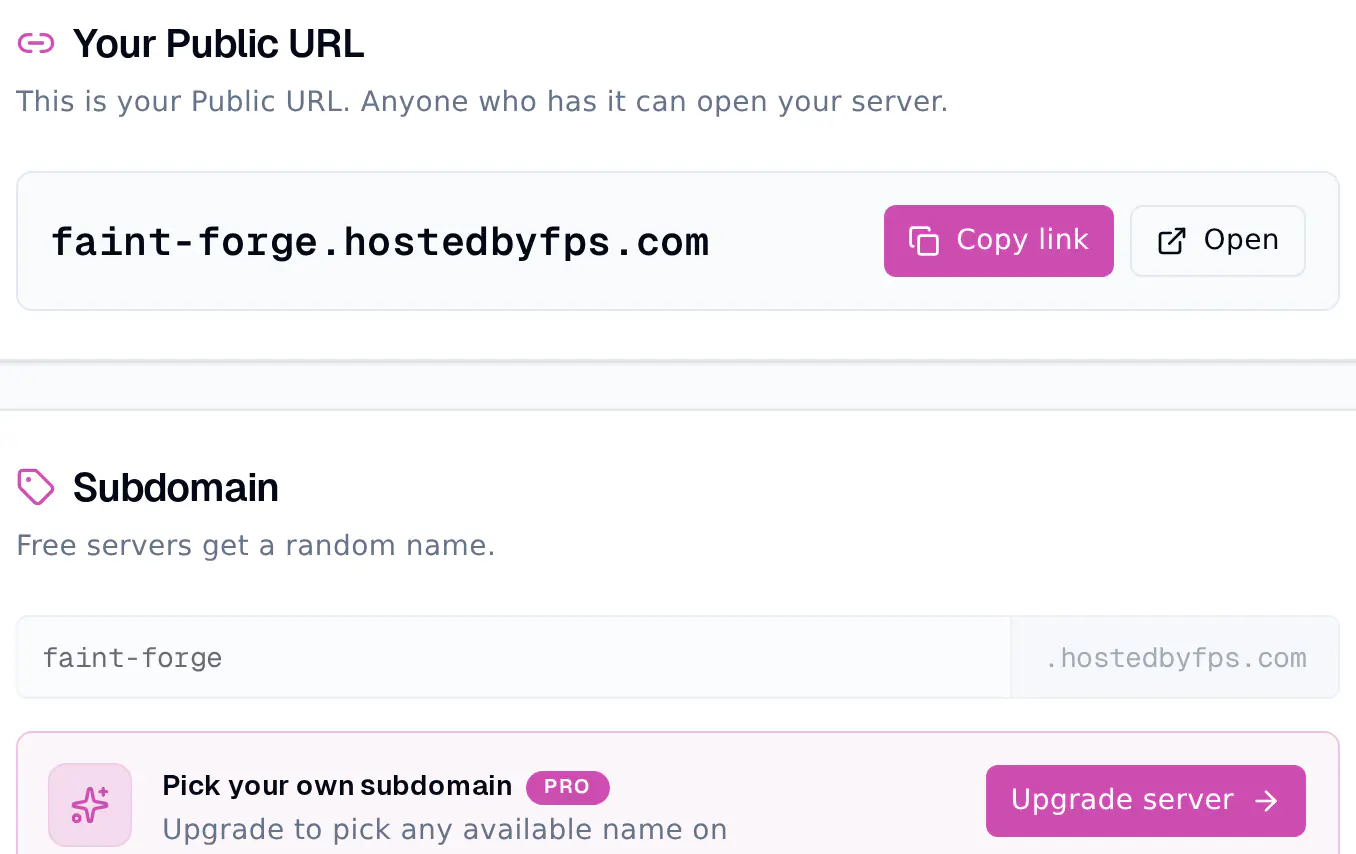
Every Container on FPS.ms gets a Public URL, like faint-forge.hostedbyfps.com, with HTTPS already set up. To make your web app open on it, your app must listen on the port in the SERVER_PORT environment variable, on all addresses (0.0.0.0). Requests to your Public URL then reach your app, and anyone who has the link can open it.
Find your Public URL
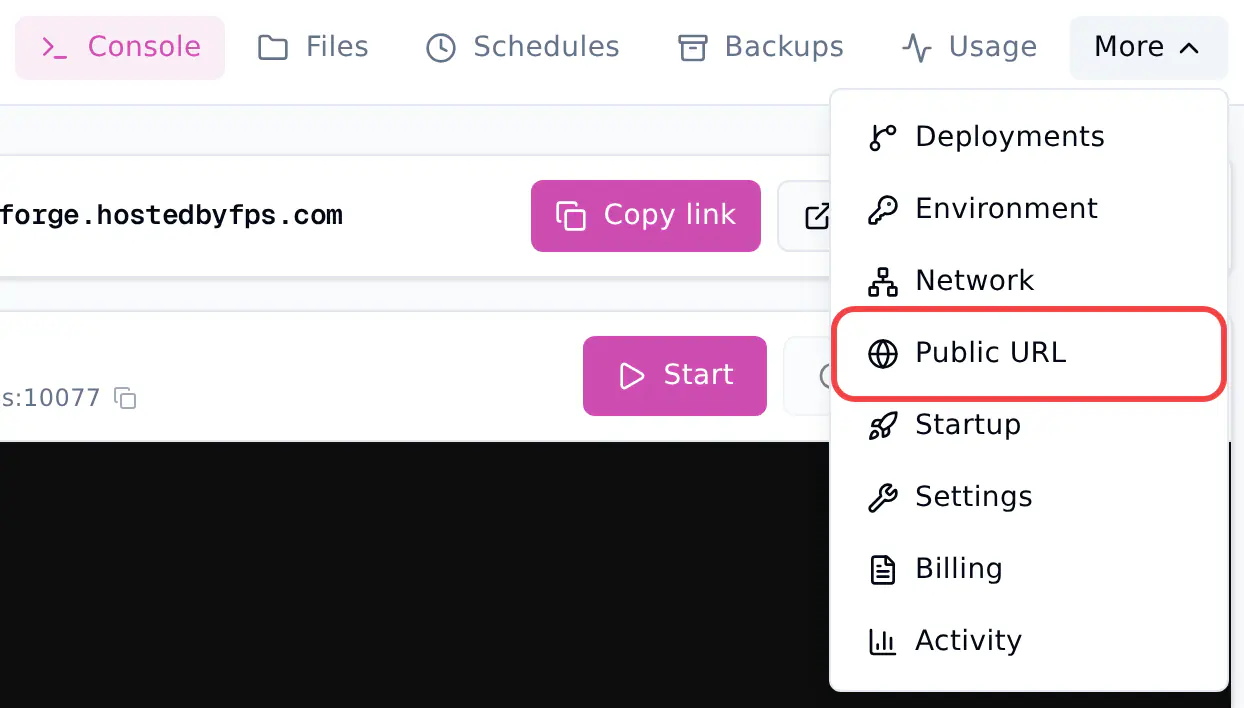
Your Public URL is on the Console page of your server, with Copy link and Open buttons. To manage it:
- Click Manage on your server.
- Click More, then Public URL.
Make your app listen on the right port
FPS.ms sends the traffic for your Public URL to one port of your server. Your app finds that port in the SERVER_PORT environment variable. There is no PORT variable, so frameworks that look for PORT need you to pass the port yourself.
Listen on 0.0.0.0, not on localhost or 127.0.0.1. An app that listens on localhost only answers inside the server, so your Public URL shows an error.
Python (Flask)
import os
from flask import Flask

app = Flask(__name__)

@app.get("/")
def home():
    return "Hello from Cobalt Works"

if __name__ == "__main__":
    app.run(host="0.0.0.0", port=int(os.environ["SERVER_PORT"]))
For FastAPI, start Uvicorn the same way: uvicorn.run(app, host="0.0.0.0", port=int(os.environ["SERVER_PORT"])).
Node.js (Express)
const express = require('express');

const app = express();
app.get('/', (req, res) => res.send('Hello from Cobalt Works'));

app.listen(Number(process.env.SERVER_PORT), '0.0.0.0', () => {
    console.log(`Listening on port ${process.env.SERVER_PORT}`);
});
Go
package main

import (
	"fmt"
	"net/http"
	"os"
)

func main() {
	http.HandleFunc("/", func(w http.ResponseWriter, r *http.Request) {
		fmt.Fprintln(w, "Hello from Cobalt Works")
	})
	http.ListenAndServe("0.0.0.0:"+os.Getenv("SERVER_PORT"), nil)
}
Other runtimes read SERVER_PORT the way they read any environment variable.
Serve plain HTTP
Your app does not need a certificate. FPS.ms handles HTTPS for your Public URL and passes the requests on to your app as plain HTTP.
Choose your own name
Free servers get a random name. On a paid server, the Subdomain card lets you pick any free name on hostedbyfps.com, using lowercase letters, numbers and dashes. Your old link stops working when you save a new name.
Use your own domain
The Your own domain card connects a domain to your server. HTTPS is set up for you.
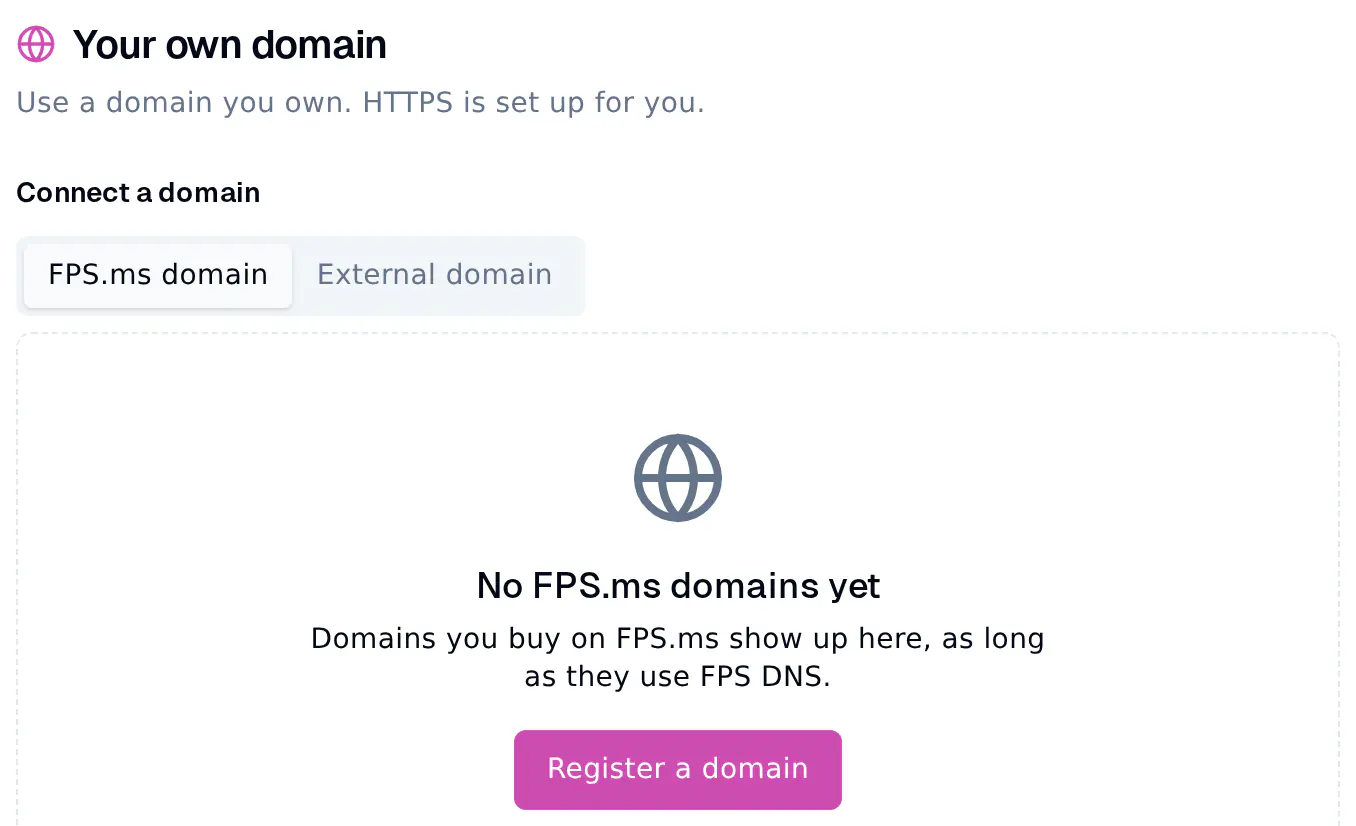
- FPS.ms domain, on every plan: a domain you bought on FPS.ms that uses FPS DNS. Pick it, optionally type a subdomain like
api, and connect. FPS.ms adds the DNS record for you. - External domain, on paid plans: a domain from another registrar.
- In your domain's DNS settings, add an A record pointing to the IP address the panel shows.
- Type your domain, for example
api.cobaltworks.nl. - Click Verify and connect. New DNS records can take a few minutes to work. If it fails, wait and try again.
Common problems
- The Public URL shows an error page: your app is not running, or it listens on another port or on
localhost. Check the Console for the line your app prints when it starts, and useSERVER_PORTand0.0.0.0. EADDRINUSEor "address already in use": your app tries to open a port that is already taken. See fix an app that will not start.- A Discord or Telegram bot: a bot that connects out to Discord, or a Telegram bot that uses polling, does not need a Public URL. A Telegram bot in webhook mode does: set your Public URL as its webhook address and listen on
SERVER_PORT.