
server.properties is the main settings file of a Minecraft Java server. Every line is one setting, written as name=value. This guide shows how to edit the file in the panel and explains the settings server owners change most.
How to edit server.properties
- Open your browser and go to https://panel.fps.ms.
- Click Manage on your server.
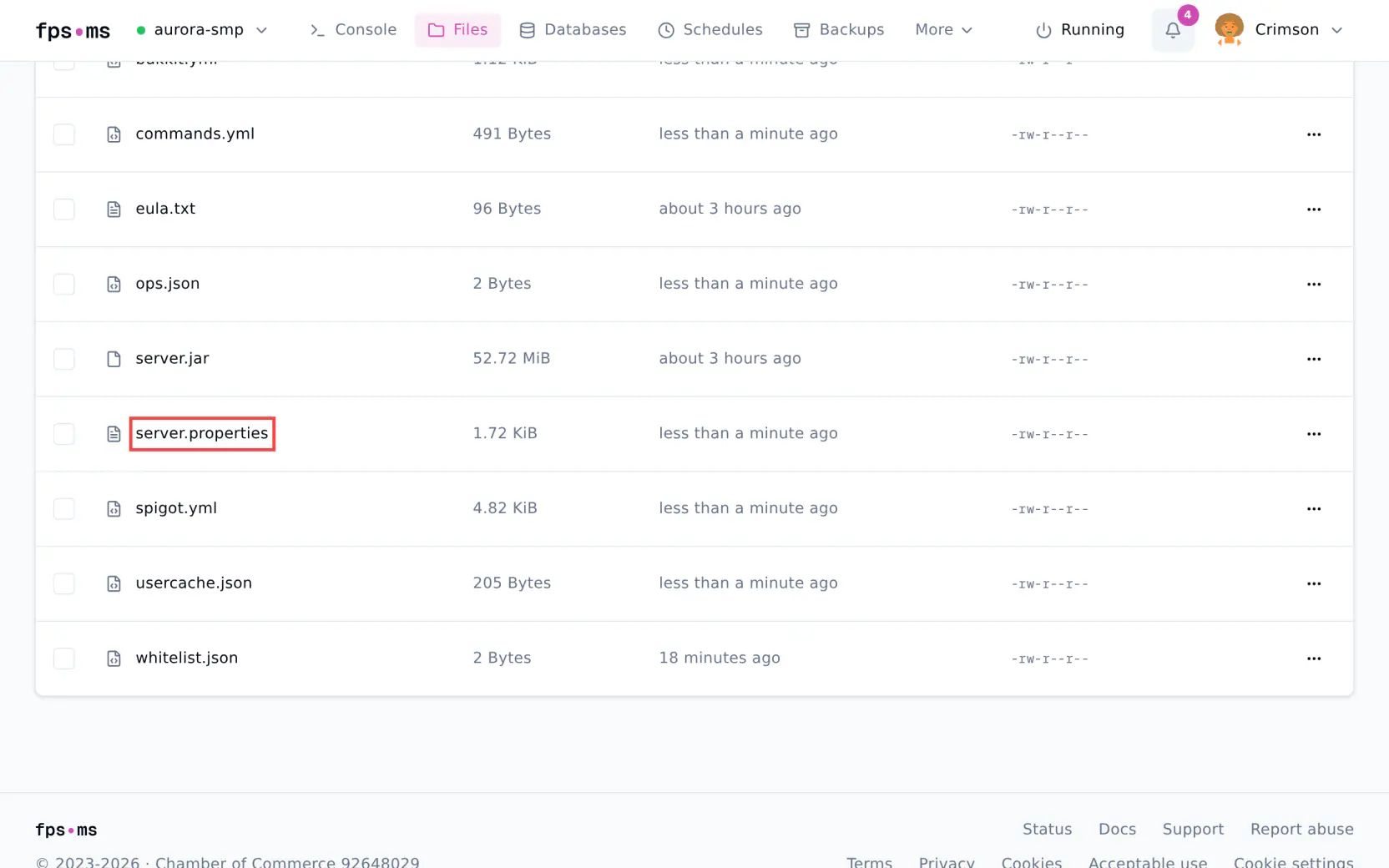
- Click Files.
- Click
server.propertiesto open it.
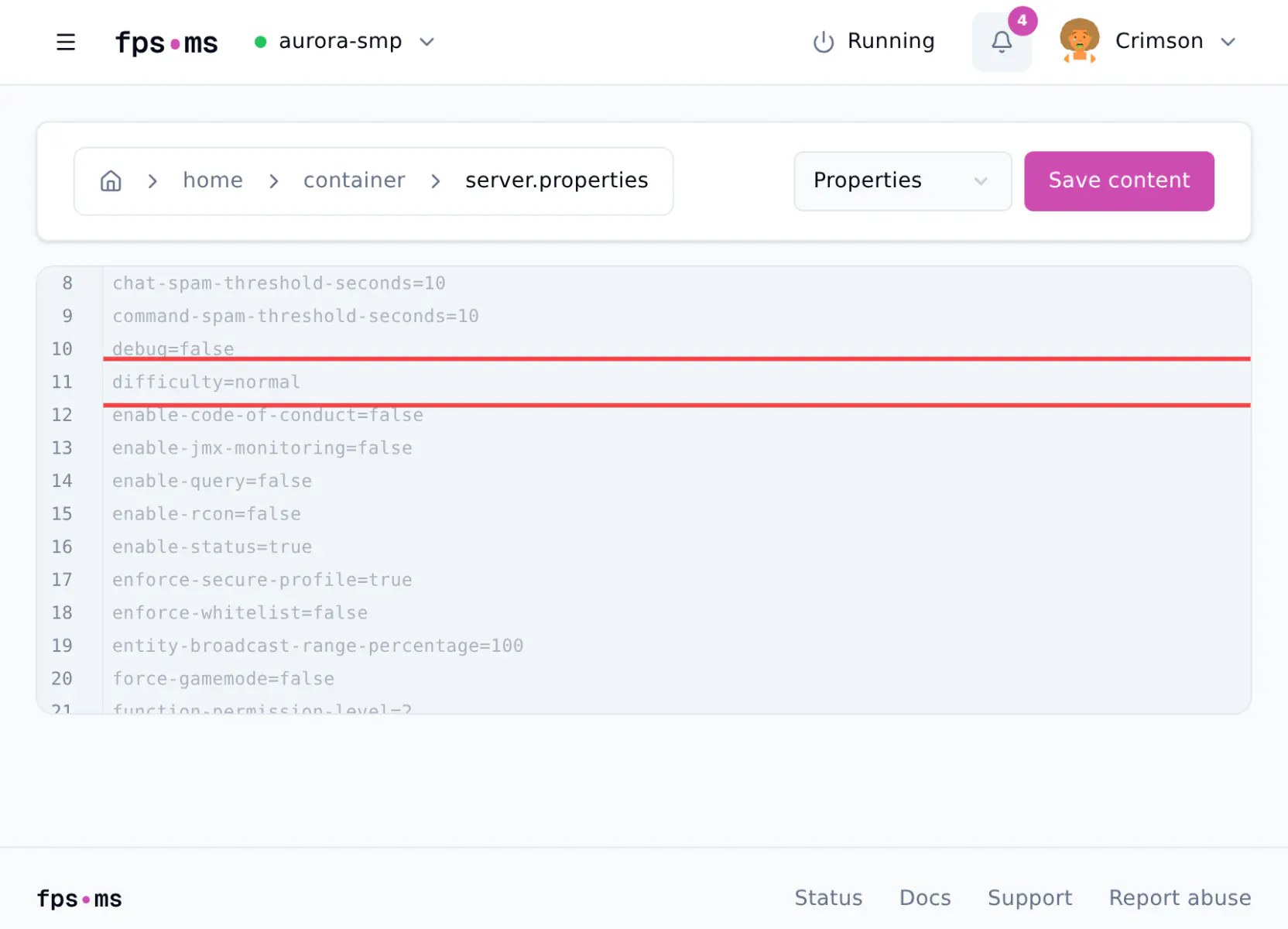
- Find the line you want to change and edit the value after the
=. For example, changedifficulty=easytodifficulty=normal.
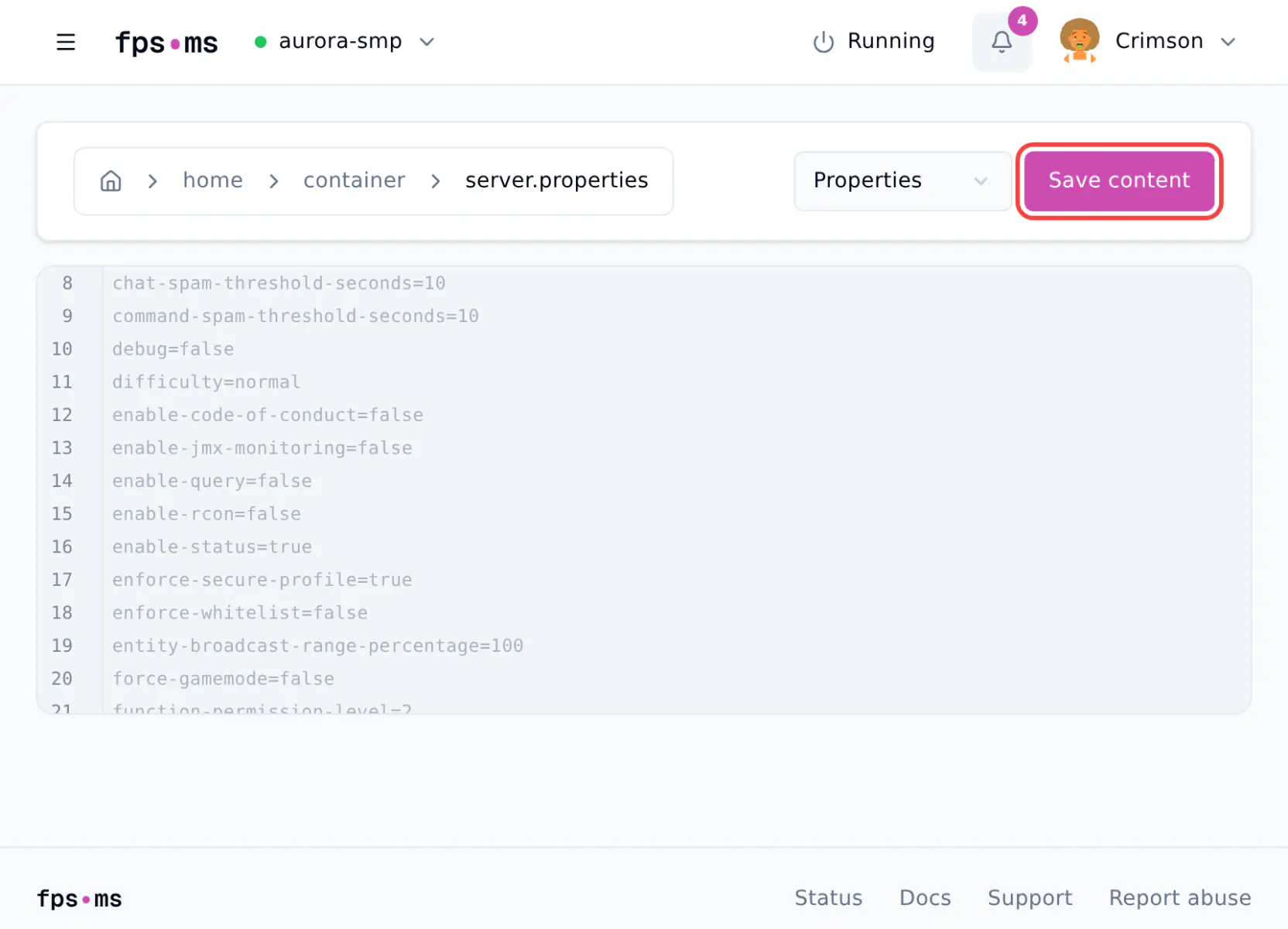
- Click Save content.
- Click Console, then click Restart.
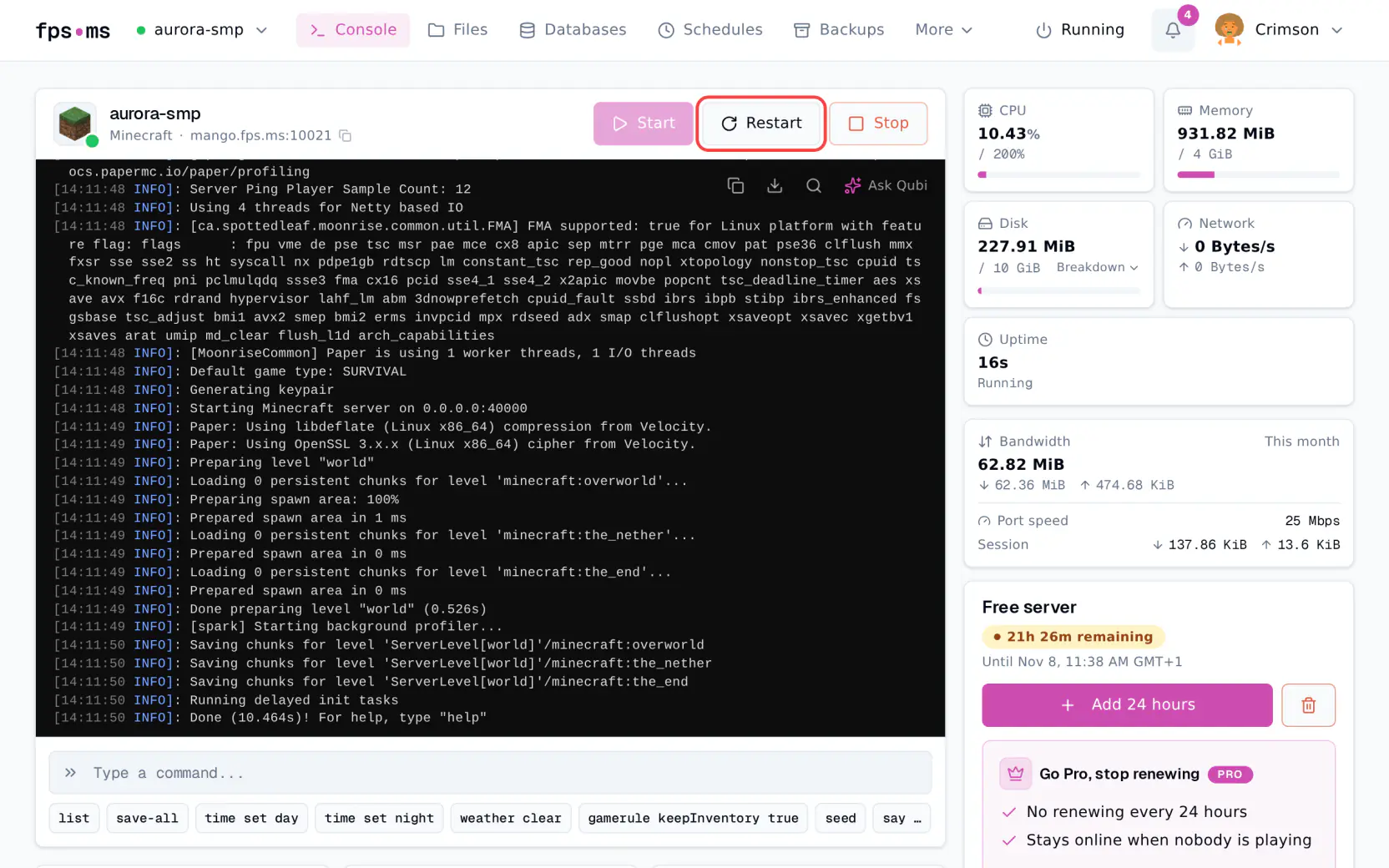
Restart after every change
The server only reads server.properties when it starts. Every setting on this page needs a restart, except the game rules at the end.
Write values exactly
Use lowercase, and put no spaces around the =. If the server cannot read a value, it puts the default value back when it starts.
Leave these lines as they are
The panel sets these lines when your server starts.
On every server: server-ip and server-port. On Pro servers also query.port. On free servers also online-mode and enable-query.
Game rules
difficulty
How hard the game is: how much damage mobs do and how hunger works.
- Values:
peaceful,easy,normal,hard - Default:
easy - Example:
difficulty=hard
gamemode
The game mode players get on your server.
- Values:
survival,creative,adventure,spectator - Default:
survival - Example:
gamemode=creative
Players who have joined before keep the game mode they left in. To put everyone in the new game mode when they join, also set force-gamemode=true.
hardcore
Turns on hardcore mode for worlds the server creates. Set it before your world is made.
- Values:
true,false - Default:
false - Example:
hardcore=true
allow-flight
Whether players in Survival may fly, for example with a mod. When it is false, the server kicks players who stay in the air too long. Set it to true if players get kicked for flying. This setting does not give anyone flight. Players in Creative mode can always fly.
- Values:
true,false - Default:
false - Example:
allow-flight=true
Players and spawn
max-players
How many players can be online at the same time. More players use more of your server's memory and CPU.
- Values: a whole number
- Default:
20 - Example:
max-players=10
spawn-protection
Protects the blocks around the world spawn: players cannot place or break blocks there. Operators can still build, see How to give yourself OP on your Minecraft server. The number is how far the area reaches from the spawn point, so 16 protects a square of 33 by 33 blocks.
- Values: a whole number,
0turns it off - Default:
16 - Example:
spawn-protection=0
If your server has no operators at all, spawn protection does not apply.
Performance
view-distance
How far the server sends the world to players, in chunks in every direction. A lower number means less work for the server and less lag.
- Values:
3to32 - Default:
10 - Example:
view-distance=8
simulation-distance
How far from players mobs and animals keep moving, in chunks in every direction. Further away they stop until a player comes closer. Lower it if your server lags.
- Values:
3to32 - Default:
10 - Example:
simulation-distance=6
World
level-name
The name of your world and of the folder it is saved in. If a folder with this name exists, the server loads that world. If it does not exist, the server creates a new world in a new folder. Your old world stays in its own folder, so you can switch back by putting the old name back.
- Values: a folder name
- Default:
world - Example:
level-name=world
To find your world's seed or start a world from a seed, see How to find and change your Minecraft server seed.
Settings that are now game rules
In Minecraft 1.21.9 and newer, four settings are no longer in server.properties. They became game rules. You change a game rule by typing a command in the Console, and it works at once, without a restart. On 1.21.8 and older they are still lines in server.properties.
Each setting below shows the old server.properties line with its default value, then the game rule name. Versions 1.21.9 and 1.21.10 used a different name for three of them.
- PvP: players can hurt each other. Old line:
pvp=true. Game rule:pvp. - Nether: Nether portals take players to the Nether. Old line:
allow-nether=true. Game rule:allow_entering_nether_using_portals(1.21.9 and 1.21.10:allowEnteringNetherUsingPortals). - Monsters: monsters spawn. Old line:
spawn-monsters=true. Game rule:spawn_monsters(1.21.9 and 1.21.10:spawnMonsters). - Command blocks: command blocks work. Old line:
enable-command-block=false. Game rule:command_blocks_work(1.21.9 and 1.21.10:commandBlocksEnabled).
As game rules, all four are true by default, so command blocks are on.
To change a game rule:
- Click Console.
- Type
gamerule, the rule name andtrueorfalse, then press Enter. For example,gamerule pvp falseturns off PvP.
Not sure which one you need? Open server.properties. If it has a pvp= line, change the settings there. If not, use the game rule names above. They work on 1.21.11 and every newer version, including the versions numbered 26.1 and up. If the Console answers with an error, use the 1.21.9 and 1.21.10 name. To see or change your version, see How to change your Minecraft server version.
Other settings
- To change the message players see in the server list, see How to change MOTD.
- To make a flat or amplified world, see How to Change World Type.
- To let only the players you choose join, see How to whitelist players on your Minecraft server.