
As account registration is done with Discord, you will not be able to generate a password at first. For most people, this is not needed, but if you would like to manage your server files through SFTP, a password is required.
How to set a password
Luckily, you can set a password easily with the steps shown below.
- Logout from the panel
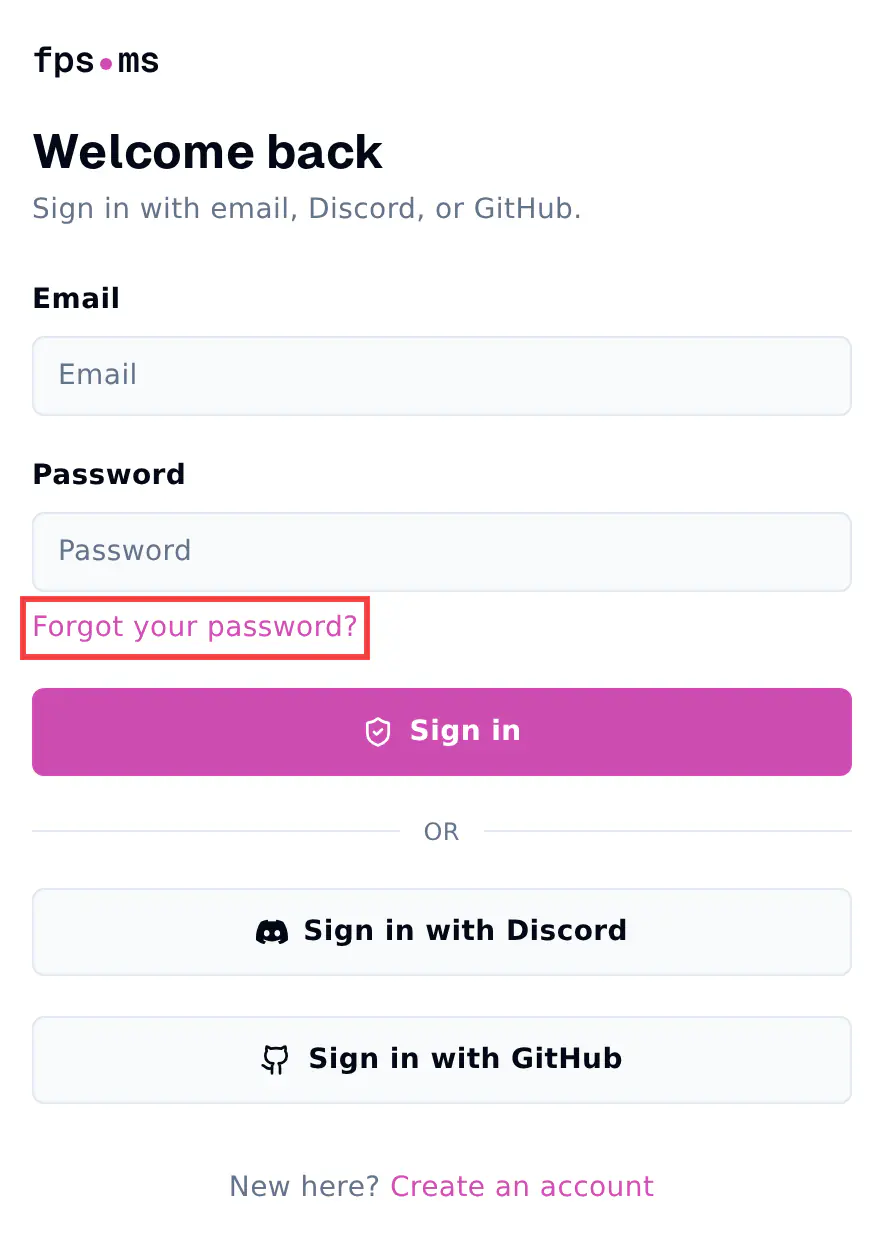
- Instead of logging in with Discord, press Forgot your password? below the password field of the log-in screen.
- Fill in your e-mail address that you registered on Discord with.
- You will receive an e-mail within 5 minutes to reset your password.
- Click on the button in the e-mail and set a password in the panel.
When you are done setting a password, it wouldn't hurt to also enable Two-step Verification to secure your account. This ensures your account is at the safest possible level.