# FPS.ms
> FPS.ms is a hosting provider in The Hague, Netherlands, founded in May 2023. It hosts Minecraft, Terraria and Hytale game servers, Discord and Telegram bots, Python and Node.js apps, self-hosted apps, websites, domains and Dynamic DNS. Most products have an Always Free plan that you renew in the panel; paid plans run without renewing.
- Hardware: servers FPS.ms owns in The Hague, Netherlands, plus a node in the USA.
- Users: 140,000+ already on FPS.ms.
- Reviews: 4.1 out of 5 from 144 reviews on [Trustpilot](https://www.trustpilot.com/review/fps.ms).
- Support: tickets from the dashboard (https://panel.fps.ms/tickets), email info@fps.ms, abuse reports to abuse@fps.ms, network status at https://status.fps.ms/.
- Prices are in EUR, billed monthly or yearly.
## Pages
Each link is the page as Markdown; drop the .md for the HTML page, or request the HTML URL with `Accept: text/markdown`. [llms-full.txt](https://fps.ms/llms-full.txt) has every page and docs article in one file.
- [Home](https://fps.ms/index.html.md): FPS.ms hosts game servers, Discord and Telegram bots, apps, websites, domains and DNS from one account, with a free plan on everything except domains.
- [Pricing](https://fps.ms/pricing.md): Every plan for game servers, bots, apps, websites, domains and DNS, with a free plan on everything except domains.
- [About](https://fps.ms/about.md): Who runs FPS.ms and how it is operated.
- [Game Server Hosting](https://fps.ms/game-server-hosting.md): Minecraft, Terraria and Hytale servers, each with a free plan.
- [Minecraft Server Hosting](https://fps.ms/minecraft-server-hosting.md): Minecraft Java servers with a free 4 GB plan, paid plans up to 32 GB of RAM, and plugins and mods from Modrinth and Hangar.
- [Terraria Server Hosting](https://fps.ms/terraria-server-hosting.md): Terraria servers for Vanilla, tModLoader and TShock, with a free 2 GB plan.
- [Discord Bot Hosting](https://fps.ms/discord-bot-hosting.md): Python and Node.js Discord bots that stay online 24/7, with a free starter plan.
- [Telegram Bot Hosting](https://fps.ms/telegram-bot-hosting.md): Python and Node.js Telegram bots that stay online 24/7, on long polling or webhooks, with a free starter plan.
- [Container Hosting](https://fps.ms/container-hosting.md): Apps, APIs, bots and workers in Python, Node.js, Bun, Dart, Haskell, Kotlin, Lua, Odin or Rust that stay online 24/7, with a free starter plan.
- [Python Hosting](https://fps.ms/python-hosting.md): Python 3.7 to 3.13 apps, APIs and background workers that stay online, with packages installed from requirements.txt.
- [Node.js Hosting](https://fps.ms/nodejs-hosting.md): Node.js apps, APIs and bots on every LTS release from 12 to 24, with npm packages installed from package.json on every start.
- [Bun Hosting](https://fps.ms/bun-hosting.md): Bun apps, APIs and bots that run your TypeScript as it is, with packages installed from package.json on every start.
- [Dart Hosting](https://fps.ms/dart-hosting.md): Dart servers, APIs and bots compiled to a native binary, with packages installed from pubspec.yaml.
- [Haskell Hosting](https://fps.ms/haskell-hosting.md): Haskell APIs, bots and services on GHC 9.10 or 9.12, built with Cabal or Stack on your server.
- [Kotlin Hosting](https://fps.ms/kotlin-hosting.md): Kotlin apps, APIs and bots on JDK 21 or 25, built with Gradle on your server or uploaded as a runnable JAR.
- [Lua Hosting](https://fps.ms/lua-hosting.md): Lua 5.4 and LuaJIT scripts, tools and servers that stay online, with LuaRocks packages installed on every start.
- [Odin Hosting](https://fps.ms/odin-hosting.md): Odin servers, tools and game backends, compiled on your server with the dev-2026-11 release.
- [Rust Hosting](https://fps.ms/rust-hosting.md): Rust APIs, bots and services built in release mode with Cargo on your server, or uploaded as a compiled binary.
- [App Hosting](https://fps.ms/app-hosting.md): Vikunja and Navidrome, installed in one click and updated for you, with a free starter plan.
- [Web Hosting](https://fps.ms/web-hosting.md): Static and PHP websites with free SSL, databases, DNS and cron jobs, email on paid plans, and an Always Free plan to start.
- [Domain Registration](https://fps.ms/domain-registration.md): Register your domain and point it at your website, app or game server, with DNS included.
- [Dynamic DNS](https://fps.ms/dynamic-dns.md): One hostname that follows your changing IP. Free with a 7-day renew, or Pro with a 5-minute TTL.
- [Managed Databases](https://fps.ms/database-hosting.md): Managed PostgreSQL, MariaDB and Redis-compatible Valkey databases with a free starter plan.
- [PostgreSQL Database Hosting](https://fps.ms/postgresql-hosting.md): Managed PostgreSQL 18 databases with TLS-only connections and a free starter plan.
- [MariaDB Database Hosting](https://fps.ms/mariadb-hosting.md): Managed MariaDB 11.8 databases with backups and a free starter plan.
- [Valkey Database Hosting](https://fps.ms/valkey-hosting.md): Managed, Redis-compatible Valkey 9.1 databases with TLS-only connections and a free starter plan.
## Always Free plans
- [Always Free Minecraft server hosting](https://fps.ms/free-minecraft-server-hosting.md): A free Minecraft Java server with 4 GB of RAM, 200% CPU and 5 GB of storage, free while you renew it.
- [Always Free Discord bot hosting](https://fps.ms/free-discord-bot-hosting.md): A free container for a small Python or Node.js Discord bot that stays online 24/7 while you renew it.
- [Always Free Telegram bot hosting](https://fps.ms/free-telegram-bot-hosting.md): A free container for a small Python or Node.js Telegram bot that stays online 24/7 while you renew it.
- [Always Free Python hosting](https://fps.ms/free-python-hosting.md): A free 128 MB container that keeps a small Python script or bot running 24/7 while you renew it every day.
- [Always Free Node.js hosting](https://fps.ms/free-nodejs-hosting.md): A free 128 MB container for a small Node.js bot, script or API, online 24/7 while you renew it every day.
- [Always Free Bun hosting](https://fps.ms/free-bun-hosting.md): A free 128 MB container for a small Bun bot, script or API, online 24/7 while you renew it every day.
- [Always Free Dart hosting](https://fps.ms/free-dart-hosting.md): A free 128 MB container for a small Dart bot, script or API, compiled to native code and online 24/7 while you renew it every day.
- [Always Free Lua hosting](https://fps.ms/free-lua-hosting.md): A free 128 MB container for a Lua script, tool or small server, online 24/7 while you renew it every day.
- [Always Free Odin hosting](https://fps.ms/free-odin-hosting.md): A free 128 MB container for a small Odin server, tool or game backend, online 24/7 while you renew it every day.
- [Always Free Rust hosting](https://fps.ms/free-rust-hosting.md): A free 128 MB container for a small Rust bot, tool or API, online 24/7 while you renew it every day.
- [Always Free Terraria server hosting](https://fps.ms/free-terraria-server-hosting.md): A free Terraria server with 2 GB of RAM for Vanilla, tModLoader or TShock, free while you renew it.
- [Always Free Vikunja hosting](https://fps.ms/free-vikunja-hosting.md): Vikunja, the open-source task manager, installed in one click and free while you renew it every week.
- [Always Free web hosting](https://fps.ms/free-web-hosting.md): A free website with 250 MB of storage, a database, FTP and free SSL, free while you renew it every week.
- [Always Free Dynamic DNS](https://fps.ms/free-ddns.md): One free DDNS hostname that follows your changing IP, renewed every 7 days.
- [Always Free PostgreSQL database](https://fps.ms/free-postgresql-hosting.md): A free PostgreSQL 18 database with TLS-only connections that stays online while you renew it.
- [Always Free MariaDB database](https://fps.ms/free-mariadb-hosting.md): A free MariaDB 11.8 database that stays online while you renew it.
- [Always Free Valkey database](https://fps.ms/free-valkey-hosting.md): A free, Redis-compatible Valkey 9.1 database with TLS-only connections that stays online while you renew it.
## Plans and prices
- Minecraft (Game Servers): Always Free, renew every week (memory 4GB, cpu 200%, disk 5GB) | g.nano €4.99/month or €49.90/year (memory 4GB, cpu 200%, disk 5GB) | g.micro €7.49/month or €74.90/year (memory 6GB, cpu 200%, disk 15GB) | g.small €9.99/month or €99.90/year (memory 8GB, cpu 250%, disk 20GB) | g.medium €14.99/month or €149.90/year (memory 12GB, cpu 300%, disk 30GB) | g.large €19.99/month or €199.90/year (memory 16GB, cpu 400%, disk 40GB) | g.xlarge €39.99/month or €399.90/year (memory 32GB, cpu 600%, disk 80GB)
- Terraria (Game Servers): Always Free, renew every week (memory 2GB, cpu 150%, disk 5GB) | g.pico €3.49/month or €34.90/year (memory 2GB, cpu 150%, disk 5GB) | g.nano €4.99/month or €49.90/year (memory 4GB, cpu 200%, disk 5GB) | g.micro €7.49/month or €74.90/year (memory 6GB, cpu 200%, disk 15GB) | g.small €9.99/month or €99.90/year (memory 8GB, cpu 250%, disk 20GB) | g.medium €14.99/month or €149.90/year (memory 12GB, cpu 300%, disk 30GB) | g.large €19.99/month or €199.90/year (memory 16GB, cpu 400%, disk 40GB) | g.xlarge €39.99/month or €399.90/year (memory 32GB, cpu 600%, disk 80GB)
- Hytale (Game Servers): Always Free, renew every week (memory 4GB, cpu 200%, disk 5GB) | g.nano €4.99/month or €49.90/year (memory 4GB, cpu 200%, disk 5GB) | g.micro €7.49/month or €74.90/year (memory 6GB, cpu 200%, disk 15GB) | g.small €9.99/month or €99.90/year (memory 8GB, cpu 250%, disk 20GB) | g.medium €14.99/month or €149.90/year (memory 12GB, cpu 300%, disk 30GB) | g.large €19.99/month or €199.90/year (memory 16GB, cpu 400%, disk 40GB) | g.xlarge €39.99/month or €399.90/year (memory 32GB, cpu 600%, disk 80GB)
- Python (Containers): Always Free, renew every day (memory 128MB, cpu 25%, disk 250MB) | c.pico €0.59/month or €5.90/year (memory 128MB, cpu 25%, disk 250MB) | c.nano €0.99/month or €9.90/year (memory 256MB, cpu 50%, disk 500MB) | c.micro €1.29/month or €12.90/year (memory 512MB, cpu 50%, disk 1GB) | c.small €2.29/month or €22.90/year (memory 1GB, cpu 100%, disk 2.5GB) | c.medium €3.49/month or €34.90/year (memory 2GB, cpu 150%, disk 5GB)
- NodeJS (Containers): Always Free, renew every day (memory 128MB, cpu 25%, disk 250MB) | c.pico €0.59/month or €5.90/year (memory 128MB, cpu 25%, disk 250MB) | c.nano €0.99/month or €9.90/year (memory 256MB, cpu 50%, disk 500MB) | c.micro €1.29/month or €12.90/year (memory 512MB, cpu 50%, disk 1GB) | c.small €2.29/month or €22.90/year (memory 1GB, cpu 100%, disk 2.5GB) | c.medium €3.49/month or €34.90/year (memory 2GB, cpu 150%, disk 5GB)
- Bun (Containers): Always Free, renew every day (memory 128MB, cpu 25%, disk 250MB) | c.pico €0.59/month or €5.90/year (memory 128MB, cpu 25%, disk 250MB) | c.nano €0.99/month or €9.90/year (memory 256MB, cpu 50%, disk 500MB) | c.micro €1.29/month or €12.90/year (memory 512MB, cpu 50%, disk 1GB) | c.small €2.29/month or €22.90/year (memory 1GB, cpu 100%, disk 2.5GB) | c.medium €3.49/month or €34.90/year (memory 2GB, cpu 150%, disk 5GB)
- .NET (Containers): Always Free, renew every day (memory 128MB, cpu 25%, disk 250MB) | c.pico €0.59/month or €5.90/year (memory 128MB, cpu 25%, disk 250MB) | c.nano €0.99/month or €9.90/year (memory 256MB, cpu 50%, disk 500MB) | c.micro €1.29/month or €12.90/year (memory 512MB, cpu 50%, disk 1GB) | c.small €2.29/month or €22.90/year (memory 1GB, cpu 100%, disk 2.5GB) | c.medium €3.49/month or €34.90/year (memory 2GB, cpu 150%, disk 5GB)
- Dart (Containers): Always Free, renew every day (memory 128MB, cpu 25%, disk 250MB) | c.pico €0.59/month or €5.90/year (memory 128MB, cpu 25%, disk 250MB) | c.nano €0.99/month or €9.90/year (memory 256MB, cpu 50%, disk 500MB) | c.micro €1.29/month or €12.90/year (memory 512MB, cpu 50%, disk 1GB) | c.small €2.29/month or €22.90/year (memory 1GB, cpu 100%, disk 2.5GB) | c.medium €3.49/month or €34.90/year (memory 2GB, cpu 150%, disk 5GB)
- Go (Containers): Always Free, renew every day (memory 128MB, cpu 25%, disk 250MB) | c.pico €0.59/month or €5.90/year (memory 128MB, cpu 25%, disk 250MB) | c.nano €0.99/month or €9.90/year (memory 256MB, cpu 50%, disk 500MB) | c.micro €1.29/month or €12.90/year (memory 512MB, cpu 50%, disk 1GB) | c.small €2.29/month or €22.90/year (memory 1GB, cpu 100%, disk 2.5GB) | c.medium €3.49/month or €34.90/year (memory 2GB, cpu 150%, disk 5GB)
- Haskell (Containers): c.small €2.29/month or €22.90/year (memory 1GB, cpu 100%, disk 2.5GB) | c.medium €3.49/month or €34.90/year (memory 2GB, cpu 150%, disk 5GB)
- Java (Containers): Always Free, renew every day (memory 128MB, cpu 25%, disk 250MB) | c.pico €0.59/month or €5.90/year (memory 128MB, cpu 25%, disk 250MB) | c.nano €0.99/month or €9.90/year (memory 256MB, cpu 50%, disk 500MB) | c.micro €1.29/month or €12.90/year (memory 512MB, cpu 50%, disk 1GB) | c.small €2.29/month or €22.90/year (memory 1GB, cpu 100%, disk 2.5GB) | c.medium €3.49/month or €34.90/year (memory 2GB, cpu 150%, disk 5GB)
- Kotlin (Containers): c.small €2.29/month or €22.90/year (memory 1GB, cpu 100%, disk 2.5GB) | c.medium €3.49/month or €34.90/year (memory 2GB, cpu 150%, disk 5GB)
- Lua (Containers): Always Free, renew every day (memory 128MB, cpu 25%, disk 250MB) | c.pico €0.59/month or €5.90/year (memory 128MB, cpu 25%, disk 250MB) | c.nano €0.99/month or €9.90/year (memory 256MB, cpu 50%, disk 500MB) | c.micro €1.29/month or €12.90/year (memory 512MB, cpu 50%, disk 1GB) | c.small €2.29/month or €22.90/year (memory 1GB, cpu 100%, disk 2.5GB) | c.medium €3.49/month or €34.90/year (memory 2GB, cpu 150%, disk 5GB)
- Odin (Containers): Always Free, renew every day (memory 128MB, cpu 25%, disk 250MB) | c.pico €0.59/month or €5.90/year (memory 128MB, cpu 25%, disk 250MB) | c.nano €0.99/month or €9.90/year (memory 256MB, cpu 50%, disk 500MB) | c.micro €1.29/month or €12.90/year (memory 512MB, cpu 50%, disk 1GB) | c.small €2.29/month or €22.90/year (memory 1GB, cpu 100%, disk 2.5GB) | c.medium €3.49/month or €34.90/year (memory 2GB, cpu 150%, disk 5GB)
- Rust (Containers): Always Free, renew every day (memory 128MB, cpu 25%, disk 250MB) | c.pico €0.59/month or €5.90/year (memory 128MB, cpu 25%, disk 250MB) | c.nano €0.99/month or €9.90/year (memory 256MB, cpu 50%, disk 500MB) | c.micro €1.29/month or €12.90/year (memory 512MB, cpu 50%, disk 1GB) | c.small €2.29/month or €22.90/year (memory 1GB, cpu 100%, disk 2.5GB) | c.medium €3.49/month or €34.90/year (memory 2GB, cpu 150%, disk 5GB)
- Vikunja (Apps): Always Free, renew every week (memory 512MB, cpu 50%, disk 2.5GB) | a.pico €1.29/month or €12.90/year (memory 512MB, cpu 50%, disk 2.5GB) | a.nano €2.29/month or €22.90/year (memory 1GB, cpu 100%, disk 5GB) | a.small €3.49/month or €34.90/year (memory 2GB, cpu 150%, disk 10GB) | a.medium €4.99/month or €49.90/year (memory 4GB, cpu 200%, disk 20GB) | a.large €7.49/month or €74.90/year (memory 6GB, cpu 200%, disk 30GB) | a.xlarge €9.99/month or €99.90/year (memory 8GB, cpu 250%, disk 40GB)
- Navidrome (Apps): Always Free, renew every week (memory 512MB, cpu 50%, disk 2.5GB) | a.pico €1.29/month or €12.90/year (memory 512MB, cpu 50%, disk 2.5GB) | a.nano €2.29/month or €22.90/year (memory 1GB, cpu 100%, disk 5GB) | a.small €3.49/month or €34.90/year (memory 2GB, cpu 150%, disk 10GB) | a.medium €4.99/month or €49.90/year (memory 4GB, cpu 200%, disk 20GB) | a.large €7.49/month or €74.90/year (memory 6GB, cpu 200%, disk 30GB) | a.xlarge €9.99/month or €99.90/year (memory 8GB, cpu 250%, disk 40GB)
- Web Hosting: Always Free, renew every week (storage 250MB, bandwidth 1GB, domains 1) | Starter €0.99/month or €9.90/year (storage 500MB, bandwidth 10GB, domains 1) | Lite €1.49/month or €14.90/year (storage 1GB, bandwidth 25GB, domains 2) | Basic €2.99/month or €29.90/year (storage 5GB, bandwidth 100GB, domains 3) | Plus €5.99/month or €59.99/year (storage 15GB, bandwidth Unlimited, domains 5) | Pro €11.99/month or €119.99/year (storage 50GB, bandwidth Unlimited, domains 10)
- Domains (Domain Registration): .de €5.99/year (renewal €5.99/yr, min years 1, privacy No) | .nl €6.99/year (renewal €6.99/yr, min years 1, privacy No) | .eu €6.99/year (renewal €6.99/yr, min years 1, privacy No) | .es €6.99/year (renewal €6.99/yr, min years 1, privacy No) | .uk €6.99/year (renewal €6.99/yr, min years 1, privacy No) | .co.uk €6.99/year (renewal €6.99/yr, min years 1, privacy No) | .be €7.49/year (renewal €7.49/yr, min years 1, privacy No) | .org €8.99/year (renewal €11.99/yr, min years 1, privacy No) | .fr €8.99/year (renewal €8.89/yr, min years 1, privacy No) | .com €12.99/year (renewal €12.99/yr, min years 1, privacy No) | .ing €12.99/year (renewal €12.99/yr, min years 1, privacy Yes) | .net €13.99/year (renewal €13.99/yr, min years 1, privacy No) | .info €25.99/year (renewal €25.99/yr, min years 1, privacy No) | .io €49.99/year (renewal €59.99/yr, min years 1, privacy No)
- Dynamic DNS: Always Free, renew every week (subdomains 1, ttl 15 minute, renewal 7 days) | Pro DDNS €1.99/month or €19.99/year (subdomains 1, ttl 5 minute, renewal 30 days)
## Blog
- [Best Terraria Mods for Multiplayer](https://fps.ms/blog/best-terraria-mods.md): The best Terraria mods to play with friends: big content mods, quality of life picks and which ones the server needs. Plus: do they work on 1.4.5?
## Documentation
- [Documentation](https://fps.ms/docs/index.html.md): Setup guides for every FPS.ms product.
- [Documentation index](https://fps.ms/docs/llms.txt): Every docs article with a short description, linked as Markdown.
- [Getting Started](https://fps.ms/docs/getting-started.md): Basic guides to help you get started with fps.ms hosting services
- [Minecraft](https://fps.ms/docs/minecraft.md): Everything you need to know about hosting Minecraft servers
- [Containers](https://fps.ms/docs/containers.md): Run your own code on FPS.ms: Python, Node.js, Go, Java, Rust and more, with GitHub deploys, environment variables and a Public URL.
- [Discord Bots](https://fps.ms/docs/discord-bots.md): Host a Discord bot on a Python or Node.js Container: get a token, upload your bot, add slash commands and fix errors.
- [Telegram Bots](https://fps.ms/docs/telegram-bots.md): Host a Telegram bot on a Python or Node.js Container: create it with BotFather, upload your bot, add commands and fix errors.
- [Terraria](https://fps.ms/docs/terraria.md): Terraria server hosting documentation
- [Troubleshooting](https://fps.ms/docs/troubleshooting.md): Common issues and their solutions
- [Legal](https://fps.ms/docs/legal.md): The FPS.ms Terms of Service, Privacy Policy and Acceptable Use Policy, plus our refund and withdrawal rules, service availability statement and waivers.
- [Web Hosting](https://fps.ms/docs/webhosting.md): Deploy and manage websites, domains, SSL, databases, email, and FTP on FPS.ms
- [Frequently asked questions](https://fps.ms/docs/frequently-asked-questions.md): Quick answers to common FPS.ms questions: why you need to join our Discord server, how to delete a free server, and how Teams work.
- [DDNS](https://fps.ms/docs/ddns.md): Create a Dynamic DNS hostname on FPS.ms, set up its update token so your IP stays current, and compare the Free and Pro packages.
- [Payments & Billing](https://fps.ms/docs/payments-and-billing.md): How paying for FPS.ms works: buy a server, add balance and payment methods, redeem vouchers, and read your invoices and usage.
## What FPS.ms is not
- Always Free is a starter plan, not the whole platform.
- Minecraft hosting is Java Edition only.
- Not a VPS or raw server provider: everything runs on FPS.ms servers you control from the panel.
- Do not claim global nodes, unlimited transfer, enterprise-grade guarantees, fixed response times, or universal free plans unless an FPS.ms source says so.
- /dashboard and other panel paths are authenticated product areas, not public marketing pages.
---
Source: https://fps.ms/
# Game servers, containers and apps. Online in under a minute.
Start free and upgrade from €0.59 a month.
[Start building](https://fps.ms/auth/register) · [View pricing](https://fps.ms/pricing)
- **140,000+**: Already on FPS.ms
- **145,000+**: Servers deployed
- **EU-hosted**: Close to players across Europe
- **Free plans**: Games, bots and websites
- **4.1 out of 5**: 144 reviews on [Trustpilot](https://www.trustpilot.com/review/fps.ms)
## What do you want to host?
- [Game servers](https://fps.ms/game-server-hosting): Minecraft, Terraria and Hytale servers with backups. One-click version switching on Minecraft. Free or from €3.49/mo.
- [Containers](https://fps.ms/container-hosting): Discord bots, Telegram bots, Python and Node.js apps, online 24/7. Free or from €0.59/mo.
- [Apps](https://fps.ms/app-hosting): Vikunja and Navidrome, ready to use. One click to install, one click to update. Free or from €1.29/mo.
- [Web hosting](https://fps.ms/web-hosting): Websites with SSL, databases and DNS included, plus mailboxes on paid packages. Free or from €0.99/mo.
- [Domains & DNS](https://fps.ms/domain-registration): Search for a domain, register it and point it at your server. From €5.99/yr.
- [Dynamic DNS](https://fps.ms/dynamic-dns): A stable address for the server at home, even when your IP changes. Free or from €1.99/mo.
## Questions about FPS.ms
### What can I host on FPS.ms?
Minecraft, Terraria and Hytale servers, Discord and Telegram bots, your own code in Python, Node.js, Rust and more, apps like Vikunja and Navidrome, websites, databases, domains and Dynamic DNS.
### Is FPS.ms free?
Every product has a free plan, except domains. A free plan stays free while you renew it, and you can upgrade to a paid plan any time.
### How fast is my server online?
Usually in under a minute. Pick what you want to host, choose a plan and start it.
### Where are the servers?
In the Netherlands, close to players across Europe. Minecraft and Terraria servers can also run in the USA.
### Can I upgrade later?
Yes, and your server keeps all its files. Moving from one paid plan to a bigger one only costs the difference for the days you have left. Moving to a smaller plan turns what you already paid into extra days.
### Is this a VPS?
No, FPS.ms does not offer VPS hosting. Your server, bot or app runs in a container managed by FPS.ms. This means you never have to update its operating system, install security patches or keep the machine running yourself.
## Your server is a minute away.
Start on a free plan and upgrade when you need more.
[Start building](https://fps.ms/auth/register)
## All pages
- [Pricing](https://fps.ms/pricing.md): Every plan for game servers, bots, apps, websites, domains and DNS, with a free plan on everything except domains.
- [About](https://fps.ms/about.md): Who runs FPS.ms and how it is operated.
- [Game Server Hosting](https://fps.ms/game-server-hosting.md): Minecraft, Terraria and Hytale servers, each with a free plan.
- [Minecraft Server Hosting](https://fps.ms/minecraft-server-hosting.md): Minecraft Java servers with a free 4 GB plan, paid plans up to 32 GB of RAM, and plugins and mods from Modrinth and Hangar.
- [Terraria Server Hosting](https://fps.ms/terraria-server-hosting.md): Terraria servers for Vanilla, tModLoader and TShock, with a free 2 GB plan.
- [Discord Bot Hosting](https://fps.ms/discord-bot-hosting.md): Python and Node.js Discord bots that stay online 24/7, with a free starter plan.
- [Telegram Bot Hosting](https://fps.ms/telegram-bot-hosting.md): Python and Node.js Telegram bots that stay online 24/7, on long polling or webhooks, with a free starter plan.
- [Container Hosting](https://fps.ms/container-hosting.md): Apps, APIs, bots and workers in Python, Node.js, Bun, Dart, Haskell, Kotlin, Lua, Odin or Rust that stay online 24/7, with a free starter plan.
- [Python Hosting](https://fps.ms/python-hosting.md): Python 3.7 to 3.13 apps, APIs and background workers that stay online, with packages installed from requirements.txt.
- [Node.js Hosting](https://fps.ms/nodejs-hosting.md): Node.js apps, APIs and bots on every LTS release from 12 to 24, with npm packages installed from package.json on every start.
- [Bun Hosting](https://fps.ms/bun-hosting.md): Bun apps, APIs and bots that run your TypeScript as it is, with packages installed from package.json on every start.
- [Dart Hosting](https://fps.ms/dart-hosting.md): Dart servers, APIs and bots compiled to a native binary, with packages installed from pubspec.yaml.
- [Haskell Hosting](https://fps.ms/haskell-hosting.md): Haskell APIs, bots and services on GHC 9.10 or 9.12, built with Cabal or Stack on your server.
- [Kotlin Hosting](https://fps.ms/kotlin-hosting.md): Kotlin apps, APIs and bots on JDK 21 or 25, built with Gradle on your server or uploaded as a runnable JAR.
- [Lua Hosting](https://fps.ms/lua-hosting.md): Lua 5.4 and LuaJIT scripts, tools and servers that stay online, with LuaRocks packages installed on every start.
- [Odin Hosting](https://fps.ms/odin-hosting.md): Odin servers, tools and game backends, compiled on your server with the dev-2026-11 release.
- [Rust Hosting](https://fps.ms/rust-hosting.md): Rust APIs, bots and services built in release mode with Cargo on your server, or uploaded as a compiled binary.
- [App Hosting](https://fps.ms/app-hosting.md): Vikunja and Navidrome, installed in one click and updated for you, with a free starter plan.
- [Web Hosting](https://fps.ms/web-hosting.md): Static and PHP websites with free SSL, databases, DNS and cron jobs, email on paid plans, and an Always Free plan to start.
- [Domain Registration](https://fps.ms/domain-registration.md): Register your domain and point it at your website, app or game server, with DNS included.
- [Dynamic DNS](https://fps.ms/dynamic-dns.md): One hostname that follows your changing IP. Free with a 7-day renew, or Pro with a 5-minute TTL.
- [Managed Databases](https://fps.ms/database-hosting.md): Managed PostgreSQL, MariaDB and Redis-compatible Valkey databases with a free starter plan.
- [PostgreSQL Database Hosting](https://fps.ms/postgresql-hosting.md): Managed PostgreSQL 18 databases with TLS-only connections and a free starter plan.
- [MariaDB Database Hosting](https://fps.ms/mariadb-hosting.md): Managed MariaDB 11.8 databases with backups and a free starter plan.
- [Valkey Database Hosting](https://fps.ms/valkey-hosting.md): Managed, Redis-compatible Valkey 9.1 databases with TLS-only connections and a free starter plan.
- [Always Free Minecraft server hosting](https://fps.ms/free-minecraft-server-hosting.md): A free Minecraft Java server with 4 GB of RAM, 200% CPU and 5 GB of storage, free while you renew it.
- [Always Free Discord bot hosting](https://fps.ms/free-discord-bot-hosting.md): A free container for a small Python or Node.js Discord bot that stays online 24/7 while you renew it.
- [Always Free Telegram bot hosting](https://fps.ms/free-telegram-bot-hosting.md): A free container for a small Python or Node.js Telegram bot that stays online 24/7 while you renew it.
- [Always Free Python hosting](https://fps.ms/free-python-hosting.md): A free 128 MB container that keeps a small Python script or bot running 24/7 while you renew it every day.
- [Always Free Node.js hosting](https://fps.ms/free-nodejs-hosting.md): A free 128 MB container for a small Node.js bot, script or API, online 24/7 while you renew it every day.
- [Always Free Bun hosting](https://fps.ms/free-bun-hosting.md): A free 128 MB container for a small Bun bot, script or API, online 24/7 while you renew it every day.
- [Always Free Dart hosting](https://fps.ms/free-dart-hosting.md): A free 128 MB container for a small Dart bot, script or API, compiled to native code and online 24/7 while you renew it every day.
- [Always Free Lua hosting](https://fps.ms/free-lua-hosting.md): A free 128 MB container for a Lua script, tool or small server, online 24/7 while you renew it every day.
- [Always Free Odin hosting](https://fps.ms/free-odin-hosting.md): A free 128 MB container for a small Odin server, tool or game backend, online 24/7 while you renew it every day.
- [Always Free Rust hosting](https://fps.ms/free-rust-hosting.md): A free 128 MB container for a small Rust bot, tool or API, online 24/7 while you renew it every day.
- [Always Free Terraria server hosting](https://fps.ms/free-terraria-server-hosting.md): A free Terraria server with 2 GB of RAM for Vanilla, tModLoader or TShock, free while you renew it.
- [Always Free Vikunja hosting](https://fps.ms/free-vikunja-hosting.md): Vikunja, the open-source task manager, installed in one click and free while you renew it every week.
- [Always Free web hosting](https://fps.ms/free-web-hosting.md): A free website with 250 MB of storage, a database, FTP and free SSL, free while you renew it every week.
- [Always Free Dynamic DNS](https://fps.ms/free-ddns.md): One free DDNS hostname that follows your changing IP, renewed every 7 days.
- [Always Free PostgreSQL database](https://fps.ms/free-postgresql-hosting.md): A free PostgreSQL 18 database with TLS-only connections that stays online while you renew it.
- [Always Free MariaDB database](https://fps.ms/free-mariadb-hosting.md): A free MariaDB 11.8 database that stays online while you renew it.
- [Always Free Valkey database](https://fps.ms/free-valkey-hosting.md): A free, Redis-compatible Valkey 9.1 database with TLS-only connections that stays online while you renew it.
---
Source: https://fps.ms/pricing
# Pricing
Every plan for game servers, bots, apps, websites, domains and DNS. Free plans on everything except domains.
## Game Servers
Plans for Minecraft, Terraria, and other game servers.
Available for: Minecraft, Terraria, Hytale.
| Plan | RAM | CPU | SSD | Backups | Price | Yearly |
| --- | --- | --- | --- | --- | --- | --- |
| g.nano (Always Free) | 4GB | 200% | 5GB | 1 | Free, renew every week | |
| g.nano | 4GB | 200% | 5GB | 1 | €4.99/month | €49.90/year |
| g.micro | 6GB | 200% | 15GB | 1 | €7.49/month | €74.90/year |
| g.small | 8GB | 250% | 20GB | 1 | €9.99/month | €99.90/year |
| g.medium | 12GB | 300% | 30GB | 1 | €14.99/month | €149.90/year |
| g.large | 16GB | 400% | 40GB | 1 | €19.99/month | €199.90/year |
| g.xlarge | 32GB | 600% | 80GB | 1 | €39.99/month | €399.90/year |
## Containers
Plans for bots, workers, services, and side projects.
Available for: Python, NodeJS, Bun, .NET, Dart, Go, Haskell, Java, Kotlin, Lua, Odin, Rust.
| Plan | RAM | CPU | SSD | Backups | Databases | Price | Yearly |
| --- | --- | --- | --- | --- | --- | --- | --- |
| c.pico (Always Free) | 128MB | 25% | 250MB | — | — | Free, renew every day | |
| c.pico | 128MB | 25% | 250MB | — | — | €0.59/month | €5.90/year |
| c.nano | 256MB | 50% | 500MB | 1 | 1 | €0.99/month | €9.90/year |
| c.micro | 512MB | 50% | 1GB | 1 | 1 | €1.29/month | €12.90/year |
| c.small | 1GB | 100% | 2.5GB | 1 | 1 | €2.29/month | €22.90/year |
| c.medium | 2GB | 150% | 5GB | 1 | 1 | €3.49/month | €34.90/year |
## Apps
Plans for apps and managed runtimes.
Available for: Vikunja, Navidrome.
| Plan | RAM | CPU | SSD | Backups | Price | Yearly |
| --- | --- | --- | --- | --- | --- | --- |
| a.pico (Always Free) | 512MB | 50% | 2.5GB | 1 | Free, renew every week | |
| a.pico | 512MB | 50% | 2.5GB | 1 | €1.29/month | €12.90/year |
| a.nano | 1GB | 100% | 5GB | 1 | €2.29/month | €22.90/year |
| a.small | 2GB | 150% | 10GB | 1 | €3.49/month | €34.90/year |
| a.medium | 4GB | 200% | 20GB | 1 | €4.99/month | €49.90/year |
| a.large | 6GB | 200% | 30GB | 1 | €7.49/month | €74.90/year |
| a.xlarge | 8GB | 250% | 40GB | 1 | €9.99/month | €99.90/year |
## Web Hosting
Websites, email, databases, SSL, and DNS, in one package.
| Plan | Storage | Bandwidth | Domains | Email | Databases | Price | Yearly |
| --- | --- | --- | --- | --- | --- | --- | --- |
| Free (Always Free) | 250MB | 1GB | 1 | 0 | 1 | Free, renew every week | |
| Starter | 500MB | 10GB | 1 | 1 | 1 | €0.99/month | €9.90/year |
| Lite | 1GB | 25GB | 2 | 3 | 1 | €1.49/month | €14.90/year |
| Basic | 5GB | 100GB | 3 | 5 | 3 | €2.99/month | €29.90/year |
| Plus | 15GB | Unlimited | 5 | 10 | 5 | €5.99/month | €59.99/year |
| Pro | 50GB | Unlimited | 10 | 25 | 10 | €11.99/month | €119.99/year |
## Domain Registration
Register and renew domains for your apps, servers, and websites.
| Plan | Renewal | Min years | Privacy | Price |
| --- | --- | --- | --- | --- |
| .de | €5.99/yr | 1 | No | €5.99/year |
| .nl | €6.99/yr | 1 | No | €6.99/year |
| .eu | €6.99/yr | 1 | No | €6.99/year |
| .es | €6.99/yr | 1 | No | €6.99/year |
| .uk | €6.99/yr | 1 | No | €6.99/year |
| .co.uk | €6.99/yr | 1 | No | €6.99/year |
| .be | €7.49/yr | 1 | No | €7.49/year |
| .org | €11.99/yr | 1 | No | €8.99/year |
| .fr | €8.89/yr | 1 | No | €8.99/year |
| .com | €12.99/yr | 1 | No | €12.99/year |
| .ing | €12.99/yr | 1 | Yes | €12.99/year |
| .net | €13.99/yr | 1 | No | €13.99/year |
| .info | €25.99/yr | 1 | No | €25.99/year |
| .io | €59.99/yr | 1 | No | €49.99/year |
## Dynamic DNS
A stable name for things on a changing IP.
| Plan | Subdomains | TTL | Renewal | Price | Yearly |
| --- | --- | --- | --- | --- | --- |
| Free DDNS (Always Free) | 1 | 15 minute | 7 days | Free, renew every week | |
| Pro DDNS | 1 | 5 minute | 30 days | €1.99/month | €19.99/year |
CPU: 100% is one CPU core. Prices are in EUR and exclude VAT.
Pay with Visa, Mastercard, Apple Pay, Google Pay, PayPal, iDEAL | Wero, Revolut Pay, Link, Bancontact, Przelewy24, EPS, Multibanco, MobilePay, Bizum, Amazon Pay or crypto (Bitcoin, Ethereum, USDC, Solana and more).
## Questions about Pricing
### Can I start for free?
Yes! Game servers, Containers, apps, web hosting and Dynamic DNS all have an Always Free plan. It stays online as long as you keep renewing it.
### How do I pay?
Top up your balance with one of the payment methods listed under the plans. Everything you order is paid from that balance.
### Do prices include VAT?
No, prices are shown without VAT. If you live in the EU, VAT is added when you pay. Outside the EU there is no VAT, and businesses outside the Netherlands with an approved EU VAT number can get reverse charge.
### Can I upgrade later?
Yes, and your server keeps all its files. Moving from one paid plan to a bigger one only costs the difference for the days you have left. Moving to a smaller plan turns what you already paid into extra days.
### How does yearly billing work?
You pay for twelve months up front, for about the price of ten. Switch the table to Yearly to see the monthly equivalent and the yearly total for each plan.
### What happens when my plan ends?
With auto-renew on, it renews from your balance a few days before it ends. If it doesn't renew, a paid server moves to the Always Free plan instead of being removed.
### Can I cancel at any time?
Yes. Turn off auto-renew and your plan runs until the end of the period you paid for. Want to stop sooner? Delete the server and the days you didn't use go back to your balance, minus a 10% fee.
### Do you build custom plans?
If nothing on this page fits, open a ticket and tell us what you need.
## Pick the plan that fits.
Start for free and upgrade whenever your project needs more.
[Start building](https://fps.ms/auth/register)
---
Source: https://fps.ms/about
# About FPS.ms
Everyone should be able to host a server to play with friends and family, whatever the budget. Paid plans keep the free ones free.
[Create an account](https://fps.ms/auth/register) · [View documentation](https://fps.ms/docs/)
## The team
- **Caner**, Founder, Admin (Netherlands)
- **Kerim**, Moderator (Türkiye)
## Questions about FPS.ms
### How do you make money?
Pro plans and our paid products, like domains and web hosting, cover our running costs. That is what keeps the free tier free.
### When did FPS.ms start?
We launched in May 2023.
### Can I get support?
We help when something is broken on our side. For setup and configuration, please check [our docs](https://fps.ms/docs) first. They cover most common questions.
### How do I contact FPS.ms?
[Open a support ticket](https://panel.fps.ms/tickets). For official matters, email info@fps.ms.
### Do you own your hardware?
We own the hardware in The Hague, Netherlands. Other locations run on hardware rented from trusted providers.
## Ready to start hosting?
Deploy your first server for free. Upgrade whenever you need more.
[Create an account](https://fps.ms/auth/register)
---
Source: https://fps.ms/game-server-hosting
# Game server hosting
Host your Minecraft, Terraria or Hytale server with FPS.ms. Every game starts with a free plan.
[Create your server](https://fps.ms/auth/register)
- **3 games**: Minecraft, Terraria, Hytale
- **< 1 min**: Typical setup time
- **EU-hosted**: Own hardware in the Netherlands
- **4.1 out of 5**: 144 reviews on [Trustpilot](https://www.trustpilot.com/review/fps.ms)
## Pick your game
Each game has its own plans and a free one to start on.
- [Minecraft](https://fps.ms/minecraft-server-hosting): from €4.99/mo (Free plan)
- [Terraria](https://fps.ms/terraria-server-hosting): from €3.49/mo (Free plan)
- [Hytale](https://fps.ms/pricing): from €4.99/mo (Free plan)
## Questions about Game Server Hosting
### Which games can I host?
Minecraft Java, Terraria (Vanilla, tModLoader or TShock) and Hytale.
### Is there a free plan?
Yes, for every game! Minecraft and Hytale get 4 GB of RAM, Terraria gets 2 GB. A free server stays free while you renew it.
### Can I upgrade from a free server?
Yes, any time. It stays the same server, with your world, files and settings.
### Does a paid server stay online?
Yes. A paid server stays online around the clock, even when nobody is playing.
### Where are the servers?
In the Netherlands, close to players across Europe. Minecraft and Terraria servers can also run in the USA.
### How much does a game server cost?
You can start for free. The [pricing page](https://fps.ms/pricing) lists every paid plan side by side.
## Ready to start your game server?
Pick your game and start for free. Upgrade when your community grows.
[Create your server](https://fps.ms/auth/register)
---
Source: https://fps.ms/minecraft-server-hosting
# Minecraft server hosting
Host your Minecraft Java server with FPS.ms. Start for free, paid plans from €4.99 a month.
[Create your server](https://fps.ms/auth/register)
- **Java Edition**: 7 server types, new releases included
- **< 1 min**: Typical setup time
- **EU-hosted**: Own hardware in the Netherlands
- **4.1 out of 5**: 144 reviews on [Trustpilot](https://www.trustpilot.com/review/fps.ms)
## Plugins and mods
- Install from Modrinth and Hangar
- Mods for Fabric, Forge and NeoForge
- Filtered to your server version
- Update or remove them any time
## Switch versions
- Paper, Purpur, Folia, Fabric, Forge, NeoForge and Vanilla
- New Minecraft releases included
- Your world is kept when you switch
## Players online
- See who is online right now
- Manage operators, the whitelist and bans
- Kick, message or ban a player
## Also in the panel
- **Databases**: Connect your plugins to a MariaDB database and store ranks, stats and logs.
- **Schedules**: Restart your server every night, make a backup or send a console command on a timer.
- **Teams** (Pro feature): Share your server with your staff and give them granular control over it.
- **Usage graphs**: Know how many resources your server uses and what your peak times are.
## Plans
| Plan | Good for | RAM | CPU | SSD | Backups | Price | Yearly |
| --- | --- | --- | --- | --- | --- | --- | --- |
| g.nano (Always Free) | Vanilla or a few plugins with friends | 4GB | 200% | 5GB | 1 | Free, renew every week | |
| g.nano | | 4GB | 200% | 5GB | 1 | €4.99/month | €49.90/year |
| g.micro | More plugins or a light modpack | 6GB | 200% | 15GB | 1 | €7.49/month | €74.90/year |
| g.small | Modpacks and busy SMPs | 8GB | 250% | 20GB | 1 | €9.99/month | €99.90/year |
| g.medium | Big modpacks | 12GB | 300% | 30GB | 1 | €14.99/month | €149.90/year |
| g.large | Large communities | 16GB | 400% | 40GB | 1 | €19.99/month | €199.90/year |
| g.xlarge | The biggest worlds and modpacks | 32GB | 600% | 80GB | 1 | €39.99/month | €399.90/year |
CPU: 100% is one CPU core. Prices are in EUR and exclude VAT.
Pay with Visa, Mastercard, Apple Pay, Google Pay, PayPal, iDEAL | Wero, Revolut Pay, Link, Bancontact, Przelewy24, EPS, Multibanco, MobilePay, Bizum, Amazon Pay or crypto (Bitcoin, Ethereum, USDC, Solana and more).
## Questions about Minecraft Server Hosting
### How do I make a Minecraft server?
Create your server and start it: easy as that! Share the address with your friends and they can join right away. The [connection guide](https://fps.ms/docs/minecraft/connecting-to-your-server) shows how.
### Is there a free Minecraft plan?
Yes! It has 4 GB of RAM, 200% CPU and 5 GB of storage, and stays free while you renew it. More details on the [Free Minecraft Server Hosting page](https://fps.ms/free-minecraft-server-hosting).
### How much RAM do I need?
4 GB runs Vanilla worlds, plugin servers and small communities. Larger modpacks and busy servers want 6 to 8 GB or more. You can upgrade memory any time.
### Can I use plugins and mods?
Yes! Install plugins from Modrinth and Hangar, and mods from Modrinth. Plugins run on Paper, Purpur and Folia, mods on Fabric, Forge and NeoForge.
### Can I switch Minecraft versions or server type?
Yes. Paper, Purpur, Folia, Fabric, Forge, NeoForge and Vanilla, each in every release it supports. New releases show up automatically, and your world is kept when you switch.
### Does my server stay online?
Yes. A paid server stays online around the clock, even when nobody is playing.
### Do I get a database?
Yes, every plan includes a MariaDB database, the free plan too.
### Can I upload my existing world?
Yes. Upload your world and your server picks up where it left off. The [upload guide](https://fps.ms/docs/minecraft/uploading-worlds) shows each step.
### Can I use my own domain?
Yes. Use a domain you own or [register one](https://fps.ms/domain-registration) through FPS.ms.
### Can I add staff or friends to manage the server?
Yes, with Teams on paid plans. Give each member only the permissions they need.
### Where are the servers?
In the Netherlands, close to players across Europe. You can also pick a location in the USA.
## Ready to start your Minecraft server?
Start free. Add memory, storage and Teams when your community grows.
[Create your server](https://fps.ms/auth/register)
---
Source: https://fps.ms/terraria-server-hosting
# Terraria server hosting
Host your Terraria server with FPS.ms. Start for free, paid plans from €3.49 a month.
[Create your server](https://fps.ms/auth/register)
- **3 server types**: Vanilla, tModLoader, TShock
- **< 1 min**: Typical setup time
- **EU-hosted**: Own hardware in the Netherlands
- **4.1 out of 5**: 144 reviews on [Trustpilot](https://www.trustpilot.com/review/fps.ms)
## Also in the panel
- **Backups**: Back up your world and bring it back if something goes wrong.
- **Schedules**: Restart your server every night, make a backup or send a console command on a timer.
- **Teams** (Pro feature): Share your server with your friends and give them granular control over it.
- **Usage graphs**: Know how many resources your server uses and what your peak times are.
## Plans
| Plan | Good for | RAM | CPU | SSD | Backups | Price | Yearly |
| --- | --- | --- | --- | --- | --- | --- | --- |
| g.pico (Always Free) | A Vanilla world with friends | 2GB | 150% | 5GB | 1 | Free, renew every week | |
| g.pico | | 2GB | 150% | 5GB | 1 | €3.49/month | €34.90/year |
| g.nano | tModLoader with a few mods | 4GB | 200% | 5GB | 1 | €4.99/month | €49.90/year |
| g.micro | Bigger mod lists | 6GB | 200% | 15GB | 1 | €7.49/month | €74.90/year |
| g.small | Busy modded servers | 8GB | 250% | 20GB | 1 | €9.99/month | €99.90/year |
| g.medium | Large worlds and many mods | 12GB | 300% | 30GB | 1 | €14.99/month | €149.90/year |
| g.large | Large communities | 16GB | 400% | 40GB | 1 | €19.99/month | €199.90/year |
| g.xlarge | The biggest modded servers | 32GB | 600% | 80GB | 1 | €39.99/month | €399.90/year |
CPU: 100% is one CPU core. Prices are in EUR and exclude VAT.
Pay with Visa, Mastercard, Apple Pay, Google Pay, PayPal, iDEAL | Wero, Revolut Pay, Link, Bancontact, Przelewy24, EPS, Multibanco, MobilePay, Bizum, Amazon Pay or crypto (Bitcoin, Ethereum, USDC, Solana and more).
## Questions about Terraria Server Hosting
### How do I make a Terraria server?
Create your server and start it: easy as that! Share the address with your friends and they can join right away.
### Which Terraria servers can I run?
Vanilla, tModLoader for mods, or TShock for plugins and admin tools. Pick one when you deploy. Not sure which? The [server type guide](https://fps.ms/docs/terraria/choosing-a-server-type) helps you choose.
### Is there a free Terraria plan?
Yes! It has 2 GB of RAM, 150% CPU and 5 GB of storage, and stays free while you renew it. More details on the [Free Terraria Server Hosting page](https://fps.ms/free-terraria-server-hosting).
### How much RAM does a Terraria server need?
2 GB runs a Vanilla world with friends. tModLoader with a bigger mod list wants 4 GB or more. You can upgrade memory any time.
### Can I use mods and plugins?
Yes! Run tModLoader for mods, or TShock for plugins, permissions and moderation tools. The [tModLoader](https://fps.ms/docs/terraria/setup-your-tmodloader-server) and [TShock](https://fps.ms/docs/terraria/setup-your-tshock-server) guides show how.
### Does my server stay online?
Yes. A paid server stays online around the clock, even when nobody is playing.
### Can I upload my existing world?
Yes. Upload your world and your server picks up where it left off. The [upload guide](https://fps.ms/docs/terraria/uploading-worlds) shows each step.
### Can I add friends to manage the server?
Yes, with Teams on paid plans. Give each member only the permissions they need.
### Where are the servers?
In the Netherlands, close to players across Europe. You can also pick a location in the USA.
## Ready to start your Terraria server?
Start free. Add memory, storage and Teams when your world grows.
[Create your server](https://fps.ms/auth/register)
---
Source: https://fps.ms/discord-bot-hosting
# Discord bot hosting
Run your Discord bot around the clock with FPS.ms. Start for free, paid plans from €0.59 a month.
[Host your bot](https://fps.ms/auth/register)
- **Python + Node.js**: discord.py, discord.js
- **24/7**: Restarts on crash
- **EU-hosted**: Own hardware in the Netherlands
- **4.1 out of 5**: 144 reviews on [Trustpilot](https://www.trustpilot.com/review/fps.ms)
## Deploy from GitHub (Pro feature)
- Let us handle the deployment
- Including healthchecks and rollbacks
- Automatically deploy when pushing to your branch
## Environment Variables
- Add your tokens, API keys and other variables
- Injected securely into your container at startup
- Values stay hidden once saved
- Pre-filled from your project's .env.example
## Public URL
- Run a dashboard or an admin panel for your bot
- Support for webhooks
- Securely connected with Let's Encrypt SSL
- Connect your own domain (Pro feature)
## Also in the panel
- **Databases** (Pro feature): Connect your Discord bot to a MariaDB database and store levels, economy data and server settings.
- **Schedules**: Restart your bot every night or send a console command on a timer.
- **Teams** (Pro feature): Share your project with your team members and give them granular control over the container.
- **Usage graphs**: Know how many resources your container uses and what your peak times are.
## Plans
| Plan | Good for | RAM | CPU | SSD | Backups | Databases | Price | Yearly |
| --- | --- | --- | --- | --- | --- | --- | --- | --- |
| c.pico (Always Free) | One small bot | 128MB | 25% | 250MB | — | — | Free, renew every day | |
| c.pico | | 128MB | 25% | 250MB | — | — | €0.59/month | €5.90/year |
| c.nano | A database for levels or economy data | 256MB | 50% | 500MB | 1 | 1 | €0.99/month | €9.90/year |
| c.micro | A busy community bot | 512MB | 50% | 1GB | 1 | 1 | €1.29/month | €12.90/year |
| c.small | Several bots, or one with a dashboard | 1GB | 100% | 2.5GB | 1 | 1 | €2.29/month | €22.90/year |
| c.medium | Big bots in many servers | 2GB | 150% | 5GB | 1 | 1 | €3.49/month | €34.90/year |
CPU: 100% is one CPU core. Prices are in EUR and exclude VAT.
Pay with Visa, Mastercard, Apple Pay, Google Pay, PayPal, iDEAL | Wero, Revolut Pay, Link, Bancontact, Przelewy24, EPS, Multibanco, MobilePay, Bizum, Amazon Pay or crypto (Bitcoin, Ethereum, USDC, Solana and more).
## Questions about Discord Bot Hosting
### How do I host a Discord bot 24/7?
Deploy a container, pick Python or Node.js for your Discord bot, upload your code, add your Environment Variables and start your server: easy as that! It keeps running, even if your computer is offline. The [setup guide](https://fps.ms/docs/discord-bots/installation) walks you through these steps.
### Can I deploy my bot from GitHub?
Yes, you can deploy your code directly from GitHub, and even automatically (re)deploy your container when you push to your branch. If something breaks in your code, you can always roll back. GitHub deploys are a Pro feature.
### Is this a VPS?
No, FPS.ms does not offer VPS hosting. Your Discord bot runs in a container managed by FPS.ms. This means you never have to update its operating system, install security patches or keep the machine running yourself.
### Which runtimes are supported?
Python and Node.js, plus Bun, Dart, Haskell, Kotlin and Rust. Pick the one your bot is written in.
### How does the free plan work?
A free plan has to be renewed every day to stay online, and at least once every 28 days to keep its data. More details on the [Free Discord Bot Hosting page](https://fps.ms/free-discord-bot-hosting).
### How much memory does my bot need?
Simple bots run fine on our free plan. For bigger bots, 256 to 512 MB of memory is the sweet spot. If your bot is heavy, 1 or 2 GB of memory runs it with ease. Need more? [Contact us](https://fps.ms/tickets) for a custom plan.
### Do paid plans include a database?
Yes, every paid plan from 256 MB includes a MariaDB database.
### Do slash commands and intents work?
Yes, of course! Your bot connects to Discord the same way it does from your own computer or development environment. That means slash commands, buttons, and the intents you enable in the [Developer Portal](https://discord.com/developers/applications) all work.
### Can I run multiple bots in one container?
We don't limit the number of Discord bots you can run in one container, as long as your main file starts them all. Keep in mind you will hit the resource limits faster.
## Ready to host your Discord bot?
Start free. Add GitHub deploys, a database and your own domain when your bot grows.
[Host your bot](https://fps.ms/auth/register)
---
Source: https://fps.ms/telegram-bot-hosting
# Telegram bot hosting
Run your Telegram bot around the clock with FPS.ms. Start for free, paid plans from €0.59 a month.
[Host your bot](https://fps.ms/auth/register)
- **Python + Node.js**: python-telegram-bot, aiogram, Telegraf
- **24/7**: Restarts on crash
- **EU-hosted**: Own hardware in the Netherlands
- **4.1 out of 5**: 144 reviews on [Trustpilot](https://www.trustpilot.com/review/fps.ms)
## Deploy from GitHub (Pro feature)
- Let us handle the deployment
- Including rollbacks
- Automatically deploy when pushing to your branch
## Environment Variables
- Add your tokens, API keys and other variables
- Injected securely into your container at startup
- Values stay hidden once saved
- Pre-filled from your project's .env.example
## Public URL
- Use webhooks instead of long polling
- Host a Mini App or a dashboard for your bot
- Securely connected with Let's Encrypt SSL
- Connect your own domain (Pro feature)
## Also in the panel
- **Databases** (Pro feature): Connect your Telegram bot to a MariaDB database and store users, chats and scores.
- **Schedules**: Restart your bot every night or send a console command on a timer.
- **Teams** (Pro feature): Share your project with your team members and give them granular control over the container.
- **Usage graphs**: Know how many resources your container uses and what your peak times are.
## Plans
| Plan | Good for | RAM | CPU | SSD | Backups | Databases | Price | Yearly |
| --- | --- | --- | --- | --- | --- | --- | --- | --- |
| c.pico (Always Free) | One small bot | 128MB | 25% | 250MB | — | — | Free, renew every day | |
| c.pico | | 128MB | 25% | 250MB | — | — | €0.59/month | €5.90/year |
| c.nano | A database for users and chat data | 256MB | 50% | 500MB | 1 | 1 | €0.99/month | €9.90/year |
| c.micro | A busy group or channel bot | 512MB | 50% | 1GB | 1 | 1 | €1.29/month | €12.90/year |
| c.small | Several bots, or one with a Mini App | 1GB | 100% | 2.5GB | 1 | 1 | €2.29/month | €22.90/year |
| c.medium | Big bots in many chats | 2GB | 150% | 5GB | 1 | 1 | €3.49/month | €34.90/year |
CPU: 100% is one CPU core. Prices are in EUR and exclude VAT.
Pay with Visa, Mastercard, Apple Pay, Google Pay, PayPal, iDEAL | Wero, Revolut Pay, Link, Bancontact, Przelewy24, EPS, Multibanco, MobilePay, Bizum, Amazon Pay or crypto (Bitcoin, Ethereum, USDC, Solana and more).
## Questions about Telegram Bot Hosting
### How do I host a Telegram bot 24/7?
Deploy a container, pick Python or Node.js for your Telegram bot, upload your code, add your Environment Variables and start your server: easy as that! It keeps running, even if your computer is offline. The [setup guide](https://fps.ms/docs/telegram-bots/installation) walks you through these steps.
### Is this a VPS?
No, FPS.ms does not offer VPS hosting. Your Telegram bot runs in a container managed by FPS.ms. This means you never have to update its operating system, install security patches or keep the machine running yourself.
### Where do I get my bot token?
From @BotFather in Telegram. The [BotFather guide](https://fps.ms/docs/telegram-bots/creating-your-bot-with-botfather) shows each step.
### Long polling or webhooks?
Both work! Long polling is the easiest way to start and needs no setup. For webhooks, give Telegram your Public URL, like https://trivia-bot.hostedbyfps.com. HTTPS is included.
### Which libraries can I use?
python-telegram-bot, aiogram and pyTelegramBotAPI on Python; Telegraf and grammY on Node.js.
### Can I deploy my bot from GitHub?
Yes, you can deploy your code directly from GitHub, and even automatically (re)deploy your container when you push to your branch. If something breaks in your code, you can always roll back. GitHub deploys are a Pro feature.
### How does the free plan work?
A free plan has to be renewed every day to stay online, and at least once every 28 days to keep its data. More details on the [Free Telegram Bot Hosting page](https://fps.ms/free-telegram-bot-hosting).
### How much memory does my bot need?
Simple bots run fine on our free plan, but aiogram 3.29 and newer needs more than 128 MB on its own. For bigger bots, 256 to 512 MB of memory is the sweet spot. Need more? [Contact us](https://fps.ms/tickets) for a custom plan.
### Do paid plans include a database?
Yes, every paid plan from 256 MB includes a MariaDB database.
### Can I run multiple bots in one container?
We don't limit the number of Telegram bots you can run in one container, as long as your main file starts them all. Keep in mind you will hit the resource limits faster.
## Ready to host your Telegram bot?
Start free. Add GitHub deploys, a database and your own domain when your bot grows.
[Host your bot](https://fps.ms/auth/register)
---
Source: https://fps.ms/container-hosting
# Container hosting
Run apps, bots and workers in Python, Node.js, Rust and more on Managed Infrastructure. Start for free, paid plans from €0.59 a month.
[Deploy a Container](https://fps.ms/auth/register)
- **9 runtimes**: Python, Node.js, Rust and more
- **24/7**: Restarts on crash
- **EU-hosted**: Own hardware in the Netherlands
- **4.1 out of 5**: 144 reviews on [Trustpilot](https://www.trustpilot.com/review/fps.ms)
## Deploy from GitHub (Pro feature)
- Let us handle the deployment
- Including rollbacks
- Automatically deploy when pushing to your branch
## Environment Variables
- Add your tokens, API keys and other variables
- Injected securely into your container at startup
- Values stay hidden once saved
- Pre-filled from your project's .env.example
## Public URL
- Run a website or an API for your project
- Support for webhooks
- Securely connected with Let's Encrypt SSL
- Connect your own domain (Pro feature)
## Also in the panel
- **Databases** (Pro feature): Connect your application to a MariaDB database and store accounts, signups and settings.
- **Schedules**: Restart your application every night or send a console command on a timer.
- **Teams** (Pro feature): Share your project with your team members and give them granular control over the container.
- **Usage graphs**: Know how many resources your container uses and what your peak times are.
## Plans
| Plan | Good for | RAM | CPU | SSD | Backups | Databases | Price | Yearly |
| --- | --- | --- | --- | --- | --- | --- | --- | --- |
| c.pico (Always Free) | One small script or bot | 128MB | 25% | 250MB | — | — | Free, renew every day | |
| c.pico | | 128MB | 25% | 250MB | — | — | €0.59/month | €5.90/year |
| c.nano | Adds a MariaDB database and a backup | 256MB | 50% | 500MB | 1 | 1 | €0.99/month | €9.90/year |
| c.micro | A website or a busy worker | 512MB | 50% | 1GB | 1 | 1 | €1.29/month | €12.90/year |
| c.small | Several services, or an API with steady traffic | 1GB | 100% | 2.5GB | 1 | 1 | €2.29/month | €22.90/year |
| c.medium | Heavy jobs and busy APIs | 2GB | 150% | 5GB | 1 | 1 | €3.49/month | €34.90/year |
CPU: 100% is one CPU core. Prices are in EUR and exclude VAT.
Pay with Visa, Mastercard, Apple Pay, Google Pay, PayPal, iDEAL | Wero, Revolut Pay, Link, Bancontact, Przelewy24, EPS, Multibanco, MobilePay, Bizum, Amazon Pay or crypto (Bitcoin, Ethereum, USDC, Solana and more).
## Pick your runtime
Every runtime comes with GitHub deploys, Environment Variables and a Public URL.
- [Python](https://fps.ms/python-hosting): from €0.59/mo (Free plan)
- [NodeJS](https://fps.ms/nodejs-hosting): from €0.59/mo (Free plan)
- [Bun](https://fps.ms/bun-hosting): from €0.59/mo (Free plan)
- [.NET](https://fps.ms/pricing): from €0.59/mo (Free plan)
- [Dart](https://fps.ms/dart-hosting): from €0.59/mo (Free plan)
- [Go](https://fps.ms/pricing): from €0.59/mo (Free plan)
- [Haskell](https://fps.ms/haskell-hosting): from €2.29/mo
- [Java](https://fps.ms/pricing): from €0.59/mo (Free plan)
- [Kotlin](https://fps.ms/kotlin-hosting): from €2.29/mo
- [Lua](https://fps.ms/lua-hosting): from €0.59/mo (Free plan)
- [Odin](https://fps.ms/odin-hosting): from €0.59/mo (Free plan)
- [Rust](https://fps.ms/rust-hosting): from €0.59/mo (Free plan)
## Questions about Container Hosting
### How do I host my app 24/7?
Deploy a Container, pick your runtime, upload your code, add your Environment Variables and start your server: easy as that! Your app keeps running, even if your computer is offline.
### Is this a VPS?
No, FPS.ms does not offer VPS hosting. Your application runs in a container managed by FPS.ms. This means you never have to update its operating system, install security patches or keep the machine running yourself.
### What can I run in a Container?
Websites, APIs, background workers and bots, written in [Python](https://fps.ms/python-hosting), [Node.js](https://fps.ms/nodejs-hosting), [Bun](https://fps.ms/bun-hosting), [Dart](https://fps.ms/dart-hosting), [Haskell](https://fps.ms/haskell-hosting), [Kotlin](https://fps.ms/kotlin-hosting), [Lua](https://fps.ms/lua-hosting), [Odin](https://fps.ms/odin-hosting) or [Rust](https://fps.ms/rust-hosting). Each runtime has its own page with the details.
### Can I host my Discord or Telegram bot?
Yes, of course! Your bot stays online around the clock and starts again if it crashes. More details on the [Discord Bot Hosting](https://fps.ms/discord-bot-hosting) and [Telegram Bot Hosting](https://fps.ms/telegram-bot-hosting) pages.
### Can I deploy from GitHub?
Yes, you can deploy your code directly from GitHub, and even automatically (re)deploy your container when you push to your branch. If something breaks in your code, you can always roll back. GitHub deploys are a Pro feature.
### How does the free plan work?
A free plan has to be renewed every day to stay online, and at least once every 28 days to keep its data. More details on the [Free Python Hosting](https://fps.ms/free-python-hosting) and [Free Node.js Hosting](https://fps.ms/free-nodejs-hosting) pages.
### How much memory does my app need?
Simple scripts and bots run fine on our free plan. For a website or an API, 256 to 512 MB of memory is the sweet spot. If your app is heavy, 1 or 2 GB of memory runs it with ease. Need more? [Contact us](https://fps.ms/tickets) for a custom plan.
### Do paid plans include a database?
Yes, every paid plan from 256 MB includes a MariaDB database.
## Ready to deploy your application?
Start free. Add GitHub deploys, a database and your own domain when your application grows.
[Deploy a Container](https://fps.ms/auth/register)
---
Source: https://fps.ms/python-hosting
# Python hosting
Run APIs, workers and long-running scripts on Managed Infrastructure. Start for free, paid plans from €0.59 a month.
[Deploy your Python app](https://fps.ms/auth/register)
- **Python 3.7 to 3.13**: Pick your version
- **24/7**: Restarts on crash
- **EU-hosted**: Own hardware in the Netherlands
- **4.1 out of 5**: 144 reviews on [Trustpilot](https://www.trustpilot.com/review/fps.ms)
## Deploy from GitHub (Pro feature)
- Let us handle the deployment
- Including rollbacks
- Automatically deploy when pushing to your branch
- Add your own build steps, like database migrations
## Environment Variables
- Add your tokens, API keys and other variables
- Injected securely into your container at startup
- Values stay hidden once saved
- Pre-filled from your project's .env.example
## Public URL
- Run an API or a web dashboard for your project
- Support for webhooks
- Securely connected with Let's Encrypt SSL
- Connect your own domain (Pro feature)
## Also in the panel
- **Databases** (Pro feature): Connect your Python application to a MariaDB database and store users, scores and settings.
- **Schedules**: Restart your application every night or send a console command on a timer.
- **Teams** (Pro feature): Share your project with your team members and give them granular control over the container.
- **Usage graphs**: Know how many resources your container uses and what your peak times are.
## Plans
| Plan | Good for | RAM | CPU | SSD | Backups | Databases | Price | Yearly |
| --- | --- | --- | --- | --- | --- | --- | --- | --- |
| c.pico (Always Free) | One small script or bot | 128MB | 25% | 250MB | — | — | Free, renew every day | |
| c.pico | | 128MB | 25% | 250MB | — | — | €0.59/month | €5.90/year |
| c.nano | Adds a MariaDB database and a backup | 256MB | 50% | 500MB | 1 | 1 | €0.99/month | €9.90/year |
| c.micro | An API or a busy worker | 512MB | 50% | 1GB | 1 | 1 | €1.29/month | €12.90/year |
| c.small | Several services, or an API with steady traffic | 1GB | 100% | 2.5GB | 1 | 1 | €2.29/month | €22.90/year |
| c.medium | Heavy jobs and busy APIs | 2GB | 150% | 5GB | 1 | 1 | €3.49/month | €34.90/year |
CPU: 100% is one CPU core. Prices are in EUR and exclude VAT.
Pay with Visa, Mastercard, Apple Pay, Google Pay, PayPal, iDEAL | Wero, Revolut Pay, Link, Bancontact, Przelewy24, EPS, Multibanco, MobilePay, Bizum, Amazon Pay or crypto (Bitcoin, Ethereum, USDC, Solana and more).
## Questions about Python Hosting
### How can I run a Python script continuously?
Deploy your container, upload your code, add your Environment Variables and start your server: that's it! Your Python application keeps running, even if your computer is offline.
### Is this a VPS?
No, FPS.ms does not offer VPS hosting. Your Python application runs in a container managed by FPS.ms. This means you never have to update its operating system, install security patches or keep the machine running yourself.
### Which Python versions can I run?
Python 3.7 through 3.13, and you can switch between them whenever you like.
### How do my packages get installed?
Automatically! Your server installs everything in your requirements.txt when it starts.
### Can I host a FastAPI or Flask API?
Yes. An API built with FastAPI, Flask or aiohttp answers at an https:// address on hostedbyfps.com, and paid plans can pick the name or connect a domain. For a PHP website, [web hosting](https://fps.ms/web-hosting) is the better fit.
### What about background workers and scheduled jobs?
They fit well. A queue worker, a sync job, or a task that runs every few minutes keeps going around the clock, and if it crashes it starts again on its own.
### Can I deploy from a Git repository?
Yes, on paid plans. Connect GitHub and every push to your branch deploys, private repositories included. On the free plan, upload your code through the file manager or SFTP.
### Do paid plans include a database?
Yes, every paid plan from 256 MB includes a MariaDB database.
### Is there a free plan?
Yes. It has 128 MB of RAM, which fits a small script or bot. [Free Python hosting](https://fps.ms/free-python-hosting) explains what it includes.
### Where are the servers?
On hardware we own in The Hague, so apps that serve people in Europe stay close to them.
## Ready to deploy your Python application?
Start free. Add GitHub deploys, a database and your own domain when your application grows.
[Deploy your Python app](https://fps.ms/auth/register)
---
Source: https://fps.ms/nodejs-hosting
# Node.js hosting
Run APIs, bots and websocket servers on Managed Infrastructure. Start for free, paid plans from €0.59 a month.
[Deploy your Node.js app](https://fps.ms/auth/register)
- **Node.js 12 to 24**: Pick your version
- **24/7**: Restarts on crash
- **EU-hosted**: Own hardware in the Netherlands
- **4.1 out of 5**: 144 reviews on [Trustpilot](https://www.trustpilot.com/review/fps.ms)
## Deploy from GitHub (Pro feature)
- Let us handle the deployment
- Including rollbacks
- Automatically deploy when pushing to your branch
- Add your own build steps, like npm run build
## Environment Variables
- Add your tokens, API keys and other variables
- Injected securely into your container at startup
- Values stay hidden once saved
- Pre-filled from your project's .env.example
## Public URL
- Run an API or a websocket server for your project
- Support for webhooks
- Securely connected with Let's Encrypt SSL
- Connect your own domain (Pro feature)
## Also in the panel
- **Databases** (Pro feature): Connect your Node.js application to a MariaDB database and store users, scores and sessions.
- **Schedules**: Restart your application every night or send a console command on a timer.
- **Teams** (Pro feature): Share your project with your team members and give them granular control over the container.
- **Usage graphs**: Know how many resources your container uses and what your peak times are.
## Plans
| Plan | Good for | RAM | CPU | SSD | Backups | Databases | Price | Yearly |
| --- | --- | --- | --- | --- | --- | --- | --- | --- |
| c.pico (Always Free) | One small bot or API | 128MB | 25% | 250MB | — | — | Free, renew every day | |
| c.pico | | 128MB | 25% | 250MB | — | — | €0.59/month | €5.90/year |
| c.nano | Adds a MariaDB database and a backup | 256MB | 50% | 500MB | 1 | 1 | €0.99/month | €9.90/year |
| c.micro | An API or a websocket server | 512MB | 50% | 1GB | 1 | 1 | €1.29/month | €12.90/year |
| c.small | Several services, or an API with steady traffic | 1GB | 100% | 2.5GB | 1 | 1 | €2.29/month | €22.90/year |
| c.medium | Heavy jobs and busy APIs | 2GB | 150% | 5GB | 1 | 1 | €3.49/month | €34.90/year |
CPU: 100% is one CPU core. Prices are in EUR and exclude VAT.
Pay with Visa, Mastercard, Apple Pay, Google Pay, PayPal, iDEAL | Wero, Revolut Pay, Link, Bancontact, Przelewy24, EPS, Multibanco, MobilePay, Bizum, Amazon Pay or crypto (Bitcoin, Ethereum, USDC, Solana and more).
## Questions about Node.js Hosting
### How do I host a Node.js app 24/7?
Deploy a container, pick Node.js, upload your code, add your Environment Variables and start your server: easy as that! Your app keeps running, even if your computer is offline.
### Is this a VPS?
No, FPS.ms does not offer VPS hosting. Your Node.js application runs in a container managed by FPS.ms. This means you never have to update its operating system, install security patches or keep the machine running yourself.
### Which Node.js versions can I run?
Node.js 12, 14 and 16 up to 24, so every LTS version is there. You can switch between them whenever you like.
### How do my npm packages get installed?
Automatically! Your server installs everything in your package.json when it starts.
### Can I use TypeScript?
Yes! Compile it to JavaScript and your server runs the result. With GitHub Deploys, your build can run on every push.
### Can I host an Express, Fastify or websocket server?
Yes! Your app gets its own Public URL with HTTPS, websockets included. Paid plans can pick the name or connect a domain. For a PHP website, [web hosting](https://fps.ms/web-hosting) is the better fit.
### Can I deploy my app from GitHub?
Yes, you can deploy your code directly from GitHub, and even automatically (re)deploy your container when you push to your branch. If something breaks in your code, you can always roll back. GitHub deploys are a Pro feature.
### Do paid plans include a database?
Yes, every paid plan from 256 MB includes a MariaDB database.
### How does the free plan work?
A free plan has to be renewed every day to stay online, and at least once every 28 days to keep its data. More details on the [Free Node.js Hosting page](https://fps.ms/free-nodejs-hosting).
## Ready to deploy your Node.js application?
Start free. Add GitHub deploys, a database and your own domain when your application grows.
[Deploy your Node.js app](https://fps.ms/auth/register)
---
Source: https://fps.ms/bun-hosting
# Bun hosting
Run APIs, bots and websocket servers on Managed Infrastructure. Start for free, paid plans from €0.59 a month.
[Deploy your Bun app](https://fps.ms/auth/register)
- **Bun 1**: TypeScript out of the box
- **24/7**: Restarts on crash
- **EU-hosted**: Own hardware in the Netherlands
- **4.1 out of 5**: 144 reviews on [Trustpilot](https://www.trustpilot.com/review/fps.ms)
## Deploy from GitHub (Pro feature)
- Let us handle the deployment
- Including rollbacks
- Automatically deploy when pushing to your branch
- Add your own build steps, like bun run build
## Environment Variables
- Add your tokens, API keys and other variables
- Injected securely into your container at startup
- Values stay hidden once saved
- Pre-filled from your project's .env.example
## Public URL
- Run an API or a websocket server for your project
- Support for webhooks
- Securely connected with Let's Encrypt SSL
- Connect your own domain (Pro feature)
## Also in the panel
- **Databases** (Pro feature): Connect your Bun application to a MariaDB database and store users, events and sessions.
- **Schedules**: Restart your application every night or send a console command on a timer.
- **Teams** (Pro feature): Share your project with your team members and give them granular control over the container.
- **Usage graphs**: Know how many resources your container uses and what your peak times are.
## Plans
| Plan | Good for | RAM | CPU | SSD | Backups | Databases | Price | Yearly |
| --- | --- | --- | --- | --- | --- | --- | --- | --- |
| c.pico (Always Free) | One small bot or API | 128MB | 25% | 250MB | — | — | Free, renew every day | |
| c.pico | | 128MB | 25% | 250MB | — | — | €0.59/month | €5.90/year |
| c.nano | Adds a MariaDB database and a backup | 256MB | 50% | 500MB | 1 | 1 | €0.99/month | €9.90/year |
| c.micro | An API or a websocket server | 512MB | 50% | 1GB | 1 | 1 | €1.29/month | €12.90/year |
| c.small | Several services, or an API with steady traffic | 1GB | 100% | 2.5GB | 1 | 1 | €2.29/month | €22.90/year |
| c.medium | Heavy jobs and busy APIs | 2GB | 150% | 5GB | 1 | 1 | €3.49/month | €34.90/year |
CPU: 100% is one CPU core. Prices are in EUR and exclude VAT.
Pay with Visa, Mastercard, Apple Pay, Google Pay, PayPal, iDEAL | Wero, Revolut Pay, Link, Bancontact, Przelewy24, EPS, Multibanco, MobilePay, Bizum, Amazon Pay or crypto (Bitcoin, Ethereum, USDC, Solana and more).
## Questions about Bun Hosting
### How do I host a Bun app 24/7?
Deploy a Container, pick Bun, upload your code, add your Environment Variables and start your server: easy as that! Your app keeps running, even if your computer is offline.
### Is this a VPS?
No, FPS.ms does not offer VPS hosting. Your Bun application runs in a container managed by FPS.ms. This means you never have to update its operating system, install security patches or keep the machine running yourself.
### Can I run TypeScript?
Yes! Bun runs .ts files directly, so there is no build step. Set your Main File to your entry file, like index.ts, and start your server.
### How do my packages get installed?
Automatically! Your server runs bun install when it starts, so everything in your package.json is ready.
### Can I host a Hono, Elysia or websocket server?
Yes! Your app gets its own Public URL with HTTPS, websockets included. Paid plans can pick the name or connect a domain. For a PHP website, [web hosting](https://fps.ms/web-hosting) is the better fit.
### Can I run my Node.js app on Bun?
Most of the time, yes. Bun runs most npm packages and Node.js APIs. If something does not work, [Node.js hosting](https://fps.ms/nodejs-hosting) runs your app on Node.js itself.
### Can I deploy my app from GitHub?
Yes, you can deploy your code directly from GitHub, and even automatically (re)deploy your container when you push to your branch. If something breaks in your code, you can always roll back. GitHub deploys are a Pro feature.
### Do paid plans include a database?
Yes, every paid plan from 256 MB includes a MariaDB database.
### How does the free plan work?
A free plan has to be renewed every day to stay online, and at least once every 28 days to keep its data. More details on the [Free Bun Hosting page](https://fps.ms/free-bun-hosting).
## Ready to deploy your Bun application?
Start free. Add GitHub deploys, a database and your own domain when your application grows.
[Deploy your Bun app](https://fps.ms/auth/register)
---
Source: https://fps.ms/dart-hosting
# Dart hosting
Run the backend for your Flutter app, APIs and bots on Managed Infrastructure. Start for free, paid plans from €0.59 a month.
[Deploy your Dart app](https://fps.ms/auth/register)
- **Dart 3**: Compiled to native code
- **24/7**: Restarts on crash
- **EU-hosted**: Own hardware in the Netherlands
- **4.1 out of 5**: 144 reviews on [Trustpilot](https://www.trustpilot.com/review/fps.ms)
## Deploy from GitHub (Pro feature)
- Let us handle the deployment
- Including rollbacks
- Automatically deploy when pushing to your branch
- Add your own build steps, like code generation
## Environment Variables
- Add your tokens, API keys and other variables
- Injected securely into your container at startup
- Values stay hidden once saved
- Pre-filled from your project's .env.example
## Public URL
- Run the API for your app or website
- Support for webhooks
- Securely connected with Let's Encrypt SSL
- Connect your own domain (Pro feature)
## Also in the panel
- **Databases** (Pro feature): Connect your Dart application to a MariaDB database and store users, notes and sessions.
- **Schedules**: Restart your application every night or send a console command on a timer.
- **Teams** (Pro feature): Share your project with your team members and give them granular control over the container.
- **Usage graphs**: Know how many resources your container uses and what your peak times are.
## Plans
| Plan | Good for | RAM | CPU | SSD | Backups | Databases | Price | Yearly |
| --- | --- | --- | --- | --- | --- | --- | --- | --- |
| c.pico (Always Free) | One small API or bot | 128MB | 25% | 250MB | — | — | Free, renew every day | |
| c.pico | | 128MB | 25% | 250MB | — | — | €0.59/month | €5.90/year |
| c.nano | Adds a MariaDB database and a backup | 256MB | 50% | 500MB | 1 | 1 | €0.99/month | €9.90/year |
| c.micro | The backend for your Flutter app | 512MB | 50% | 1GB | 1 | 1 | €1.29/month | €12.90/year |
| c.small | Several services, or an API with steady traffic | 1GB | 100% | 2.5GB | 1 | 1 | €2.29/month | €22.90/year |
| c.medium | Heavy jobs and busy APIs | 2GB | 150% | 5GB | 1 | 1 | €3.49/month | €34.90/year |
CPU: 100% is one CPU core. Prices are in EUR and exclude VAT.
Pay with Visa, Mastercard, Apple Pay, Google Pay, PayPal, iDEAL | Wero, Revolut Pay, Link, Bancontact, Przelewy24, EPS, Multibanco, MobilePay, Bizum, Amazon Pay or crypto (Bitcoin, Ethereum, USDC, Solana and more).
## Questions about Dart Hosting
### How do I host a Dart app 24/7?
Deploy a Container, pick Dart, upload your code, add your Environment Variables and start your server: easy as that! Your app keeps running, even if your computer is offline.
### Is this a VPS?
No, FPS.ms does not offer VPS hosting. Your Dart application runs in a container managed by FPS.ms. This means you never have to update its operating system, install security patches or keep the machine running yourself.
### Is my app compiled?
Yes! Your server compiles your app to a native binary with dart compile exe, so it starts fast and uses little memory.
### How do my packages get installed?
Automatically! Your server runs dart pub get before it compiles, so everything in your pubspec.yaml is ready.
### Can I host the backend for my Flutter app?
Yes! An API built with shelf, or any other Dart server, answers at its own Public URL with HTTPS. Paid plans can pick the name or connect a domain.
### Can I run Flutter itself?
No. Your server runs Dart without Flutter, so it fits backends, APIs and bots. Build your Flutter app on your own machine.
### Can I deploy my app from GitHub?
Yes, you can deploy your code directly from GitHub, and even automatically (re)deploy your container when you push to your branch. If something breaks in your code, you can always roll back. GitHub deploys are a Pro feature.
### Do paid plans include a database?
Yes, every paid plan from 256 MB includes a MariaDB database.
### How does the free plan work?
A free plan has to be renewed every day to stay online, and at least once every 28 days to keep its data. More details on the [Free Dart Hosting page](https://fps.ms/free-dart-hosting).
## Ready to deploy your Dart application?
Start free. Add GitHub deploys, a database and your own domain when your application grows.
[Deploy your Dart app](https://fps.ms/auth/register)
---
Source: https://fps.ms/haskell-hosting
# Haskell hosting
Run APIs, bots and services in Haskell on Managed Infrastructure. Plans from €2.29 a month.
[Deploy your Haskell app](https://fps.ms/auth/register)
- **GHC 9.10 and 9.12**: Cabal or Stack
- **24/7**: Restarts on crash
- **EU-hosted**: Own hardware in the Netherlands
- **4.1 out of 5**: 144 reviews on [Trustpilot](https://www.trustpilot.com/review/fps.ms)
## Deploy from GitHub (Pro feature)
- Let us handle the deployment
- Including rollbacks
- Automatically deploy when pushing to your branch
- Add your own build steps, like cabal test
## Environment Variables
- Add your tokens, API keys and other variables
- Injected securely into your container at startup
- Values stay hidden once saved
- Pre-filled from your project's .env.example
## Public URL
- Run an API or a web dashboard for your project
- Support for webhooks
- Securely connected with Let's Encrypt SSL
- Connect your own domain (Pro feature)
## Also in the panel
- **Databases** (Pro feature): Connect your Haskell application to a MariaDB database and store users, invoices and settings.
- **Schedules**: Restart your application every night or send a console command on a timer.
- **Teams** (Pro feature): Share your project with your team members and give them granular control over the container.
- **Usage graphs**: Know how many resources your container uses and what your peak times are.
## Plans
| Plan | Good for | RAM | CPU | SSD | Backups | Databases | Price | Yearly |
| --- | --- | --- | --- | --- | --- | --- | --- | --- |
| c.small | An API with a bigger dependency tree | 1GB | 100% | 2.5GB | 1 | 1 | €2.29/month | €22.90/year |
| c.medium | Big projects and faster builds | 2GB | 150% | 5GB | 1 | 1 | €3.49/month | €34.90/year |
CPU: 100% is one CPU core. Prices are in EUR and exclude VAT.
Pay with Visa, Mastercard, Apple Pay, Google Pay, PayPal, iDEAL | Wero, Revolut Pay, Link, Bancontact, Przelewy24, EPS, Multibanco, MobilePay, Bizum, Amazon Pay or crypto (Bitcoin, Ethereum, USDC, Solana and more).
## Questions about Haskell Hosting
### How do I host a Haskell app 24/7?
Deploy a Container, pick Haskell, upload your Cabal or Stack project, add your Environment Variables and start your server: easy as that! Your app keeps running, even if your computer is offline.
### Is this a VPS?
No, FPS.ms does not offer VPS hosting. Your Haskell application runs in a container managed by FPS.ms. This means you never have to update its operating system, install security patches or keep the machine running yourself.
### Which GHC versions can I use?
GHC 9.12 and 9.10, and you can switch between them whenever you like.
### Cabal or Stack?
Both work. With a .cabal file your server builds with Cabal, otherwise with Stack. If your project has more than one executable, set the one to run in the panel.
### How long does the first build take?
The first build compiles all your dependencies, which can take a few minutes. They stay cached on your server, so later builds only compile what changed.
### How much memory do I need?
Compiling with GHC takes more memory than running your app. We recommend 1 GB for most projects and 2 GB for big dependency trees.
### Can I host a Servant or Scotty API?
Yes! Your API gets its own Public URL with HTTPS, and paid plans can pick the name or connect a domain.
### Can I deploy my app from GitHub?
Yes, you can deploy your code directly from GitHub, and even automatically (re)deploy your container when you push to your branch. If something breaks in your code, you can always roll back. GitHub deploys are a Pro feature.
### Do plans include a database?
Yes, every plan includes a MariaDB database.
## Ready to deploy your Haskell application?
Every plan comes with GitHub deploys, a database and your own domain.
[Deploy your Haskell app](https://fps.ms/auth/register)
---
Source: https://fps.ms/kotlin-hosting
# Kotlin hosting
Run Ktor APIs, bots and services on Managed Infrastructure. Plans from €2.29 a month.
[Deploy your Kotlin app](https://fps.ms/auth/register)
- **JDK 21 or 25**: Gradle, kotlinc or a JAR
- **24/7**: Restarts on crash
- **EU-hosted**: Own hardware in the Netherlands
- **4.1 out of 5**: 144 reviews on [Trustpilot](https://www.trustpilot.com/review/fps.ms)
## Deploy from GitHub (Pro feature)
- Let us handle the deployment
- Including rollbacks
- Automatically deploy when pushing to your branch
- Add your own build steps, like database migrations
## Environment Variables
- Add your tokens, API keys and other variables
- Injected securely into your container at startup
- Values stay hidden once saved
- Pre-filled from your project's .env.example
## Public URL
- Run an API or a websocket server for your project
- Support for webhooks
- Securely connected with Let's Encrypt SSL
- Connect your own domain (Pro feature)
## Also in the panel
- **Databases** (Pro feature): Connect your Kotlin application to a MariaDB database and store users, bookings and settings.
- **Schedules**: Restart your application every night or send a console command on a timer.
- **Teams** (Pro feature): Share your project with your team members and give them granular control over the container.
- **Usage graphs**: Know how many resources your container uses and what your peak times are.
## Plans
| Plan | Good for | RAM | CPU | SSD | Backups | Databases | Price | Yearly |
| --- | --- | --- | --- | --- | --- | --- | --- | --- |
| c.small | A Ktor API built with Gradle | 1GB | 100% | 2.5GB | 1 | 1 | €2.29/month | €22.90/year |
| c.medium | Spring Boot and heavier apps | 2GB | 150% | 5GB | 1 | 1 | €3.49/month | €34.90/year |
CPU: 100% is one CPU core. Prices are in EUR and exclude VAT.
Pay with Visa, Mastercard, Apple Pay, Google Pay, PayPal, iDEAL | Wero, Revolut Pay, Link, Bancontact, Przelewy24, EPS, Multibanco, MobilePay, Bizum, Amazon Pay or crypto (Bitcoin, Ethereum, USDC, Solana and more).
## Questions about Kotlin Hosting
### How do I host a Kotlin app 24/7?
Deploy a Container, pick Kotlin, upload your project or a runnable JAR, add your Environment Variables and start your server: easy as that! Your app keeps running, even if your computer is offline.
### Is this a VPS?
No, FPS.ms does not offer VPS hosting. Your Kotlin application runs in a container managed by FPS.ms. This means you never have to update its operating system, install security patches or keep the machine running yourself.
### Which Java version runs my app?
JDK 21 or JDK 25, and you can switch between them whenever you like. Gradle projects use the Kotlin version from your build file.
### How does my project get built?
Your server builds Gradle projects when it starts, with your Gradle wrapper if you have one. Gradle needs to make a fat JAR, like Ktor's buildFatJar or the Shadow plugin. Plain .kt files are compiled with kotlinc, and you can also upload a JAR you built yourself.
### How much memory do I need?
Gradle needs about 1 GB of memory to build, so pick at least 1 GB when your server builds your project. A small app from a JAR you built yourself runs on less.
### Can I host a Ktor or Spring Boot API?
Yes! Your API gets its own Public URL with HTTPS, and paid plans can pick the name or connect a domain. Spring Boot needs more memory than Ktor, so give it room to grow.
### Can I deploy my app from GitHub?
Yes, you can deploy your code directly from GitHub, and even automatically (re)deploy your container when you push to your branch. If something breaks in your code, you can always roll back. GitHub deploys are a Pro feature.
### Do plans include a database?
Yes, every plan includes a MariaDB database.
## Ready to deploy your Kotlin application?
Every plan comes with GitHub deploys, a database and your own domain.
[Deploy your Kotlin app](https://fps.ms/auth/register)
---
Source: https://fps.ms/lua-hosting
# Lua hosting
Run scripts, tools and small servers in Lua on Managed Infrastructure. Start for free, paid plans from €0.59 a month.
[Deploy your Lua app](https://fps.ms/auth/register)
- **Lua 5.4 or LuaJIT**: Pick your interpreter
- **24/7**: Restarts on crash
- **EU-hosted**: Own hardware in the Netherlands
- **4.1 out of 5**: 144 reviews on [Trustpilot](https://www.trustpilot.com/review/fps.ms)
## Deploy from GitHub (Pro feature)
- Let us handle the deployment
- Including rollbacks
- Automatically deploy when pushing to your branch
- Add your own build steps, like database migrations
## Environment Variables
- Add your tokens, API keys and other variables
- Injected securely into your container at startup
- Values stay hidden once saved
- Pre-filled from your project's .env.example
## Public URL
- Run an API or a small web server for your project
- Support for webhooks
- Securely connected with Let's Encrypt SSL
- Connect your own domain (Pro feature)
## Also in the panel
- **Databases** (Pro feature): Connect your Lua application to a MariaDB database and store users, flags and settings.
- **Schedules**: Restart your application every night or send a console command on a timer.
- **Teams** (Pro feature): Share your project with your team members and give them granular control over the container.
- **Usage graphs**: Know how many resources your container uses and what your peak times are.
## Plans
| Plan | Good for | RAM | CPU | SSD | Backups | Databases | Price | Yearly |
| --- | --- | --- | --- | --- | --- | --- | --- | --- |
| c.pico (Always Free) | One script or small server | 128MB | 25% | 250MB | — | — | Free, renew every day | |
| c.pico | | 128MB | 25% | 250MB | — | — | €0.59/month | €5.90/year |
| c.nano | Adds a MariaDB database and a backup | 256MB | 50% | 500MB | 1 | 1 | €0.99/month | €9.90/year |
| c.micro | A busy server or several scripts | 512MB | 50% | 1GB | 1 | 1 | €1.29/month | €12.90/year |
| c.small | Several services with steady traffic | 1GB | 100% | 2.5GB | 1 | 1 | €2.29/month | €22.90/year |
| c.medium | Heavy jobs and busy servers | 2GB | 150% | 5GB | 1 | 1 | €3.49/month | €34.90/year |
CPU: 100% is one CPU core. Prices are in EUR and exclude VAT.
Pay with Visa, Mastercard, Apple Pay, Google Pay, PayPal, iDEAL | Wero, Revolut Pay, Link, Bancontact, Przelewy24, EPS, Multibanco, MobilePay, Bizum, Amazon Pay or crypto (Bitcoin, Ethereum, USDC, Solana and more).
## Questions about Lua Hosting
### How do I host a Lua script 24/7?
Deploy a Container, pick Lua, upload your code, add your Environment Variables and start your server: easy as that! Your script keeps running, even if your computer is offline.
### Is this a VPS?
No, FPS.ms does not offer VPS hosting. Your Lua application runs in a container managed by FPS.ms. This means you never have to update its operating system, install security patches or keep the machine running yourself.
### Lua 5.4 or LuaJIT?
Both! Pick Lua 5.4 or LuaJIT 2.1, and switch between them whenever you like.
### How do my packages get installed?
Automatically! Your server installs the dependencies from your .rockspec with LuaRocks when it starts. You can also list extra rocks in the LuaRocks Packages setting. Rocks with C code, like luasocket, are compiled for you.
### Can people reach my Lua server from the internet?
Yes! Every server gets its own Public URL with HTTPS, so an API or a webhook works. Paid plans can pick the name or connect a domain.
### Can I deploy my app from GitHub?
Yes, you can deploy your code directly from GitHub, and even automatically (re)deploy your container when you push to your branch. If something breaks in your code, you can always roll back. GitHub deploys are a Pro feature.
### Do paid plans include a database?
Yes, every paid plan from 256 MB includes a MariaDB database.
### How does the free plan work?
A free plan has to be renewed every day to stay online, and at least once every 28 days to keep its data. More details on the [Free Lua Hosting page](https://fps.ms/free-lua-hosting).
## Ready to deploy your Lua application?
Start free. Add GitHub deploys, a database and your own domain when your application grows.
[Deploy your Lua app](https://fps.ms/auth/register)
---
Source: https://fps.ms/odin-hosting
# Odin hosting
Run game backends, servers and tools in Odin on Managed Infrastructure. Start for free, paid plans from €0.59 a month.
[Deploy your Odin app](https://fps.ms/auth/register)
- **Odin dev-2026-11**: Compiled on your server
- **24/7**: Restarts on crash
- **EU-hosted**: Own hardware in the Netherlands
- **4.1 out of 5**: 144 reviews on [Trustpilot](https://www.trustpilot.com/review/fps.ms)
## Deploy from GitHub (Pro feature)
- Let us handle the deployment
- Including rollbacks
- Automatically deploy when pushing to your branch
- Add your own build steps, like odin test
## Environment Variables
- Add your tokens, API keys and other variables
- Injected securely into your container at startup
- Values stay hidden once saved
- Pre-filled from your project's .env.example
## Public URL
- Run a game backend or a websocket server
- Support for webhooks
- Securely connected with Let's Encrypt SSL
- Connect your own domain (Pro feature)
## Also in the panel
- **Databases** (Pro feature): Get a MariaDB database with your plan and store players, matches and settings.
- **Schedules**: Restart your application every night or send a console command on a timer.
- **Teams** (Pro feature): Share your project with your team members and give them granular control over the container.
- **Usage graphs**: Know how many resources your container uses and what your peak times are.
## Plans
| Plan | Good for | RAM | CPU | SSD | Backups | Databases | Price | Yearly |
| --- | --- | --- | --- | --- | --- | --- | --- | --- |
| c.pico (Always Free) | One small server or tool | 128MB | 25% | 250MB | — | — | Free, renew every day | |
| c.pico | | 128MB | 25% | 250MB | — | — | €0.59/month | €5.90/year |
| c.nano | Adds a MariaDB database and a backup | 256MB | 50% | 500MB | 1 | 1 | €0.99/month | €9.90/year |
| c.micro | A busy game backend | 512MB | 50% | 1GB | 1 | 1 | €1.29/month | €12.90/year |
| c.small | Several services with steady traffic | 1GB | 100% | 2.5GB | 1 | 1 | €2.29/month | €22.90/year |
| c.medium | Heavy jobs and busy servers | 2GB | 150% | 5GB | 1 | 1 | €3.49/month | €34.90/year |
CPU: 100% is one CPU core. Prices are in EUR and exclude VAT.
Pay with Visa, Mastercard, Apple Pay, Google Pay, PayPal, iDEAL | Wero, Revolut Pay, Link, Bancontact, Przelewy24, EPS, Multibanco, MobilePay, Bizum, Amazon Pay or crypto (Bitcoin, Ethereum, USDC, Solana and more).
## Questions about Odin Hosting
### How do I host an Odin app 24/7?
Deploy a Container, pick Odin, upload your package, add your Environment Variables and start your server: easy as that! It compiles and keeps running, even if your computer is offline.
### Is this a VPS?
No, FPS.ms does not offer VPS hosting. Your Odin application runs in a container managed by FPS.ms. This means you never have to update its operating system, install security patches or keep the machine running yourself.
### Which Odin version do I get?
Odin dev-2026-11, the November 2026 monthly release.
### How is my app built?
Your server runs odin build on your package when it starts, with -o:speed by default. Change the Package Folder or the Build Flags in the panel whenever you like.
### Can I host a game backend?
Yes! Your server keeps running around the clock and gets its own Public URL with HTTPS for HTTP and websocket traffic. Paid plans can pick the name or connect a domain.
### Can I deploy my app from GitHub?
Yes, you can deploy your code directly from GitHub, and even automatically (re)deploy your container when you push to your branch. If something breaks in your code, you can always roll back. GitHub deploys are a Pro feature.
### Do paid plans include a database?
Yes, every paid plan from 256 MB includes a MariaDB database.
### How does the free plan work?
A free plan has to be renewed every day to stay online, and at least once every 28 days to keep its data. More details on the [Free Odin Hosting page](https://fps.ms/free-odin-hosting).
## Ready to deploy your Odin application?
Start free. Add GitHub deploys, a database and your own domain when your application grows.
[Deploy your Odin app](https://fps.ms/auth/register)
---
Source: https://fps.ms/rust-hosting
# Rust hosting
Run APIs, bots and services in Rust on Managed Infrastructure. Start for free, paid plans from €0.59 a month.
[Deploy your Rust app](https://fps.ms/auth/register)
- **Latest stable Rust**: Built with Cargo
- **24/7**: Restarts on crash
- **EU-hosted**: Own hardware in the Netherlands
- **4.1 out of 5**: 144 reviews on [Trustpilot](https://www.trustpilot.com/review/fps.ms)
## Deploy from GitHub (Pro feature)
- Let us handle the deployment
- Including rollbacks
- Automatically deploy when pushing to your branch
- Add your own build steps, like database migrations
## Environment Variables
- Add your tokens, API keys and other variables
- Injected securely into your container at startup
- Values stay hidden once saved
- Pre-filled from your project's .env.example
## Public URL
- Run an API or a websocket server for your project
- Support for webhooks
- Securely connected with Let's Encrypt SSL
- Connect your own domain (Pro feature)
## Also in the panel
- **Databases** (Pro feature): Connect your Rust application to a MariaDB database and store users, links and settings.
- **Schedules**: Restart your application every night or send a console command on a timer.
- **Teams** (Pro feature): Share your project with your team members and give them granular control over the container.
- **Usage graphs**: Know how many resources your container uses and what your peak times are.
## Plans
| Plan | Good for | RAM | CPU | SSD | Backups | Databases | Price | Yearly |
| --- | --- | --- | --- | --- | --- | --- | --- | --- |
| c.pico (Always Free) | One small bot or tool | 128MB | 25% | 250MB | — | — | Free, renew every day | |
| c.pico | | 128MB | 25% | 250MB | — | — | €0.59/month | €5.90/year |
| c.nano | Adds a MariaDB database and a backup | 256MB | 50% | 500MB | 1 | 1 | €0.99/month | €9.90/year |
| c.micro | An API with a few crates | 512MB | 50% | 1GB | 1 | 1 | €1.29/month | €12.90/year |
| c.small | An Axum or Actix API with many crates | 1GB | 100% | 2.5GB | 1 | 1 | €2.29/month | €22.90/year |
| c.medium | Big projects and faster builds | 2GB | 150% | 5GB | 1 | 1 | €3.49/month | €34.90/year |
CPU: 100% is one CPU core. Prices are in EUR and exclude VAT.
Pay with Visa, Mastercard, Apple Pay, Google Pay, PayPal, iDEAL | Wero, Revolut Pay, Link, Bancontact, Przelewy24, EPS, Multibanco, MobilePay, Bizum, Amazon Pay or crypto (Bitcoin, Ethereum, USDC, Solana and more).
## Questions about Rust Hosting
### How do I host a Rust app 24/7?
Deploy a Container, pick Rust, upload your crate or a compiled binary, add your Environment Variables and start your server: easy as that! Your app keeps running, even if your computer is offline.
### Is this a VPS?
No, FPS.ms does not offer VPS hosting. Your Rust application runs in a container managed by FPS.ms. This means you never have to update its operating system, install security patches or keep the machine running yourself.
### Which Rust version do I get?
The latest stable Rust, with Cargo. Your server builds your crate in release mode, so it runs at full speed.
### How does my project get built?
Your server runs cargo install on your crate when it starts, and uses your Cargo.lock when you have one. The build folder stays on your server, so later builds only compile what changed. Prefer to build yourself? Upload a compiled Linux binary instead.
### How much memory do I need?
Compiling Rust takes more memory than running it. A small bot builds on any plan, and an API with many crates, like Axum or Actix Web, builds best with 1 to 2 GB. Uploading a compiled binary skips the build.
### Can I host an Axum or Actix Web API?
Yes! Your API gets its own Public URL with HTTPS, websockets included. Paid plans can pick the name or connect a domain.
### Can I host a Discord bot in Rust?
Yes! A Serenity or Poise bot runs like any other Rust program, stays online 24/7 and starts again if it crashes.
### Can I deploy my app from GitHub?
Yes, you can deploy your code directly from GitHub, and even automatically (re)deploy your container when you push to your branch. If something breaks in your code, you can always roll back. GitHub deploys are a Pro feature.
### Do paid plans include a database?
Yes, every paid plan from 256 MB includes a MariaDB database.
### How does the free plan work?
A free plan has to be renewed every day to stay online, and at least once every 28 days to keep its data. More details on the [Free Rust Hosting page](https://fps.ms/free-rust-hosting).
## Ready to deploy your Rust application?
Start free. Add GitHub deploys, a database and your own domain when your application grows.
[Deploy your Rust app](https://fps.ms/auth/register)
---
Source: https://fps.ms/app-hosting
# App hosting
Run Vikunja or Navidrome with FPS.ms, installed in one click. Start for free, paid plans from €1.29 a month.
[Install an app](https://fps.ms/auth/register)
- **2 apps**: Vikunja and Navidrome
- **Updates**: Checked every hour
- **EU-hosted**: Own hardware in the Netherlands
- **4.1 out of 5**: 144 reviews on [Trustpilot](https://www.trustpilot.com/review/fps.ms)
## App Updates
- New versions found within the hour
- Update in one click, your data stays
- Or turn on auto-update
- An email when an update is out
## Public URL
- Stream your music or check your tasks from anywhere
- Share it with friends or your team
- Securely connected with Let's Encrypt SSL
- Connect your own domain (Pro feature)
## Also in the panel
- **Backups**: Back up your app and bring it back if something goes wrong.
- **Files**: Upload files straight to your app, like your music for Navidrome.
- **Teams** (Pro feature): Share your app with your team members and give them granular control over it.
- **Usage graphs**: Know how many resources your app uses and what your peak times are.
## Plans
| Plan | Good for | RAM | CPU | SSD | Backups | Price | Yearly |
| --- | --- | --- | --- | --- | --- | --- | --- |
| a.pico (Always Free) | Personal lists or a small music library | 512MB | 50% | 2.5GB | 1 | Free, renew every week | |
| a.pico | | 512MB | 50% | 2.5GB | 1 | €1.29/month | €12.90/year |
| a.nano | A team board or a bigger library | 1GB | 100% | 5GB | 1 | €2.29/month | €22.90/year |
| a.small | Large libraries and busy boards | 2GB | 150% | 10GB | 1 | €3.49/month | €34.90/year |
| a.medium | | 4GB | 200% | 20GB | 1 | €4.99/month | €49.90/year |
| a.large | | 6GB | 200% | 30GB | 1 | €7.49/month | €74.90/year |
| a.xlarge | | 8GB | 250% | 40GB | 1 | €9.99/month | €99.90/year |
CPU: 100% is one CPU core. Prices are in EUR and exclude VAT.
Pay with Visa, Mastercard, Apple Pay, Google Pay, PayPal, iDEAL | Wero, Revolut Pay, Link, Bancontact, Przelewy24, EPS, Multibanco, MobilePay, Bizum, Amazon Pay or crypto (Bitcoin, Ethereum, USDC, Solana and more).
## Questions about App Hosting
### What apps can I run?
Vikunja to plan your tasks and Navidrome to stream your music. More apps are coming soon.
### How do I host an app?
Deploy an app, pick Vikunja or Navidrome and start it: easy as that! It opens at its Public URL with HTTPS, where you create your account.
### Do I need to write any code?
No. Apps come ready to run and install in one click. To run code you wrote yourself, [Container hosting](https://fps.ms/container-hosting) is the right product.
### How do updates work?
FPS.ms checks for a new version every hour and emails you when one is out. Update in one click, or turn on auto-update and it happens by itself. Your data stays where it is.
### Is this a VPS?
No, FPS.ms does not offer VPS hosting. Your app runs in a container managed by FPS.ms. This means you never have to update its operating system, install security patches or keep the machine running yourself.
### Can I upload my music to Navidrome?
Yes! Upload your music and Navidrome picks up new songs every hour. Bigger plans give you more storage, up to 40 GB.
### How much memory does my app need?
Vikunja and Navidrome both run fine on the free plan's 512 MB. A big music library or many people at once want 1 or 2 GB of memory. Need more? [Contact us](https://fps.ms/tickets) for a custom plan.
### How does the free plan work?
A free plan has to be renewed every 7 days to stay online. If you miss it, you have 28 days to renew before its data is removed. More details on the [Free Vikunja Hosting page](https://fps.ms/free-vikunja-hosting).
## Ready to install your first app?
Start free. Add memory, storage and your own domain when your app grows.
[Install an app](https://fps.ms/auth/register)
---
Source: https://fps.ms/web-hosting
# Web hosting
Put your website online with FPS.ms, free SSL included. Start for free, paid plans from €0.99 a month.
[Launch your site](https://fps.ms/auth/register)
- **PHP + HTML**: Portfolios, blogs and landing pages
- **Free SSL**: Let's Encrypt included
- **EU-hosted**: Servers in Europe
- **4.1 out of 5**: 144 reviews on [Trustpilot](https://www.trustpilot.com/review/fps.ms)
## Also in the panel
- **Email**: Mailboxes and forwarders on your domain, included in every paid plan.
- **Databases**: Every plan includes a database for your site, and bigger plans include more.
- **Backups**: Back up your files, databases and email, and restore them when you need to.
- **Cron jobs**: Run a script on a timer, like a nightly cleanup or a feed import.
## Plans
| Plan | Good for | Storage | Bandwidth | Domains | Email | Databases | Price | Yearly |
| --- | --- | --- | --- | --- | --- | --- | --- | --- |
| Free (Always Free) | One small website | 250MB | 1GB | 1 | 0 | 1 | Free, renew every week | |
| Starter | | 500MB | 10GB | 1 | 1 | 1 | €0.99/month | €9.90/year |
| Lite | | 1GB | 25GB | 2 | 3 | 1 | €1.49/month | €14.90/year |
| Basic | | 5GB | 100GB | 3 | 5 | 3 | €2.99/month | €29.90/year |
| Plus | | 15GB | Unlimited | 5 | 10 | 5 | €5.99/month | €59.99/year |
| Pro | | 50GB | Unlimited | 10 | 25 | 10 | €11.99/month | €119.99/year |
Prices are in EUR and exclude VAT.
Pay with Visa, Mastercard, Apple Pay, Google Pay, PayPal, iDEAL | Wero, Revolut Pay, Link, Bancontact, Przelewy24, EPS, Multibanco, MobilePay, Bizum, Amazon Pay or crypto (Bitcoin, Ethereum, USDC, Solana and more).
## Questions about Web Hosting
### How do I host my website?
Deploy a web hosting plan, pick a free hostedbyfps.com address or connect your domain, and upload your site: that's it! The [getting started guide](https://fps.ms/docs/webhosting/getting-started) walks you through these steps.
### Is this a VPS?
No, FPS.ms does not offer VPS hosting. Your website runs on a managed web server. This means you never have to update its operating system, install security patches or keep the machine running yourself.
### Which websites can I host?
Static HTML sites and PHP sites, with a database when your site needs one. For a Node.js or Python app, [Container hosting](https://fps.ms/container-hosting) is the better fit.
### Is SSL included?
Yes, on every plan, the free one too. Let's Encrypt certificates are free and renew on their own, and you can also upload a certificate you already have.
### Can I use a domain I already have?
Yes! Connect it, [register a new one](https://fps.ms/domain-registration) with FPS.ms, or start on a free hostedbyfps.com address.
### Can I host more than one website?
Yes, every domain on your plan is its own website. Free, Starter and Lite host one, Basic three, Plus five and Pro ten.
### Does the free plan include email?
No, email comes with every paid plan. The free plan includes a database, FTP, free SSL, DNS and cron jobs.
### Are backups included?
Yes, on every plan, the free one too.
### What happens when my site outgrows its plan?
Upgrade from the panel and keep your files, databases, email and DNS. Moving between paid plans only charges the difference for the time you have left.
### How does the free plan work?
A free plan has to be renewed every week to stay online. If you miss it, you have 28 days to renew before its data is removed. More details on the [Free Web Hosting page](https://fps.ms/free-web-hosting).
## Ready to put your website online?
Start free. Add email, more storage and more databases when your site grows.
[Launch your site](https://fps.ms/auth/register)
---
Source: https://fps.ms/domain-registration
# Domain registration
Register your domain and point it at your website, app or game server. Domains from €5.99 a year.
[Search domains](https://fps.ms/domain-registration#domain-search)
- **Popular extensions**: .com, .nl, .eu and more
- **DNS included**: A, MX, TXT, SRV and more
- **Free transfers**: .nl, .es and .uk
- **4.1 out of 5**: 144 reviews on [Trustpilot](https://www.trustpilot.com/review/fps.ms)
## With every domain
- **DNS records**: Add A, AAAA, CNAME, MX, TXT, SRV, CAA and NS records, served from the FPS.ms nameservers.
- **Nameservers**: Keep DNS at FPS.ms, or point your domain at other nameservers.
- **Auto-renew**: Your domain renews from your balance before it expires, with an email before every renewal.
- **Link it to a server**: Use your domain for a server's Public URL, your Minecraft server's address or your website.
## Prices
| Plan | Renewal | Min years | Privacy | Price |
| --- | --- | --- | --- | --- |
| .de | €5.99/yr | 1 | No | €5.99/year |
| .nl | €6.99/yr | 1 | No | €6.99/year |
| .eu | €6.99/yr | 1 | No | €6.99/year |
| .es | €6.99/yr | 1 | No | €6.99/year |
| .uk | €6.99/yr | 1 | No | €6.99/year |
| .co.uk | €6.99/yr | 1 | No | €6.99/year |
| .be | €7.49/yr | 1 | No | €7.49/year |
| .org | €11.99/yr | 1 | No | €8.99/year |
| .fr | €8.89/yr | 1 | No | €8.99/year |
| .com | €12.99/yr | 1 | No | €12.99/year |
| .ing | €12.99/yr | 1 | Yes | €12.99/year |
| .net | €13.99/yr | 1 | No | €13.99/year |
| .info | €25.99/yr | 1 | No | €25.99/year |
| .io | €59.99/yr | 1 | No | €49.99/year |
Prices are in EUR and exclude VAT.
Pay with Visa, Mastercard, Apple Pay, Google Pay, PayPal, iDEAL | Wero, Revolut Pay, Link, Bancontact, Przelewy24, EPS, Multibanco, MobilePay, Bizum, Amazon Pay or crypto (Bitcoin, Ethereum, USDC, Solana and more).
## Questions about Domain Registration
### How do I register a domain?
Search for the name you want, pick an extension, fill in your contact details and register it. DNS is included, so you can point it at your website, app or game server.
### Which extensions can I register?
.com, .net, .org, .info, .io, .nl, .be, .de, .fr, .es, .eu, .uk, .co.uk and .ing.
### Is the renewal price the same as the registration price?
For most extensions it is. .org and .io cost more to renew, and .fr costs a little less.
### Can I transfer my domain to FPS.ms?
Yes, every extension can be transferred. Transfers of .nl, .es and .uk domains are free and keep their expiry date. Other transfers cost one renewal and add a year to your domain.
### Is WHOIS privacy included?
On .ing domains, yes. The other extensions don't support it.
### What happens when my domain is about to expire?
You get reminder emails before it expires. Keep auto-renew on and it renews from your balance ahead of time, with an email before every renewal.
## Found a name you like?
Register it now, or transfer a domain you already have.
[Search domains](https://fps.ms/domain-registration#domain-search)
---
Source: https://fps.ms/dynamic-dns
# Dynamic DNS
Give your changing IP a fixed hostname with FPS.ms. Start for free, Pro from €1.99 a month.
[Get a hostname](https://fps.ms/auth/register)
- **HTTP API**: Routers, cron jobs, any client
- **15 min TTL**: 5 minutes on Pro
- **EU-hosted**: Nameservers in Germany and France
- **4.1 out of 5**: 144 reviews on [Trustpilot](https://www.trustpilot.com/review/fps.ms)
## Plans
| Plan | Good for | Subdomains | TTL | Renewal | Price | Yearly |
| --- | --- | --- | --- | --- | --- | --- |
| Free DDNS (Always Free) | A home lab or a game server at home | 1 | 15 minute | 7 days | Free, renew every week | |
| Pro DDNS | Faster updates and auto-renew | 1 | 5 minute | 30 days | €1.99/month | €19.99/year |
Prices are in EUR and exclude VAT.
Pay with Visa, Mastercard, Apple Pay, Google Pay, PayPal, iDEAL | Wero, Revolut Pay, Link, Bancontact, Przelewy24, EPS, Multibanco, MobilePay, Bizum, Amazon Pay or crypto (Bitcoin, Ethereum, USDC, Solana and more).
## Questions about Dynamic DNS
### What is Dynamic DNS?
Most home internet connections get a new IP address now and then. Dynamic DNS gives you a hostname, like crimsoncrew.dynip.nl, that follows your IP. Your home lab, self-hosted app or game server at home stays reachable under the same name.
### How do I get started?
Pick a name on dynip.nl, let your router or a small script send your IP to FPS.ms, and you're done! The [setup guide](https://fps.ms/docs/ddns/getting-started-with-ddns) walks you through these steps.
### How does the free plan work?
A free hostname has to be renewed every 7 days to keep working. Miss it, and you have 28 days to renew before the name is removed. More details on the [Free Dynamic DNS page](https://fps.ms/free-ddns).
### What do I get with Pro?
A 5-minute TTL, so a new IP shows up faster, and no weekly renew. Pro is paid monthly or yearly, and with auto-renew on it renews from your balance.
### What does the TTL mean?
It's how long other networks remember your IP before they ask again. With a 15-minute TTL, most networks see your new IP within 15 minutes of an update. On Pro, that's 5 minutes.
### Does it work with IPv6?
No, your hostname points to an IPv4 address.
### Can I have more than one hostname?
Every plan covers one hostname, and one account can have a free and a Pro hostname at the same time.
## Ready to set up Dynamic DNS?
Start free with one hostname. Go Pro for a 5-minute TTL and auto-renew.
[Get a hostname](https://fps.ms/auth/register)
---
Source: https://fps.ms/database-hosting
# Managed databases
Run PostgreSQL, MariaDB or Valkey for your app or bot with FPS.ms.
[Host your database](https://fps.ms/auth/register)
- **3 engines**: PostgreSQL, MariaDB and Valkey
- **24/7**: Never sleeps
- **EU-hosted**: Own hardware in the Netherlands
- **4.1 out of 5**: 144 reviews on [Trustpilot](https://www.trustpilot.com/review/fps.ms)
## Questions about Managed Databases
### Which database should I pick?
[PostgreSQL](https://fps.ms/postgresql-hosting) is a great default for new apps. Pick [MariaDB](https://fps.ms/mariadb-hosting) if your app or library asks for it, and [Valkey](https://fps.ms/valkey-hosting) for caches, sessions and job queues.
### Is there a free plan?
Yes, one free database per account, on the engine of your choice. It has 128 MB of RAM and 250 MB of storage, and doesn't take the spot of your free bot or game server.
### Are connections encrypted?
PostgreSQL and Valkey only accept TLS connections, with a certificate your app can verify. MariaDB has TLS built in, and its own clients use it automatically.
### Is this a VPS?
No, FPS.ms does not offer VPS hosting. Your database runs in a container managed by FPS.ms. This means you never have to update its operating system, install security patches or keep the machine running yourself.
### How much memory does my database need?
Small projects run fine on our free plan. For apps with daily users, 512 MB to 1 GB of memory is the sweet spot. Need more? [Contact us](https://fps.ms/tickets) for a custom plan.
## Ready to host your database?
Start free. Add memory and storage when your project grows.
[Host your database](https://fps.ms/auth/register)
---
Source: https://fps.ms/postgresql-hosting
# Managed PostgreSQL
Run a managed PostgreSQL database for your app or bot with FPS.ms.
[Host your database](https://fps.ms/auth/register)
- **PostgreSQL 18**: TLS-only connections
- **24/7**: Never sleeps
- **EU-hosted**: Own hardware in the Netherlands
- **4.1 out of 5**: 144 reviews on [Trustpilot](https://www.trustpilot.com/review/fps.ms)
## Multiple databases
- Run several databases on one server
- See how much space each one uses
- Pick which users can use each database
## Database users
- Passwords are always generated
- Give each user only the databases it needs
- Show or reset a password whenever you like
## Also in the panel
- **Backups** (Pro feature): Take a backup before a big change and restore it if something goes wrong.
- **Logs**: Read your database's log output and spot errors right away.
- **Teams** (Pro feature): Share your database with your team members and give them granular control.
- **Usage graphs**: Know how many resources your database uses and what your peak times are.
## Questions about PostgreSQL Database Hosting
### How do I connect my app to PostgreSQL?
Deploy your database, create a database and a user, and copy the connection URL into your app: easy as that!
### Are connections encrypted?
Yes. Your database only accepts TLS connections, with a certificate your app can verify.
### Which apps and libraries work with it?
Anything that speaks PostgreSQL, like Prisma, node-postgres and psql.
### Can I move my existing database to FPS.ms?
Yes. Dumps made with pg_dump import with psql or pg_restore, so you can bring your tables and data with you.
### Which extensions can I use?
Popular extensions like pgcrypto, pg_trgm, uuid-ossp, citext, hstore and unaccent. pgvector and PostGIS are not available.
### Is this a VPS?
No, FPS.ms does not offer VPS hosting. Your database runs in a container managed by FPS.ms. This means you never have to update its operating system, install security patches or keep the machine running yourself.
### How does the free plan work?
A free database has to be renewed every day to stay online, and at least once every 28 days to keep its data. More details on the [Free PostgreSQL Database page](https://fps.ms/free-postgresql-hosting).
### How much memory does my database need?
Small projects run fine on our free plan. For apps with daily users, 512 MB to 1 GB of memory is the sweet spot. Need more? [Contact us](https://fps.ms/tickets) for a custom plan.
### Do paid plans include backups?
Yes, every paid plan from 256 MB includes a backup slot, and you can restore it from the panel.
## Ready to host your PostgreSQL database?
Start free. Add memory, storage and backups when your project grows.
[Host your database](https://fps.ms/auth/register)
---
Source: https://fps.ms/mariadb-hosting
# Managed MariaDB
Run a managed MariaDB database for your app, bot or website with FPS.ms.
[Host your database](https://fps.ms/auth/register)
- **MariaDB 11.8**: Long-term support release
- **24/7**: Never sleeps
- **EU-hosted**: Own hardware in the Netherlands
- **4.1 out of 5**: 144 reviews on [Trustpilot](https://www.trustpilot.com/review/fps.ms)
## Multiple databases
- Run several databases on one server
- See how much space each one uses
- Pick which users can use each database
## Database users
- Passwords are always generated
- Give each user only the databases it needs
- Show or reset a password whenever you like
## Also in the panel
- **Backups** (Pro feature): Take a backup before a big change and restore it if something goes wrong.
- **Logs**: Read your database's log output and spot errors right away.
- **Teams** (Pro feature): Share your database with your team members and give them granular control.
- **Usage graphs**: Know how many resources your database uses and what your peak times are.
## Questions about MariaDB Database Hosting
### How do I connect my app to MariaDB?
Deploy your database, create a database and a user, and copy the connection URL into your app: easy as that!
### Are connections encrypted?
TLS is available. MariaDB's own clients use it automatically; other drivers may need it switched on.
### Which apps and libraries work with it?
Anything that speaks MariaDB, like the MariaDB command-line client and Node.js apps using mysql2.
### Can I move my existing database to FPS.ms?
Yes. Dumps made with mariadb-dump import with the MariaDB client, so you can bring your tables and data with you.
### Is MariaDB the same as MySQL?
MariaDB started as a copy of MySQL, and most apps and libraries made for MySQL, like mysql2 for Node.js, work with it.
### Is this a VPS?
No, FPS.ms does not offer VPS hosting. Your database runs in a container managed by FPS.ms. This means you never have to update its operating system, install security patches or keep the machine running yourself.
### How does the free plan work?
A free database has to be renewed every day to stay online, and at least once every 28 days to keep its data. More details on the [Free MariaDB Database page](https://fps.ms/free-mariadb-hosting).
### How much memory does my database need?
Small projects run fine on our free plan. For apps with daily users, 512 MB to 1 GB of memory is the sweet spot. Need more? [Contact us](https://fps.ms/tickets) for a custom plan.
### Do paid plans include backups?
Yes, every paid plan from 256 MB includes a backup slot, and you can restore it from the panel.
## Ready to host your MariaDB database?
Start free. Add memory, storage and backups when your project grows.
[Host your database](https://fps.ms/auth/register)
---
Source: https://fps.ms/valkey-hosting
# Managed Valkey
Run a Redis-compatible Valkey database for your cache, queues and sessions with FPS.ms.
[Host your database](https://fps.ms/auth/register)
- **Valkey 9.1**: Redis-compatible
- **24/7**: Never sleeps
- **EU-hosted**: Own hardware in the Netherlands
- **4.1 out of 5**: 144 reviews on [Trustpilot](https://www.trustpilot.com/review/fps.ms)
## Database users
- Passwords are always generated
- A separate user for every app or worker
- Show or reset a password whenever you like
## Also in the panel
- **Logs**: Read your database's log output and spot errors right away.
- **Teams** (Pro feature): Share your database with your team members and give them granular control.
- **Usage graphs**: Know how many resources your database uses and what your peak times are.
## Questions about Valkey Database Hosting
### Is Valkey compatible with Redis?
Yes. Valkey speaks the Redis protocol, so libraries like ioredis, node-redis, BullMQ and redis-py work with it.
### How do I connect my app to Valkey?
Deploy your database, create a user, and copy the connection URL into your app: easy as that!
### Are connections encrypted?
Yes. Your database only accepts TLS connections, with a certificate your app can verify.
### Is my data saved when Valkey restarts?
Yes. Every write is saved to disk within a second, so your data is still there after a restart.
### What happens when the memory is full?
Valkey keeps everything you store until you delete it or it expires. When the memory is full, new writes fail until you free up space or upgrade your plan.
### Is this a VPS?
No, FPS.ms does not offer VPS hosting. Your database runs in a container managed by FPS.ms. This means you never have to update its operating system, install security patches or keep the machine running yourself.
### How does the free plan work?
A free database has to be renewed every day to stay online, and at least once every 28 days to keep its data. More details on the [Free Valkey Database page](https://fps.ms/free-valkey-hosting).
## Ready to host your Valkey database?
Start free. Add memory and storage when your project grows.
[Host your database](https://fps.ms/auth/register)
---
Source: https://fps.ms/free-minecraft-server-hosting
# Free Minecraft server hosting
Run your Minecraft Java server with FPS.ms for free. Paid plans from €4.99 a month.
[Create your free server](https://fps.ms/auth/register)
- **4 GB free**: RAM and 200% CPU
- **Java Edition**: 7 server types, new releases included
- **Plugins + mods**: From Modrinth and Hangar
- **4.1 out of 5**: 144 reviews on [Trustpilot](https://www.trustpilot.com/review/fps.ms)
## Switch versions
- Paper, Purpur, Folia, Fabric, Forge, NeoForge and Vanilla
- New Minecraft releases included
- Your world is kept when you switch
## Mods and plugins
- Install from Modrinth and Hangar
- Mods for Fabric, Forge and NeoForge
- Filtered to your server version
- Update or remove them any time
## Players online
- See who is online right now
- Manage operators, the whitelist and bans
- Kick, message or ban a player
## Also in the panel
- **Databases**: Connect your plugins to a MariaDB database and store ranks, stats and logs.
- **Schedules**: Restart your server every night, make a backup or send a console command on a timer.
- **Teams** (Pro feature): Share your server with your staff and give them granular control over it.
- **Usage graphs**: Know how many resources your server uses and what your peak times are.
## Plans
| Plan | Good for | RAM | CPU | SSD | Backups | Price | Yearly |
| --- | --- | --- | --- | --- | --- | --- | --- |
| g.nano (Always Free) | Vanilla or a few plugins with friends | 4GB | 200% | 5GB | 1 | Free, renew every week | |
| g.nano | | 4GB | 200% | 5GB | 1 | €4.99/month | €49.90/year |
| g.micro | More plugins or a light modpack | 6GB | 200% | 15GB | 1 | €7.49/month | €74.90/year |
| g.small | Modpacks and busy SMPs | 8GB | 250% | 20GB | 1 | €9.99/month | €99.90/year |
| g.medium | Big modpacks | 12GB | 300% | 30GB | 1 | €14.99/month | €149.90/year |
| g.large | Large communities | 16GB | 400% | 40GB | 1 | €19.99/month | €199.90/year |
| g.xlarge | The biggest worlds and modpacks | 32GB | 600% | 80GB | 1 | €39.99/month | €399.90/year |
CPU: 100% is one CPU core. Prices are in EUR and exclude VAT.
Pay with Visa, Mastercard, Apple Pay, Google Pay, PayPal, iDEAL | Wero, Revolut Pay, Link, Bancontact, Przelewy24, EPS, Multibanco, MobilePay, Bizum, Amazon Pay or crypto (Bitcoin, Ethereum, USDC, Solana and more).
## Questions about Free Minecraft Server Hosting
### How do I get a free Minecraft server?
Create an account, link your Minecraft Java account and create your server: easy as that! Your friends can join as soon as it is running.
### What are the limits?
4 GB of RAM, 200% CPU and 5 GB of storage, with one MariaDB database and one backup slot. That runs a Vanilla or plugin server for a group of friends.
### How does renewing work?
Free servers in the Netherlands renew once a week, free servers in the USA once a day. If you forget, your server stops, and you have 28 days to renew it and get everything back. After that, the server is removed.
### What happens when nobody is playing?
Free servers in the Netherlands sleep while nobody is playing and wake up when someone joins.
### Can I install plugins and mods for free?
Yes! Plugins from Modrinth and Hangar and mods from Modrinth work on the free plan too. 4 GB of RAM handles a handful of mods. Bigger mod lists want a paid plan with more memory.
### Can I upload my existing world?
Yes, as long as it fits in 5 GB of storage. Your server carries on where it left off. The [upload guide](https://fps.ms/docs/minecraft/uploading-worlds) shows each step.
### What happens when I outgrow the free plan?
Upgrade from the panel and keep your world and settings. [Paid Minecraft hosting](https://fps.ms/minecraft-server-hosting) goes up to 32 GB of RAM, stays online around the clock and adds Teams.
### Where is my server hosted?
In the Netherlands, close to players across Europe. You can also pick a location in the USA.
## Ready to start your free Minecraft server?
Create your first Minecraft server for free. Upgrade if you need more memory, storage or Teams.
[Create your free server](https://fps.ms/auth/register)
---
Source: https://fps.ms/free-discord-bot-hosting
# Free Discord bot hosting
Run your Discord bot around the clock with FPS.ms for free. Paid plans from €0.59 a month.
[Host your bot free](https://fps.ms/auth/register)
- **128 MB free**: Enough for a small bot
- **24/7**: Never sleeps, restarts on crash
- **Python + Node.js**: discord.py, discord.js
- **4.1 out of 5**: 144 reviews on [Trustpilot](https://www.trustpilot.com/review/fps.ms)
## Environment Variables
- Add your tokens, API keys and other variables
- Injected securely into your container at startup
- Values stay hidden once saved
- Pre-filled from your project's .env.example
## Public URL
- Run a dashboard or an admin panel for your bot
- Support for webhooks
- Securely connected with Let's Encrypt SSL
- Connect your own domain (Pro feature)
## Deploy from GitHub (Pro feature)
- Let us handle the deployment
- Including rollbacks
- Automatically deploy when pushing to your branch
## Also in the panel
- **Databases** (Pro feature): Connect your Discord bot to a MariaDB database and store levels, economy data and server settings.
- **Schedules**: Restart your bot every night or send a console command on a timer.
- **Teams** (Pro feature): Share your project with your team members and give them granular control over the container.
- **Usage graphs**: Know how many resources your container uses and what your peak times are.
## Plans
| Plan | Good for | RAM | CPU | SSD | Backups | Databases | Price | Yearly |
| --- | --- | --- | --- | --- | --- | --- | --- | --- |
| c.pico (Always Free) | One small bot that never sleeps | 128MB | 25% | 250MB | — | — | Free, renew every day | |
| c.pico | | 128MB | 25% | 250MB | — | — | €0.59/month | €5.90/year |
| c.nano | A database for levels or economy data | 256MB | 50% | 500MB | 1 | 1 | €0.99/month | €9.90/year |
| c.micro | A busy community bot | 512MB | 50% | 1GB | 1 | 1 | €1.29/month | €12.90/year |
| c.small | Several bots, or one with a dashboard | 1GB | 100% | 2.5GB | 1 | 1 | €2.29/month | €22.90/year |
| c.medium | Big bots in many servers | 2GB | 150% | 5GB | 1 | 1 | €3.49/month | €34.90/year |
CPU: 100% is one CPU core. Prices are in EUR and exclude VAT.
Pay with Visa, Mastercard, Apple Pay, Google Pay, PayPal, iDEAL | Wero, Revolut Pay, Link, Bancontact, Przelewy24, EPS, Multibanco, MobilePay, Bizum, Amazon Pay or crypto (Bitcoin, Ethereum, USDC, Solana and more).
## Questions about Free Discord Bot Hosting
### How do I host a Discord bot for free?
Deploy a container, pick Python or Node.js for your Discord bot, upload your code, add your Environment Variables and start your server: easy as that! The [setup guide](https://fps.ms/docs/discord-bots/installation) walks you through these steps.
### Where do I get my bot token?
From the Discord Developer Portal. Our [token guide](https://fps.ms/docs/discord-bots/getting-your-bot-token) shows every click.
### Does my bot really run 24/7?
Yes. Your bot runs in its own container that never sleeps, and a crashed bot restarts on its own, as long as you keep renewing the free plan.
### Is this a VPS?
No, FPS.ms does not offer VPS hosting. Your Discord bot runs in a container managed by FPS.ms. This means you never have to update its operating system, install security patches or keep the machine running yourself.
### Which languages can I use?
Python and Node.js, with discord.py and discord.js both well supported. Upload your code through the panel or SFTP.
### Do slash commands and intents work?
Yes, of course! Your bot connects to Discord the same way it does from your own computer or development environment. That means slash commands, buttons, and the intents you enable in the [Developer Portal](https://discord.com/developers/applications) all work.
### What are the limits?
128 MB of RAM, 25% of one CPU core and 250 MB of storage. The free plan has no database and no backup slot.
### What if I forget to renew?
Your bot goes offline until you renew it. Renew within 28 days to bring it back with all your files; after that, the server is removed.
### What happens when my bot outgrows the free plan?
Upgrade from the panel and keep your files and settings. [Paid Discord bot hosting](https://fps.ms/discord-bot-hosting) adds memory, CPU, a MariaDB database and backups.
## Ready to host your Discord bot for free?
Deploy your first Container for free. Upgrade if you need GitHub Deploys, more resources or a database.
[Host your bot free](https://fps.ms/auth/register)
---
Source: https://fps.ms/free-telegram-bot-hosting
# Free Telegram bot hosting
Run your Telegram bot around the clock with FPS.ms for free. Paid plans from €0.59 a month.
[Host your bot free](https://fps.ms/auth/register)
- **128 MB free**: Enough for a small bot
- **24/7**: Never sleeps, restarts on crash
- **Python + Node.js**: python-telegram-bot, Telegraf
- **4.1 out of 5**: 144 reviews on [Trustpilot](https://www.trustpilot.com/review/fps.ms)
## Environment Variables
- Add your tokens, API keys and other variables
- Injected securely into your container at startup
- Values stay hidden once saved
- Pre-filled from your project's .env.example
## Public URL
- Use webhooks instead of long polling
- Host a Mini App or a dashboard for your bot
- Securely connected with Let's Encrypt SSL
- Connect your own domain (Pro feature)
## Deploy from GitHub (Pro feature)
- Let us handle the deployment
- Including rollbacks
- Automatically deploy when pushing to your branch
## Also in the panel
- **Databases** (Pro feature): Connect your Telegram bot to a MariaDB database and store users, chats and scores.
- **Schedules**: Restart your bot every night or send a console command on a timer.
- **Teams** (Pro feature): Share your project with your team members and give them granular control over the container.
- **Usage graphs**: Know how many resources your container uses and what your peak times are.
## Plans
| Plan | Good for | RAM | CPU | SSD | Backups | Databases | Price | Yearly |
| --- | --- | --- | --- | --- | --- | --- | --- | --- |
| c.pico (Always Free) | One small bot that never sleeps | 128MB | 25% | 250MB | — | — | Free, renew every day | |
| c.pico | | 128MB | 25% | 250MB | — | — | €0.59/month | €5.90/year |
| c.nano | A database for users and chat data | 256MB | 50% | 500MB | 1 | 1 | €0.99/month | €9.90/year |
| c.micro | A busy group or channel bot | 512MB | 50% | 1GB | 1 | 1 | €1.29/month | €12.90/year |
| c.small | Several bots, or one with a Mini App | 1GB | 100% | 2.5GB | 1 | 1 | €2.29/month | €22.90/year |
| c.medium | Big bots in many chats | 2GB | 150% | 5GB | 1 | 1 | €3.49/month | €34.90/year |
CPU: 100% is one CPU core. Prices are in EUR and exclude VAT.
Pay with Visa, Mastercard, Apple Pay, Google Pay, PayPal, iDEAL | Wero, Revolut Pay, Link, Bancontact, Przelewy24, EPS, Multibanco, MobilePay, Bizum, Amazon Pay or crypto (Bitcoin, Ethereum, USDC, Solana and more).
## Questions about Free Telegram Bot Hosting
### How do I host a Telegram bot for free?
Deploy a container, pick Python or Node.js for your Telegram bot, upload your code, add your Environment Variables and start your server: easy as that! The [setup guide](https://fps.ms/docs/telegram-bots/installation) walks you through these steps.
### Where do I get my bot token?
From @BotFather in Telegram. The [BotFather guide](https://fps.ms/docs/telegram-bots/creating-your-bot-with-botfather) shows each step.
### Does my bot keep answering at night?
Yes. The container never sleeps, so your bot keeps polling Telegram for new messages around the clock. Keep the plan by pressing Renew once a day.
### Is this a VPS?
No, FPS.ms does not offer VPS hosting. Your Telegram bot runs in a container managed by FPS.ms. This means you never have to update its operating system, install security patches or keep the machine running yourself.
### Which libraries work?
python-telegram-bot and pyTelegramBotAPI on Python; Telegraf and grammY on Node.js. aiogram 3.29 and newer needs more memory than the free plan has, so run it on a paid plan.
### Long polling or webhooks?
Both work! Long polling is the easiest way to start and needs no setup. For webhooks, give Telegram your Public URL, like https://sunny-kite.hostedbyfps.com. HTTPS is included.
### Why does my bot ignore messages in groups?
Telegram turns on privacy mode for new bots, so in groups they only see commands and replies to them. Turn it off in BotFather with /setprivacy if your bot needs every message.
### What are the limits?
128 MB of RAM, 25% of one CPU core and 250 MB of storage. The free plan has no database and no backup slot.
### What if I forget to renew?
Your bot goes offline until you renew it. Renew within 28 days to bring it back with all your files; after that, the server is removed.
### When should I move to a paid plan?
When your bot serves many chats or needs more than 128 MB of memory. Upgrade from the panel and keep your files and settings. [Paid Telegram bot hosting](https://fps.ms/telegram-bot-hosting) adds memory, CPU, a MariaDB database and backups.
## Ready to host your Telegram bot for free?
Deploy your first Container for free. Upgrade if you need GitHub Deploys, more resources or a database.
[Host your bot free](https://fps.ms/auth/register)
---
Source: https://fps.ms/free-python-hosting
# Free Python hosting
Run scripts, bots and workers on Managed Infrastructure for free. Paid plans from €0.59 a month.
[Run your script free](https://fps.ms/auth/register)
- **128 MB free**: For scripts, bots and small jobs
- **24/7**: Never sleeps, restarts on crash
- **Python 3.7 to 3.13**: Pick your version
- **4.1 out of 5**: 144 reviews on [Trustpilot](https://www.trustpilot.com/review/fps.ms)
## Environment Variables
- Add your tokens, API keys and other variables
- Injected securely into your container at startup
- Values stay hidden once saved
- Pre-filled from your project's .env.example
## Public URL
- Run an API or a web dashboard for your project
- Support for webhooks
- Securely connected with Let's Encrypt SSL
- Connect your own domain (Pro feature)
## Deploy from GitHub (Pro feature)
- Let us handle the deployment
- Including rollbacks
- Automatically deploy when pushing to your branch
- Add your own build steps, like database migrations
## Also in the panel
- **Databases** (Pro feature): Connect your Python application to a MariaDB database and store users, scores and settings.
- **Schedules**: Restart your application every night or send a console command on a timer.
- **Teams** (Pro feature): Share your project with your team members and give them granular control over the container.
- **Usage graphs**: Know how many resources your container uses and what your peak times are.
## Plans
| Plan | Good for | RAM | CPU | SSD | Backups | Databases | Price | Yearly |
| --- | --- | --- | --- | --- | --- | --- | --- | --- |
| c.pico (Always Free) | One script or bot that never sleeps | 128MB | 25% | 250MB | — | — | Free, renew every day | |
| c.pico | | 128MB | 25% | 250MB | — | — | €0.59/month | €5.90/year |
| c.nano | Twice the memory, plus a database | 256MB | 50% | 500MB | 1 | 1 | €0.99/month | €9.90/year |
| c.micro | An API or a busy worker | 512MB | 50% | 1GB | 1 | 1 | €1.29/month | €12.90/year |
| c.small | Several services, or an API with steady traffic | 1GB | 100% | 2.5GB | 1 | 1 | €2.29/month | €22.90/year |
| c.medium | Heavy jobs and busy APIs | 2GB | 150% | 5GB | 1 | 1 | €3.49/month | €34.90/year |
CPU: 100% is one CPU core. Prices are in EUR and exclude VAT.
Pay with Visa, Mastercard, Apple Pay, Google Pay, PayPal, iDEAL | Wero, Revolut Pay, Link, Bancontact, Przelewy24, EPS, Multibanco, MobilePay, Bizum, Amazon Pay or crypto (Bitcoin, Ethereum, USDC, Solana and more).
## Questions about Free Python Hosting
### Where can I host Python for free?
Here. The free plan runs one Python script or bot with 128 MB of RAM around the clock, as long as you press Renew once a day.
### What can I run on the free plan?
Small programs that should never stop: a Discord or Telegram bot, a feed or price watcher, a Discord webhook notifier, or a task that runs every few minutes. 128 MB of RAM fits most of them. Data science and machine learning need far more memory.
### Does it really run 24/7?
Yes. The container never sleeps, and if your script crashes it starts again by itself. All you do is renew the free plan in the panel once a day.
### Is this a VPS?
No, FPS.ms does not offer VPS hosting. Your Python application runs in a container managed by FPS.ms. This means you never have to update its operating system, install security patches or keep the machine running yourself.
### How do I run something on a schedule?
Let your script run its own timers, or use the Schedules tab to restart your server or send a console command on a timer.
### What are the limits?
128 MB of RAM, 25% of one CPU core and 250 MB of storage. The free plan has no database and no backup slot.
### Where should I put tokens and API keys?
In your Environment Variables. The free plan holds up to 8, and values stay hidden once saved.
### What if I forget to renew?
Your script stops until you renew it. Renew within 28 days to bring it back with all your files; after that, the server is removed.
### How do I move to a paid plan?
Upgrade from the panel and keep your files and settings. [Paid Python hosting](https://fps.ms/python-hosting) adds memory, CPU, a MariaDB database and backups.
## Ready to run your Python script for free?
Deploy your first Container for free. Upgrade if you need GitHub Deploys, more resources or a database.
[Run your script free](https://fps.ms/auth/register)
---
Source: https://fps.ms/free-nodejs-hosting
# Free Node.js hosting
Run bots, scripts and small APIs on Managed Infrastructure for free. Paid plans from €0.59 a month.
[Host your Node.js app free](https://fps.ms/auth/register)
- **128 MB free**: For bots, scripts and small APIs
- **24/7**: Never sleeps, restarts on crash
- **Node.js 12 to 24**: Pick your version
- **4.1 out of 5**: 144 reviews on [Trustpilot](https://www.trustpilot.com/review/fps.ms)
## Environment Variables
- Add your tokens, API keys and other variables
- Injected securely into your container at startup
- Values stay hidden once saved
- Pre-filled from your project's .env.example
## Public URL
- Run an API or a websocket server for your project
- Support for webhooks
- Securely connected with Let's Encrypt SSL
- Connect your own domain (Pro feature)
## Deploy from GitHub (Pro feature)
- Let us handle the deployment
- Including rollbacks
- Automatically deploy when pushing to your branch
- Add your own build steps, like npm run build
## Also in the panel
- **Databases** (Pro feature): Connect your Node.js application to a MariaDB database and store users, scores and sessions.
- **Schedules**: Restart your application every night or send a console command on a timer.
- **Teams** (Pro feature): Share your project with your team members and give them granular control over the container.
- **Usage graphs**: Know how many resources your container uses and what your peak times are.
## Plans
| Plan | Good for | RAM | CPU | SSD | Backups | Databases | Price | Yearly |
| --- | --- | --- | --- | --- | --- | --- | --- | --- |
| c.pico (Always Free) | One bot or API that never sleeps | 128MB | 25% | 250MB | — | — | Free, renew every day | |
| c.pico | | 128MB | 25% | 250MB | — | — | €0.59/month | €5.90/year |
| c.nano | Twice the memory, plus a database | 256MB | 50% | 500MB | 1 | 1 | €0.99/month | €9.90/year |
| c.micro | An API or a websocket server | 512MB | 50% | 1GB | 1 | 1 | €1.29/month | €12.90/year |
| c.small | Several services, or an API with steady traffic | 1GB | 100% | 2.5GB | 1 | 1 | €2.29/month | €22.90/year |
| c.medium | Heavy jobs and busy APIs | 2GB | 150% | 5GB | 1 | 1 | €3.49/month | €34.90/year |
CPU: 100% is one CPU core. Prices are in EUR and exclude VAT.
Pay with Visa, Mastercard, Apple Pay, Google Pay, PayPal, iDEAL | Wero, Revolut Pay, Link, Bancontact, Przelewy24, EPS, Multibanco, MobilePay, Bizum, Amazon Pay or crypto (Bitcoin, Ethereum, USDC, Solana and more).
## Questions about Free Node.js Hosting
### Where can I host Node.js for free?
Here! The free plan runs one Node.js bot or app with 128 MB of RAM around the clock, as long as you press Renew once a day.
### How much fits in 128 MB?
A Discord or Telegram bot, a Discord webhook notifier, an uptime checker, or a small Express API with light traffic. Node.js itself uses part of the memory, so if your app keeps hitting the limit, a 256 MB plan is the next step.
### Does it really run 24/7?
Yes. The container never sleeps, and if your app crashes it starts again by itself. All you do is renew the free plan in the panel once a day.
### Is this a VPS?
No, FPS.ms does not offer VPS hosting. Your Node.js application runs in a container managed by FPS.ms. This means you never have to update its operating system, install security patches or keep the machine running yourself.
### Can I install any npm package?
Yes! Add it to your package.json and it installs when your server starts.
### Can people reach my app from the internet?
Yes! Every free server gets its own Public URL with HTTPS, like swift-heron.hostedbyfps.com, so a small API or webhook works on the free plan.
### How do I run something on a schedule?
Let your app run its own timers, or use the Schedules tab to restart your server or send a console command on a timer.
### What are the limits?
128 MB of RAM, 25% of one CPU core and 250 MB of storage. The free plan has no database and no backup slot.
### What if I forget to renew?
Your app stops until you renew it. Renew within 28 days to bring it back with all your files; after that, the server is removed.
### How do I move to a paid plan?
Upgrade from the panel and keep your files and settings. [Paid Node.js hosting](https://fps.ms/nodejs-hosting) adds memory, CPU, a MariaDB database and backups.
## Ready to run your Node.js app for free?
Deploy your first Container for free. Upgrade if you need GitHub Deploys, more resources or a database.
[Host your Node.js app free](https://fps.ms/auth/register)
---
Source: https://fps.ms/free-bun-hosting
# Free Bun hosting
Run bots, scripts and small APIs on Managed Infrastructure for free. Paid plans from €0.59 a month.
[Host your Bun app free](https://fps.ms/auth/register)
- **128 MB free**: For bots, scripts and small APIs
- **24/7**: Never sleeps, restarts on crash
- **Bun 1**: TypeScript out of the box
- **4.1 out of 5**: 144 reviews on [Trustpilot](https://www.trustpilot.com/review/fps.ms)
## Environment Variables
- Add your tokens, API keys and other variables
- Injected securely into your container at startup
- Values stay hidden once saved
- Pre-filled from your project's .env.example
## Public URL
- Run an API or a websocket server for your project
- Support for webhooks
- Securely connected with Let's Encrypt SSL
- Connect your own domain (Pro feature)
## Deploy from GitHub (Pro feature)
- Let us handle the deployment
- Including rollbacks
- Automatically deploy when pushing to your branch
- Add your own build steps, like bun run build
## Also in the panel
- **Databases** (Pro feature): Connect your Bun application to a MariaDB database and store users, events and sessions.
- **Schedules**: Restart your application every night or send a console command on a timer.
- **Teams** (Pro feature): Share your project with your team members and give them granular control over the container.
- **Usage graphs**: Know how many resources your container uses and what your peak times are.
## Plans
| Plan | Good for | RAM | CPU | SSD | Backups | Databases | Price | Yearly |
| --- | --- | --- | --- | --- | --- | --- | --- | --- |
| c.pico (Always Free) | One bot or API that never sleeps | 128MB | 25% | 250MB | — | — | Free, renew every day | |
| c.pico | | 128MB | 25% | 250MB | — | — | €0.59/month | €5.90/year |
| c.nano | Twice the memory, plus a database | 256MB | 50% | 500MB | 1 | 1 | €0.99/month | €9.90/year |
| c.micro | An API or a websocket server | 512MB | 50% | 1GB | 1 | 1 | €1.29/month | €12.90/year |
| c.small | Several services, or an API with steady traffic | 1GB | 100% | 2.5GB | 1 | 1 | €2.29/month | €22.90/year |
| c.medium | Heavy jobs and busy APIs | 2GB | 150% | 5GB | 1 | 1 | €3.49/month | €34.90/year |
CPU: 100% is one CPU core. Prices are in EUR and exclude VAT.
Pay with Visa, Mastercard, Apple Pay, Google Pay, PayPal, iDEAL | Wero, Revolut Pay, Link, Bancontact, Przelewy24, EPS, Multibanco, MobilePay, Bizum, Amazon Pay or crypto (Bitcoin, Ethereum, USDC, Solana and more).
## Questions about Free Bun Hosting
### Where can I host Bun for free?
Here! The free plan runs one Bun bot or app with 128 MB of RAM around the clock, as long as you press Renew once a day.
### How much fits in 128 MB?
A Discord or Telegram bot, a webhook notifier, or a small Hono API with light traffic. Bun itself uses part of the memory, so if your app keeps hitting the limit, a 256 MB plan is the next step.
### Does it really run 24/7?
Yes. The container never sleeps, and if your app crashes it starts again by itself. All you do is renew the free plan in the panel once a day.
### Is this a VPS?
No, FPS.ms does not offer VPS hosting. Your Bun application runs in a container managed by FPS.ms. This means you never have to update its operating system, install security patches or keep the machine running yourself.
### Can I install any npm package?
Yes! Add it to your package.json and it installs when your server starts.
### Can people reach my app from the internet?
Yes! Every free server gets its own Public URL with HTTPS, like brisk-hare.hostedbyfps.com, so a small API or webhook works on the free plan.
### What are the limits?
128 MB of RAM, 25% of one CPU core and 250 MB of storage. The free plan has no database and no backup slot.
### What if I forget to renew?
Your app stops until you renew it. Renew within 28 days to bring it back with all your files; after that, the server is removed.
### How do I move to a paid plan?
Upgrade from the panel and keep your files and settings. [Paid Bun hosting](https://fps.ms/bun-hosting) adds memory, CPU, a MariaDB database and backups.
## Ready to run your Bun app for free?
Deploy your first Container for free. Upgrade if you need GitHub Deploys, more resources or a database.
[Host your Bun app free](https://fps.ms/auth/register)
---
Source: https://fps.ms/free-dart-hosting
# Free Dart hosting
Run bots, scripts and small APIs on Managed Infrastructure for free. Paid plans from €0.59 a month.
[Host your Dart app free](https://fps.ms/auth/register)
- **128 MB free**: For bots, scripts and small APIs
- **24/7**: Never sleeps, restarts on crash
- **Dart 3**: Compiled to native code
- **4.1 out of 5**: 144 reviews on [Trustpilot](https://www.trustpilot.com/review/fps.ms)
## Environment Variables
- Add your tokens, API keys and other variables
- Injected securely into your container at startup
- Values stay hidden once saved
- Pre-filled from your project's .env.example
## Public URL
- Run the API for your app or website
- Support for webhooks
- Securely connected with Let's Encrypt SSL
- Connect your own domain (Pro feature)
## Deploy from GitHub (Pro feature)
- Let us handle the deployment
- Including rollbacks
- Automatically deploy when pushing to your branch
- Add your own build steps, like code generation
## Also in the panel
- **Databases** (Pro feature): Connect your Dart application to a MariaDB database and store users, notes and sessions.
- **Schedules**: Restart your application every night or send a console command on a timer.
- **Teams** (Pro feature): Share your project with your team members and give them granular control over the container.
- **Usage graphs**: Know how many resources your container uses and what your peak times are.
## Plans
| Plan | Good for | RAM | CPU | SSD | Backups | Databases | Price | Yearly |
| --- | --- | --- | --- | --- | --- | --- | --- | --- |
| c.pico (Always Free) | One bot or API that never sleeps | 128MB | 25% | 250MB | — | — | Free, renew every day | |
| c.pico | | 128MB | 25% | 250MB | — | — | €0.59/month | €5.90/year |
| c.nano | Twice the memory, plus a database | 256MB | 50% | 500MB | 1 | 1 | €0.99/month | €9.90/year |
| c.micro | The backend for your Flutter app | 512MB | 50% | 1GB | 1 | 1 | €1.29/month | €12.90/year |
| c.small | Several services, or an API with steady traffic | 1GB | 100% | 2.5GB | 1 | 1 | €2.29/month | €22.90/year |
| c.medium | Heavy jobs and busy APIs | 2GB | 150% | 5GB | 1 | 1 | €3.49/month | €34.90/year |
CPU: 100% is one CPU core. Prices are in EUR and exclude VAT.
Pay with Visa, Mastercard, Apple Pay, Google Pay, PayPal, iDEAL | Wero, Revolut Pay, Link, Bancontact, Przelewy24, EPS, Multibanco, MobilePay, Bizum, Amazon Pay or crypto (Bitcoin, Ethereum, USDC, Solana and more).
## Questions about Free Dart Hosting
### Where can I host Dart for free?
Here! The free plan runs one Dart bot or app with 128 MB of RAM around the clock, as long as you press Renew once a day.
### How much fits in 128 MB?
A Discord or Telegram bot, a price or feed watcher, or a small shelf API with light traffic. Your app is compiled to a native binary, so it needs little memory once it runs.
### Does it really run 24/7?
Yes. The container never sleeps, and if your app crashes it starts again by itself. All you do is renew the free plan in the panel once a day.
### Is this a VPS?
No, FPS.ms does not offer VPS hosting. Your Dart application runs in a container managed by FPS.ms. This means you never have to update its operating system, install security patches or keep the machine running yourself.
### How do my packages get installed?
Automatically! Your server runs dart pub get and compiles your app when it starts, so everything in your pubspec.yaml is ready.
### Can people reach my app from the internet?
Yes! Every free server gets its own Public URL with HTTPS, like teal-swift.hostedbyfps.com, so a small API or webhook works on the free plan.
### What are the limits?
128 MB of RAM, 25% of one CPU core and 250 MB of storage. The free plan has no database and no backup slot.
### What if I forget to renew?
Your app stops until you renew it. Renew within 28 days to bring it back with all your files; after that, the server is removed.
### How do I move to a paid plan?
Upgrade from the panel and keep your files and settings. [Paid Dart hosting](https://fps.ms/dart-hosting) adds memory, CPU, a MariaDB database and backups.
## Ready to run your Dart app for free?
Deploy your first Container for free. Upgrade if you need GitHub Deploys, more resources or a database.
[Host your Dart app free](https://fps.ms/auth/register)
---
Source: https://fps.ms/free-lua-hosting
# Free Lua hosting
Run scripts, tools and small servers on Managed Infrastructure for free. Paid plans from €0.59 a month.
[Host your Lua app free](https://fps.ms/auth/register)
- **128 MB free**: For scripts, tools and small servers
- **24/7**: Never sleeps, restarts on crash
- **Lua 5.4 or LuaJIT**: Pick your interpreter
- **4.1 out of 5**: 144 reviews on [Trustpilot](https://www.trustpilot.com/review/fps.ms)
## Environment Variables
- Add your tokens, API keys and other variables
- Injected securely into your container at startup
- Values stay hidden once saved
- Pre-filled from your project's .env.example
## Public URL
- Run an API or a small web server for your project
- Support for webhooks
- Securely connected with Let's Encrypt SSL
- Connect your own domain (Pro feature)
## Deploy from GitHub (Pro feature)
- Let us handle the deployment
- Including rollbacks
- Automatically deploy when pushing to your branch
- Add your own build steps, like database migrations
## Also in the panel
- **Databases** (Pro feature): Connect your Lua application to a MariaDB database and store users, flags and settings.
- **Schedules**: Restart your application every night or send a console command on a timer.
- **Teams** (Pro feature): Share your project with your team members and give them granular control over the container.
- **Usage graphs**: Know how many resources your container uses and what your peak times are.
## Plans
| Plan | Good for | RAM | CPU | SSD | Backups | Databases | Price | Yearly |
| --- | --- | --- | --- | --- | --- | --- | --- | --- |
| c.pico (Always Free) | One script or server that never sleeps | 128MB | 25% | 250MB | — | — | Free, renew every day | |
| c.pico | | 128MB | 25% | 250MB | — | — | €0.59/month | €5.90/year |
| c.nano | Twice the memory, plus a database | 256MB | 50% | 500MB | 1 | 1 | €0.99/month | €9.90/year |
| c.micro | A busy server or several scripts | 512MB | 50% | 1GB | 1 | 1 | €1.29/month | €12.90/year |
| c.small | Several services with steady traffic | 1GB | 100% | 2.5GB | 1 | 1 | €2.29/month | €22.90/year |
| c.medium | Heavy jobs and busy servers | 2GB | 150% | 5GB | 1 | 1 | €3.49/month | €34.90/year |
CPU: 100% is one CPU core. Prices are in EUR and exclude VAT.
Pay with Visa, Mastercard, Apple Pay, Google Pay, PayPal, iDEAL | Wero, Revolut Pay, Link, Bancontact, Przelewy24, EPS, Multibanco, MobilePay, Bizum, Amazon Pay or crypto (Bitcoin, Ethereum, USDC, Solana and more).
## Questions about Free Lua Hosting
### Where can I host Lua for free?
Here! The free plan runs one Lua script or server with 128 MB of RAM around the clock, as long as you press Renew once a day.
### How much fits in 128 MB?
Plenty. Lua itself needs only a few megabytes, so a tool, a small HTTP server or a script that runs every few minutes fits easily.
### Does it really run 24/7?
Yes. The container never sleeps, and if your script crashes it starts again by itself. All you do is renew the free plan in the panel once a day.
### Is this a VPS?
No, FPS.ms does not offer VPS hosting. Your Lua application runs in a container managed by FPS.ms. This means you never have to update its operating system, install security patches or keep the machine running yourself.
### How do I install LuaRocks packages?
List them in your .rockspec, or in the LuaRocks Packages setting, and they install when your server starts.
### Can people reach my app from the internet?
Yes! Every free server gets its own Public URL with HTTPS, like lunar-lark.hostedbyfps.com, so a small API or webhook works on the free plan.
### What are the limits?
128 MB of RAM, 25% of one CPU core and 250 MB of storage. The free plan has no database and no backup slot.
### What if I forget to renew?
Your script stops until you renew it. Renew within 28 days to bring it back with all your files; after that, the server is removed.
### How do I move to a paid plan?
Upgrade from the panel and keep your files and settings. [Paid Lua hosting](https://fps.ms/lua-hosting) adds memory, CPU, a MariaDB database and backups.
## Ready to run your Lua app for free?
Deploy your first Container for free. Upgrade if you need GitHub Deploys, more resources or a database.
[Host your Lua app free](https://fps.ms/auth/register)
---
Source: https://fps.ms/free-odin-hosting
# Free Odin hosting
Run small servers, tools and game backends on Managed Infrastructure for free. Paid plans from €0.59 a month.
[Host your Odin app free](https://fps.ms/auth/register)
- **128 MB free**: For servers, tools and backends
- **24/7**: Never sleeps, restarts on crash
- **Odin dev-2026-11**: Compiled on your server
- **4.1 out of 5**: 144 reviews on [Trustpilot](https://www.trustpilot.com/review/fps.ms)
## Environment Variables
- Add your tokens, API keys and other variables
- Injected securely into your container at startup
- Values stay hidden once saved
- Pre-filled from your project's .env.example
## Public URL
- Run a game backend or a websocket server
- Support for webhooks
- Securely connected with Let's Encrypt SSL
- Connect your own domain (Pro feature)
## Deploy from GitHub (Pro feature)
- Let us handle the deployment
- Including rollbacks
- Automatically deploy when pushing to your branch
- Add your own build steps, like odin test
## Also in the panel
- **Databases** (Pro feature): Get a MariaDB database with your plan and store players, matches and settings.
- **Schedules**: Restart your application every night or send a console command on a timer.
- **Teams** (Pro feature): Share your project with your team members and give them granular control over the container.
- **Usage graphs**: Know how many resources your container uses and what your peak times are.
## Plans
| Plan | Good for | RAM | CPU | SSD | Backups | Databases | Price | Yearly |
| --- | --- | --- | --- | --- | --- | --- | --- | --- |
| c.pico (Always Free) | One server or tool that never sleeps | 128MB | 25% | 250MB | — | — | Free, renew every day | |
| c.pico | | 128MB | 25% | 250MB | — | — | €0.59/month | €5.90/year |
| c.nano | Twice the memory, plus a database | 256MB | 50% | 500MB | 1 | 1 | €0.99/month | €9.90/year |
| c.micro | A busy game backend | 512MB | 50% | 1GB | 1 | 1 | €1.29/month | €12.90/year |
| c.small | Several services with steady traffic | 1GB | 100% | 2.5GB | 1 | 1 | €2.29/month | €22.90/year |
| c.medium | Heavy jobs and busy servers | 2GB | 150% | 5GB | 1 | 1 | €3.49/month | €34.90/year |
CPU: 100% is one CPU core. Prices are in EUR and exclude VAT.
Pay with Visa, Mastercard, Apple Pay, Google Pay, PayPal, iDEAL | Wero, Revolut Pay, Link, Bancontact, Przelewy24, EPS, Multibanco, MobilePay, Bizum, Amazon Pay or crypto (Bitcoin, Ethereum, USDC, Solana and more).
## Questions about Free Odin Hosting
### Where can I host Odin for free?
Here! The free plan runs one Odin server or tool with 128 MB of RAM around the clock, as long as you press Renew once a day.
### How much fits in 128 MB?
More than you might think. Odin compiles to a small native program, so a game backend, a websocket server or a tool fits easily on the free plan.
### Does it really run 24/7?
Yes. The container never sleeps, and if your app crashes it starts again by itself. All you do is renew the free plan in the panel once a day.
### Is this a VPS?
No, FPS.ms does not offer VPS hosting. Your Odin application runs in a container managed by FPS.ms. This means you never have to update its operating system, install security patches or keep the machine running yourself.
### How is my app built?
Your server runs odin build on your package when it starts, with -o:speed by default. On 25% of one CPU core, give it a few extra seconds.
### Can people reach my app from the internet?
Yes! Every free server gets its own Public URL with HTTPS, like frost-raven.hostedbyfps.com, so a small API or websocket server works on the free plan.
### What are the limits?
128 MB of RAM, 25% of one CPU core and 250 MB of storage. The free plan has no database and no backup slot.
### What if I forget to renew?
Your app stops until you renew it. Renew within 28 days to bring it back with all your files; after that, the server is removed.
### How do I move to a paid plan?
Upgrade from the panel and keep your files and settings. [Paid Odin hosting](https://fps.ms/odin-hosting) adds memory, CPU, a MariaDB database and backups.
## Ready to run your Odin app for free?
Deploy your first Container for free. Upgrade if you need GitHub Deploys, more resources or a database.
[Host your Odin app free](https://fps.ms/auth/register)
---
Source: https://fps.ms/free-rust-hosting
# Free Rust hosting
Run bots, tools and small APIs in Rust on Managed Infrastructure for free. Paid plans from €0.59 a month.
[Host your Rust app free](https://fps.ms/auth/register)
- **128 MB free**: For bots, tools and small APIs
- **24/7**: Never sleeps, restarts on crash
- **Latest stable Rust**: Built with Cargo
- **4.1 out of 5**: 144 reviews on [Trustpilot](https://www.trustpilot.com/review/fps.ms)
## Environment Variables
- Add your tokens, API keys and other variables
- Injected securely into your container at startup
- Values stay hidden once saved
- Pre-filled from your project's .env.example
## Public URL
- Run an API or a websocket server for your project
- Support for webhooks
- Securely connected with Let's Encrypt SSL
- Connect your own domain (Pro feature)
## Deploy from GitHub (Pro feature)
- Let us handle the deployment
- Including rollbacks
- Automatically deploy when pushing to your branch
- Add your own build steps, like database migrations
## Also in the panel
- **Databases** (Pro feature): Connect your Rust application to a MariaDB database and store users, links and settings.
- **Schedules**: Restart your application every night or send a console command on a timer.
- **Teams** (Pro feature): Share your project with your team members and give them granular control over the container.
- **Usage graphs**: Know how many resources your container uses and what your peak times are.
## Plans
| Plan | Good for | RAM | CPU | SSD | Backups | Databases | Price | Yearly |
| --- | --- | --- | --- | --- | --- | --- | --- | --- |
| c.pico (Always Free) | One small bot or tool | 128MB | 25% | 250MB | — | — | Free, renew every day | |
| c.pico | | 128MB | 25% | 250MB | — | — | €0.59/month | €5.90/year |
| c.nano | Twice the memory, plus a database | 256MB | 50% | 500MB | 1 | 1 | €0.99/month | €9.90/year |
| c.micro | An API with a few crates | 512MB | 50% | 1GB | 1 | 1 | €1.29/month | €12.90/year |
| c.small | An Axum or Actix API with many crates | 1GB | 100% | 2.5GB | 1 | 1 | €2.29/month | €22.90/year |
| c.medium | Big projects and faster builds | 2GB | 150% | 5GB | 1 | 1 | €3.49/month | €34.90/year |
CPU: 100% is one CPU core. Prices are in EUR and exclude VAT.
Pay with Visa, Mastercard, Apple Pay, Google Pay, PayPal, iDEAL | Wero, Revolut Pay, Link, Bancontact, Przelewy24, EPS, Multibanco, MobilePay, Bizum, Amazon Pay or crypto (Bitcoin, Ethereum, USDC, Solana and more).
## Questions about Free Rust Hosting
### Where can I host Rust for free?
Here! The free plan runs one Rust bot or app with 128 MB of RAM around the clock, as long as you press Renew once a day.
### How much fits in 128 MB?
A bot, a status checker or a small API. Rust needs little memory to run, but compiling takes more, and the build folder counts toward your 250 MB of storage. A project with a few crates builds fine; for a big dependency tree, upload a compiled binary or pick a paid plan.
### Does it really run 24/7?
Yes. The container never sleeps, and if your app crashes it starts again by itself. All you do is renew the free plan in the panel once a day.
### Is this a VPS?
No, FPS.ms does not offer VPS hosting. Your Rust application runs in a container managed by FPS.ms. This means you never have to update its operating system, install security patches or keep the machine running yourself.
### Can I upload a compiled binary?
Yes! Build it for Linux (x86_64) on your own machine, upload it and set it as your Executable. Without a Cargo.toml in the folder, your server runs it as it is.
### Can people reach my app from the internet?
Yes! Every free server gets its own Public URL with HTTPS, like rusty-crane.hostedbyfps.com, so a small API or webhook works on the free plan.
### What are the limits?
128 MB of RAM, 25% of one CPU core and 250 MB of storage. The free plan has no database and no backup slot.
### What if I forget to renew?
Your app stops until you renew it. Renew within 28 days to bring it back with all your files; after that, the server is removed.
### How do I move to a paid plan?
Upgrade from the panel and keep your files and settings. [Paid Rust hosting](https://fps.ms/rust-hosting) adds memory, CPU, a MariaDB database and backups.
## Ready to run your Rust app for free?
Deploy your first Container for free. Upgrade if you need GitHub Deploys, more resources or a database.
[Host your Rust app free](https://fps.ms/auth/register)
---
Source: https://fps.ms/free-terraria-server-hosting
# Free Terraria server hosting
Run your Terraria server with FPS.ms for free. Paid plans from €3.49 a month.
[Create your free server](https://fps.ms/auth/register)
- **2 GB free**: 150% CPU, 5 GB storage
- **3 server types**: Vanilla, tModLoader, TShock
- **< 1 min**: Typical setup time
- **4.1 out of 5**: 144 reviews on [Trustpilot](https://www.trustpilot.com/review/fps.ms)
## Also in the panel
- **Backups**: Back up your world and bring it back if something goes wrong.
- **Schedules**: Restart your server every night, make a backup or send a console command on a timer.
- **Teams** (Pro feature): Share your server with your friends and give them granular control over it.
- **Usage graphs**: Know how many resources your server uses and what your peak times are.
## Plans
| Plan | Good for | RAM | CPU | SSD | Backups | Price | Yearly |
| --- | --- | --- | --- | --- | --- | --- | --- |
| g.pico (Always Free) | A Vanilla world with friends | 2GB | 150% | 5GB | 1 | Free, renew every week | |
| g.pico | | 2GB | 150% | 5GB | 1 | €3.49/month | €34.90/year |
| g.nano | tModLoader with a few mods | 4GB | 200% | 5GB | 1 | €4.99/month | €49.90/year |
| g.micro | Bigger mod lists | 6GB | 200% | 15GB | 1 | €7.49/month | €74.90/year |
| g.small | Busy modded servers | 8GB | 250% | 20GB | 1 | €9.99/month | €99.90/year |
| g.medium | Large worlds and many mods | 12GB | 300% | 30GB | 1 | €14.99/month | €149.90/year |
| g.large | Large communities | 16GB | 400% | 40GB | 1 | €19.99/month | €199.90/year |
| g.xlarge | The biggest modded servers | 32GB | 600% | 80GB | 1 | €39.99/month | €399.90/year |
CPU: 100% is one CPU core. Prices are in EUR and exclude VAT.
Pay with Visa, Mastercard, Apple Pay, Google Pay, PayPal, iDEAL | Wero, Revolut Pay, Link, Bancontact, Przelewy24, EPS, Multibanco, MobilePay, Bizum, Amazon Pay or crypto (Bitcoin, Ethereum, USDC, Solana and more).
## Questions about Free Terraria Server Hosting
### How do I get a free Terraria server?
Create an account, pick Vanilla, tModLoader or TShock and create your server: easy as that! Your friends can join as soon as it is running.
### What are the limits?
2 GB of RAM, 150% CPU and 5 GB of storage, with one MariaDB database and one backup slot. The server allows 8 players by default, which suits a group of friends.
### How does renewing work?
Free servers in the Netherlands renew once a week, free servers in the USA every 2 hours. If you forget, your server stops, and you have 28 days to renew it and get everything back. After that, the server is removed.
### What happens when nobody is playing?
Free servers in the Netherlands sleep while nobody is playing and wake up when someone joins.
### Can I use mods and plugins for free?
Yes! tModLoader mods and TShock plugins work on the free plan too. 2 GB of RAM handles a few mods. Bigger mod lists want a paid plan with more memory. The [tModLoader](https://fps.ms/docs/terraria/setup-your-tmodloader-server) and [TShock](https://fps.ms/docs/terraria/setup-your-tshock-server) guides show how.
### Can I upload my existing world?
Yes, as long as it fits in 5 GB of storage. Your server carries on where it left off. The [upload guide](https://fps.ms/docs/terraria/uploading-worlds) shows each step.
### What happens when I outgrow the free plan?
Upgrade from the panel and keep your world and settings. [Paid Terraria hosting](https://fps.ms/terraria-server-hosting) goes up to 32 GB of RAM, stays online around the clock and adds Teams.
### Where is my server hosted?
In the Netherlands, close to players across Europe. You can also pick a location in the USA.
## Ready to start your free Terraria server?
Create your first Terraria server for free. Upgrade if you need more memory, storage or Teams.
[Create your free server](https://fps.ms/auth/register)
---
Source: https://fps.ms/free-vikunja-hosting
# Free Vikunja hosting
Run Vikunja, the open-source task manager, for free with FPS.ms. Paid plans from €1.29 a month.
[Install Vikunja free](https://fps.ms/auth/register)
- **512 MB free**: For personal lists and small teams
- **Updates**: Checked every hour
- **EU-hosted**: Own hardware in the Netherlands
- **4.1 out of 5**: 144 reviews on [Trustpilot](https://www.trustpilot.com/review/fps.ms)
## App Updates
- New versions found within the hour
- Update in one click, your data stays
- Or turn on auto-update
- An email when an update is out
## Public URL
- Check your tasks from anywhere
- Share it with friends or your team
- Securely connected with Let's Encrypt SSL
- Connect your own domain (Pro feature)
## Also in the panel
- **Backups**: Back up your app and bring it back if something goes wrong.
- **Teams** (Pro feature): Share your app with your team members and give them granular control over it.
- **Usage graphs**: Know how many resources your app uses and what your peak times are.
## Plans
| Plan | Good for | RAM | CPU | SSD | Backups | Price | Yearly |
| --- | --- | --- | --- | --- | --- | --- | --- |
| a.pico (Always Free) | Personal lists and small teams | 512MB | 50% | 2.5GB | 1 | Free, renew every week | |
| a.pico | | 512MB | 50% | 2.5GB | 1 | €1.29/month | €12.90/year |
| a.nano | Bigger teams and more projects | 1GB | 100% | 5GB | 1 | €2.29/month | €22.90/year |
| a.small | Many people at the same time | 2GB | 150% | 10GB | 1 | €3.49/month | €34.90/year |
| a.medium | | 4GB | 200% | 20GB | 1 | €4.99/month | €49.90/year |
| a.large | | 6GB | 200% | 30GB | 1 | €7.49/month | €74.90/year |
| a.xlarge | | 8GB | 250% | 40GB | 1 | €9.99/month | €99.90/year |
CPU: 100% is one CPU core. Prices are in EUR and exclude VAT.
Pay with Visa, Mastercard, Apple Pay, Google Pay, PayPal, iDEAL | Wero, Revolut Pay, Link, Bancontact, Przelewy24, EPS, Multibanco, MobilePay, Bizum, Amazon Pay or crypto (Bitcoin, Ethereum, USDC, Solana and more).
## Questions about Free Vikunja Hosting
### What is Vikunja?
An open-source task manager. Plan with lists, kanban boards, labels and due dates, and share projects with others.
### How do I host Vikunja for free?
Deploy an app, pick Vikunja and start it: easy as that! Vikunja opens at its Public URL with HTTPS, where you create your account.
### How does the free plan work?
Renew it once a week to keep it online. If you forget, Vikunja stops until you renew it. Renew within 28 days to bring it back with all your tasks; after that, the server is removed.
### Do I need to update it myself?
No. FPS.ms checks for a new version every hour and emails you when one is out. Update in one click, or turn on auto-update and it happens by itself.
### What are the limits?
512 MB of RAM, half a CPU core and 2.5 GB of storage, with room for 1 backup. That is plenty for personal lists and a small team.
### Can friends or my team use it?
Yes. They make an account on your Vikunja, and you share projects with them. Want to give them access to the panel too? Teams comes with the paid plans.
### How do I move to a paid plan?
Upgrade from the panel and keep your tasks and settings. [Paid app hosting](https://fps.ms/app-hosting) adds memory, storage, Teams and a custom domain.
## Ready to host Vikunja for free?
Install Vikunja for free. Upgrade if you need more resources, Teams or a custom domain.
[Install Vikunja free](https://fps.ms/auth/register)
---
Source: https://fps.ms/free-web-hosting
# Free web hosting
Host your website with FPS.ms for free, SSL included. Paid plans from €0.99 a month.
[Host your site free](https://fps.ms/auth/register)
- **250 MB free**: For a small website
- **Free SSL**: Let's Encrypt included
- **EU-hosted**: Servers in Europe
- **4.1 out of 5**: 144 reviews on [Trustpilot](https://www.trustpilot.com/review/fps.ms)
## In the panel
- **Databases**: Your free plan includes a database for your site.
- **Backups**: Back up your files and database, and restore them when you need to.
- **Cron jobs**: Run a script on a timer, like a nightly cleanup or a feed import.
- **Email**: Mailboxes and forwarders on your domain come with every paid plan.
## Plans
| Plan | Good for | Storage | Bandwidth | Domains | Email | Databases | Price | Yearly |
| --- | --- | --- | --- | --- | --- | --- | --- | --- |
| Free (Always Free) | One small website | 250MB | 1GB | 1 | 0 | 1 | Free, renew every week | |
| Starter | | 500MB | 10GB | 1 | 1 | 1 | €0.99/month | €9.90/year |
| Lite | | 1GB | 25GB | 2 | 3 | 1 | €1.49/month | €14.90/year |
| Basic | | 5GB | 100GB | 3 | 5 | 3 | €2.99/month | €29.90/year |
| Plus | | 15GB | Unlimited | 5 | 10 | 5 | €5.99/month | €59.99/year |
| Pro | | 50GB | Unlimited | 10 | 25 | 10 | €11.99/month | €119.99/year |
Prices are in EUR and exclude VAT.
Pay with Visa, Mastercard, Apple Pay, Google Pay, PayPal, iDEAL | Wero, Revolut Pay, Link, Bancontact, Przelewy24, EPS, Multibanco, MobilePay, Bizum, Amazon Pay or crypto (Bitcoin, Ethereum, USDC, Solana and more).
## Questions about Free Web Hosting
### Where can I host a website for free?
Here! The free plan hosts one website with 250 MB of storage, a database and free SSL, as long as you renew it every week.
### What does the free plan include?
250 MB of storage, 1 GB of bandwidth, one website, one database, one FTP account, free SSL, DNS and cron jobs. Email comes with the paid plans.
### Do I need a domain?
No. Start on a free hostedbyfps.com address, or connect a domain you already have. Need a new one? [Register it](https://fps.ms/domain-registration) with FPS.ms.
### Which websites can I host?
Static HTML sites and small PHP sites, with a database when your site needs one. For a Node.js or Python app, [Container hosting](https://fps.ms/container-hosting) is the better fit.
### Is SSL included?
Yes! Let's Encrypt certificates are free and renew on their own. On a free hostedbyfps.com address, the first certificate can take a few days.
### What if I forget to renew?
Your site goes offline until you renew it. Renew within 28 days to bring it back with all your files; after that, it is removed.
### How do I move to a paid plan?
Upgrade from the panel and keep your files, database and DNS. [Paid web hosting](https://fps.ms/web-hosting) adds storage and email, and bigger plans add more databases.
## Ready to host your website for free?
Deploy your website for free. Upgrade if you need email, more storage or more databases.
[Host your site free](https://fps.ms/auth/register)
---
Source: https://fps.ms/free-ddns
# Free Dynamic DNS
Give your changing IP a fixed hostname with FPS.ms for free. Pro from €1.99 a month.
[Create your free hostname](https://fps.ms/auth/register)
- **1 hostname**: Free, renewed every 7 days
- **HTTP API**: Routers, cron jobs, any client
- **15 min TTL**: 5 minutes on Pro
- **4.1 out of 5**: 144 reviews on [Trustpilot](https://www.trustpilot.com/review/fps.ms)
## Plans
| Plan | Good for | Subdomains | TTL | Renewal | Price | Yearly |
| --- | --- | --- | --- | --- | --- | --- |
| Free DDNS (Always Free) | A home lab or a game server at home | 1 | 15 minute | 7 days | Free, renew every week | |
| Pro DDNS | Faster updates and auto-renew | 1 | 5 minute | 30 days | €1.99/month | €19.99/year |
Prices are in EUR and exclude VAT.
Pay with Visa, Mastercard, Apple Pay, Google Pay, PayPal, iDEAL | Wero, Revolut Pay, Link, Bancontact, Przelewy24, EPS, Multibanco, MobilePay, Bizum, Amazon Pay or crypto (Bitcoin, Ethereum, USDC, Solana and more).
## Questions about Free Dynamic DNS
### How do I get free Dynamic DNS?
Create a free hostname on dynip.nl, let your router or a small script send your IP to FPS.ms, and you're done! The [setup guide](https://fps.ms/docs/ddns/getting-started-with-ddns) walks you through these steps.
### What is Dynamic DNS for?
Anything behind an IP address that changes: home labs, self-hosted services, or a game server running at home. The name stays the same while the IP moves.
### How does renewing work?
Renew your hostname once a week to keep it working. You can renew in the last 24 hours before it runs out.
### What if I forget to renew?
Your hostname stops pointing at your IP. Renew within 28 days to keep the name; after that, it is removed.
### What does the TTL mean?
It's how long other networks remember your IP before they ask again. With a 15-minute TTL, most networks see your new IP within 15 minutes of an update. On Pro, that's 5 minutes.
### Does it work with IPv6?
No, your hostname points to an IPv4 address.
### Can I have more than one hostname?
The free plan covers one hostname per account. Need a second one? Add a Pro hostname next to it.
### When should I go Pro?
When you'd rather stop renewing every week, or want a new IP to show up faster. Upgrade from the panel and keep your hostname. [Pro Dynamic DNS](https://fps.ms/dynamic-dns) adds a 5-minute TTL and auto-renew from your balance.
## Ready to get your free hostname?
Point a hostname at your home IP for free. Renew every 7 days, or go Pro and let it renew from your balance.
[Create your free hostname](https://fps.ms/auth/register)
---
Source: https://fps.ms/free-postgresql-hosting
# Free PostgreSQL database
Run your PostgreSQL database around the clock with FPS.ms for free.
[Host your database free](https://fps.ms/auth/register)
- **128 MB free**: Enough for a small project
- **PostgreSQL 18**: TLS-only connections
- **24/7**: Never sleeps
- **4.1 out of 5**: 144 reviews on [Trustpilot](https://www.trustpilot.com/review/fps.ms)
## Multiple databases
- Run several databases on one server
- See how much space each one uses
- Pick which users can use each database
## Database users
- Passwords are always generated
- Give each user only the databases it needs
- Show or reset a password whenever you like
## Also in the panel
- **Backups** (Pro feature): Take a backup before a big change and restore it if something goes wrong.
- **Logs**: Read your database's log output and spot errors right away.
- **Teams** (Pro feature): Share your database with your team members and give them granular control.
- **Usage graphs**: Know how many resources your database uses and what your peak times are.
## Questions about Free PostgreSQL Databases
### How do I get a free PostgreSQL database?
Deploy a PostgreSQL database on the Always Free plan, create a database and a user, and copy the connection URL into your app: easy as that!
### Can I run it next to my free bot?
Yes! Databases have their own free plan, so your free database doesn't take the spot of your free bot or game server.
### What are the limits?
128 MB of RAM, 25% of one CPU core and 250 MB of storage. The free plan has no backup slot.
### Is 128 MB enough for my project?
For a small bot or side project, yes. Busier apps run better on 256 MB or more.
### Which extensions can I use?
Popular extensions like pgcrypto, pg_trgm, uuid-ossp, citext, hstore and unaccent. pgvector and PostGIS are not available.
### What happens when my database is full?
You get a warning in the panel at 90%. Upgrade your plan before it fills up to keep your database running.
### How does the free plan work?
Renew your free database every day to keep it online. Miss a renewal, and you have 28 days to renew before it is removed with all its data.
### Are connections encrypted?
Yes. Your database only accepts TLS connections, with a certificate your app can verify.
### Is this a VPS?
No, FPS.ms does not offer VPS hosting. Your database runs in a container managed by FPS.ms. This means you never have to update its operating system, install security patches or keep the machine running yourself.
### What happens when my database outgrows the free plan?
Upgrade from the panel and keep your data. [Paid PostgreSQL hosting](https://fps.ms/postgresql-hosting) adds memory, storage and backups.
## Ready to host your PostgreSQL database for free?
Deploy your first database for free. Upgrade if you need more resources or backups.
[Host your database free](https://fps.ms/auth/register)
---
Source: https://fps.ms/free-mariadb-hosting
# Free MariaDB database
Run your MariaDB database around the clock with FPS.ms for free.
[Host your database free](https://fps.ms/auth/register)
- **128 MB free**: Enough for a small project
- **MariaDB 11.8**: Long-term support release
- **24/7**: Never sleeps
- **4.1 out of 5**: 144 reviews on [Trustpilot](https://www.trustpilot.com/review/fps.ms)
## Multiple databases
- Run several databases on one server
- See how much space each one uses
- Pick which users can use each database
## Database users
- Passwords are always generated
- Give each user only the databases it needs
- Show or reset a password whenever you like
## Also in the panel
- **Backups** (Pro feature): Take a backup before a big change and restore it if something goes wrong.
- **Logs**: Read your database's log output and spot errors right away.
- **Teams** (Pro feature): Share your database with your team members and give them granular control.
- **Usage graphs**: Know how many resources your database uses and what your peak times are.
## Questions about Free MariaDB Databases
### How do I get a free MariaDB database?
Deploy a MariaDB database on the Always Free plan, create a database and a user, and copy the connection URL into your app: easy as that!
### Can I run it next to my free bot?
Yes! Databases have their own free plan, so your free database doesn't take the spot of your free bot or game server.
### What are the limits?
128 MB of RAM, 25% of one CPU core and 250 MB of storage. The free plan has no backup slot.
### Is 128 MB enough for my project?
MariaDB itself uses most of the 128 MB, so the free plan suits small projects with light traffic. Busier apps run better on 256 MB or more.
### Is MariaDB the same as MySQL?
MariaDB started as a copy of MySQL, and most apps and libraries made for MySQL, like mysql2 for Node.js, work with it.
### What happens when my database is full?
You get a warning in the panel at 90%. Upgrade your plan before it fills up to keep your database running.
### How does the free plan work?
Renew your free database every day to keep it online. Miss a renewal, and you have 28 days to renew before it is removed with all its data.
### Are connections encrypted?
TLS is available. MariaDB's own clients use it automatically; other drivers may need it switched on.
### Is this a VPS?
No, FPS.ms does not offer VPS hosting. Your database runs in a container managed by FPS.ms. This means you never have to update its operating system, install security patches or keep the machine running yourself.
### What happens when my database outgrows the free plan?
Upgrade from the panel and keep your data. [Paid MariaDB hosting](https://fps.ms/mariadb-hosting) adds memory, storage and backups.
## Ready to host your MariaDB database for free?
Deploy your first database for free. Upgrade if you need more resources or backups.
[Host your database free](https://fps.ms/auth/register)
---
Source: https://fps.ms/free-valkey-hosting
# Free Valkey database
Run your Redis-compatible Valkey database around the clock with FPS.ms for free.
[Host your database free](https://fps.ms/auth/register)
- **128 MB free**: Enough for a small cache
- **Valkey 9.1**: Redis-compatible
- **24/7**: Never sleeps
- **4.1 out of 5**: 144 reviews on [Trustpilot](https://www.trustpilot.com/review/fps.ms)
## Database users
- Passwords are always generated
- A separate user for every app or worker
- Show or reset a password whenever you like
## Also in the panel
- **Logs**: Read your database's log output and spot errors right away.
- **Teams** (Pro feature): Share your database with your team members and give them granular control.
- **Usage graphs**: Know how many resources your database uses and what your peak times are.
## Questions about Free Valkey Databases
### How do I get a free Valkey database?
Deploy a Valkey database on the Always Free plan, create a user, and copy the connection URL into your app: easy as that!
### How much data can I store for free?
Valkey keeps about 76 MB of data in memory on the free plan, enough for a cache, sessions or a small job queue.
### Is Valkey compatible with Redis?
Yes. Valkey speaks the Redis protocol, so libraries like ioredis, node-redis, BullMQ and redis-py work with it.
### Can I run it next to my free bot?
Yes! Databases have their own free plan, so your free database doesn't take the spot of your free bot or game server.
### What are the limits?
128 MB of RAM, 25% of one CPU core and 250 MB of storage. The free plan has no backup slot.
### How does the free plan work?
Renew your free database every day to keep it online. Miss a renewal, and you have 28 days to renew before it is removed with all its data.
### Is this a VPS?
No, FPS.ms does not offer VPS hosting. Your database runs in a container managed by FPS.ms. This means you never have to update its operating system, install security patches or keep the machine running yourself.
### What happens when my database outgrows the free plan?
Upgrade from the panel and keep your data. [Paid Valkey hosting](https://fps.ms/valkey-hosting) adds memory and storage.
## Ready to host your Valkey database for free?
Deploy your first database for free. Upgrade if you need more resources.
[Host your database free](https://fps.ms/auth/register)
---
Source: https://fps.ms/docs/getting-started/how-to-create-first-server
# How to Create Your First Server
Free game servers at FPS.ms get up to 4 GB of RAM, 2 CPU cores (200%) and 5 GB of storage, [depending on the game you pick](https://fps.ms/pricing#cat-game-servers). A free Minecraft or Hytale server gets all of that, and a free Terraria server gets 2 GB of RAM and 1.5 CPU cores (150%).
For most people, this is more than enough to host a server with quite a few amount of plug-ins and a couple players without issue.
However, this really depends on which game(mode) you host. As an example: if you host Forge Minecraft with a considerable amount of mods and players, you might encounter lag or even crashes. Lower your expectations and decrease the amount of mods.
!!! danger "ATTENTION" "FPS.ms offers no SLA (Service Level Agreement) or support on Free Servers. If you experience issues, please read through these docs for solutions and only then seek support on our Discord server."
## Create a free server
To create any free server:
1. Open your browser and go to [https://panel.fps.ms/deploy](https://panel.fps.ms/deploy)
2. Pick a category: **Game Servers** (Minecraft, Terraria, Hytale), **Containers** (your own code, like a Discord or Telegram bot, see [what is a Container?](https://fps.ms/docs/containers/what-is-a-container.md)) or **Apps**. Then pick the game or runtime, a version, the free plan and a location, and click **Deploy Server**.
3. Your server will start installing and you will be redirected to the console. Do not close the tab.
There are two ways to find out if your server has finished installing and ready to play:
+ Your console has the entry "Done! For help, type "help."
+ You have received an e-mail titled "Server Installed".
As soon as your server has finished installing, you can continue to [connect to your server](https://fps.ms/docs/minecraft/connecting-to-your-server.md).
!!! info "NOTE" "When creating Minecraft server make sure to read through the Minecraft EULA and to accept it when prompted."
---
Source: https://fps.ms/docs/getting-started/how-server-renewal-works
# How Server Renewal Works
To efficiently manage resources, **fps.ms** utilizes a **Renewal System** for free servers. This system eliminates the need to wait in a queue to access your server by allowing you to manually extend your server’s uptime.
### How does Renewal work?
When you create a Free server through **fps.ms** your server comes deployed with a **Expiry Timer** on the main page. This date on the Expiry Timer indicates when the free server will go into a **suspended** state.
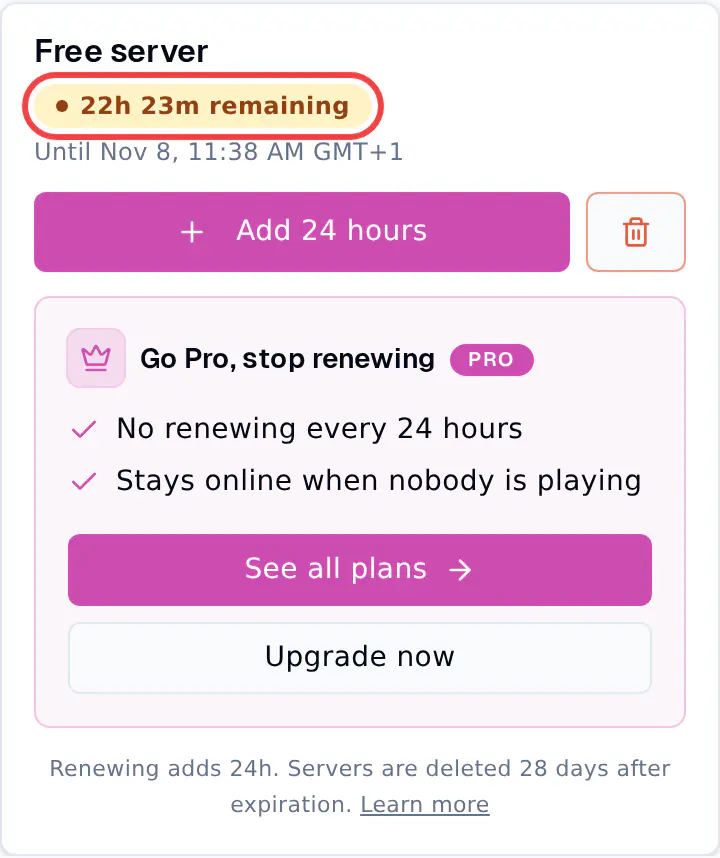
### What is a "Suspended" state?
When a server enters the suspended state:
- It becomes **inactive**.
- You will **not** be able to access your server files, settings, or perform any operations on it.
- The server is **not deleted**, but temporarily inaccessible.
To reactivate the server, simply click the **“+ Add XX Hours”** button. This will renew your server by the specified number of hours and extend its expiry time, restoring full access.
### What happens if i don't Renew my server?
From the moment your server goes into a suspended state, your files will be kept for the **next 28 days**. If you do not renew your server in that time, your files will be **deleted** from our servers without a way of recovery. Though if you simply renew your server during that time, your files will not be deleted.
### When can I renew my server again?
You can only renew a server when its remaining time is **less than the renewal threshold** defined by its server type. For example:
| Server Type | Renewal Threshold (Hours) |
| ----------- | ------------------------- |
| Minecraft | 24 Hours |
| Vikunja | 168 Hours (7 days) |
| Discord Bot | 24 Hours |
!!! info "INFO" "- **Minecraft** servers can be renewed when they have **less than 24 hours** remaining before expiry.
- **Vikunja** servers can be renewed when they have **less than 168 hours (7 days)** remaining before expiry.
- Discord Bot servers can be renewed when they have **less than 24 hours** remaining before expiry."
---
Source: https://fps.ms/docs/getting-started/setting-a-password
# Setting a Password
As account registration is done with Discord, you will not be able to generate a password at first. For most people, this is not needed, but if you would like to [manage your server files through SFTP](https://fps.ms/docs/getting-started/uploading-files.md), a password is required.
## How to set a password
Luckily, you can set a password easily with the steps shown below.
1. Logout from the panel
2. Instead of logging in with Discord, press **Forgot your password?** below the password field of the log-in screen.
3. Fill in your e-mail address that you registered on Discord with.
4. You will receive an e-mail within 5 minutes to reset your password.
5. Click on the button in the e-mail and set a password in the panel.
When you are done setting a password, it wouldn't hurt to also enable Two-step Verification to secure your account. This ensures your account is at the safest possible level.
---
Source: https://fps.ms/docs/getting-started/connecting-to-sftp
# Connecting to SFTP
By default, you won't be able to connect with SFTP into your FPS.ms server since the password will be unknown, in this tutorial we're gonna change that.
We will be focusing on connecting to SFTP with [FileZilla](https://filezilla-project.org/) in this tutorial, but you can use any other SFTP client as most of them will work the same way.
!!! info "SFTP access to your FPS.ms server is important for efficient and secure file transfers. Whether you're dealing with large files, non zipped files, or simply seeking a superior file transfer method, SFTP provides a fast, secure, and feature-rich solution."
## Connecting with FileZilla
1. Change your FPS.ms password. You can find instructions on how to do that [here](https://fps.ms/docs/getting-started/setting-a-password.md).
2. Open your browser and go to [https://panel.fps.ms](https://panel.fps.ms).
3. Select your server and browse to the "Settings" tab.
5. Copy the Username shown in "SFTP Details".
6. Open FileZilla Client.
7. Enter your Node IP (e.g. `mango.fps.ms`) into `Host`.
8. Set the port to `2022`.
9. Enter the username you copied earlier into `Username`.
10. Enter your account password into `Password`.
11. Click on **Quick Connect** and enjoy!
---
Source: https://fps.ms/docs/getting-started/uploading-files
# Uploading Files
When you host a server with FPS.ms we allow you to upload any file(s) into it either using the **server panel** or if you wish to transfer larger files, by using **SFTP**.
!!! info "By default your server will only have **5GB** of storage. This is enough for most servers, but if you wish to upgrade this, you can do so with our [Pro](\getting-started\upgrading-to-pro) plans."
## Uploading Files through the Server Panel
1. Open your browser and go to [https://panel.fps.ms](https://panel.fps.ms).
2. Select your server and go to the **Files** tab.
3. Click **Upload**.
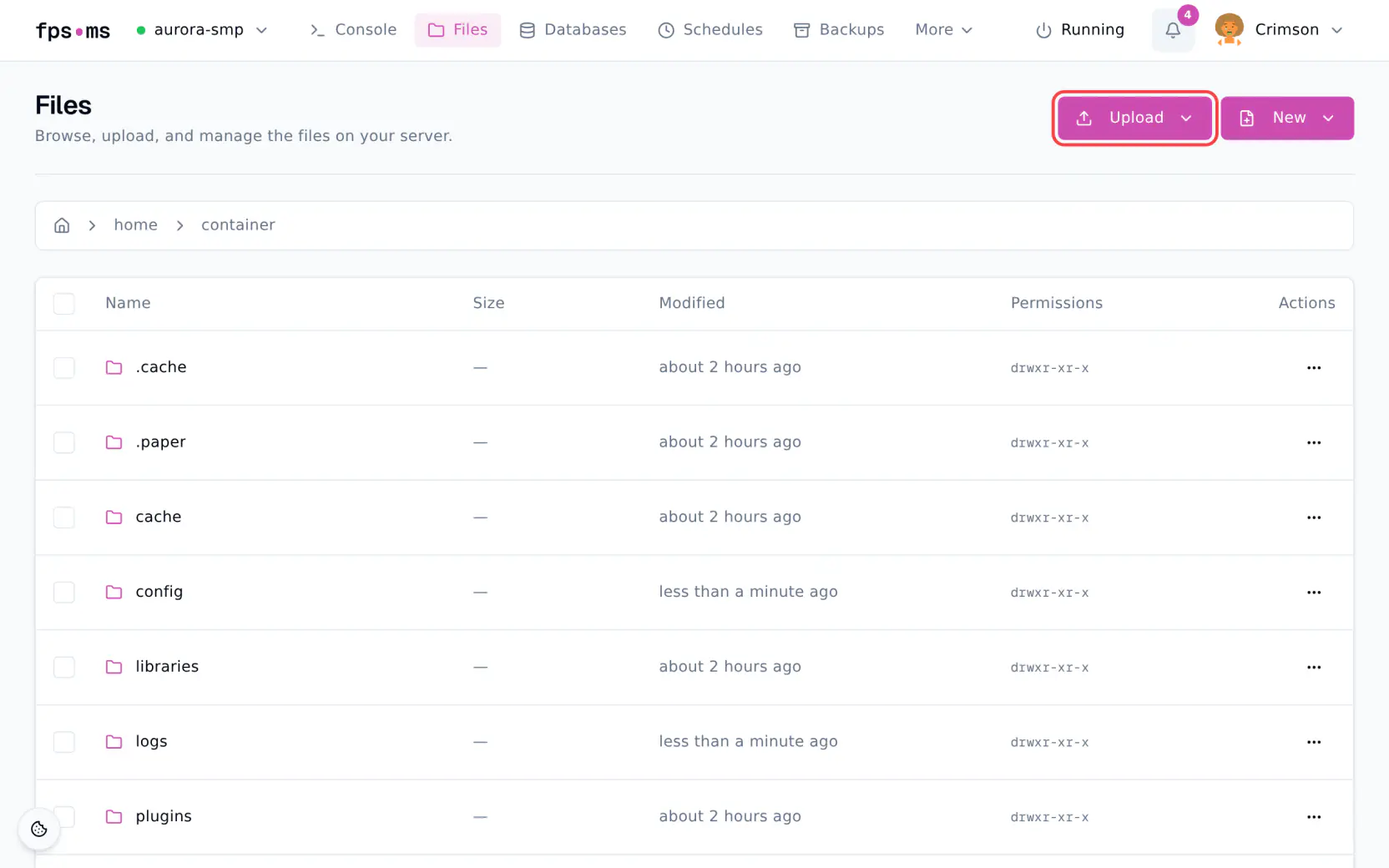
4. Click **Upload files**, choose the file(s) you want to upload and click **Open**.
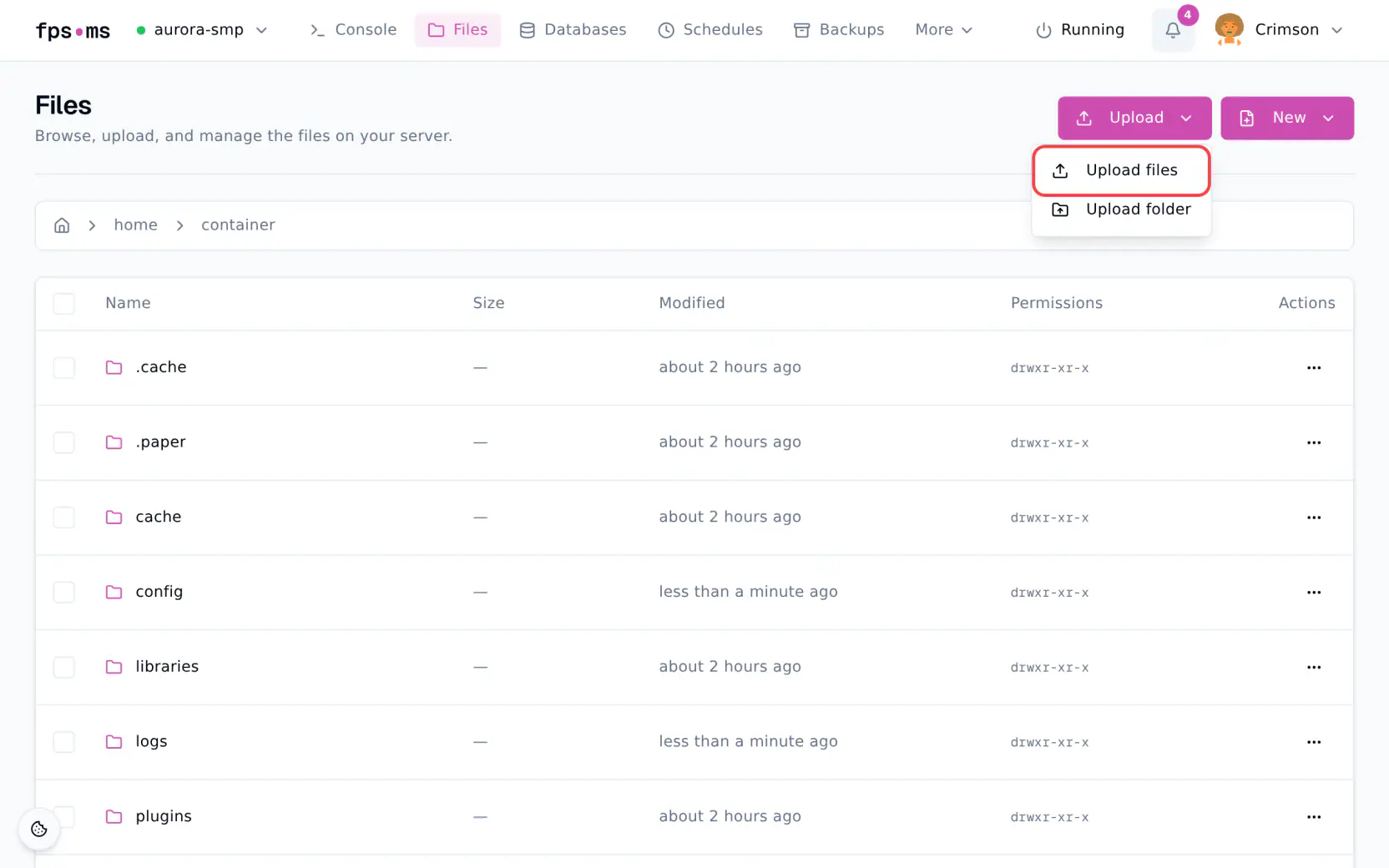
5. The file(s) start uploading right away. When the upload is done, you can find them in the folder you have open.
!!! danger "Maximum filesize" "There is a **100MB** upload size limit when uploading files through the **Server Panel**! Please use an SFTP connection to transfer larger files."
## Uploading Files Through FileZilla
1. Connect to your server through SFTP using the [guide](https://fps.ms/docs/getting-started/connecting-to-sftp.md) found in our knowledgebase.
2. Drag and drop the files you want to upload on an empty spot in the **Directory Viewer** of the **Remote Site** section found at the **Bottom Right** side of the window.
3. Upload should automatically start and you should see a progress bar at the bottom of the screen. Once it is done uploading you should see the file in the **Directory Viewer**.
Your FileZilla settings should look a bit like this:

---
Source: https://fps.ms/docs/getting-started/creating-schedules
# Creating Schedules
Schedules are a unique and powerful capability within Pterodactyl. They enable you to seamlessly automate various tasks, such as executing commands, managing shutdowns or restarts, and much more. This functionality is achieved through the utilization of cron jobs, allowing you to precisely time and control these actions.
In this tutorial, you will learn how to set up schedules in FPS.ms to enhance your user experience:
1. Navigate to the FPS panel at [https://panel.fps.ms](https://panel.fps.ms).
2. Choose your server and navigate to the **Schedules** tab.
3. Click the **Create schedule** button.
4. Assign a name to your schedule.
5. To simplify schedule timing, consider using [CronTab Guru](https://crontab.guru/).
6. Create the schedule.
7. Once the schedule is created, select it.
8. To add a new task, click the **New Task** button.
9. Now, choose your command or power action.
10. Press **Create task** and enjoy!
---
Source: https://fps.ms/docs/getting-started/creating-subusers
# Creating Subusers
!!! danger "ATTENTION" "The Subusers functionality is deprecated and replaced with Teams. More info about Teams can be found at https://panel.fps.ms/teams"
Subusers are a useful feature in Pterodactyl which allows you to give other users access to your FPS.ms server for easier server management.
1. Go to the panel by visiting https://panel.fps.ms.
2. Select your server and navigate to the Users tab.
3. Click the New User button.
4. Enter the email address of the user you wish to grant access to your server.
5. Choose the specific permissions you want to assign to them.
6. Confirm access by pressing the **INVITE USER** button.
---
Source: https://fps.ms/docs/minecraft/connecting-to-your-server
# Connecting to your Server
Once your server has finished installing, you are ready to connect to your server and start playing. There are two ways to connect to your server:
1. Through the alias address shown below your server title on the **Console** page. Your server address will look something like `mango.fps.ms:25565`

2. Through a subdomain you can create for your server (example: `caner.playmc.be`)
3. Through a [custom server IP address you can create](https://fps.ms/docs/minecraft/setting-up-custom-server-ip.md) with your own custom domain (example: `mc.caner.com`)
## Connecting to your Minecraft Server
Once you know what your address is (alias, subdomain or your custom IP), it's ready to start playing on your Minecraft server.
1. Start up Minecraft.
2. On the home screen, press **Multiplayer**
3. Press on **Add Server**
4. Under Server Name, give your server a name to identify it (e.g. `My Free Server`)
5. Under Address, type in the address of the server (alias, subdomain or custom IP)
6. Click on **Done**
7. Your server has now been added to your Multiplayer list and you should be able to see it online. Double press on your server and you are ready to play!
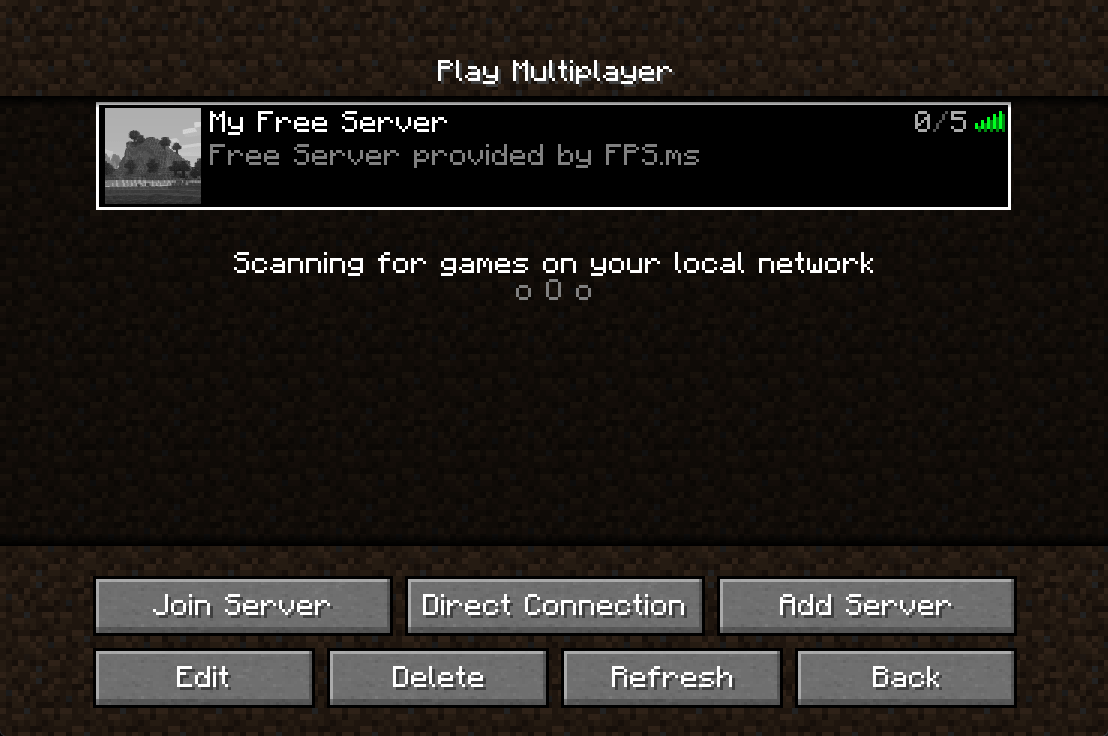
---
Source: https://fps.ms/docs/minecraft/installing-plugins-minecraft
# Installing Plugins on Your Minecraft Server
Plugins add features to your Minecraft server, like permissions, land claims or an economy. On FPS.ms you install them from the **Plugins** page. The panel downloads them from [Modrinth](https://modrinth.com/plugins) or [Hangar](https://hangar.papermc.io/) and picks a release that fits your server.
!!! info "Plugins need Paper, Purpur or Folia" "Plugins do not run on Vanilla, Fabric or Forge. If your server runs one of those, switch to Paper first. See [changing your Minecraft version](https://fps.ms/docs/minecraft/changing-your-minecraft-version.md)."
## Open the Plugins page
1. Go to [panel.fps.ms](https://panel.fps.ms) and open your server.
2. In the top bar, click **More**, then click **Plugins**.
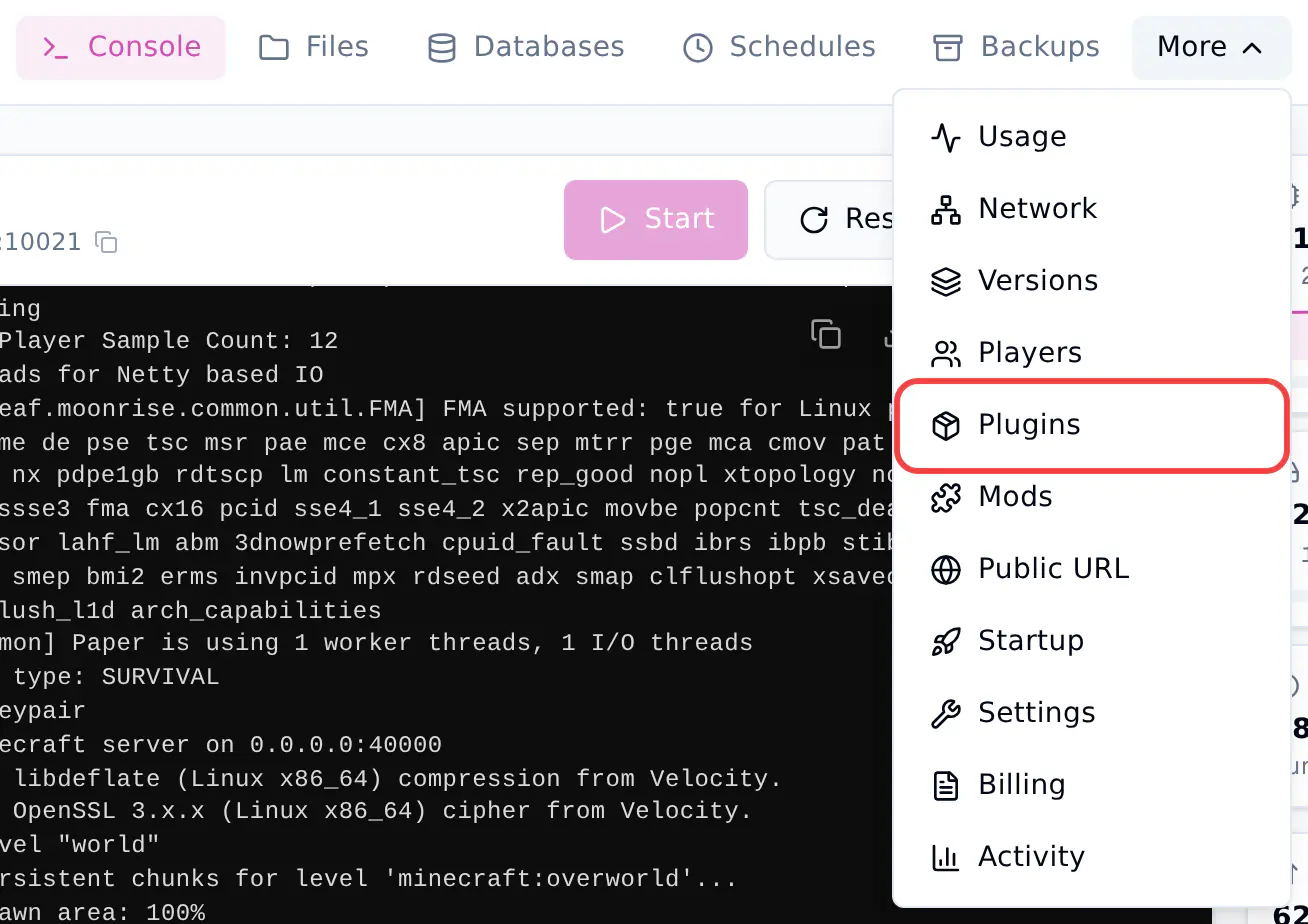
## Find and install a plugin
1. Type the name of the plugin in **Search**, for example `LuckPerms`.
2. Click **Install** on the plugin you want.
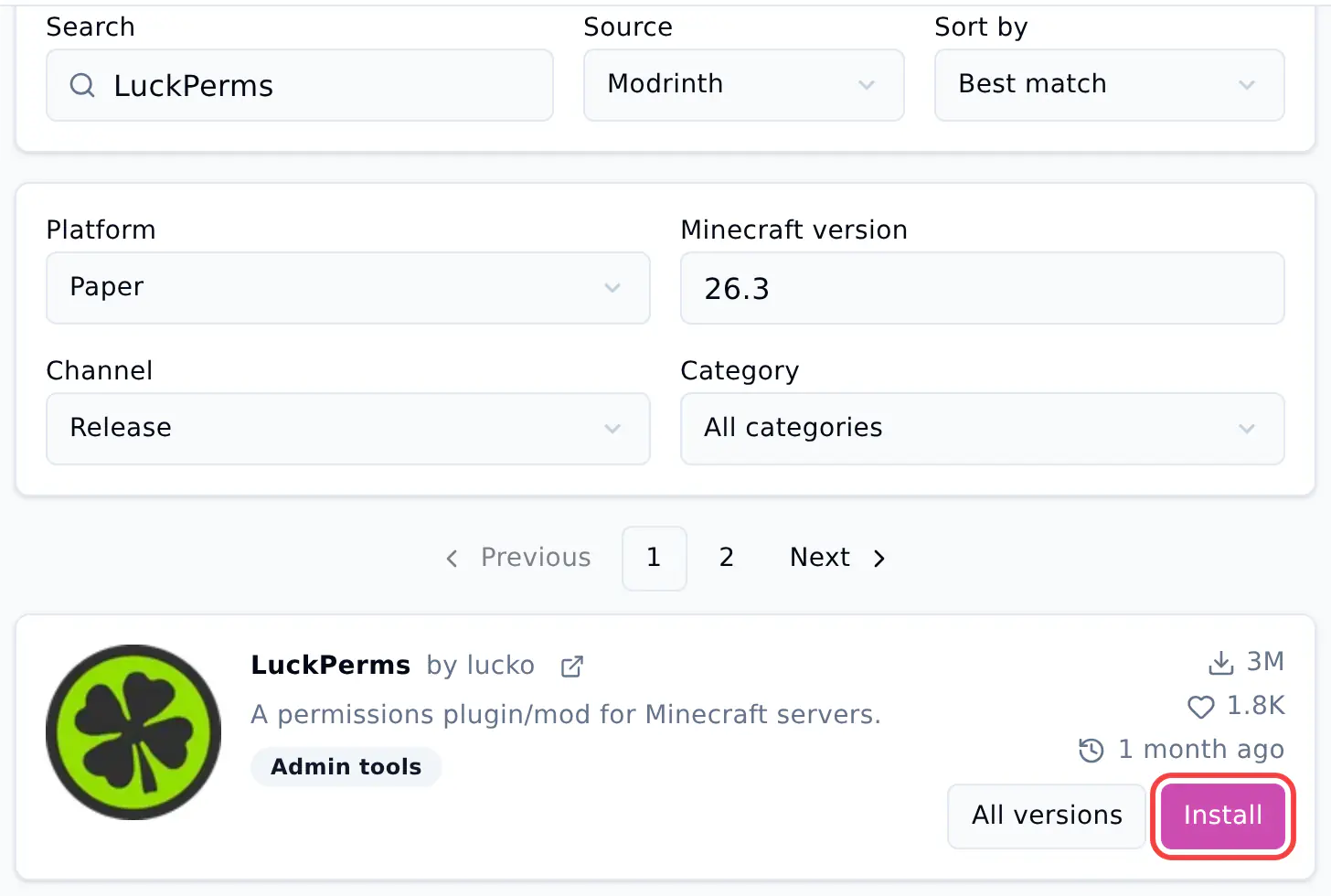
3. Check the name and version, then click **Install**.
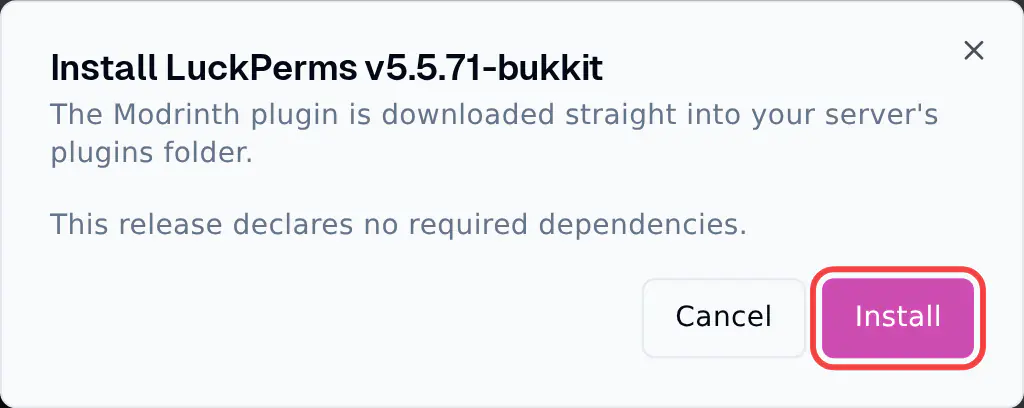
If the plugin needs other plugins to work, the dialog tells you. The panel installs those for you at the same time.
!!! tip "Want an older release? Click **All versions** instead of **Install** and pick the release you want."
## Restart your server
Your server only loads new plugins when it starts.
1. Click the **Installed** tab. Your new plugin is in the list.
2. Click **Restart now**.
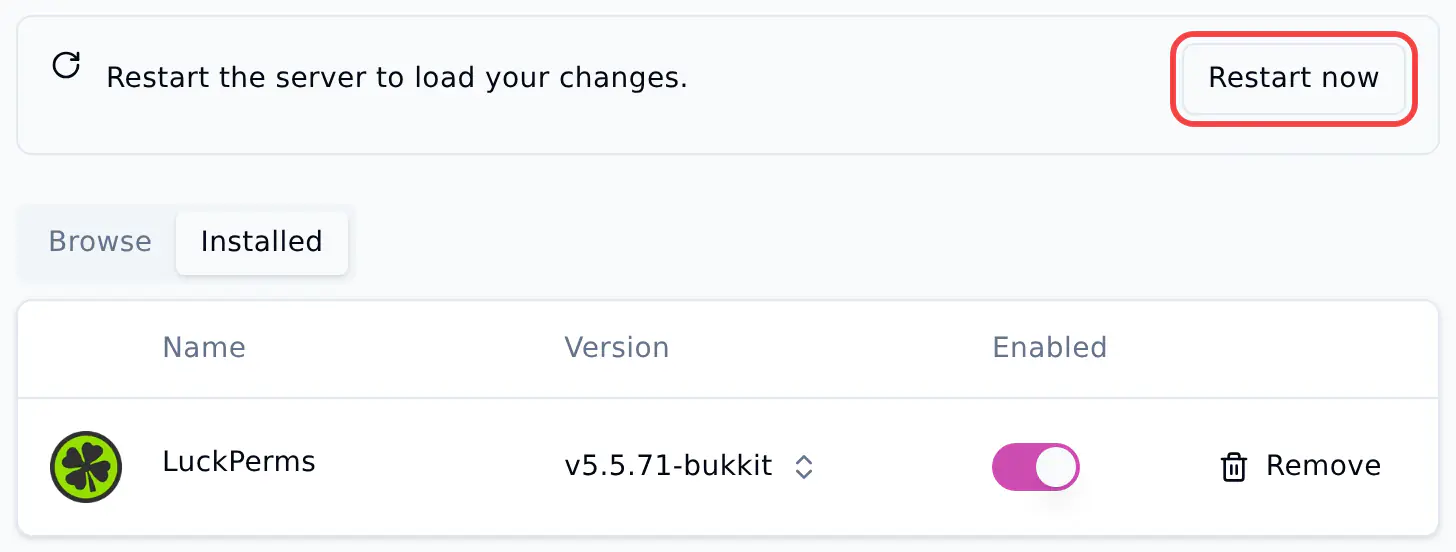
When the server is back online, check the **Console** for red error lines about the plugin.
## Manage your plugins
On the **Installed** tab you can:
- Turn a plugin off with the switch under **Enabled**, without removing it.
- Click the version to update the plugin or go back to an older release.
- Click **Remove** to delete the plugin.
Restart your server after every change.
## A plugin that is not on Modrinth or Hangar
Some plugins, like paid ones from SpigotMC, are not in the panel's list. You can still upload them yourself:
1. Download the `.jar` file of the plugin. Make sure it works with your Minecraft version.
2. Go to **Files** and open the `plugins` folder.
3. Upload the `.jar` file. See [uploading files](https://fps.ms/docs/getting-started/uploading-files.md) for help.
4. Restart your server.
!!! warning "Make a backup before you add or update plugins. A broken plugin can stop your server from starting."
---
Source: https://fps.ms/docs/minecraft/how-to-change-motd
# How to change MOTD
By default, your server will have a default MOTD such as `Free Server Supplied by FPS.ms`, though you can change this anytime to whatever you want.
1. Open your browser and go to https://panel.fps.ms.
2. Select your server and go to the Files tab.
3. Find the file named server.properties and open it.
4. Update a line called motd to whatever you want and click **Save content**.
5. Restart your server.
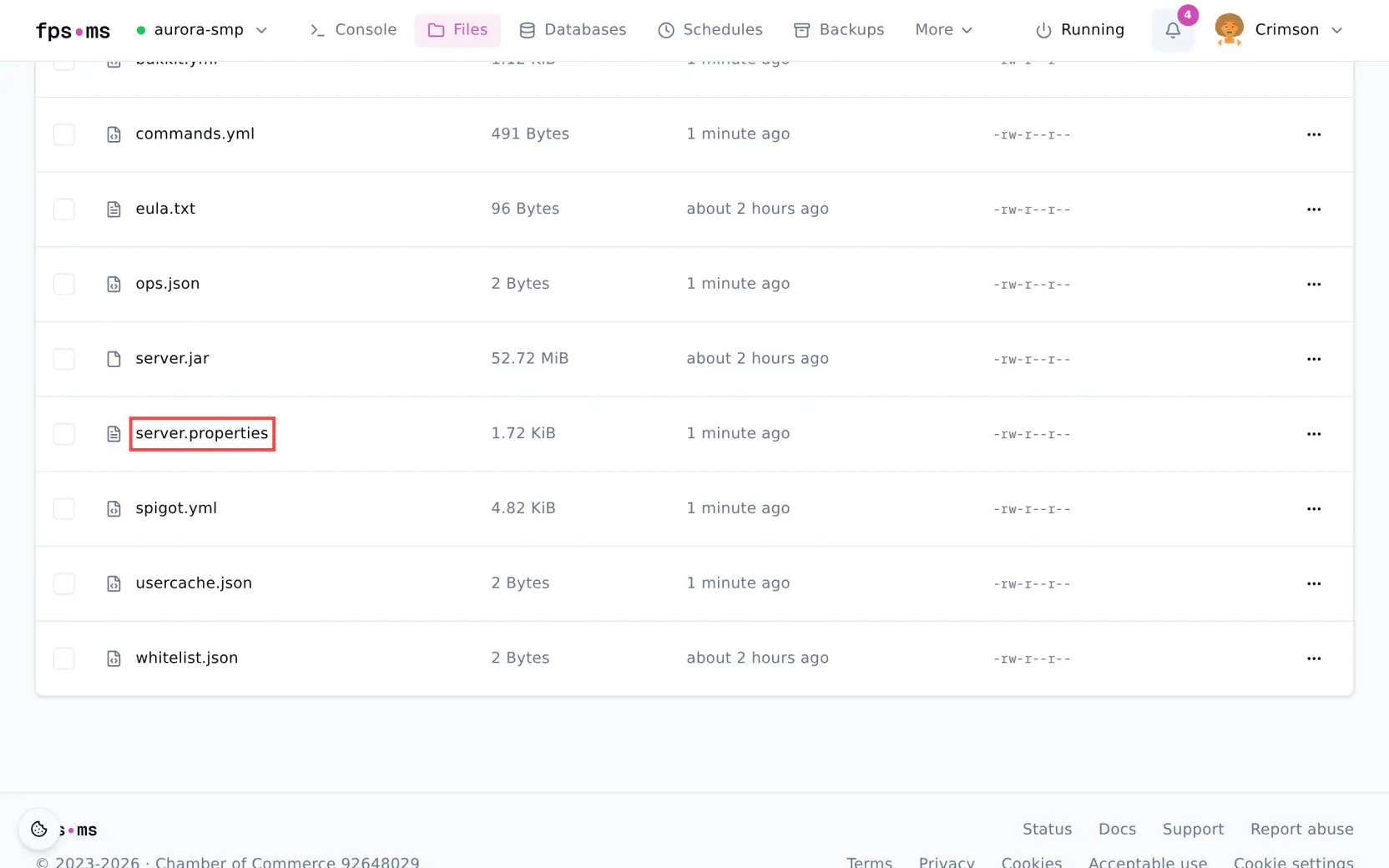
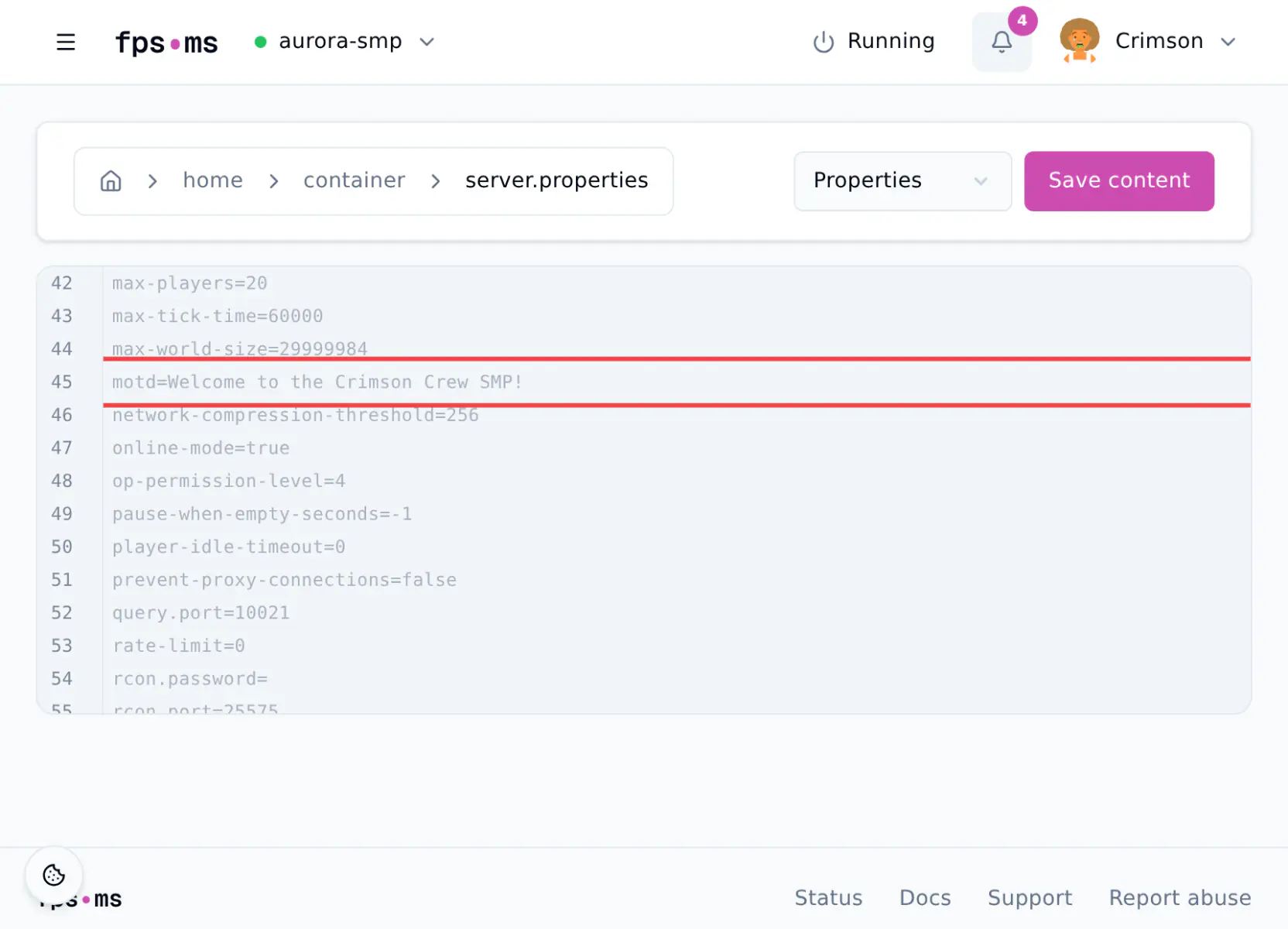
!!! note "If you want to customize your MOTD with different colors or bold text, you might want to check out https://mctools.org/motd-creator - you can copy and paste this directly into your server.properties."
---
Source: https://fps.ms/docs/minecraft/how-to-change-world-type
# Minecraft World Types: What They Are and How to Change Them
To change your Minecraft server's world type, set `level-type` in `server.properties`, then create a new world. The world type only applies when a world is first created, so changing it on an existing world does nothing. This guide covers Minecraft **Java Edition**.
## The five world types
| World type | `level-type` value | What you get |
|-|-|-|
| Normal | `minecraft:normal` | The standard world with hills, valleys and oceans. This is the default. |
| Superflat | `minecraft:flat` | A completely flat world. Great for building and redstone. |
| Large Biomes | `minecraft:large_biomes` | Like Normal, but every biome is much bigger. |
| Amplified | `minecraft:amplified` | Huge mountains and deep valleys. |
| Single Biome | `minecraft:single_biome_surface` | The whole world is one biome. |
You can leave out `minecraft:`, so `flat` works too.
## How to change the world type on any server
1. Stop your server.
2. Open `server.properties` and set the type you want, for example `level-type=minecraft:flat`.
3. Change the world name so the server creates a new world: `level-name=world-flat`. Your old world stays in its own folder. To go back, set `level-name` back to `world`.
4. Start your server. It creates the new world with the type you chose.
## How to change it on FPS.ms
1. Open your server and click **Files**.

2. Click `server.properties` to open it.
3. Change `level-type` and `level-name`, then click **Save content**.
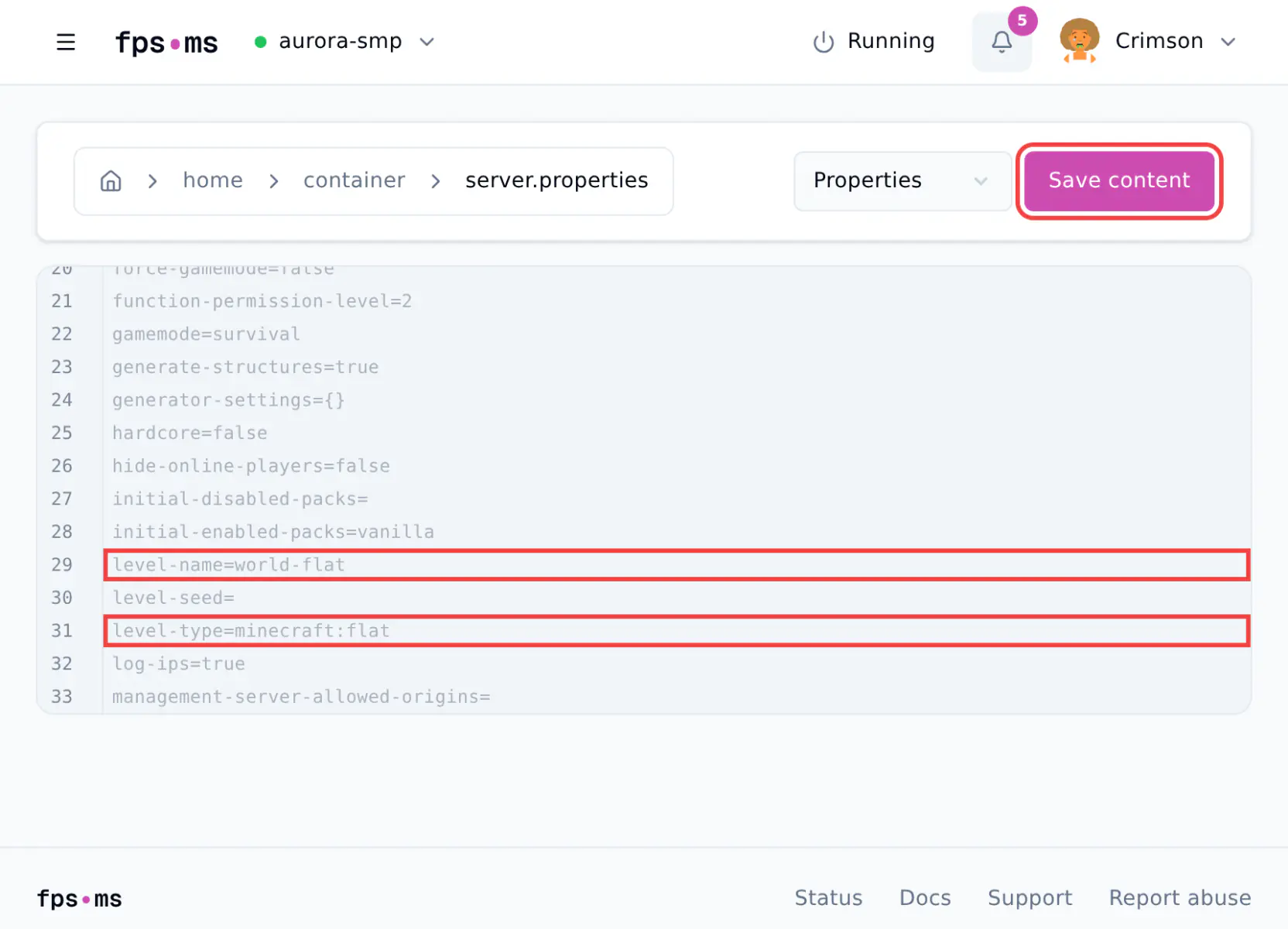
4. Click **Restart**. Your server creates the new world, which can take a minute.
## Common problems
**I changed `level-type`, but my world looks the same.**
The server loaded your existing world, which keeps the type it was created with. Change `level-name` as in step 3 to create a new world.
**Can I change the type of my existing world?**
No. A world keeps the type it was created with. Create a new world with the type you want, and keep the old one as a backup.
**My Amplified world is laggy.**
Amplified worlds are heavier to generate than Normal ones, especially while players explore new areas. [Pregenerating the world](https://fps.ms/docs/minecraft/pregenerating-your-minecraft-world.md) first helps.
**Can I customise Superflat or Single Biome?**
Yes, with the `generator-settings` option. The Minecraft Wiki explains the format.
**I'm on Minecraft 1.15 or older.**
Older versions use different values. See the Minecraft Wiki's server.properties page.
## Related guides
- [Uploading your own world](https://fps.ms/docs/minecraft/uploading-worlds.md)
- [Pregenerating your Minecraft world](https://fps.ms/docs/minecraft/pregenerating-your-minecraft-world.md)
- [Creating backups with Google Drive](https://fps.ms/docs/minecraft/creating-backups-with-google-drive.md)
---
Source: https://fps.ms/docs/minecraft/uploading-worlds
# Uploading Worlds
If you already have a world from your Singleplayer instance or another hosting provider, you can freely move your worlds to FPS.ms. Make sure to have the same Minecraft version, plugins and/or mods while uploading a world as your other provider or your home PC as it may cause compatibility issues or corrupt worlds.
Before using this guide, make sure to stop your server and delete the current world folders.
## Using the server panel
1. Go to your [server panel](https://panel.fps.ms)
2. Go to the Files tab and click on the **Upload** button.
3. Select your `.zip` file that contains the world folder.
4. Press **OK** and the upload should start.
5. Once the upload is complete, find the uploaded file and press the 3 dots beside it.
6. Click on **Unarchive** and it should have extracted your world file. Once it is complete you are good to go!
!!! info "For worlds bigger than 100 MB use [SFTP](https://fps.ms/docs/getting-started/connecting-to-sftp.md)."
## Using SFTP
1. Connect to your server using [SFTP](https://fps.ms/docs/getting-started/connecting-to-sftp.md).
3. Drag and drop the zip file containing the world folder and the upload should start.
4. Once the upload is done go back to the [server panel](https://panel.fps.ms/).
5. Find the uploaded file and press the 3 dots beside it.
6. Click on **Unarchive** and it should have extracted your world file. Once it is complete you are good to go!
---
Source: https://fps.ms/docs/minecraft/setting-up-custom-server-ip
# Setting up Custom Server IP
By default, an FPS.ms server address looks something like `mango.fps.ms:25565` or `caner.playfps.be`. If you want to use your own domain name or subdomain, you need to create SRV records to do so.
### What do I need?
There are a few requirements to create your own custom server IP.
1. Your own domain name (e.g. fpsms.com)
2. A DNS Server & Manager (your domain registrar probably has one, or you can use CloudFlare).
### Create an SRV-record
FPS.ms servers do not point your Minecraft server to its default port (25565), so you need to create an SRV-record to make sure that your custom server IP points to the correct IP-address and port of the node your server is hosted at.
1. Open your domain's DNS-manager
2. Press on **Add a new record**.
3. Select type as **SRV**.
4. In the Service field, add `_minecraft`
5. In the Protocol field, select **TCP**.
6. In the Name field, type in either your preferred subdomain (e.g. `play.fpsms.com`) or your full domain (e.g. `fpsms.com`).
7. Keep priority and weight at 1.
8. In the Target field, type in the node FQDN (e.g. `mango.fps.ms`)
9. In the Port field, type in your server port.
!!! note "You can find the node FQDN next to your server console - it's also the domain name you can connect to your server with by default."
Example configuration in Cloudflare where `fpsms.com` points to `mango.fps.ms:25999`:

Example configuration in Cloudflare where `play.fpsms.com` points to `mango.fps.ms:25999`:

At some DNS-providers, you might need to bundle up all these settings. In that case, try the following:
1. Type: `SRV`
2. Name: `_minecraft.tcp.fpsms.com` (replace fpsms.com with your domain) for full domain name **or** `_minecraft.tcp.play.fpsms.com` (replace play.fpsms.com with your subdomain and full domain)
3. Priority and Weight: 0 or 1
4. Port: Your server port
5. Target: Node FQDN (e.g. `mango.fps.ms`)
Please allow up to 24-48 hours for DNS propagation. Until then, your custom server IP might not work.
!!! note "Don't have a domain name or can't get it to work? We also offer free subdomains"
---
Source: https://fps.ms/docs/minecraft/creating-backups-with-google-drive
# Creating Backups with Google Drive
By default, you won't be able to back up your free Minecraft server because FPS.ms backups are only available to Pro users. In this tutorial, we will use the plugin - [DriveBackupV2](https://dev.bukkit.org/projects/drivebackupv2), which is an excellent free alternative.
## Installing DBV2 (DriveBackupV2)
Before we start make sure to **stop** your server before doing any changes to avoid data loss or world corruption.
1. Go to the [DriveBackupV2 download page](https://www.spigotmc.org/resources/drivebackupv2.79519/) and **download** the latest version.
2. Once it has finished downloading, go to your [server panel](https://panel.fps.ms/) and upload it using our plugin upload guide found [here](https://fps.ms/docs/minecraft/installing-plugins-minecraft.md)
Once it has uploaded to your server, you will need to start your server once for it to install and generate it's configuration files.
## Authentication with Google Drive
1. Start your Minecraft server.
2. Once it has started, type `drivebackup link googledrive` into the console.
3. After you've entered that command, you will receive a link and a code.
4. Copy the code and visit the link provided.
5. When you are on the website, it will prompt you to enter a code. Enter the code you copied earlier.
6. After entering the code, click the **Next** button.
7. Upon clicking the **Next** button, you will be asked to select a Google account.
8. Choose your Google account, and it will authenticate. You can now enjoy backups!
!!! info "DrivebackupV2 only functions on Bukkit forks like Paper, Spigot, Pufferfish, and Bukkit itself. While we demonstrated Google Drive authentication in this tutorial, you can also authenticate with OneDrive and Dropbox using the same procedure."
---
Source: https://fps.ms/docs/minecraft/pregenerating-your-minecraft-world
# Pre-generating Your Minecraft World
!!! danger "ATTENTION" "It is against the **FPS.ms** **Terms of Service** to run **Heavy Software** such as Pre-generation Plugins or Mods on our servers. Thus this guide will show you how to download and run your server locally for pre-generation and upload your new world."
### What is Pre-generation?
When you create a new Minecraft server, it generates a new world alongside it. At first only a small portion of this world will be generated on first launch and as you play your server will use processing power to generate the new locations you explore. Pre-generation means using [Plugins or Mods](https://fps.ms/docs/minecraft/installing-plugins-minecraft.md) such as [Chunky](https://modrinth.com/plugin/chunky) to generate a specified section of your world without having to explore during gameplay.
### What if I don't pre-generate?
When you are generating chunks during play, you might encounter:
- Lag spikes due to processing power being spent on world generation
- Entities entering a slow motion-like state where they hang in air or teleport around
- Low TPS and High MSPT causing a list of issues hindering your gameplay experience.
Because of these and more, we recommend going through the short effort to pre-generate your world so you can have a smoother experience throughout.
### Why can't I pre-generate on my server?
As stated in our [Terms of Service](https://fps.ms/docs/legal/terms-of-service.md), "use heavy applications in such a way that they cause nuisance to the network and other containers and services" is not permitted. Pre-generation causes a very high load for many hours that hinder the experience of other users in our platform by stressing our hardware. Even ignoring this, pre-generation is very slow on your server due to how we allocate resources. What might take a day generating on your server might take only a few hours on your local computer.
### How do I start Pre-generating?
First of all, as with every task you should first start by turning off your server and taking a backup of your files. Afterwards install a pre-generation plugin or mod on your server. If you need a guide for that you can follow our [Installing Plugins](https://fps.ms/docs/minecraft/installing-plugins-minecraft.md) documentation. For this guide we will be using [Chunky](https://modrinth.com/plugin/chunky) on Fabric 1.21.11.
Next we will download our server files to run our server locally on our computer.
1. Go on the **Files** tab and click the checkbox at the top left to select all your files.
2. Click **Archive** button at the bottom of your screen to compress your files into a Tar.gz archive.
3. In a few seconds you will see a new file titled "archive-*YEAR*-*MONTH*-*DATE*.tar.gz", click the 3 dots beside it and click **Download** to start the download.
Wait for the download to complete and extract the contents of the archive to a folder of your choosing. Once that's done, click and open **server.jar**. You should see a screen like this;
 First click the box at the bottom to type commands into the console. We will be first configuring chunky to specify what we want to pre-generate. Type these commands in order;
!!! info "INFO" "- chunky world overworld %% This sets which world Chunky will be pre-generating. We suggest only pre-generating the overworld to save on storage space. If you wish to pre-generate other worlds you can use "the_nether" or "the_end" respectively. %%
- chunky spawn %% This sets the center point for pre-generation to be the world spawn point %%
- chunky radius 5000 %% This sets the pre-generation distance to 5000 Blocks in every direction so totaling to a 25000 Block Area which should be a good starting point for most small scale SMPs %%
- chunky start %% This starts the pre-generation process %%"
!!! info "INFO" "Optionally if you wish to pause and continue or cancel the pre-generation task you can use;
- chunky pause %% This pauses the pre-generation task temporarily until you use the continue command %%
- chunky continue %% This continues the last paused pre-generation task %%
- chunky cancel %% This cancels the ongoing pre-generation task. It will ask for confirmation before proceeding %%
- chunky confirm %% This is the confirmation command to proceed with the cancellation %%"
The chunk generation will now start. You should be seeing progress notifications on the console. If you wish to see more commands you can use the command "**chunky help**" or check out the [Chunky Wiki](https://github.com/pop4959/Chunky/wiki).
Once the pre-generation task is complete you can close the server window. Next archive the "**world**" folder in the same directory into a zip file and upload it to your server using [SFTP](https://fps.ms/docs/getting-started/connecting-to-sftp.md). Afterwards delete your existing world folder on the server and unarchive the newly uploaded zip file to extract your pre-generated world. Finally you can start your server and play!
---
Source: https://fps.ms/docs/minecraft/how-to-whitelist-players
# How to whitelist players on your Minecraft server
A whitelist decides who can join your server. When it is on, only the players on the list can join. Everyone else gets a message that they are not whitelisted.
You manage the whitelist on the **Players** page of your server. You do not need to type commands or edit files.
## Open the Players page
1. Go to [panel.fps.ms](https://panel.fps.ms) and open your server.
2. In the top bar, click **More**, then click **Players**.
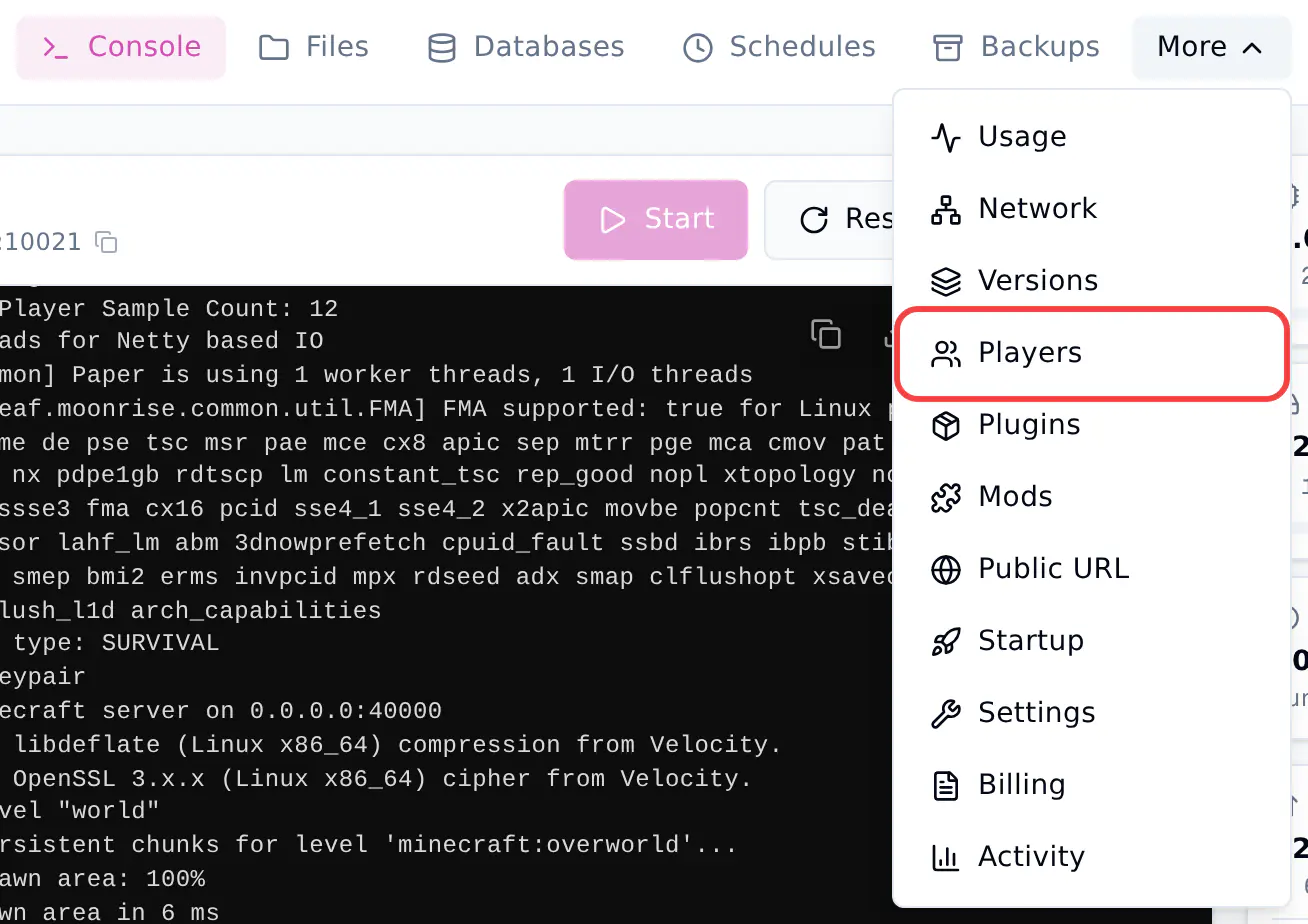
3. Click the **Whitelist** tab.

!!! info "Server is sleeping?" "The player lists are read from files on your server. If your server is asleep, click **Wake server and load players** first."
## Add a player
1. Type the player's Minecraft name in **Player name**. Use their Java Edition name, for example `Emma`.
2. Click **Add to whitelist**.
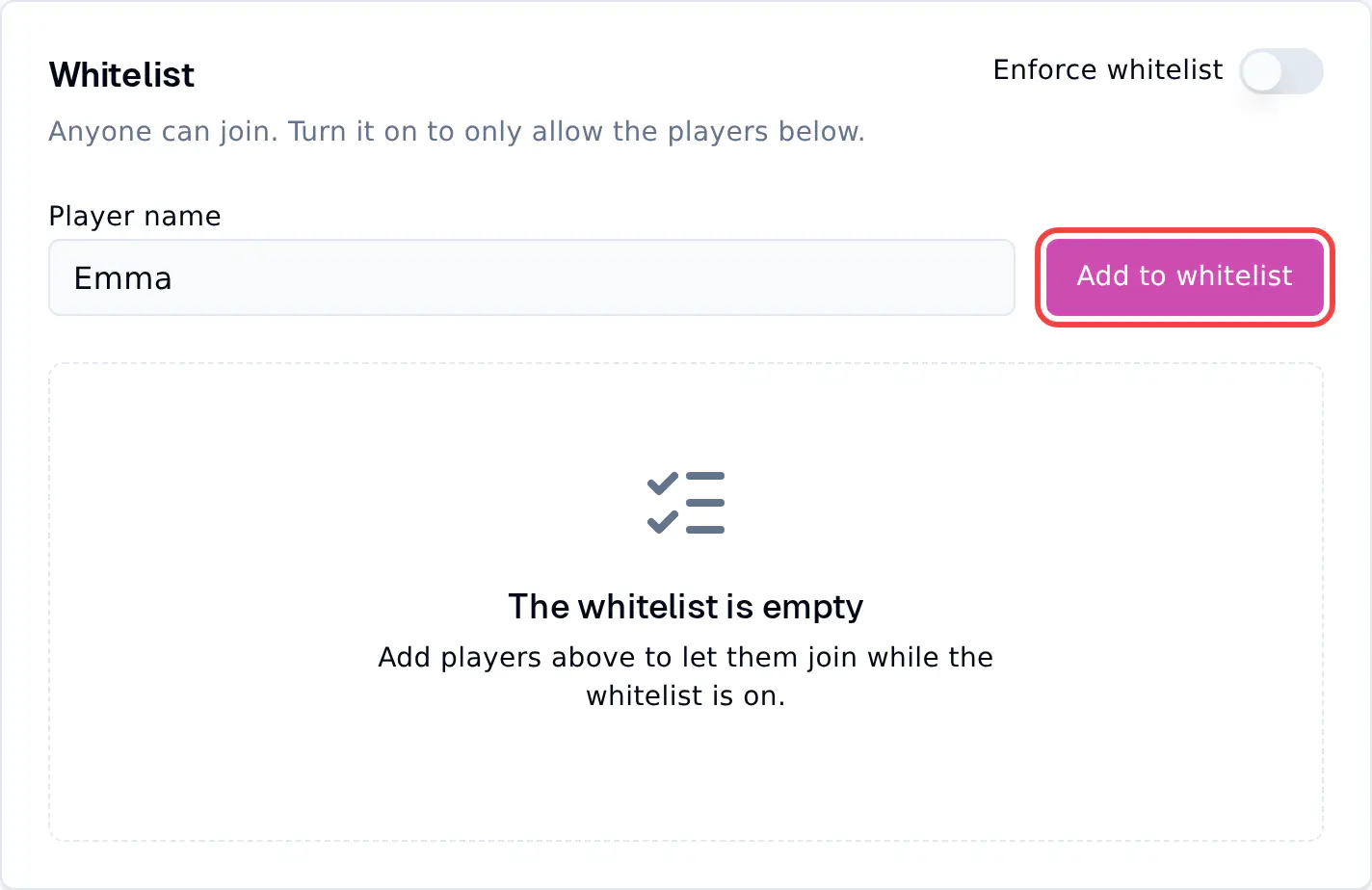
The player now shows in the list. Repeat this for every player you want to let in, and do not forget to add yourself.
!!! tip "The panel checks the name with Minecraft, so a name that does not exist is refused. Check the spelling if the panel says no."
## Turn the whitelist on
The list only does something when the whitelist is on.
1. Click the **Enforce whitelist** switch at the top of the card.
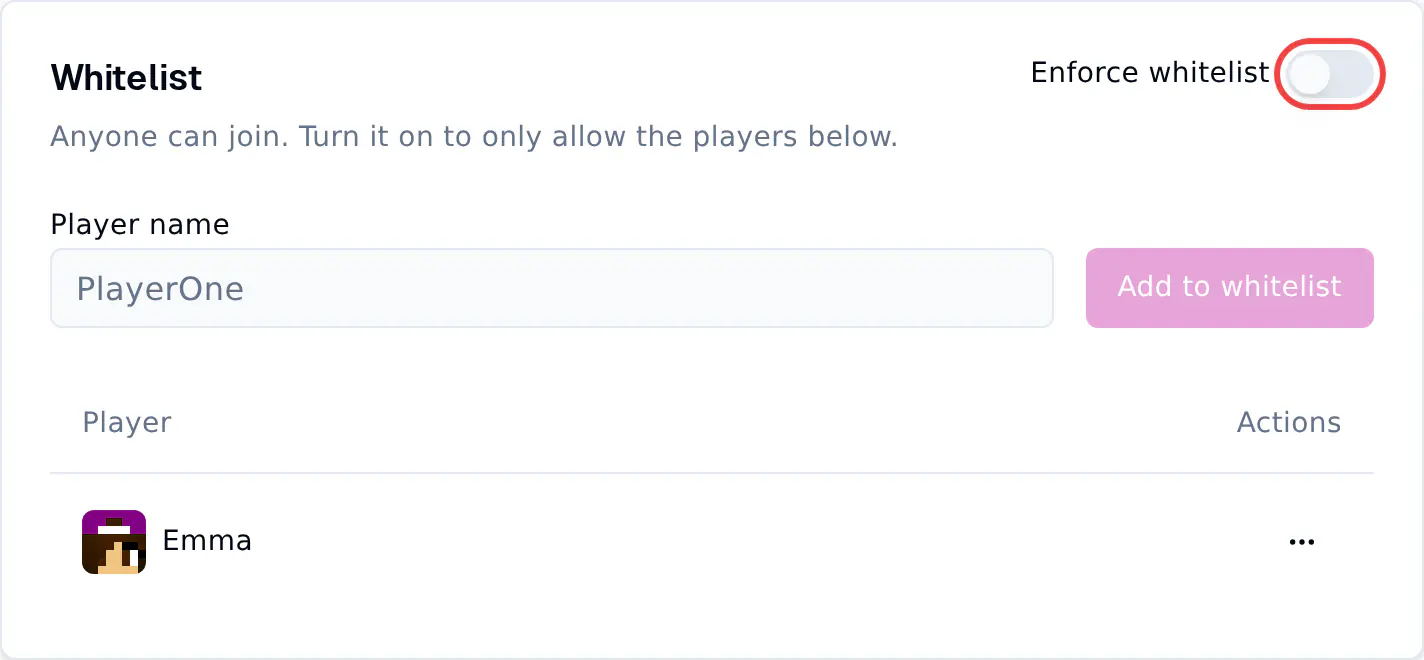
2. The card now says **Only the players below can join this server.**
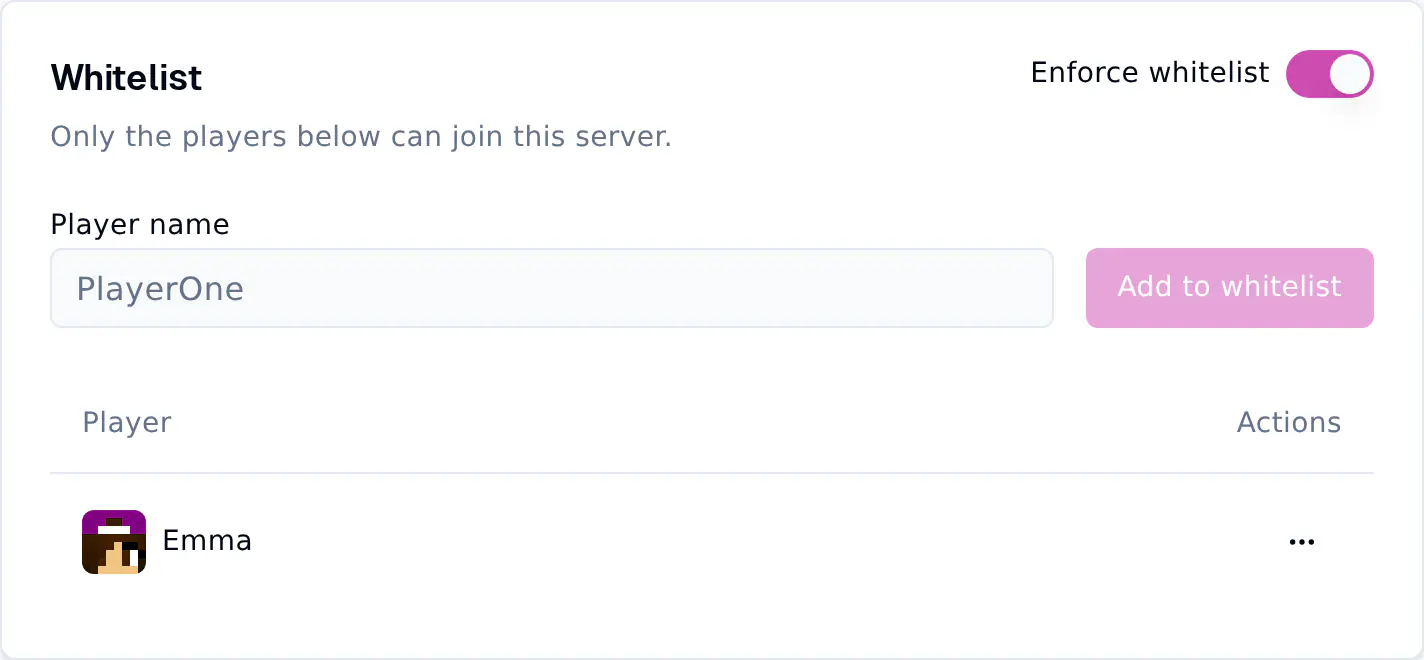
The change works right away. You do not need to restart your server.
## Remove a player
1. Click the **...** button next to the player.
2. Click **Remove from whitelist**.
To let everyone join again, click the **Enforce whitelist** switch so it turns off. Your list stays saved for later.
## Use the console instead
You can also manage the whitelist from the **Console** page. Type these commands without a `/`:
| Command | What it does |
|-|-|
| `whitelist add Emma` | Adds Emma to the whitelist |
| `whitelist remove Emma` | Removes Emma from the whitelist |
| `whitelist on` | Turns the whitelist on |
| `whitelist off` | Turns the whitelist off |
| `whitelist list` | Shows everyone on the whitelist |
---
Source: https://fps.ms/docs/minecraft/how-to-give-yourself-op
# How to give yourself OP on your Minecraft server
An operator (OP) can use server commands in the game, like `/gamemode`, `/tp` and `/time set`. As the owner of the server, you usually want OP for yourself.
You can give OP on the **Players** page of your server.
!!! warning "Only give OP to people you trust" "Operators can run every command, including commands that change or delete things. They can also stop your server."
## Open the Players page
1. Go to [panel.fps.ms](https://panel.fps.ms) and open your server.
2. In the top bar, click **More**, then click **Players**.
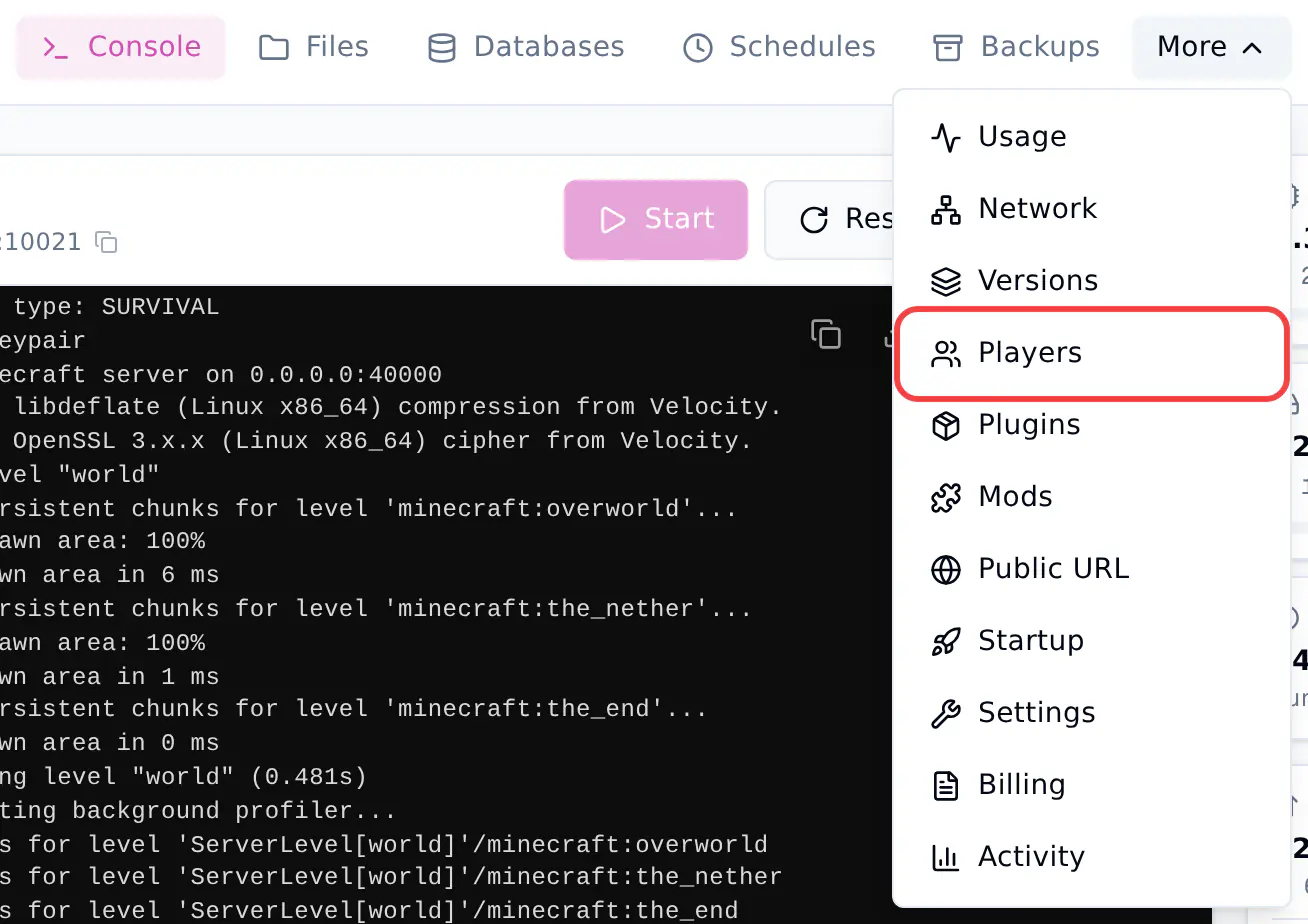
3. Click the **Operators** tab.

!!! info "Server is sleeping?" "The player lists are read from files on your server. If your server is asleep, click **Wake server and load players** first."
## Make yourself an operator
1. Type your Minecraft name in **Player name**. Use your Java Edition name, for example `Luca`.
2. Click **Make operator**.
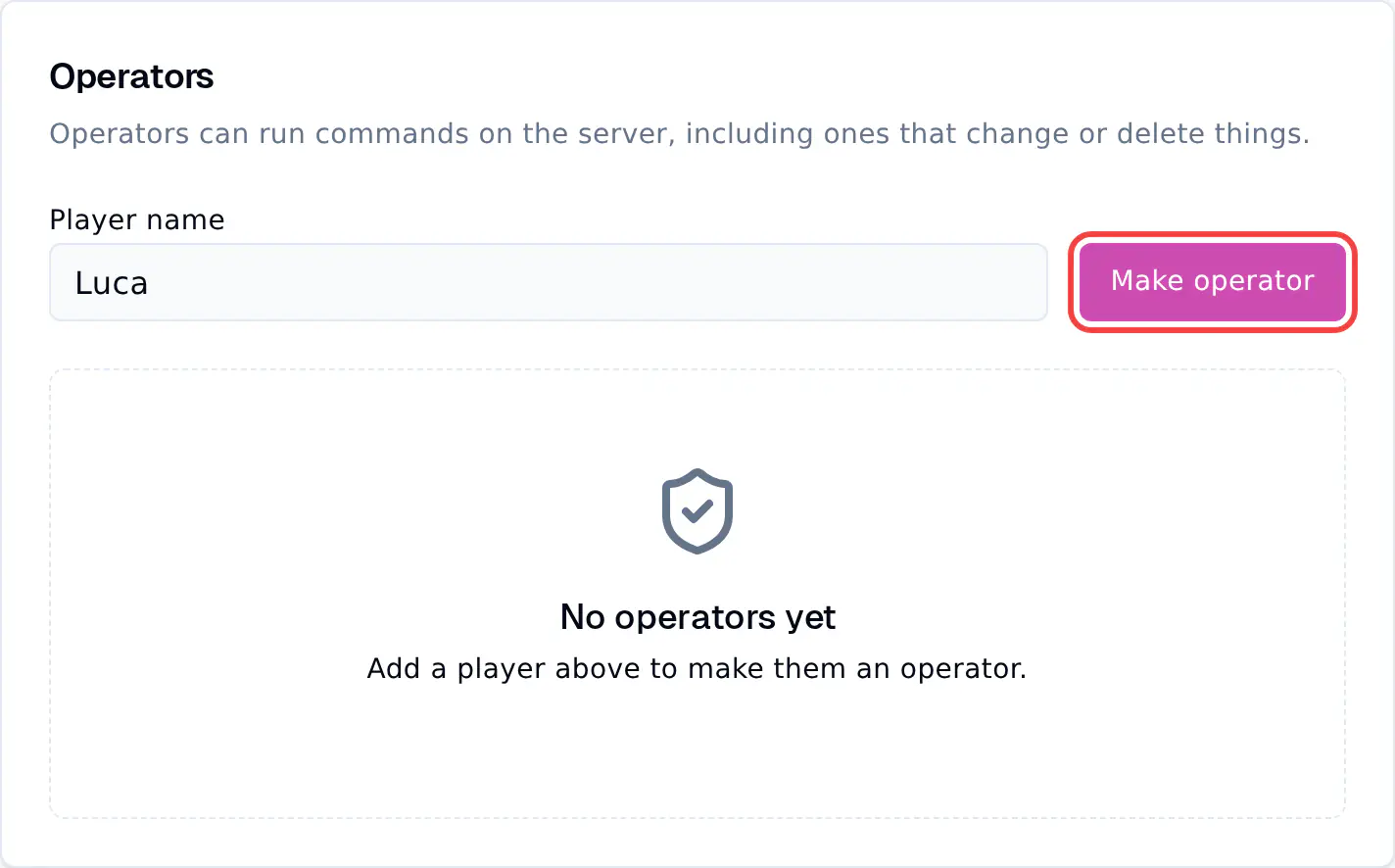
You now show in the list of operators. Level **4** means you can run every command.
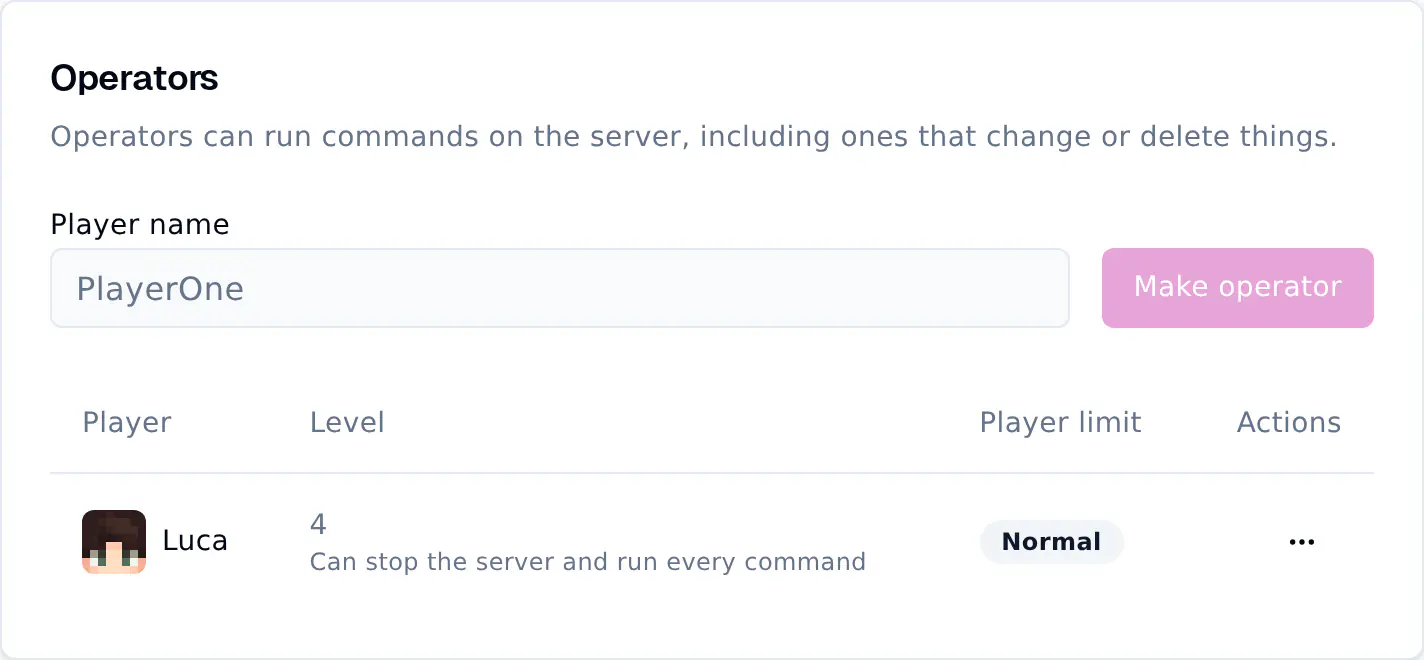
The change works right away. If you are already in the game, you can use commands now. You do not need to restart your server.
!!! tip "You can make someone an operator before they have ever joined your server. The panel checks the name with Minecraft, so a name that does not exist is refused."
## Remove OP from a player
1. Click the **...** button next to the player.
2. Click **Remove operator**.
## Use the console instead
You can also give OP from the **Console** page. Type the command without a `/`:
| Command | What it does |
|-|-|
| `op Luca` | Makes Luca an operator |
| `deop Luca` | Removes OP from Luca |
---
Source: https://fps.ms/docs/minecraft/changing-your-minecraft-version
# How to change your Minecraft server version
Your players can only join when their Minecraft game matches the version of your server. On the **Versions** page you can switch your server to another Minecraft version, or to other server software like Purpur, Fabric or Forge.
!!! warning "Make a backup first" "A world that was opened on a newer version may not load on an older one. Make a backup before you change the version, so you can go back."
## Open the Versions page
1. Go to [panel.fps.ms](https://panel.fps.ms) and open your server.
2. In the top bar, click **More**, then click **Versions**.
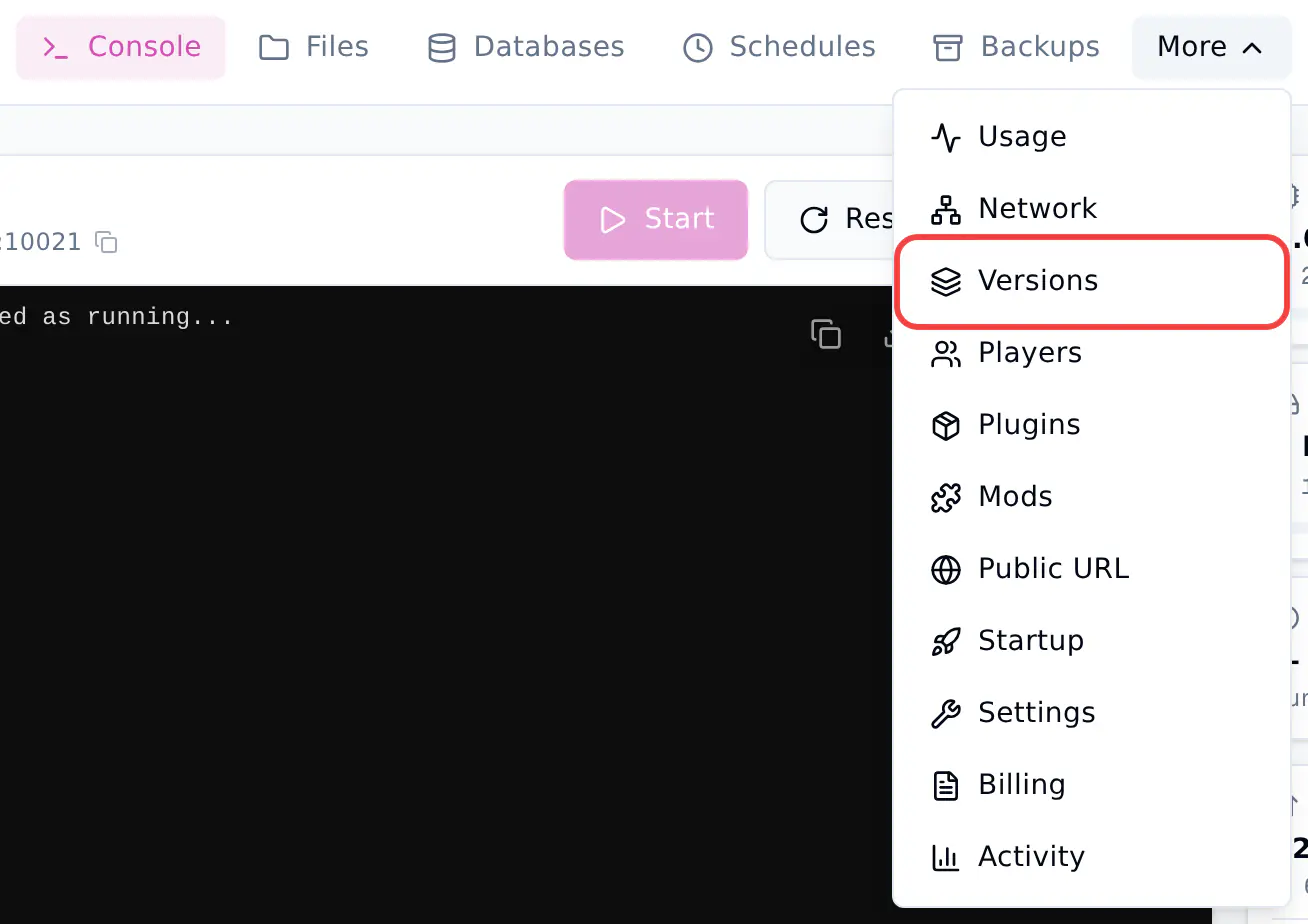
## Choose the server software
At the top you see what your server runs now. Below it, under **Server software**, are the options:
| Software | Use it for |
|-|-|
| **Paper** | Plugins. The usual pick for most servers. |
| **Purpur** | Paper plugins, with more settings and gameplay options. |
| **Folia** | Very large servers. Most plugins do not work on it. |
| **Fabric** | Fabric mods. |
| **Forge** | Forge mods and most big modpacks. |
| **NeoForge** | NeoForge mods. |
| **Vanilla** | The official Minecraft server, without plugins or mods. |
1. Click **Browse** on the software you want. To stay on the same software and only change the version, click **Browse** on the card marked **Installed**.
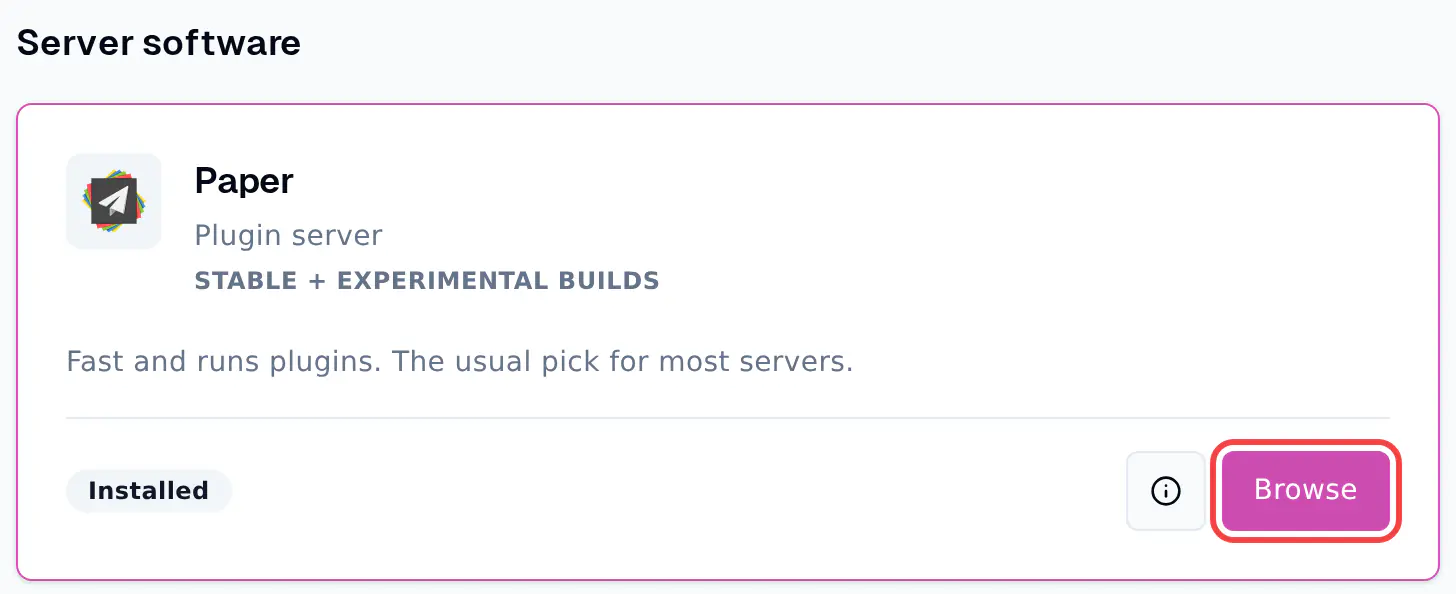
## Pick a version
1. Click the Minecraft version you want in the **Versions** list, for example `1.21.11`. Use **Search versions** to find it faster.
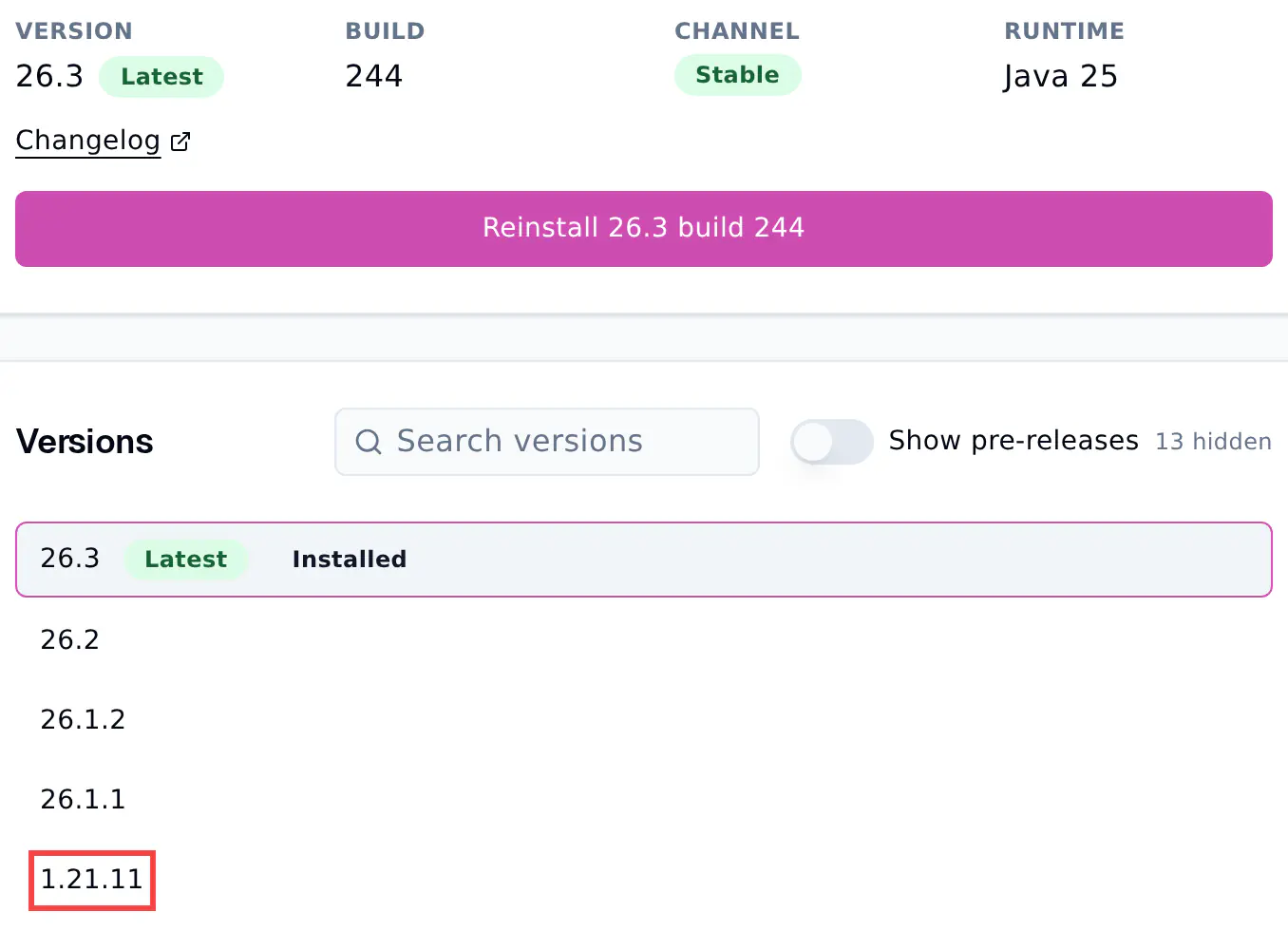
2. Click the **Install** button at the top. It shows the version and the build you picked.
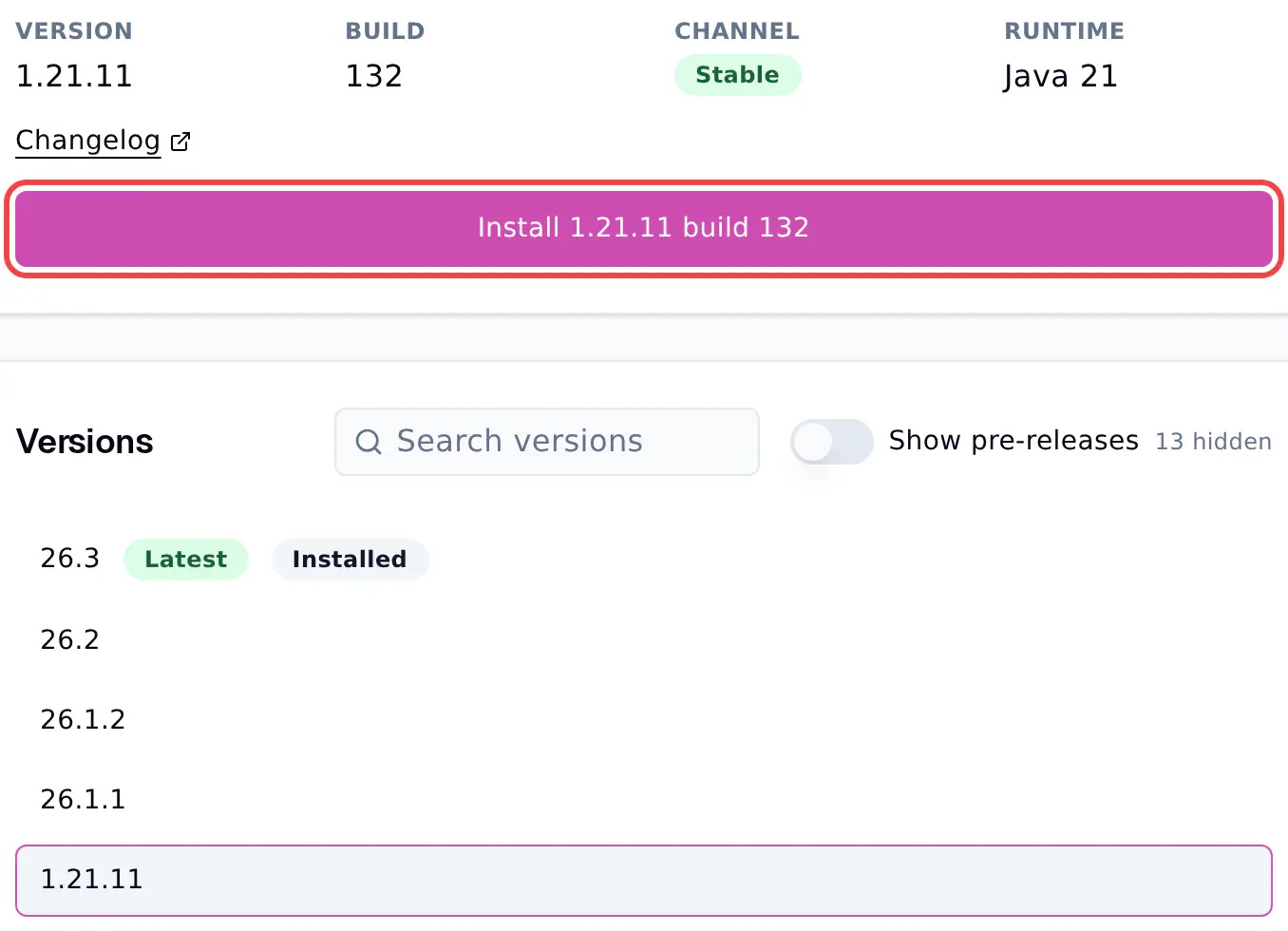
## Confirm the install
The dialog shows **What changes**, and warns you when the switch can break your world, plugins or mods.
1. Leave **Remove old server files** off, unless you know you need it. Your worlds and settings are always kept.
2. Leave **Start server after install** on if you want your server to start by itself when it is done.
3. Tick **I have a backup, or I accept that my world, plugins or mods may not work after this.** The **Install** button stays grey until you do.
4. Click **Install**.
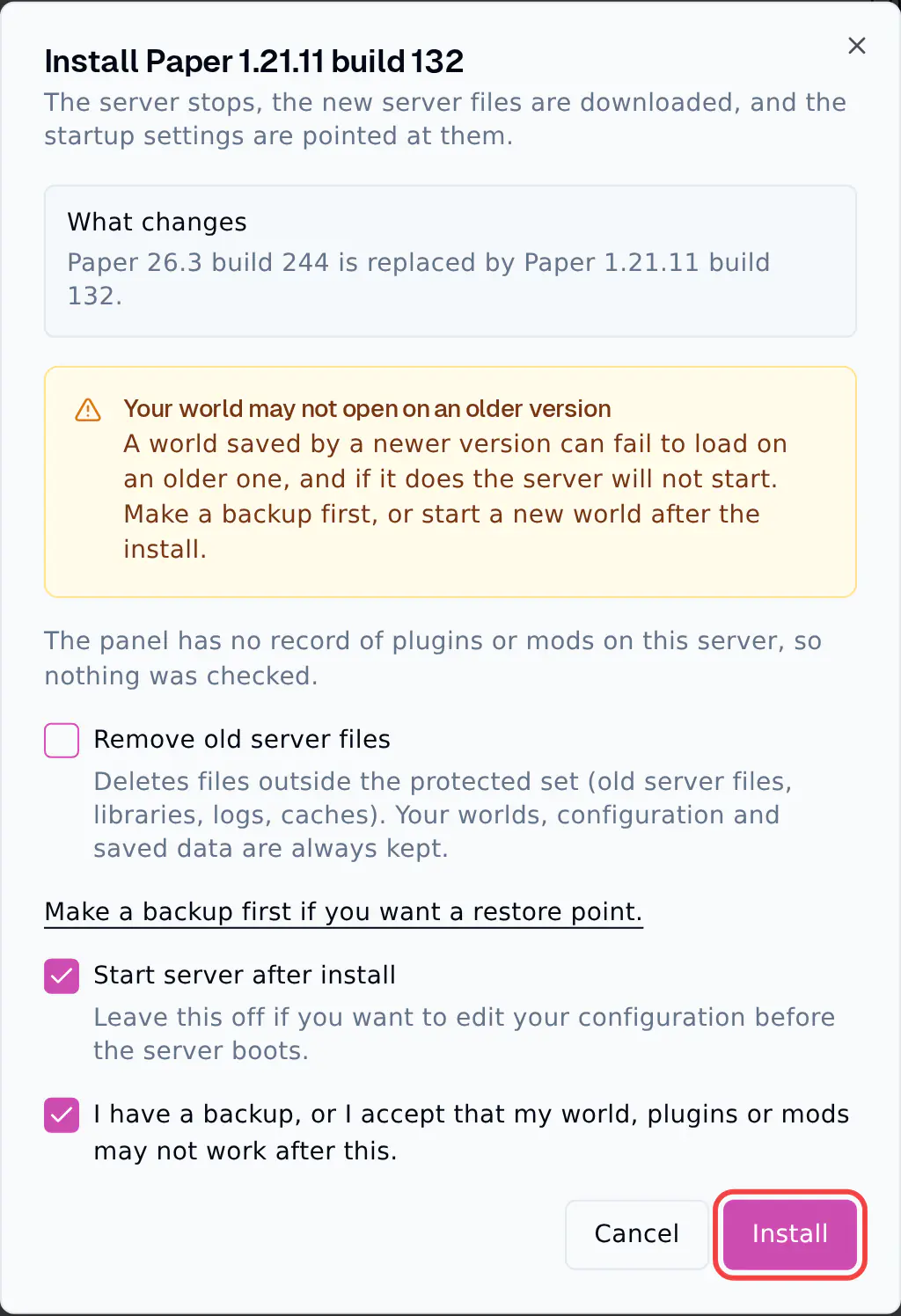
Your server stops and the new server files are downloaded. If **Start server after install** is on, the server starts again when it is done.
!!! tip "A world you open on a newer version cannot go back to an older version. Going to an older version, or to other server software, can stop your world from loading. The dialog shows a yellow warning when that can happen."
## After the switch
- Check the **Console** for errors when the server starts.
- Plugins and mods are kept in their folders, but they may not work on the new version. Check them on the **Plugins** page. See [installing plugins](https://fps.ms/docs/minecraft/installing-plugins-minecraft.md).
- Tell your players which version to pick in their Minecraft launcher.
---
Source: https://fps.ms/docs/minecraft/minecraft-server-properties-explained
# Minecraft server.properties explained
`server.properties` is the main settings file of a Minecraft Java server. Every line is one setting, written as `name=value`. This guide shows how to edit the file in the panel and explains the settings server owners change most.
## How to edit server.properties
1. Open your browser and go to [https://panel.fps.ms](https://panel.fps.ms).
2. Click **Manage** on your server.
3. Click **Files**.
4. Click `server.properties` to open it.
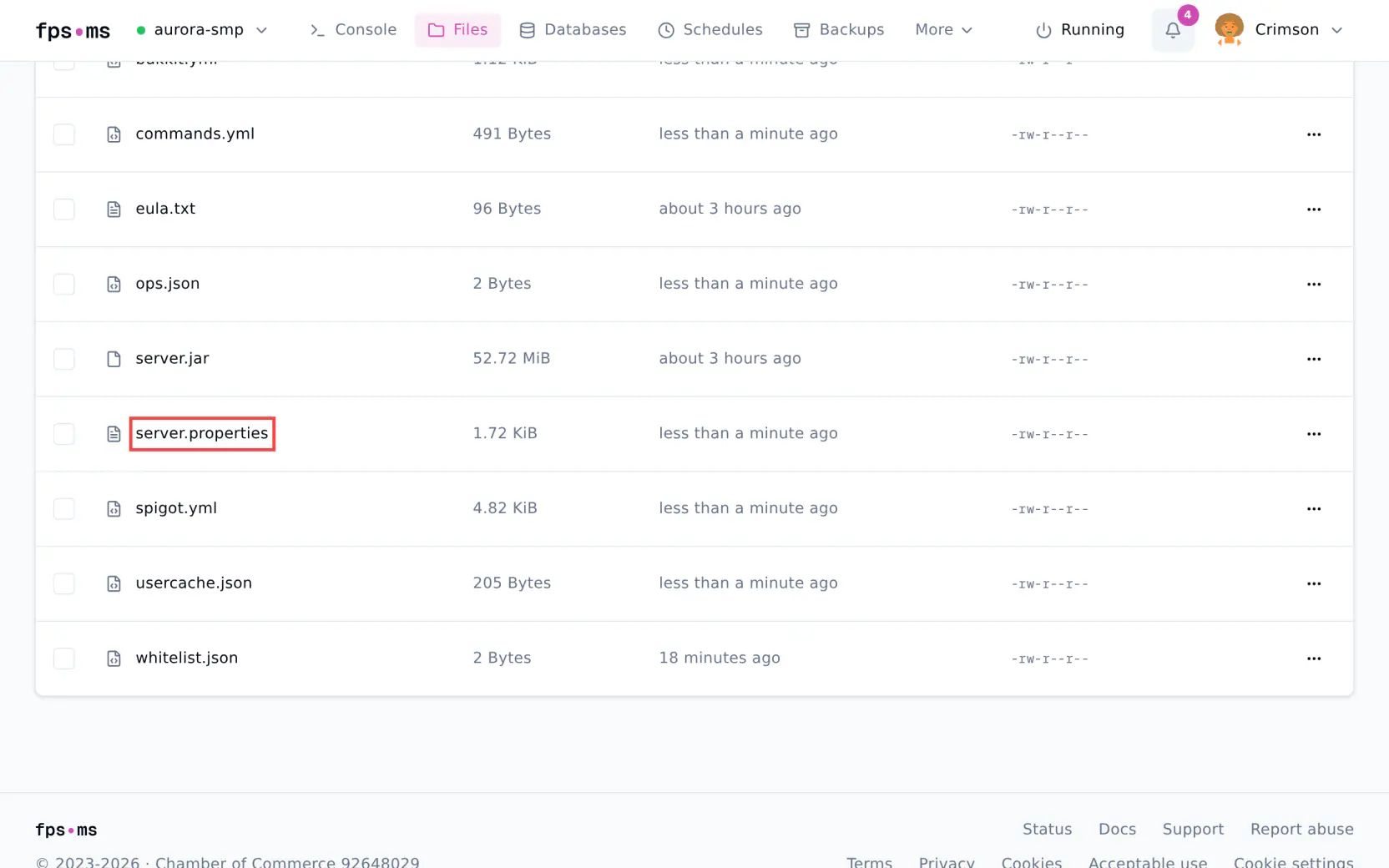
5. Find the line you want to change and edit the value after the `=`. For example, change `difficulty=easy` to `difficulty=normal`.
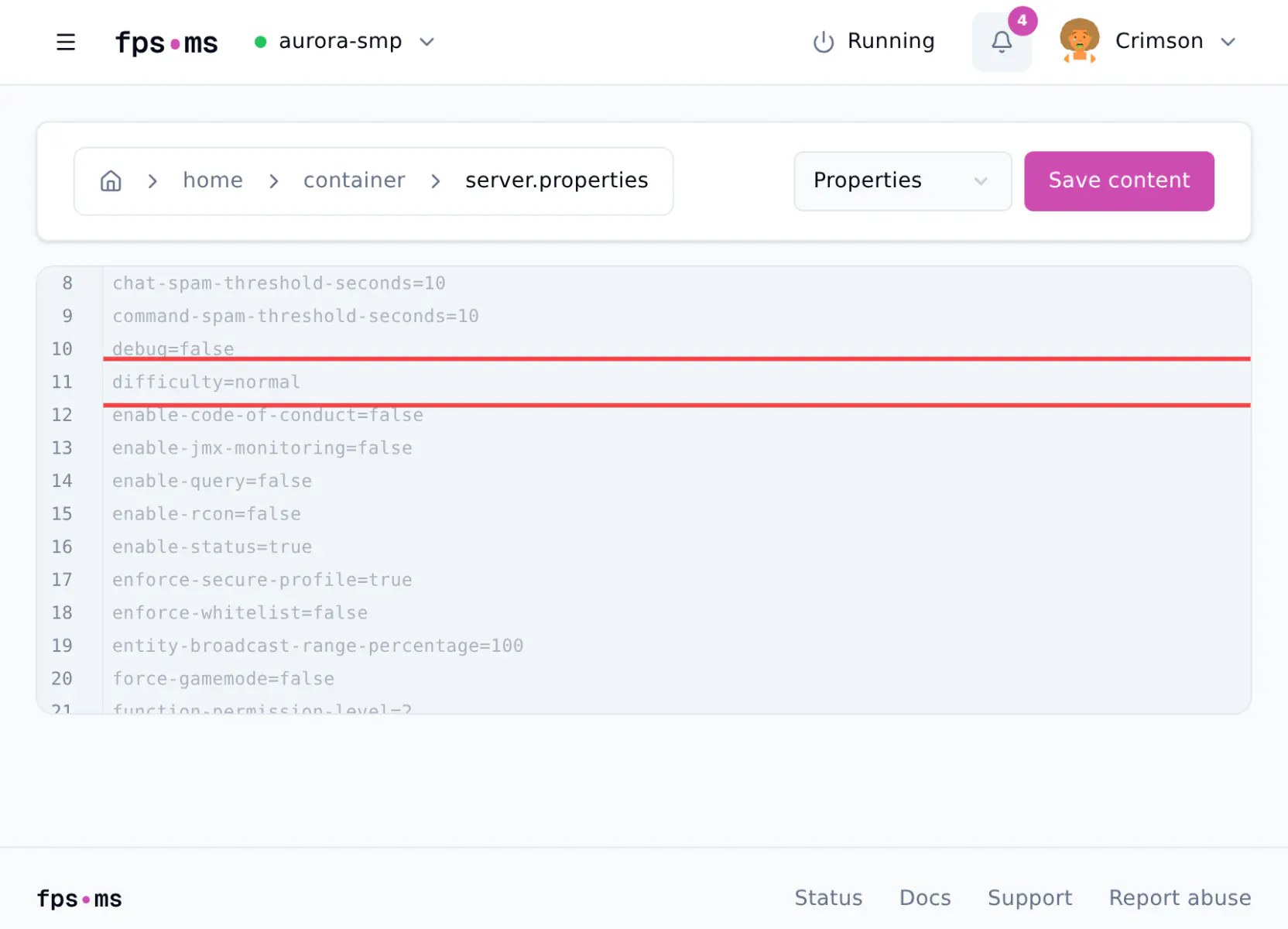
6. Click **Save content**.
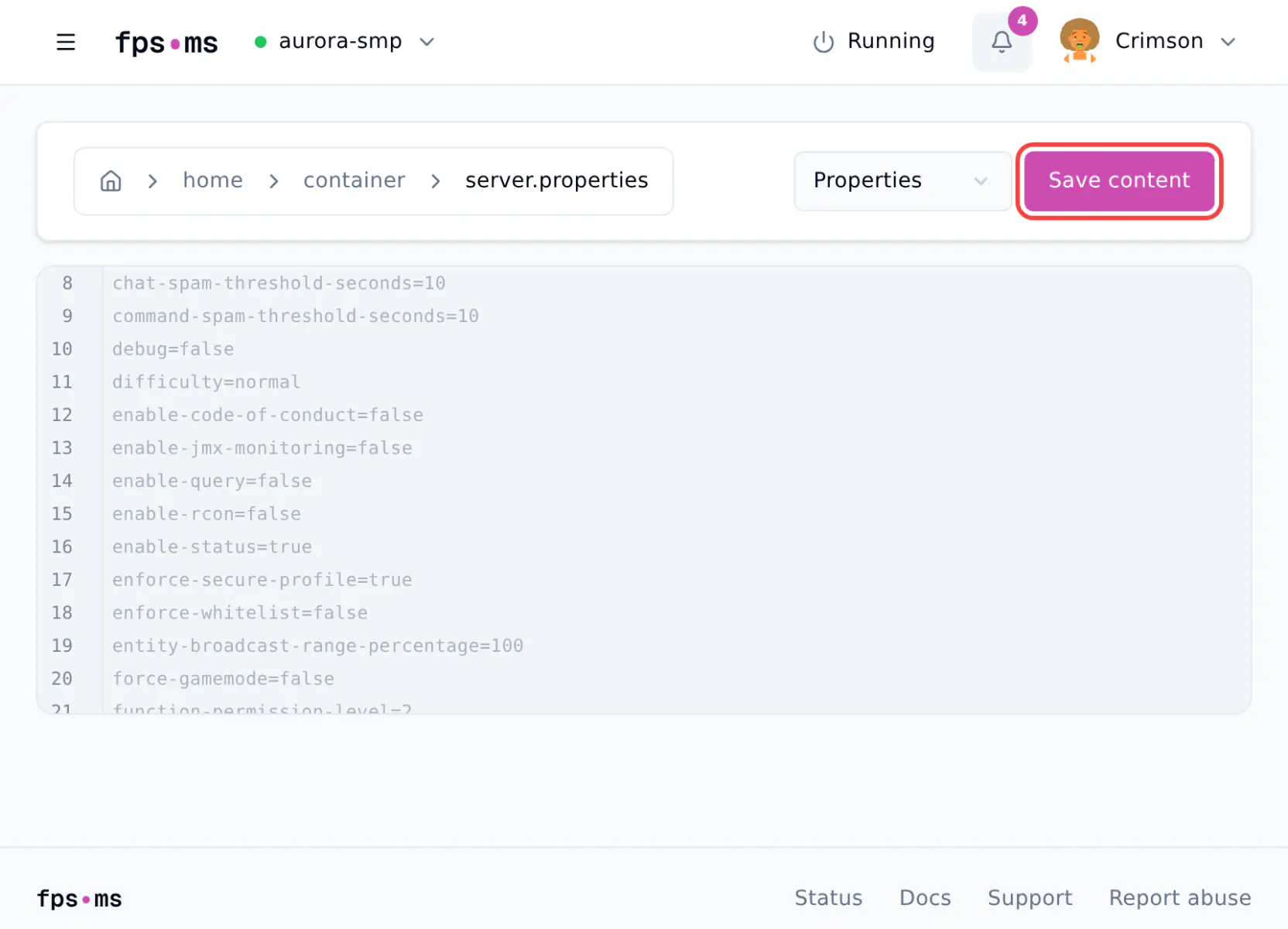
7. Click **Console**, then click **Restart**.
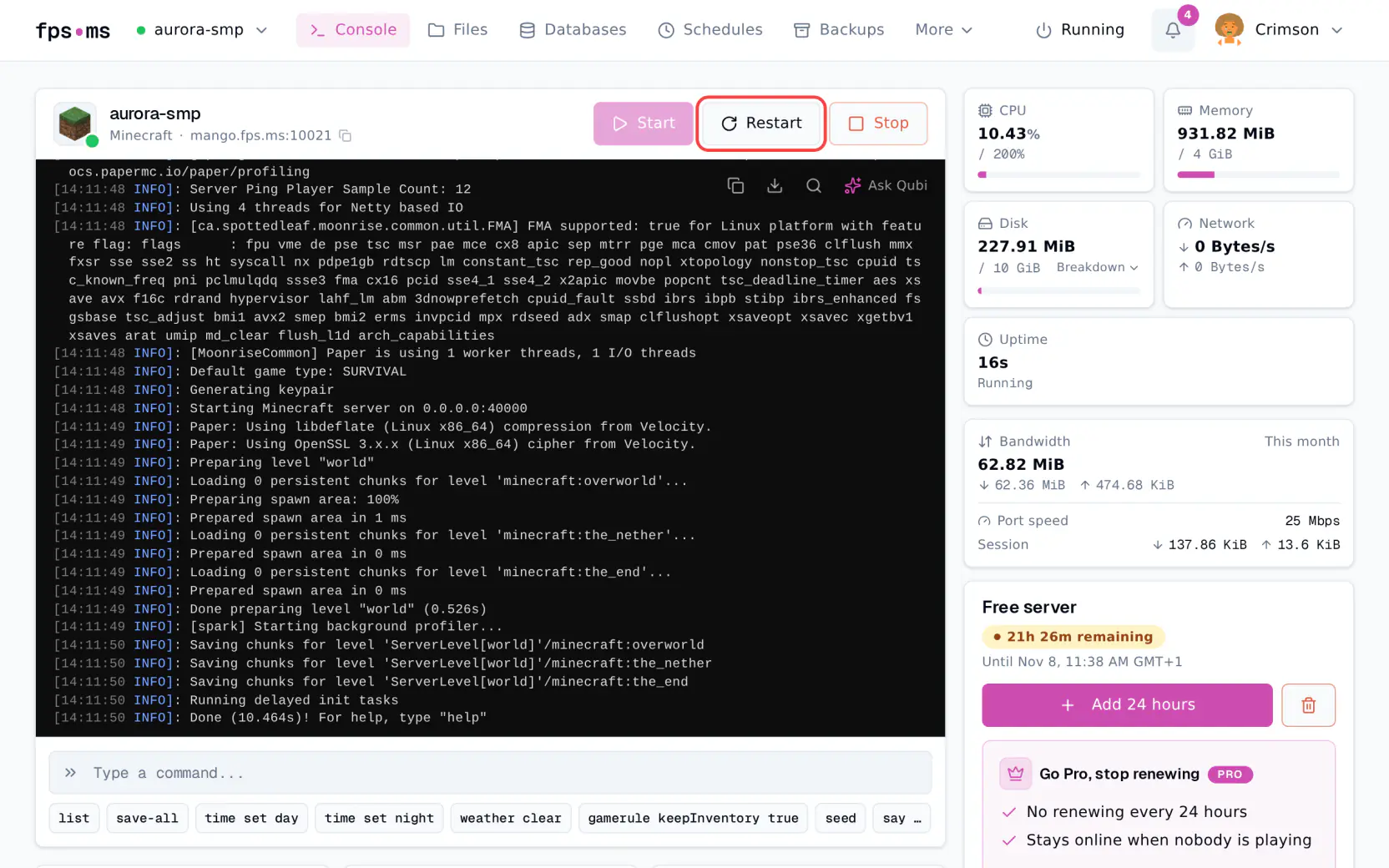
!!! info "Restart after every change" "The server only reads server.properties when it starts. Every setting on this page needs a restart, except the game rules at the end."
!!! tip "Write values exactly"
Use lowercase, and put no spaces around the `=`. If the server cannot read a value, it puts the default value back when it starts.
!!! warning "Leave these lines as they are"
The panel sets these lines when your server starts.
On every server: `server-ip` and `server-port`. On Pro servers also `query.port`. On free servers also `online-mode` and `enable-query`.
## Game rules
### difficulty
How hard the game is: how much damage mobs do and how hunger works.
- Values: `peaceful`, `easy`, `normal`, `hard`
- Default: `easy`
- Example: `difficulty=hard`
### gamemode
The game mode players get on your server.
- Values: `survival`, `creative`, `adventure`, `spectator`
- Default: `survival`
- Example: `gamemode=creative`
Players who have joined before keep the game mode they left in. To put everyone in the new game mode when they join, also set `force-gamemode=true`.
### hardcore
Turns on hardcore mode for worlds the server creates. Set it before your world is made.
- Values: `true`, `false`
- Default: `false`
- Example: `hardcore=true`
### allow-flight
Whether players in Survival may fly, for example with a mod. When it is `false`, the server kicks players who stay in the air too long. Set it to `true` if players get kicked for flying. This setting does not give anyone flight. Players in Creative mode can always fly.
- Values: `true`, `false`
- Default: `false`
- Example: `allow-flight=true`
## Players and spawn
### max-players
How many players can be online at the same time. More players use more of your server's memory and CPU.
- Values: a whole number
- Default: `20`
- Example: `max-players=10`
### spawn-protection
Protects the blocks around the world spawn: players cannot place or break blocks there. Operators can still build, see [How to give yourself OP on your Minecraft server](https://fps.ms/docs/minecraft/how-to-give-yourself-op.md). The number is how far the area reaches from the spawn point, so `16` protects a square of 33 by 33 blocks.
- Values: a whole number, `0` turns it off
- Default: `16`
- Example: `spawn-protection=0`
If your server has no operators at all, spawn protection does not apply.
## Performance
### view-distance
How far the server sends the world to players, in chunks in every direction. A lower number means less work for the server and less lag.
- Values: `3` to `32`
- Default: `10`
- Example: `view-distance=8`
### simulation-distance
How far from players mobs and animals keep moving, in chunks in every direction. Further away they stop until a player comes closer. Lower it if your server lags.
- Values: `3` to `32`
- Default: `10`
- Example: `simulation-distance=6`
## World
### level-name
The name of your world and of the folder it is saved in. If a folder with this name exists, the server loads that world. If it does not exist, the server creates a new world in a new folder. Your old world stays in its own folder, so you can switch back by putting the old name back.
- Values: a folder name
- Default: `world`
- Example: `level-name=world`
To find your world's seed or start a world from a seed, see [How to find and change your Minecraft server seed](https://fps.ms/docs/minecraft/finding-and-changing-your-world-seed.md).
## Settings that are now game rules
In Minecraft 1.21.9 and newer, four settings are no longer in server.properties. They became game rules. You change a game rule by typing a command in the **Console**, and it works at once, without a restart. On 1.21.8 and older they are still lines in server.properties.
Each setting below shows the old server.properties line with its default value, then the game rule name. Versions 1.21.9 and 1.21.10 used a different name for three of them.
- **PvP**: players can hurt each other. Old line: `pvp=true`. Game rule: `pvp`.
- **Nether**: Nether portals take players to the Nether. Old line: `allow-nether=true`. Game rule: `allow_entering_nether_using_portals` (1.21.9 and 1.21.10: `allowEnteringNetherUsingPortals`).
- **Monsters**: monsters spawn. Old line: `spawn-monsters=true`. Game rule: `spawn_monsters` (1.21.9 and 1.21.10: `spawnMonsters`).
- **Command blocks**: command blocks work. Old line: `enable-command-block=false`. Game rule: `command_blocks_work` (1.21.9 and 1.21.10: `commandBlocksEnabled`).
As game rules, all four are `true` by default, so command blocks are on.
To change a game rule:
1. Click **Console**.
2. Type `gamerule`, the rule name and `true` or `false`, then press Enter. For example, `gamerule pvp false` turns off PvP.
Not sure which one you need? Open `server.properties`. If it has a `pvp=` line, change the settings there. If not, use the game rule names above. They work on 1.21.11 and every newer version, including the versions numbered 26.1 and up. If the Console answers with an error, use the 1.21.9 and 1.21.10 name. To see or change your version, see [How to change your Minecraft server version](https://fps.ms/docs/minecraft/changing-your-minecraft-version.md).
## Other settings
- To change the message players see in the server list, see [How to change MOTD](https://fps.ms/docs/minecraft/how-to-change-motd.md).
- To make a flat or amplified world, see [How to Change World Type](https://fps.ms/docs/minecraft/how-to-change-world-type.md).
- To let only the players you choose join, see [How to whitelist players on your Minecraft server](https://fps.ms/docs/minecraft/how-to-whitelist-players.md).
---
Source: https://fps.ms/docs/minecraft/finding-and-changing-your-world-seed
# How to find and change your Minecraft server seed
The seed is the number Minecraft uses to generate your world. Two worlds with the same seed have the same terrain, so you can share your seed with friends or build the same world again later.
## Find your server's seed
1. Go to [panel.fps.ms](https://panel.fps.ms) and open your server. The **Console** page opens.
2. Your server must be online. If it is offline or asleep, click **Start** and wait until the console shows `Done`.
3. Click the command box under the console and type `seed`. Do not put a `/` in front of it.
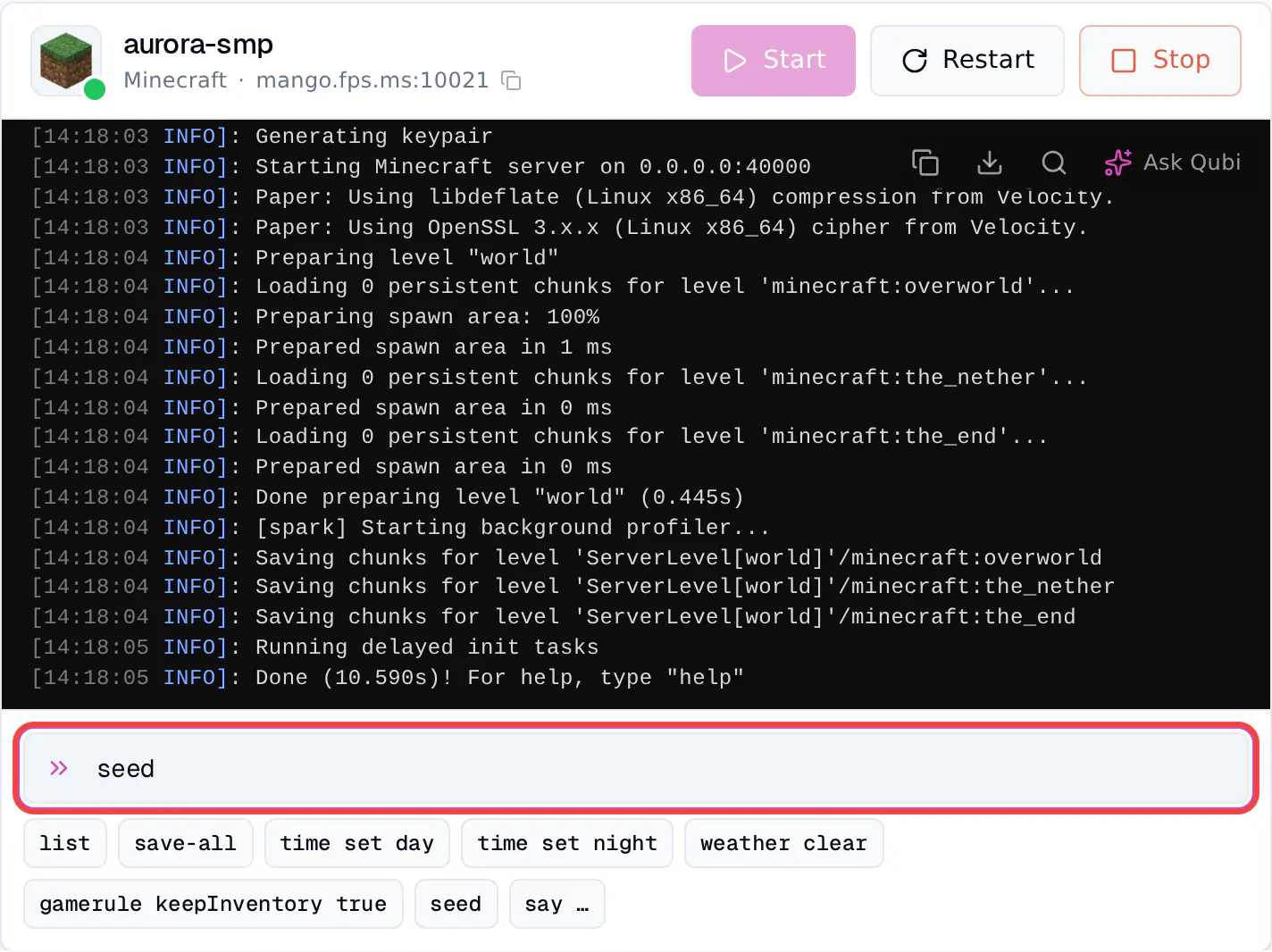
4. Press **Enter**.
5. The console shows a line with `Seed:` and a number in brackets, for example `Seed: [-2314425705136451368]`. That number is your seed. Copy everything between the brackets, including the `-` if there is one.
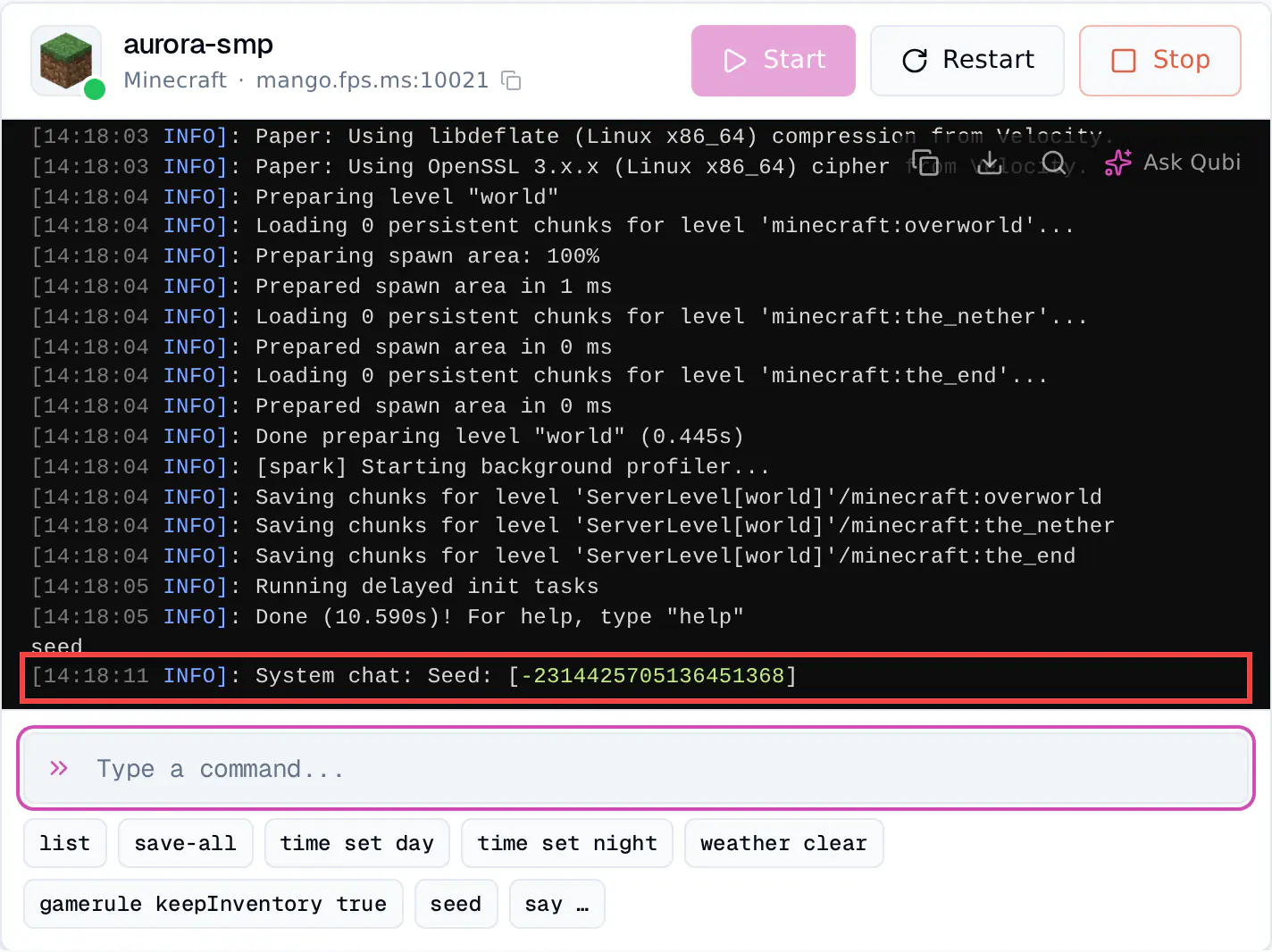
!!! tip "The **seed** button under the command box does the same thing in one click. The console runs commands as the server itself, so you do not need to be in the game."
!!! info "Why not look in server.properties?" "The `level-seed` line in `server.properties` is often empty. Empty means Minecraft picked a random seed when it created your world, so the file does not tell you the seed. The `seed` command always shows the real one."
## Start a new world with a different seed
Minecraft only uses the seed when it creates a new world. If you only change `level-seed`, your server keeps loading the world it already has, and nothing changes.
So you also give the new world its own folder with `level-name`. Your server then creates a new world from your seed, and your old world stays on the server as it is.
!!! warning "Make a backup first" "Save a copy of your world before you change anything, for example with [Google Drive backups](https://fps.ms/docs/minecraft/creating-backups-with-google-drive.md)."
1. Open your server and click **Files**.
2. Click `server.properties` to open it.
3. Find the line `level-seed=` and type your seed after the `=`, for example `level-seed=3257840388504953787`.
4. Find the line `level-name=world` and change `world` to a new name, for example `world2`. Pick a name that is not already a folder on your server.
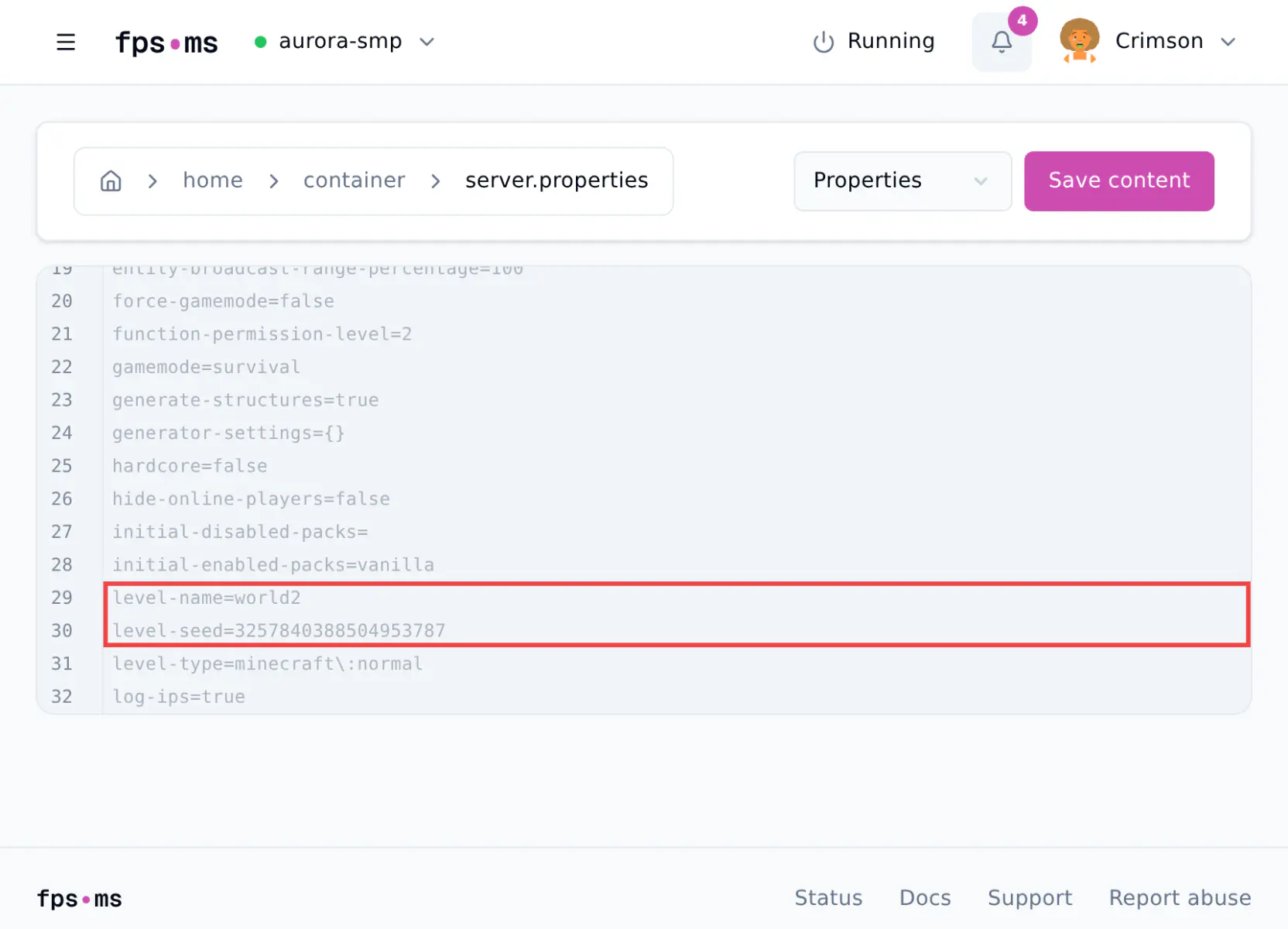
5. Click **Save content**.
6. Click **Console** in the top bar, then click **Restart**. If your server is off, click **Start**.
Your server now creates the new world. The first start takes a little longer than usual. When the console shows `Done`, type `seed` to check that your new seed is in use.
!!! note "A seed can be a number or a word" "If you use a word, like `crimsoncrew`, Minecraft turns it into a number. The `seed` command then shows that number."
!!! info "Seeds and Minecraft versions" "When Minecraft changes how worlds are generated, the same seed can make different terrain. If you copy a seed from a website, check which Minecraft version it was made for."
Want the new world to be flat or amplified? See [How to change world type](https://fps.ms/docs/minecraft/how-to-change-world-type.md). For the other settings in this file, see [Minecraft server.properties explained](https://fps.ms/docs/minecraft/minecraft-server-properties-explained.md).
## Go back to your old world
1. Open `server.properties` again.
2. Change `level-name` back to the old name, for example `world`.
3. Click **Save content** and restart your server.
Your server loads your old world again. You do not need to change `level-seed` back, because a world that already exists keeps its own seed.
The new world also stays in its own folder, so you can switch between your worlds by changing `level-name`. Every world folder uses disk space on your server.
---
Source: https://fps.ms/docs/containers/what-is-a-container
# What is a Container?
A Container is a server on FPS.ms that runs your own code: a Discord or Telegram bot, an API, a website backend, a background worker or a script. You pick a runtime such as Python or Node.js, upload your code or connect a GitHub repository, and FPS.ms keeps it running. Discord bots and Telegram bots are no longer separate products: you host them on a Python or Node.js Container.
## Game Servers, Containers and Apps
When you create a server on [panel.fps.ms/deploy](https://panel.fps.ms/deploy), you first pick one of three categories:
| Category | What it runs | Examples |
|-|-|-|
| **Game Servers** | A game, set up for you | Minecraft, Terraria, Hytale |
| **Containers** | Your own code in the runtime you pick | A Discord bot, a Telegram bot, an API, a web app |
| **Apps** | A ready-made app, installed for you | Vikunja, Navidrome |
A Container is not a VPS. You do not get root access or SSH. You manage your code with the file manager, [SFTP](https://fps.ms/docs/getting-started/connecting-to-sftp.md), the console and, on a paid plan, [GitHub deploys](https://fps.ms/docs/containers/deploy-from-github.md). FPS.ms looks after the machine, the runtime and the network.
## Runtimes you can pick
| Runtime | Good for | Free plan |
|-|-|-|
| Python | Discord and Telegram bots, scripts, Flask and FastAPI apps | Yes |
| Node.js | Discord and Telegram bots, Express and other web apps | Yes |
| Bun | Fast JavaScript and TypeScript apps | Yes |
| .NET | C# apps and ASP.NET Core | Yes |
| Dart | Dart servers and command-line apps | Yes |
| Go | APIs, bots and workers | Yes |
| Java | Spring Boot and other JVM apps | Yes |
| Lua | Lua scripts and tools | Yes |
| Odin | Odin programs | Yes |
| Rust | APIs, bots and workers | Yes |
| Kotlin | Ktor and other Kotlin apps | No, paid plans only |
| Haskell | Haskell programs | No, paid plans only |
The [supported runtimes](https://fps.ms/docs/containers/supported-runtimes.md) page shows which file each runtime starts and how it installs your packages.
## What you get on the free plan
- **One free Container.** You can have one free server per category, so one free Container in total, whatever the runtime. A Discord bot and a Telegram bot no longer get a free slot each. If you already had two free bot servers before the change, both keep running.
- **It does not sleep.** A Container keeps running when nobody uses it, so a bot stays online. Free servers still need to be [renewed](https://fps.ms/docs/getting-started/how-server-renewal-works.md).
- **Environment variables.** Up to 8 on a free server. See [environment variables](https://fps.ms/docs/containers/environment-variables.md).
- **A Public URL** with a random name, like `faint-forge.hostedbyfps.com`, for web apps. See [Public URL](https://fps.ms/docs/containers/public-url.md).
## What needs a paid plan
Paid plans show a **PRO** badge in the panel. On a paid Container you also get:
- [Deploys from GitHub](https://fps.ms/docs/containers/deploy-from-github.md) on every push, with a build log and rollbacks.
- Up to 100 environment variables.
- Your own name on `hostedbyfps.com`, and a domain you bought somewhere else.
- More memory, CPU and disk.
## Create a Container
1. Click **Deploy** in the top bar of the panel, or go to [panel.fps.ms/deploy](https://panel.fps.ms/deploy).
2. Click **Containers**.
3. Under **Choose a container**, click the runtime you want.
4. Under **Choose a runtime version**, pick the version your code needs, for example Python 3.12.
5. Pick a plan and a location, then click **Deploy Server**.
When it is installed, the panel says: "Upload your code or connect a GitHub repository to start it."
## Next steps
- [Store tokens and API keys in environment variables](https://fps.ms/docs/containers/environment-variables.md)
- [Deploy from GitHub](https://fps.ms/docs/containers/deploy-from-github.md)
- [Host a Discord bot](https://fps.ms/docs/discord-bots/installation.md) or [a Telegram bot](https://fps.ms/docs/telegram-bots/installation.md)
- [Fix an app that will not start](https://fps.ms/docs/containers/troubleshooting.md)
---
Source: https://fps.ms/docs/containers/environment-variables
# Environment variables and .env files
A `.env` file is a plain text file that holds an app's settings and secrets, one `NAME=value` per line, outside the code. The app reads each line as an environment variable: a named value that the operating system hands to a program when it starts. On FPS.ms you do not need the file. You add the variables on your server's **Environment** tab, and the server gives them to your app every time it starts.
## What is an environment variable?
An environment variable is a name with a value, like `BOT_TOKEN=MTE4...`. Your code asks for the value by its name while it runs. Use them for:
- **Secrets:** bot tokens, API keys and database passwords. They stay out of your code, so they never end up on GitHub or in a screenshot.
- **Settings:** a log level, a channel ID or a feature switch. You change them without touching your code.
- **One codebase, many places:** your laptop and your server can run the same code with different values.
## What a .env file looks like
```env title=".env"
# Settings for cobalt-bot
BOT_TOKEN=MTE4NzQ2Mjk1.example.not-a-real-token
GUILD_ID=1187462950000000000
LOG_LEVEL=info
GREETING="Hello from Cobalt Works"
```
The format rules:
- One `NAME=value` per line, with no spaces around the `=`.
- Names use capital letters, numbers and underscores, like `API_KEY`.
- A line that starts with `#` is a comment.
- Put quotes around a value that contains spaces.
!!! danger "Never push .env to GitHub" "Add `.env` to your `.gitignore` file before your first commit. Bots scan public repositories for tokens and use a leaked Discord token within minutes. If it happened anyway, reset the token right away."
### What is .env.example?
`.env.example` is a copy of `.env` with the names but without the secret values. You commit it to your repository, so anyone who runs your app (and FPS.ms, see below) can see which variables it needs:
```env title=".env.example"
BOT_TOKEN=
GUILD_ID=
LOG_LEVEL=info
```
## Add environment variables on FPS.ms
1. Go to [panel.fps.ms](https://panel.fps.ms) and click **Manage** on your server.
2. Click **Environment**. If you do not see it in the top bar, click **More** first.
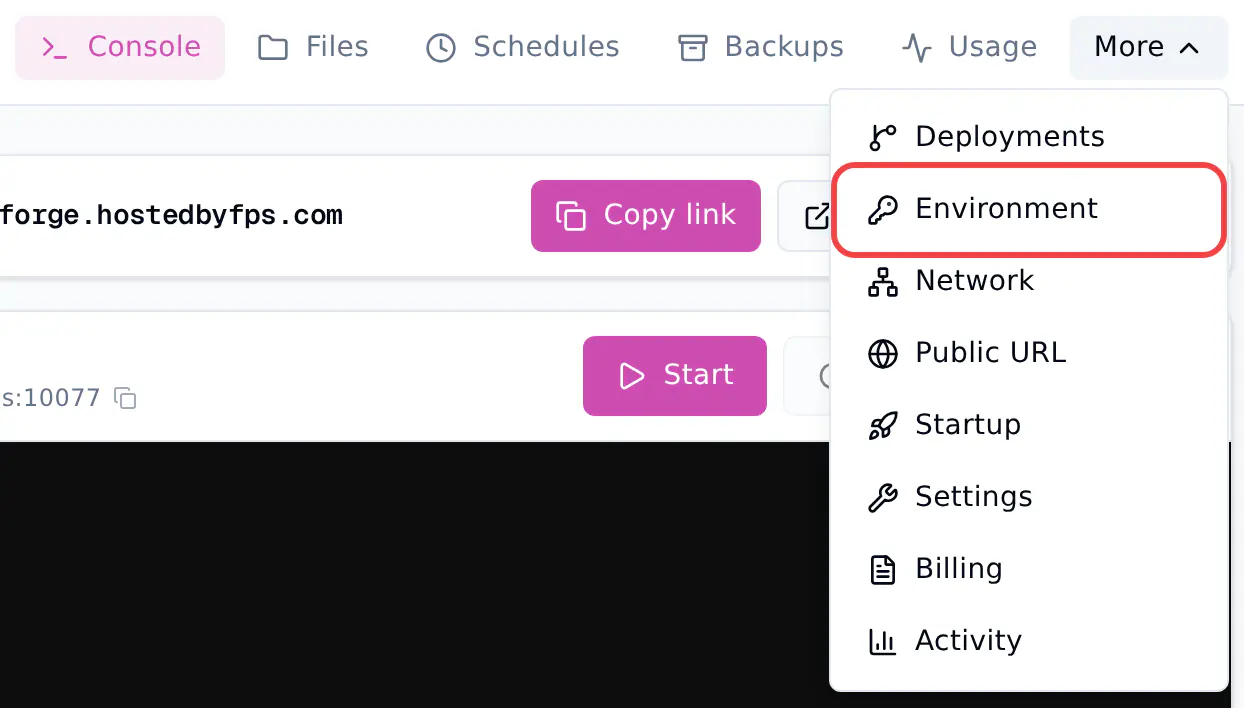
3. Click **Add variable**.
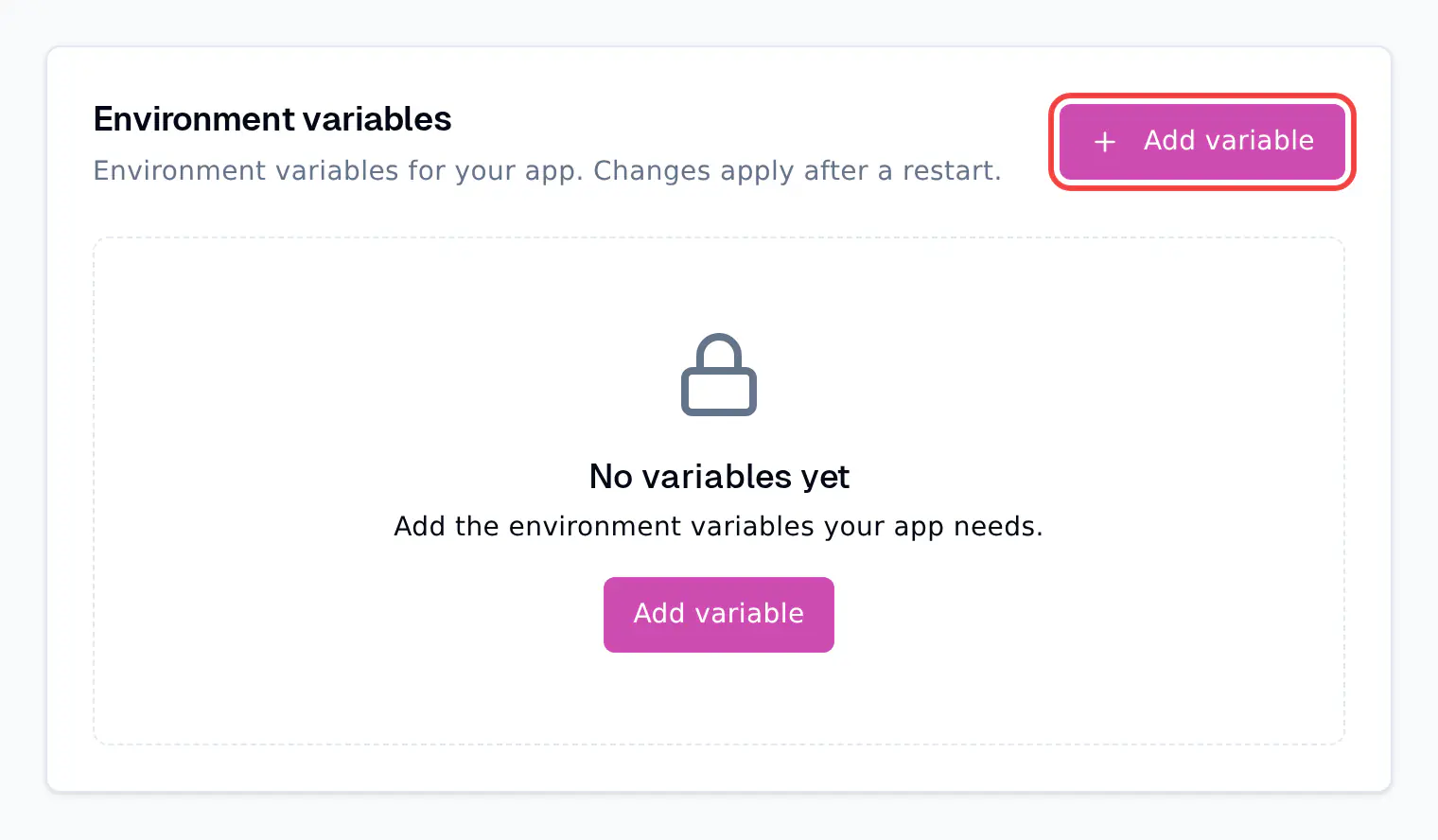
4. Type the **Name**, for example `BOT_TOKEN`, and paste the **Value**. Click **Add**.
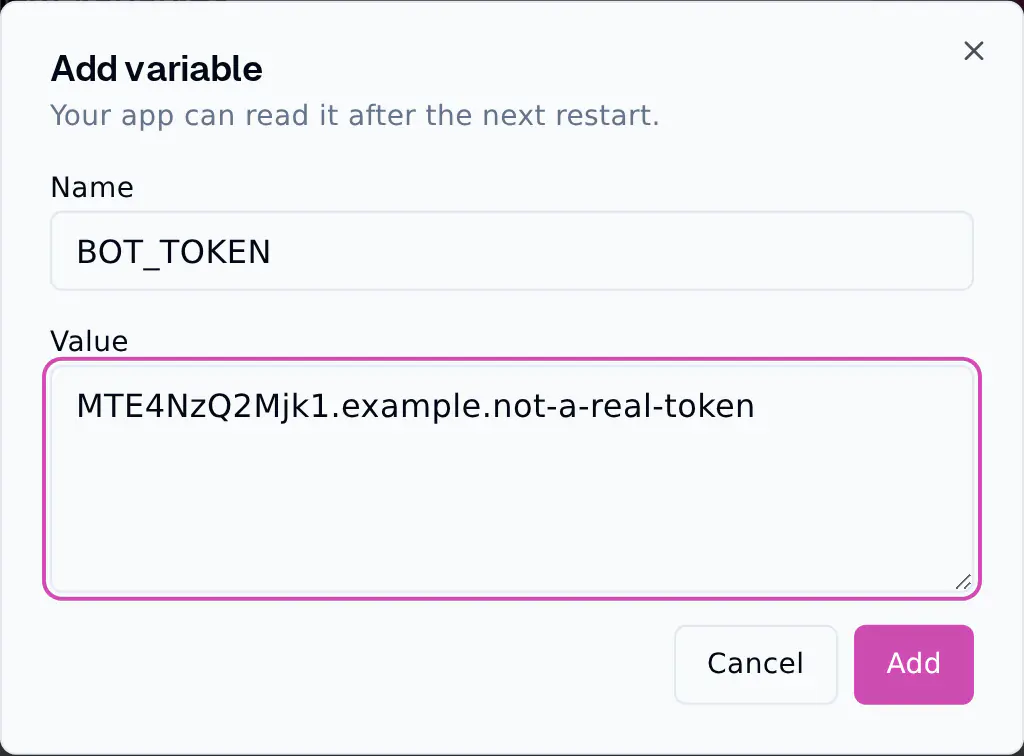
5. The variable appears in the list. Its value shows as `***`: once saved, a value is never shown again, not even to you.
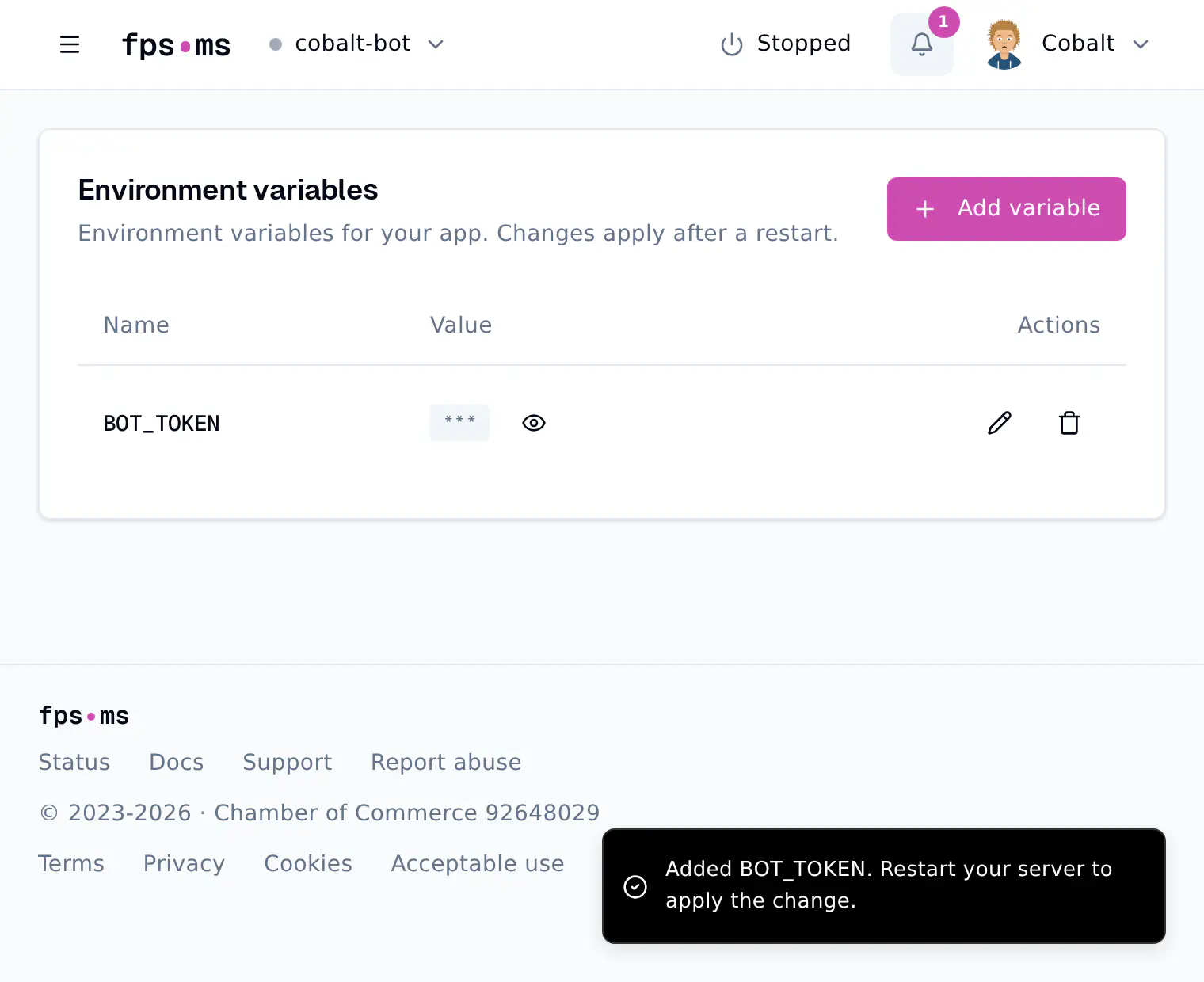
6. Click **Console** and restart your server. Changes apply after a restart.
To change a value, click the pencil icon and type the new value. To remove a variable, click the bin icon. Restart after both.
## Fill them in from .env.example
When your server has no variables yet and your app has a `.env.example` file in its main folder, the **Environment** tab lists the names from that file for you.
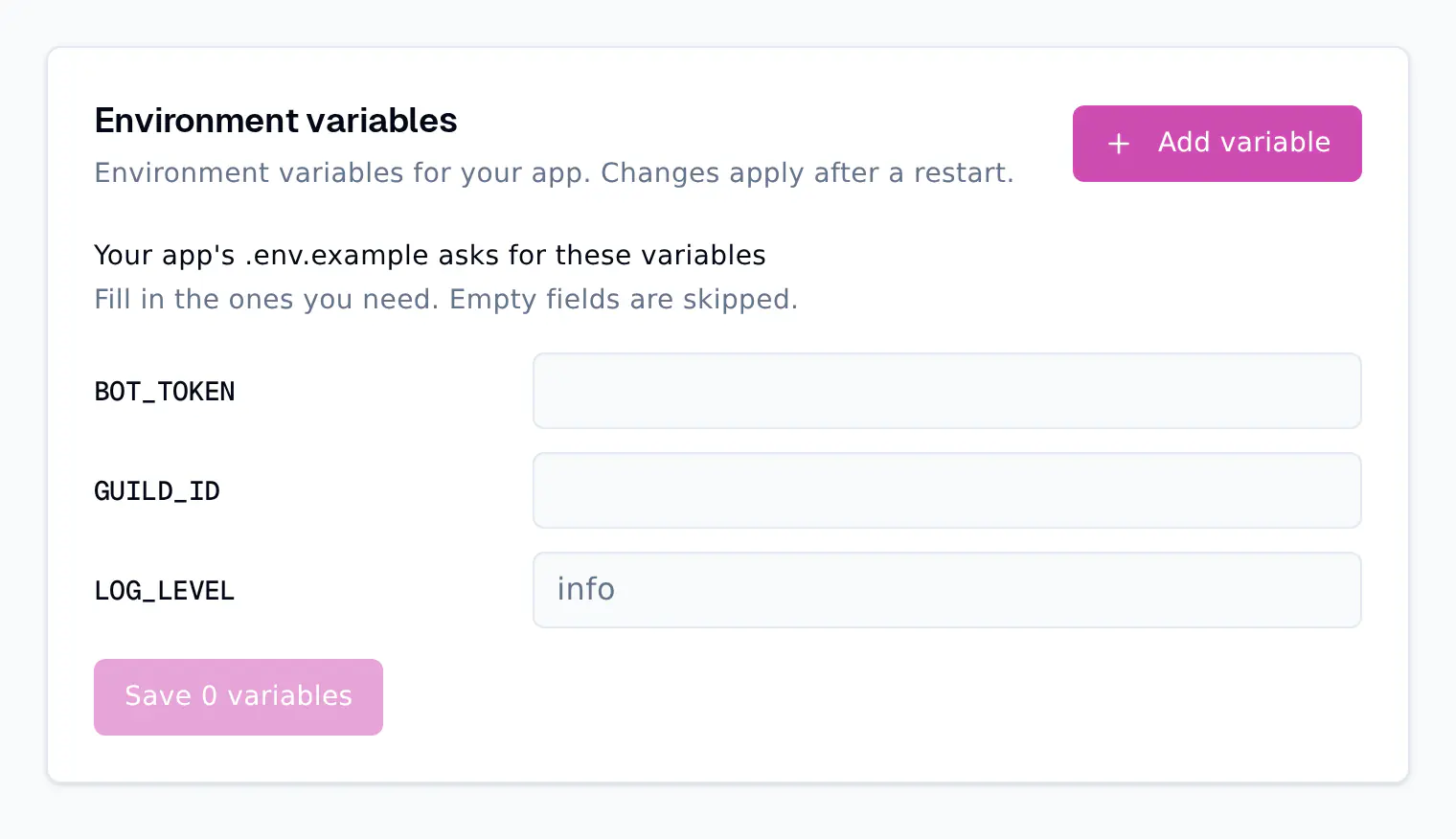
1. Type a value next to each name you need. A value from `.env.example`, like `info`, shows in grey as a hint. Type it if you want to keep it.
2. Empty fields are skipped.
3. Click the **Save** button, which counts the variables you filled in, and restart your server.
This also works for an app you [deploy from GitHub](https://fps.ms/docs/containers/deploy-from-github.md): commit `.env.example`, and the names show up after the first deploy.
## Read a variable in your code
You read a variable the same way whether it comes from the **Environment** tab or from your computer.
### Python
```python title="app.py"
import os
# Stops with a KeyError when BOT_TOKEN is missing.
token = os.environ["BOT_TOKEN"]
# Uses "info" when LOG_LEVEL is missing.
log_level = os.getenv("LOG_LEVEL", "info")
```
You do not need `python-dotenv` for variables from the **Environment** tab. If you also use a `.env` file on your computer, `load_dotenv()` never overwrites a variable that is already set, so on FPS.ms the value from the **Environment** tab wins.
### Node.js and Bun
```js title="index.js"
const token = process.env.BOT_TOKEN;
const logLevel = process.env.LOG_LEVEL ?? 'info';
if (!token) throw new Error('BOT_TOKEN is not set');
```
Node.js does not need the `dotenv` package for these either. Like `load_dotenv()`, `dotenv` does not overwrite variables that are already set.
### Other runtimes
| Runtime | Read `BOT_TOKEN` |
|-|-|
| Go | `os.Getenv("BOT_TOKEN")` |
| Java and Kotlin | `System.getenv("BOT_TOKEN")` |
| Rust | `std::env::var("BOT_TOKEN")` |
| .NET (C#) | `Environment.GetEnvironmentVariable("BOT_TOKEN")` |
| Dart | `Platform.environment['BOT_TOKEN']` (from `dart:io`) |
| Lua | `os.getenv("BOT_TOKEN")` |
## Rules and limits
| | Free plan | Paid plan |
|-|-|-|
| Variables per server | 8 | 100 |
| Size of one value | 32 KB | 32 KB |
| All names and values together | 64 KB | 64 KB |
- **Names** use capital letters, numbers and underscores, and cannot start with a number. Names are case-sensitive: `BOT_TOKEN` and `Bot_Token` are different.
- **Reserved names** are set by FPS.ms and cannot be added: `PATH`, `HOME`, `USER`, `TZ`, `SERVER_PORT`, `SERVER_MEMORY`, `SERVER_IP`, `NODE_OPTIONS`, `NODE_PATH`, `PYTHONPATH`, `JAVA_TOOL_OPTIONS`, every name that starts with `LD_` or `P_SERVER_`, and the names GitHub deploys use (`COMMIT_SHA`, `BRANCH`, `RELEASE_DIR` and a few more).
- **Startup settings** like `REQUIREMENTS_FILE` on Python are changed on the **Startup** tab, not here.
## Environment tab or .env file?
Both work. The **Environment** tab is the safer place for secrets:
| | Environment tab | `.env` file in Files |
|-|-|-|
| Value visible after saving | No, never | Yes, to everyone with file access |
| Can end up on GitHub | No | Yes, if you commit it by mistake |
| Extra package in your code | No | `python-dotenv` or `dotenv` |
| Available during GitHub deploy builds | Yes | Only if the build reads the file |
| Limit on a free server | 8 variables | None |
When the same name is in both, the value from the **Environment** tab wins.
## Common problems
- **`KeyError: 'BOT_TOKEN'` or `undefined`:** check the name for typos and capitals, then restart. Variables only reach your app after a restart.
- **"This name is reserved by the platform and cannot be set here":** pick another name, for example `APP_TZ` instead of `TZ`.
- **"This name is already a startup variable":** change it on the **Startup** tab instead.
- **"Free servers can have up to 8 environment variables":** put the less secret settings in a `.env` file, or upgrade the server.
- **No Environment tab, or "This server can't use environment variables":** your server runs on an older node. Use a `.env` file for now.
## Next steps
- [Deploy from GitHub](https://fps.ms/docs/containers/deploy-from-github.md)
- [Store a Discord bot token](https://fps.ms/docs/discord-bots/using-environment-variables.md) or [a Telegram bot token](https://fps.ms/docs/telegram-bots/using-environment-variables.md)
- [Fix an app that will not start](https://fps.ms/docs/containers/troubleshooting.md)
---
Source: https://fps.ms/docs/containers/deploy-from-github
# Deploy from GitHub
To deploy from GitHub on FPS.ms, you connect your GitHub account once, then connect a repository and a branch to your server on its **Deployments** tab. From then on, every push to that branch deploys by itself: the server fetches the new commit, installs your packages, and restarts on the new code. GitHub deploys work on every Container runtime on a paid plan.
## Before you start
- **A paid plan.** On a free server, the **Deployments** tab shows an upgrade card instead. You can upgrade from that card.
- **You own the server.** Only the owner can connect a repository. Team members can watch deploys with the startup read permission, and deploy or change settings with the startup update permission.
- **Your code is on GitHub.** Public and private repositories both work.
## Step 1: Connect your GitHub account
You do this once for your FPS.ms account.
1. In the panel, open your account and click **More**, then **GitHub**.
2. Click **Connect GitHub**.
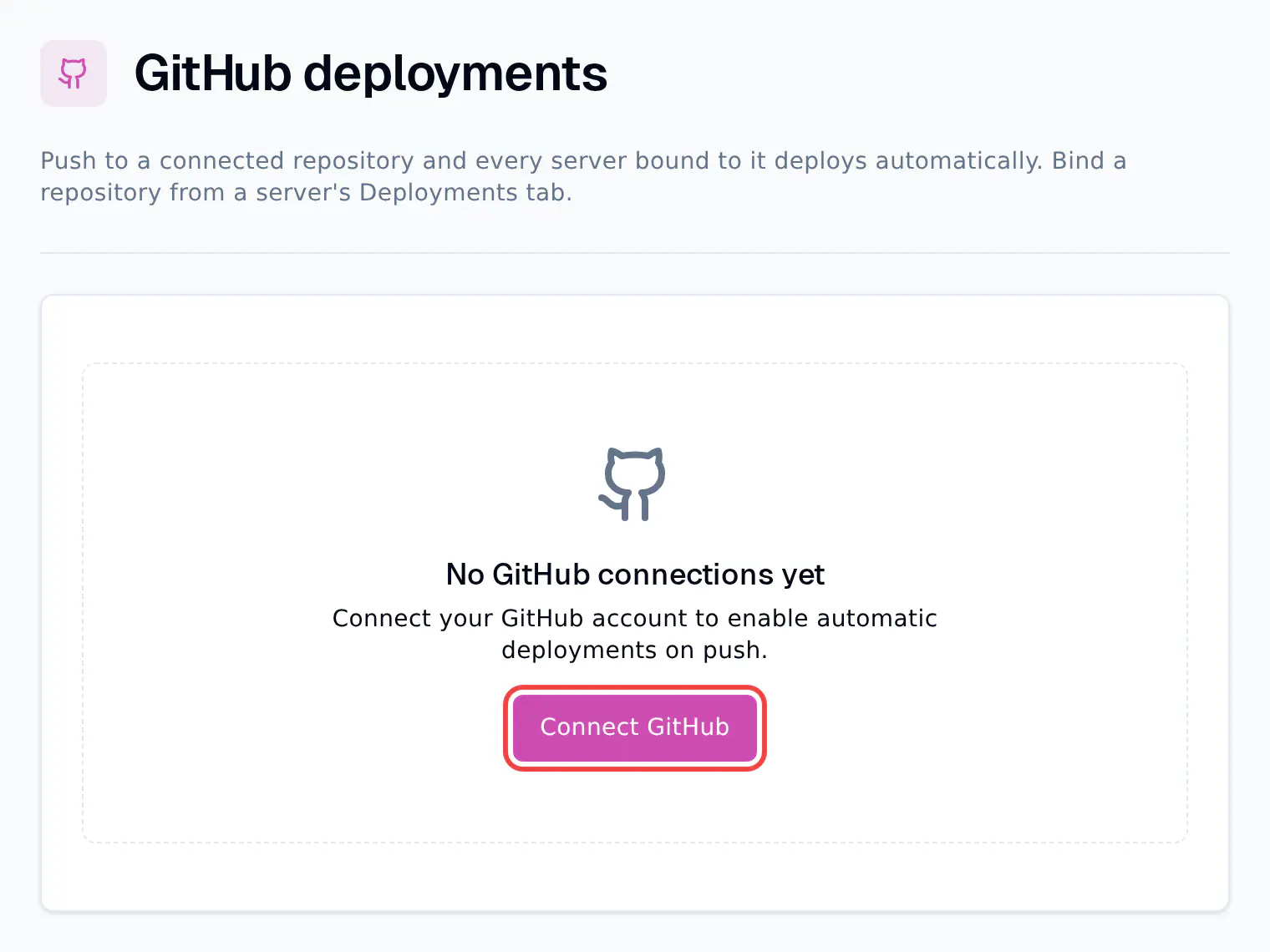
3. GitHub opens and asks where to install the FPS.ms app. Pick your personal account or an organization, like `cobaltworks`.
4. Choose **Only select repositories** and pick the repositories you want to deploy, or choose **All repositories**.
5. Click **Install** (GitHub may call it **Install & Authorize**). You return to the panel, which says "GitHub account connected."
!!! info "What the app can do" "The FPS.ms app reads your code and adds the webhook that tells FPS.ms about new pushes. Each deploy uses a short-lived token that can only read the one repository you connected."
## Step 2: Connect a repository to your server
1. Click **Manage** on your server, then **More** and **Deployments**.
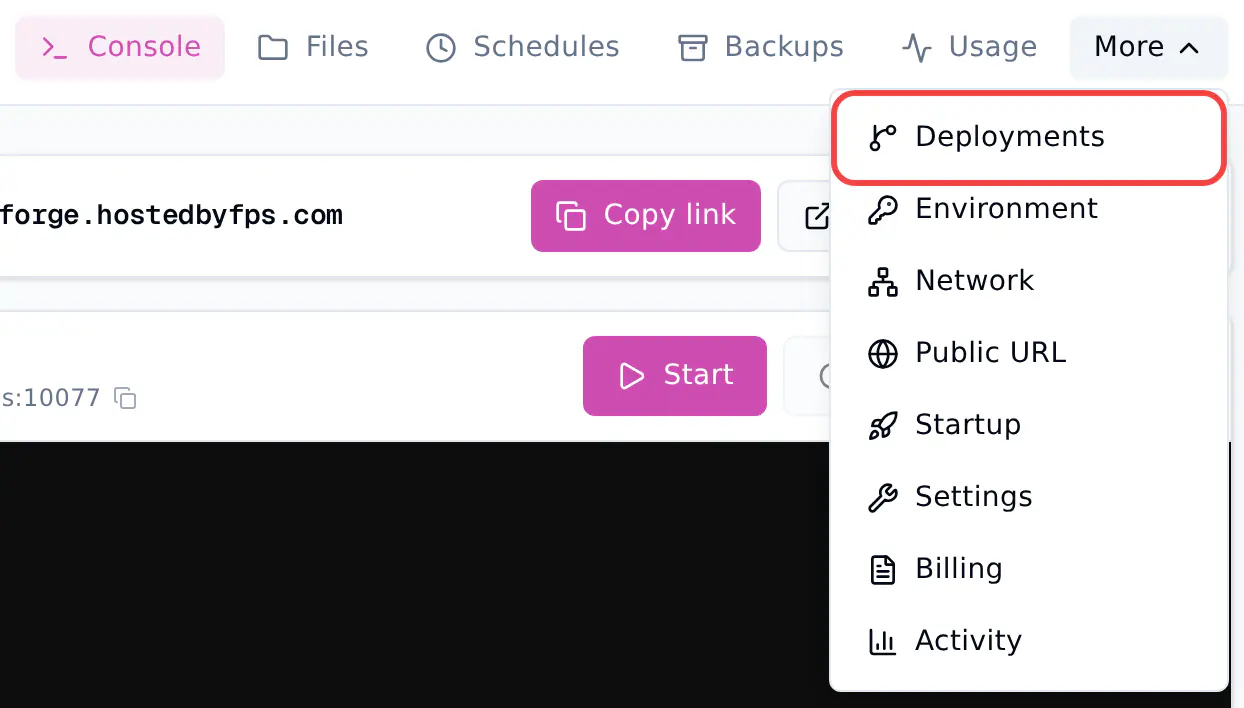
2. Click **Connect repository**.
3. Under **Repository**, pick your repository, for example `cobaltworks/cobalt-bot`.
4. Under **Branch**, type the branch to deploy, usually `main`.
5. Click **Connect**. The panel says "Repository connected. The first deploy is starting."
## Step 3: Push to deploy
**Auto-deploy** is on as soon as you connect. Every push to the connected branch now starts a deploy. A deploy:
1. Fetches the commit you pushed into your server's files. Changes you made by hand to files that are in your repository are replaced.
2. Runs the deploy script, which installs your packages, for example `pip install -r requirements.txt` or `npm ci`.
3. Restarts the server on the new code.
Your app is offline for a short moment during every deploy, while the server restarts.
You can also deploy without pushing: click **Deploy now** on the **Overview** tab. Turn **Auto-deploy** off there if you only want to deploy by hand.
## Watch a deploy and read the log
- The **Overview** tab shows the deploy that is running and the last finished one. Click **View log** to see every line the build printed.
- The **History** tab lists every deploy with its commit, status, duration and who started it. Filter it by status (queued, running, success, failed or cancelled) or by branch.
If a deploy fails, the log shows why. The last lines usually name the problem, for example a package that does not exist or a build that ran out of memory.
!!! warning "A failed deploy can still go live" "A deploy builds in your server's files. If it fails after some files were already replaced, your server keeps running the old code until its next restart, and then starts with those new files. Fix the build and deploy again, or roll back."
## Roll back or redeploy
1. Open the **History** tab.
2. Find a deploy that worked.
3. Click **Rollback to this commit** and confirm **Rollback to this release?**
To run the same commit again, for example after you changed an environment variable, click **Redeploy this commit**.
## What changes while a repository is connected
- **The startup command is locked.** The server starts your app the way GitHub deploys expect. Startup settings like the main file still work on the **Startup** tab.
- **Environment variables reach the build too.** Variables from the **Environment** tab are available to the deploy script and to your app. See [environment variables](https://fps.ms/docs/containers/environment-variables.md).
- **The deploy script is yours to change.** See [custom build commands and CI deploys](https://fps.ms/docs/containers/deploy-scripts-and-github-actions.md).
## Already using the Git Repo Address field?
Older Python and Node.js servers could pull code with the **Git Repo Address**, **Git Username** and **Git Access Token** fields on the **Startup** tab. Those fields keep working where they are filled in. On a paid server, the **Console** offers **Move to GitHub deploys**: when you connect the same repository, the startup command switches to GitHub deploys, the saved Git username and token are removed, and the first deploy starts right away.
## Disconnect
- **One server:** on the **Deployments** tab, open **Settings** and click **Disconnect**. Auto-deploys stop and your files stay. The original startup command comes back.
- **Your whole GitHub account:** on your account's **GitHub** page, disconnect the installation. This removes the FPS.ms app from GitHub and disconnects every server that deployed from it.
## Common problems
- **"GitHub deploys are available on paid plans":** the server is on the free plan. Upgrade it, or upload your code with [SFTP](https://fps.ms/docs/getting-started/connecting-to-sftp.md).
- **Your repository is not in the list:** the FPS.ms app cannot see it. On GitHub, open **Settings**, **Applications**, configure the FPS.ms app and add the repository.
- **Pushes do not deploy:** check that **Auto-deploy** is on and that you pushed to the branch you connected.
- **The deploy succeeds but the app does not start:** read the **Console**. See [fix an app that will not start](https://fps.ms/docs/containers/troubleshooting.md).
- **No Deployments tab:** your server runs on an older node that does not support GitHub deploys yet.
- **"Too many deploys for this server":** wait the number of seconds in the message and try again.
## Next steps
- [Custom build commands and CI deploys](https://fps.ms/docs/containers/deploy-scripts-and-github-actions.md)
- [Environment variables and .env files](https://fps.ms/docs/containers/environment-variables.md)
- [Put a web app online with a Public URL](https://fps.ms/docs/containers/public-url.md)
---
Source: https://fps.ms/docs/containers/deploy-scripts-and-github-actions
# Custom build commands and CI deploys
Every GitHub deploy on FPS.ms runs a deploy script: a short Bash script that fetches your commit and installs your packages before the server restarts. You can add your own build steps to it on the **Script** tab, for example `npm run build` or a database migration. To deploy only code that passed its tests, let GitHub Actions push to the branch your server deploys, or call the CI webhook URL from your workflow. This guide assumes you already [deploy from GitHub](https://fps.ms/docs/containers/deploy-from-github.md).
## What the default script does
Every runtime starts with a script that works for most projects. It fetches the commit you pushed, then runs the install or build step below. When it finishes, the server restarts and starts your app.
| Runtime | What the default script runs |
|-|-|
| Python | `pip install` from `requirements.txt` |
| Node.js | `npm ci` when there is a `package-lock.json`, otherwise `npm install` |
| Bun | `bun install` |
| .NET | `dotnet publish` on your `.csproj` |
| Dart | `dart pub get`, then `dart compile exe` |
| Go | `go build` |
| Java | `mvn package` with a `pom.xml`, otherwise a Gradle build |
| Kotlin | A Gradle build, or `kotlinc` when there is no Gradle project |
| Rust | `cargo install` from your crate |
| Haskell | `cabal build`, or `stack build` when there is no `.cabal` file |
| Lua | `luarocks install` for your `.rockspec` and extra rocks |
| Odin | `odin build` |
## Add your own build steps
1. Click **Manage** on your server, then **More** and **Deployments**.
2. Click **Script**. The editor shows your server's deploy script.
3. Add your commands at the end. Keep the lines that fetch the commit at the top.
4. Click **Save**. The new script is used from the next deploy.
For example, a Node.js app that compiles TypeScript ends its script like this:
```bash title="Deploy script"
# Install dependencies.
if [ -f package-lock.json ]; then
npm ci --no-audit --no-fund
elif [ -f package.json ]; then
npm install --no-audit --no-fund
fi
# Compile TypeScript into dist/
npm run build
```
And a Django app can run its migrations on every deploy:
```bash title="Deploy script"
python manage.py migrate
python manage.py collectstatic --noinput
```
The script stops at the first command that fails, and the deploy is marked as failed. The [build log](https://fps.ms/docs/containers/deploy-from-github.md) shows which line it was.
!!! tip "Back to the default" "Click **Reset to egg default** to throw away your changes and use the runtime's default script again."
### Variables you can use in the script
| Variable | What it holds |
|-|-|
| `$RELEASE_DIR` | The folder the deploy builds in: your server's main folder |
| `$COMMIT_SHA` | The commit being deployed |
| `$BRANCH` | The branch that was pushed |
| `$DEPLOYMENT_ID` | A unique ID for this deploy |
Your [environment variables](https://fps.ms/docs/containers/environment-variables.md) are available in the script too, for example an API key a build step needs.
## Deploy only code that passed its tests
A push to the connected branch deploys right away. To deploy only tested code, let your tests decide what reaches that branch:
1. Connect your server to a branch that only your workflow writes to, for example `production`.
2. Run your tests on every push to `main` in GitHub Actions.
3. When they pass, the workflow pushes the commit to `production`, and FPS.ms deploys it.
```yaml title=".github/workflows/deploy.yml"
name: Test and deploy
on:
push:
branches: [main]
permissions:
contents: write
jobs:
test-and-deploy:
runs-on: ubuntu-latest
steps:
- uses: actions/checkout@v4
with:
fetch-depth: 0
- uses: actions/setup-python@v5
with:
python-version: '3.12'
- run: pip install -r requirements.txt
- run: python -m pytest
- name: Deploy tested code
run: git push origin HEAD:production
```
If the push does not start a deploy, add the webhook call from the next section after the `git push` step.
## Start a deploy from CI with the webhook URL
Every connected server also has a CI webhook URL. Calling it starts a deploy of the newest commit on the connected branch, or of the commit you name. Use it when a deploy should wait for something else, like a release you publish by hand.
1. On the **Deployments** tab, click **Settings**.
2. Under **CI webhook URL**, copy the **Webhook URL**.
3. Click **Rotate deploy token** and copy the token. It is only shown once.
4. In GitHub, open your repository's **Settings**, then **Secrets and variables** and **Actions**. Add two secrets: `FPS_DEPLOY_URL` with the URL and `FPS_DEPLOY_TOKEN` with the token.
5. Add a step that calls the URL:
```yaml title="Deploy step"
- name: Deploy to FPS.ms
run: |
curl --fail -X POST "$FPS_DEPLOY_URL" \
-H "Authorization: Bearer $FPS_DEPLOY_TOKEN" \
-H "Content-Type: application/json" \
-d "{\"commit_sha\": \"$GITHUB_SHA\"}"
env:
FPS_DEPLOY_URL: ${{ secrets.FPS_DEPLOY_URL }}
FPS_DEPLOY_TOKEN: ${{ secrets.FPS_DEPLOY_TOKEN }}
```
Leave out the `-d` line to deploy the newest commit on the branch.
!!! warning "Auto-deploy must be on" "The webhook URL only works while **Auto-deploy** is on, so pushes to the connected branch deploy too. If you want CI to be the only way in, connect a branch nobody pushes to by hand."
If the call fails, the answer says why:
| Answer | Meaning |
|-|-|
| `401` `invalid_token` or `missing_token` | The token is wrong, revoked or not sent |
| `409` `auto_deploy_disabled` | Turn **Auto-deploy** on |
| `422` `server_not_bound` | No repository is connected to the server |
| `429` `deploy_rate_limited` | Too many deploys in a short time; wait and try again |
To stop old tokens from working, click **Rotate deploy token** again or **Revoke token**.
## Next steps
- [Deploy from GitHub](https://fps.ms/docs/containers/deploy-from-github.md)
- [Supported runtimes](https://fps.ms/docs/containers/supported-runtimes.md)
- [Fix an app that will not start](https://fps.ms/docs/containers/troubleshooting.md)
---
Source: https://fps.ms/docs/containers/public-url
# Put a web app online with a Public URL
Every Container on FPS.ms gets a Public URL, like `faint-forge.hostedbyfps.com`, with HTTPS already set up. To make your web app open on it, your app must listen on the port in the `SERVER_PORT` environment variable, on all addresses (`0.0.0.0`). Requests to your Public URL then reach your app, and anyone who has the link can open it.
## Find your Public URL
Your Public URL is on the **Console** page of your server, with **Copy link** and **Open** buttons. To manage it:
1. Click **Manage** on your server.
2. Click **More**, then **Public URL**.
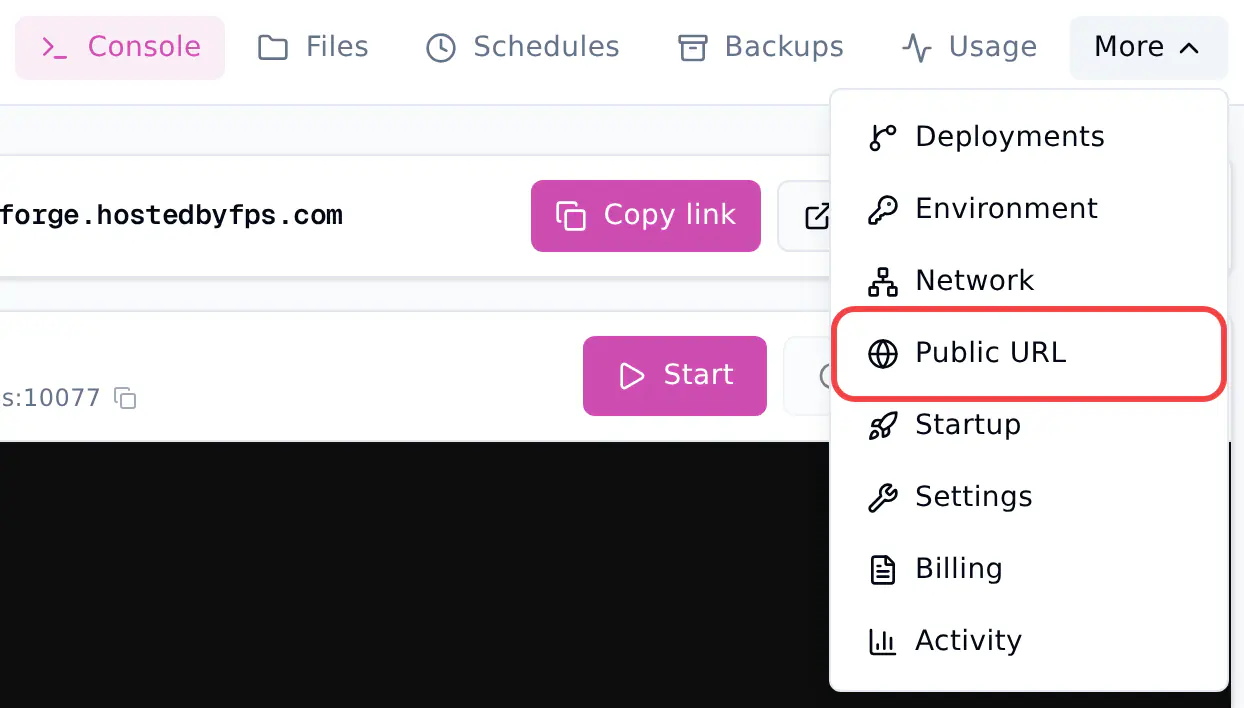
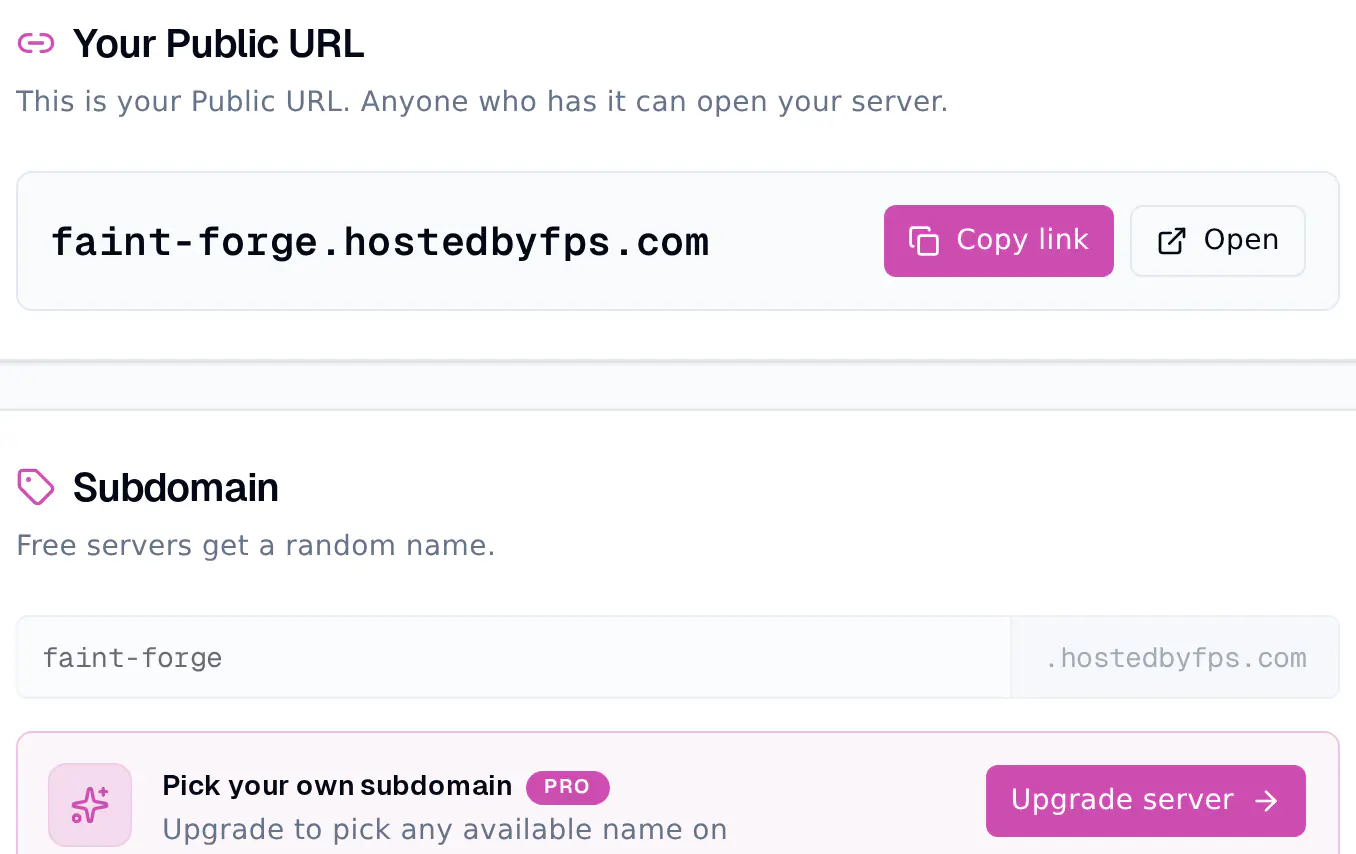
## Make your app listen on the right port
FPS.ms sends the traffic for your Public URL to one port of your server. Your app finds that port in the `SERVER_PORT` environment variable. There is no `PORT` variable, so frameworks that look for `PORT` need you to pass the port yourself.
Listen on `0.0.0.0`, not on `localhost` or `127.0.0.1`. An app that listens on `localhost` only answers inside the server, so your Public URL shows an error.
### Python (Flask)
```python title="app.py"
import os
from flask import Flask
app = Flask(__name__)
@app.get("/")
def home():
return "Hello from Cobalt Works"
if __name__ == "__main__":
app.run(host="0.0.0.0", port=int(os.environ["SERVER_PORT"]))
```
For FastAPI, start Uvicorn the same way: `uvicorn.run(app, host="0.0.0.0", port=int(os.environ["SERVER_PORT"]))`.
### Node.js (Express)
```js title="index.js"
const express = require('express');
const app = express();
app.get('/', (req, res) => res.send('Hello from Cobalt Works'));
app.listen(Number(process.env.SERVER_PORT), '0.0.0.0', () => {
console.log(`Listening on port ${process.env.SERVER_PORT}`);
});
```
### Go
```go title="main.go"
package main
import (
"fmt"
"net/http"
"os"
)
func main() {
http.HandleFunc("/", func(w http.ResponseWriter, r *http.Request) {
fmt.Fprintln(w, "Hello from Cobalt Works")
})
http.ListenAndServe("0.0.0.0:"+os.Getenv("SERVER_PORT"), nil)
}
```
Other runtimes read `SERVER_PORT` the way they read any [environment variable](https://fps.ms/docs/containers/environment-variables.md).
!!! info "Serve plain HTTP" "Your app does not need a certificate. FPS.ms handles HTTPS for your Public URL and passes the requests on to your app as plain HTTP."
## Choose your own name
Free servers get a random name. On a paid server, the **Subdomain** card lets you pick any free name on `hostedbyfps.com`, using lowercase letters, numbers and dashes. Your old link stops working when you save a new name.
## Use your own domain
The **Your own domain** card connects a domain to your server. HTTPS is set up for you.
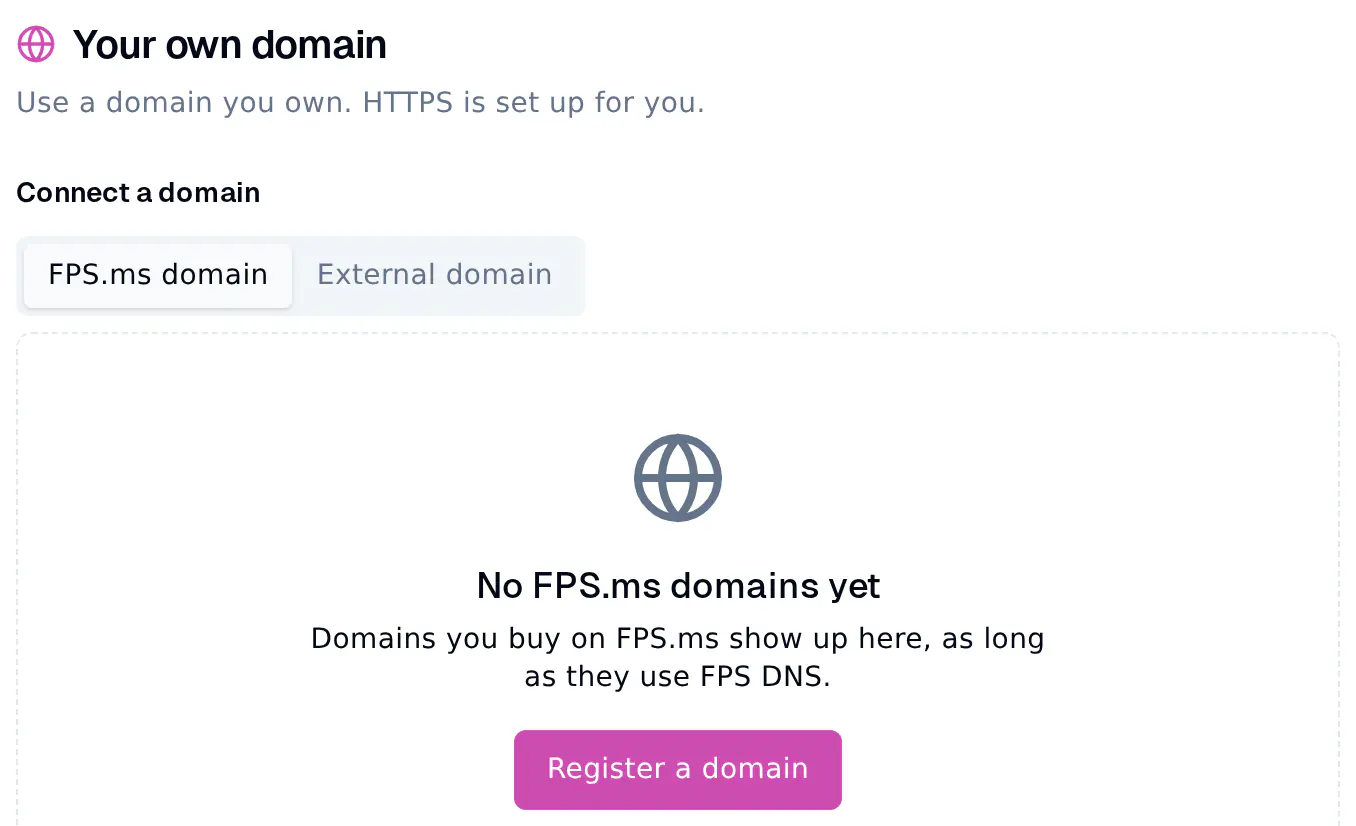
- **FPS.ms domain**, on every plan: a domain you bought on FPS.ms that uses FPS DNS. Pick it, optionally type a subdomain like `api`, and connect. FPS.ms adds the DNS record for you.
- **External domain**, on paid plans: a domain from another registrar.
1. In your domain's DNS settings, add an A record pointing to the IP address the panel shows.
2. Type your domain, for example `api.cobaltworks.nl`.
3. Click **Verify and connect**. New DNS records can take a few minutes to work. If it fails, wait and try again.
## Common problems
- **The Public URL shows an error page:** your app is not running, or it listens on another port or on `localhost`. Check the **Console** for the line your app prints when it starts, and use `SERVER_PORT` and `0.0.0.0`.
- **`EADDRINUSE` or "address already in use":** your app tries to open a port that is already taken. See [fix an app that will not start](https://fps.ms/docs/containers/troubleshooting.md).
- **A Discord or Telegram bot:** a bot that connects out to Discord, or a Telegram bot that uses polling, does not need a Public URL. A Telegram bot in webhook mode does: set your Public URL as its webhook address and listen on `SERVER_PORT`.
## Next steps
- [Environment variables and .env files](https://fps.ms/docs/containers/environment-variables.md)
- [Deploy from GitHub](https://fps.ms/docs/containers/deploy-from-github.md)
- [Supported runtimes](https://fps.ms/docs/containers/supported-runtimes.md)
---
Source: https://fps.ms/docs/containers/supported-runtimes
# Supported runtimes
A Container runs your code in one of 12 runtimes: Python, Node.js, Bun, .NET, Dart, Go, Java, Kotlin, Haskell, Lua, Odin and Rust. Each runtime starts a default file, for example `app.py` for Python or `index.js` for Node.js, and installs your packages or builds your code when the server starts. You change the file name and other settings on the **Startup** tab. This page lists what each runtime does and what you can change.
## How a runtime starts your code
- **Without GitHub deploys**, the server installs your packages and, for compiled languages, builds your code every time it starts. Then it runs your app.
- **With [GitHub deploys](https://fps.ms/docs/containers/deploy-from-github.md)**, the install and build run once per deploy, in the [deploy script](https://fps.ms/docs/containers/deploy-scripts-and-github-actions.md). For every runtime except Python and Node.js, starting the server then only runs the finished app, so restarts are faster. Python and Node.js still check their packages on every start.
To change a setting:
1. Click **Manage** on your server.
2. Click **Startup**. If you do not see it in the top bar, click **More** first.
3. Change the field. It saves by itself. Restart the server from the **Console**.
To change the version of the runtime, for example Python 3.11 to 3.13, pick another one under **Runtime Version** on the same tab.
## Quick reference
| Runtime | Starts by default | Settings on the Startup tab |
|-|-|-|
| [Python](#python) | `app.py` | App py file, Requirements file, Additional Python packages |
| [Node.js](#nodejs) | `index.js` | Main file, Additional Node packages, Additional Arguments |
| [Bun](#bun) | `index.ts` | Main File |
| [.NET](#net) | Your `.csproj`, built | Project File, DLL File |
| [Dart](#dart) | `bin/server.dart`, compiled | Main File |
| [Go](#go) | Your module, built | Go Package, Executable |
| [Java](#java) | Your Maven or Gradle project, built | JAR File |
| [Kotlin](#kotlin) | Your Gradle project, built | JAR File |
| [Haskell](#haskell) | Your Cabal or Stack project, built | Executable Name |
| [Lua](#lua) | `main.lua` | Main File, LuaRocks Packages |
| [Odin](#odin) | Your package, built | Package Folder, Build Flags |
| [Rust](#rust) | Your crate, built | Crate Path, Binary Name, Executable |
Kotlin and Haskell are on paid plans only. Every other runtime has a free plan.
## Python
The server installs the packages in **Additional Python packages**, then everything in `requirements.txt`, then runs `app.py`. Change the file to run in **App py file**. See [installing Python packages](https://fps.ms/docs/containers/installing-python-packages.md) for the details and common pip errors.
More: [Python hosting](https://fps.ms/python-hosting)
## Node.js
If there is a `package.json`, the server runs `npm install`, then starts the **Main file** (`index.js`) with `node`. It does not run `npm start`. A **Main file** that ends in `.ts`, like `index.ts`, runs with `ts-node`, so TypeScript works without a build step. **Additional Arguments** are passed to `node`.
More: [Node.js hosting](https://fps.ms/nodejs-hosting)
## Bun
If there is a `package.json`, the server runs `bun install`, then runs the **Main File** (`index.ts`) with `bun`. Bun runs TypeScript directly.
More: [Bun hosting](https://fps.ms/bun-hosting)
## .NET
The server runs `dotnet publish` on the `.csproj` in **Project File**, or on the first `.csproj` in the main folder when the field is empty, and runs the result. Without a project, it runs the published DLL in **DLL File** (`app.dll`).
## Dart
The server runs `dart pub get` when there is a `pubspec.yaml`, compiles the **Main File** (`bin/server.dart`) with `dart compile exe`, and runs it.
More: [Dart hosting](https://fps.ms/dart-hosting)
## Go
With a `go.mod`, the server builds the package in **Go Package** (`.`, or for example `./cmd/bot`) and runs it. Without a `go.mod`, it runs a binary you uploaded, named in **Executable** (`app`). Go's memory limit is set to 90% of your plan's memory, so the garbage collector works before the server runs out.
## Java
With a `pom.xml`, the server builds with Maven. With a Gradle build file, it builds with Gradle (your `gradlew` when there is one). Tests are skipped. It runs the JAR the build made, preferring a `-all.jar` (fat JAR). Without a project, it runs the JAR in **JAR File** (`app.jar`). Java may use 75% of your plan's memory.
## Kotlin
With a Gradle build file, the server builds with Gradle like Java does. Without one, it compiles the `.kt` files in the main folder with `kotlinc`. Without either, it runs the JAR in **JAR File**. Gradle needs about 1 GB of memory to build, so pick a plan with at least that much.
More: [Kotlin hosting](https://fps.ms/kotlin-hosting)
## Haskell
The server builds with Cabal when there is a `.cabal` file or `cabal.project`, otherwise with Stack. It runs the executable in **Executable Name**, or the first one in your `.cabal` file when the field is empty.
More: [Haskell hosting](https://fps.ms/haskell-hosting)
## Lua
The server installs the dependencies of your `.rockspec` and the rocks in **LuaRocks Packages** with LuaRocks, then runs the **Main File** (`main.lua`). Rocks that need OpenSSL to build, like `luasec`, cannot be installed.
More: [Lua hosting](https://fps.ms/lua-hosting)
## Odin
The server builds the package in **Package Folder** (`.`) with `odin build` and the **Build Flags** (`-o:speed`), then runs it.
More: [Odin hosting](https://fps.ms/odin-hosting)
## Rust
With a `Cargo.toml` in **Crate Path** (`.`), the server builds your crate with `cargo install` and runs its binary. If the crate has more than one binary, name the one to run in **Binary Name**. A `Cargo.lock` is respected. Without a `Cargo.toml`, it runs a binary you uploaded, named in **Executable** (`app`).
More: [Rust hosting](https://fps.ms/rust-hosting)
## Next steps
- [What is a Container?](https://fps.ms/docs/containers/what-is-a-container.md)
- [Environment variables and .env files](https://fps.ms/docs/containers/environment-variables.md)
- [Put a web app online with a Public URL](https://fps.ms/docs/containers/public-url.md)
- [Fix an app that will not start](https://fps.ms/docs/containers/troubleshooting.md)
---
Source: https://fps.ms/docs/containers/installing-python-packages
# Installing Python packages with requirements.txt
Every time your Python app or bot starts on FPS.ms, the server installs its packages with pip and then runs your code. You list the packages in a `requirements.txt` file, or type one or two into the **Startup** tab. This guide shows both ways and how to fix the errors you are most likely to see.
## What happens when your server starts
Your server runs these steps in this order on every start:
1. If the **Additional Python packages** field on the **Startup** tab is not empty, pip installs those packages.
2. If `requirements.txt` is in the main folder of your server, pip installs every package in it.
3. Your app starts (`app.py`, unless you changed the file name on the **Startup** tab).
These are the two pip commands the server runs:
```bash
pip install -U --prefix .local
pip install -U --prefix .local -r requirements.txt
```
- **No file, no error.** If `requirements.txt` is missing, step 2 is skipped without a message. Your app then crashes when it imports a package that is not installed.
- **`-U` means upgrade.** A package without a version number is upgraded to the newest release every time the server starts. Pin your versions (see below) so a restart never changes your app.
- **Packages go into `.local`.** After the first start you will see a `.local` folder in **Files**. That is where your packages live. You do not need to touch it.
## Step 1: Create requirements.txt
You can let pip write the file for you, or write it by hand.
### Let pip write it
Open a terminal in your project's folder on your computer, in the same Python environment where your code works, and run:
```bash
pip freeze > requirements.txt
```
On Windows, use `py -m pip freeze > requirements.txt`. pip writes every package that is installed in that environment, with its exact version. If you run it outside a virtual environment, the file also lists packages your code does not use. Remove those lines before you upload it.
### Write it by hand
Put one package on each line. Use the package name from [pypi.org](https://pypi.org), which is the name you would type after `pip install`. Here is the file Cobalt Works uses for its bot:
```txt title="requirements.txt"
# Packages for cobalt-bot
discord.py==2.7.1
python-dotenv==1.2.4
```
The format rules:
- One package per line.
- A line that starts with `#` is a comment. pip ignores it.
- Do not put quotes around anything.
You choose the version with the part after the name:
| Line | What pip installs |
|-|-|
| `discord.py` | The newest version, upgraded on every start |
| `discord.py==2.7.1` | Exactly version 2.7.1, every time |
| `discord.py>=2.6` | 2.6 or newer, upgraded on every start |
| `discord.py>=2.6,<3` | 2.6 or newer, but never version 3 |
!!! tip "Pin your versions" "Use `==` for the packages your code imports. Then a new release of a library can never break your app after a restart. When you want a newer version, change the number yourself and test it."
## Step 2: Upload it next to app.py
1. Go to [panel.fps.ms](https://panel.fps.ms) and click **Manage** on your server.
2. Click **Files**.
3. Upload `requirements.txt` into the main folder, the same folder as `app.py`. See [uploading files](https://fps.ms/docs/getting-started/uploading-files.md) or [editing your bot code](https://fps.ms/docs/discord-bots/editing-code.md) if you are not sure how.
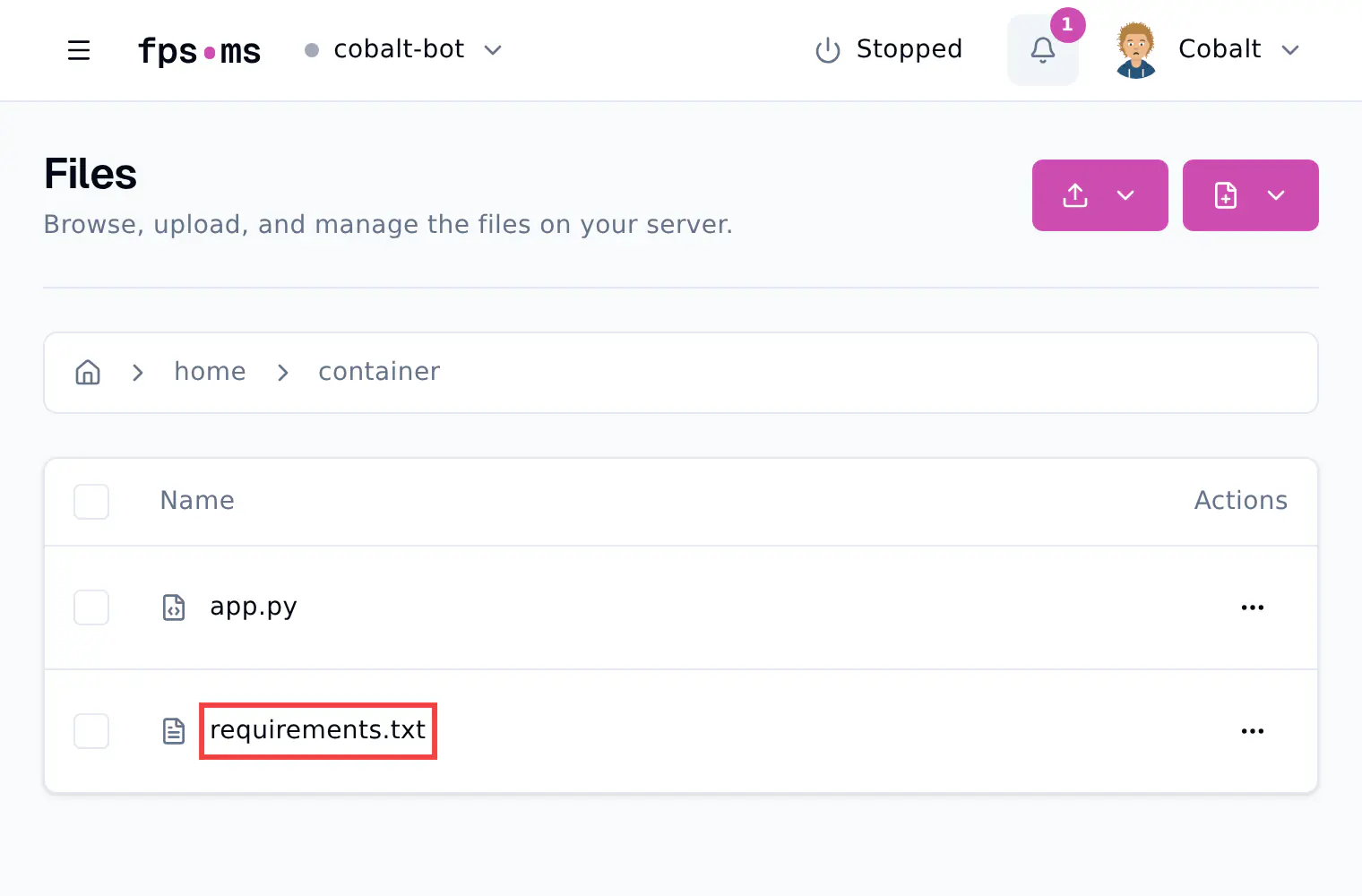
4. To check or change the list later, click `requirements.txt`. Edit the lines, then click **Save content**.
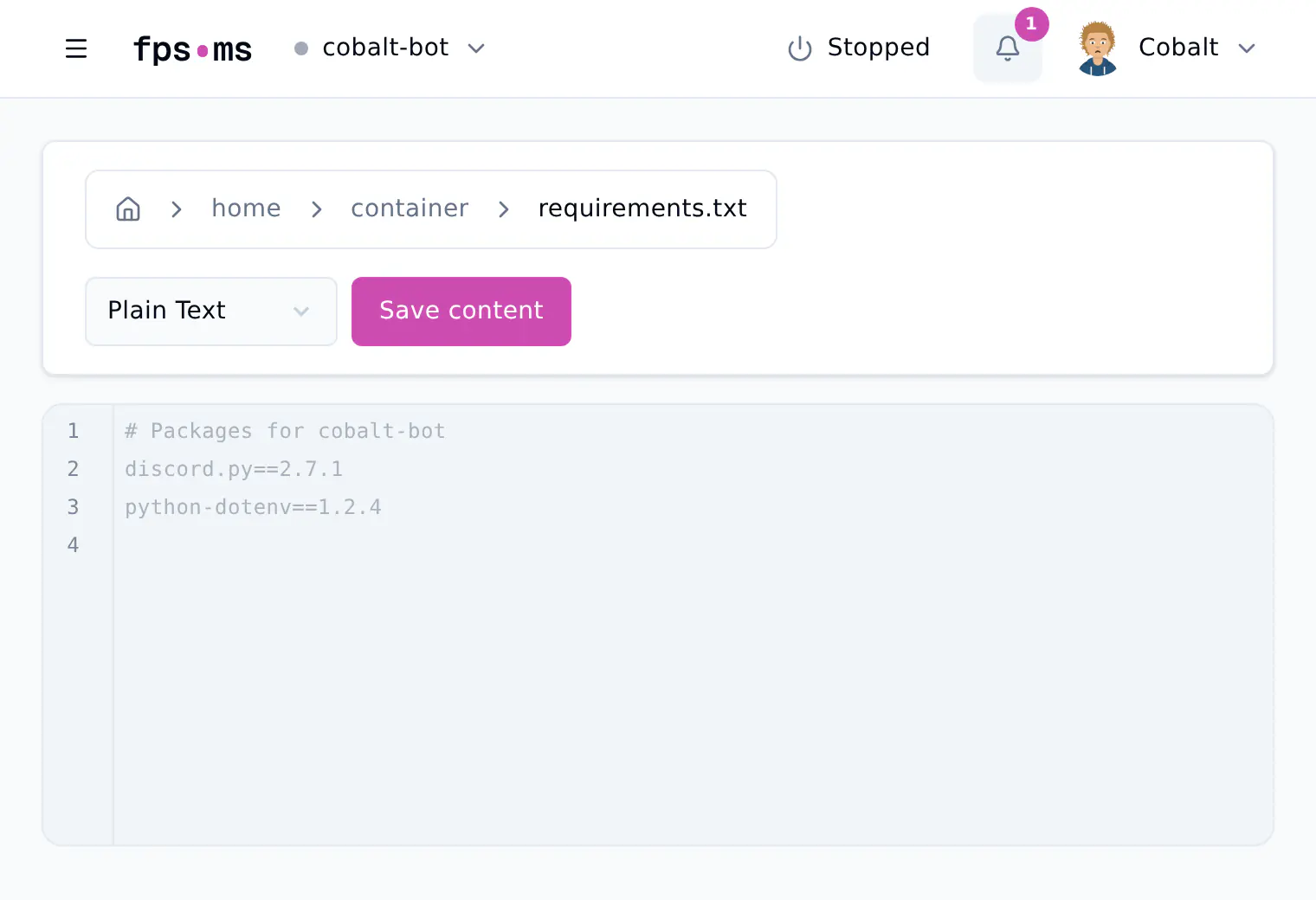
!!! warning "Main folder only" "The server only reads `requirements.txt` from the main folder. A file inside a subfolder is ignored, unless you enter its path in the **Requirements file** field (see [Use a different file name](#use-a-different-file-name))."
## Step 3: Restart and read the console
1. Click **Console**.
2. Click **Restart**, or **Start** if your server is offline.
3. Watch the output. For each package, pip prints `Collecting` and `Downloading` lines. When it is done, it prints `Successfully installed` with every package and version. Then your app starts.
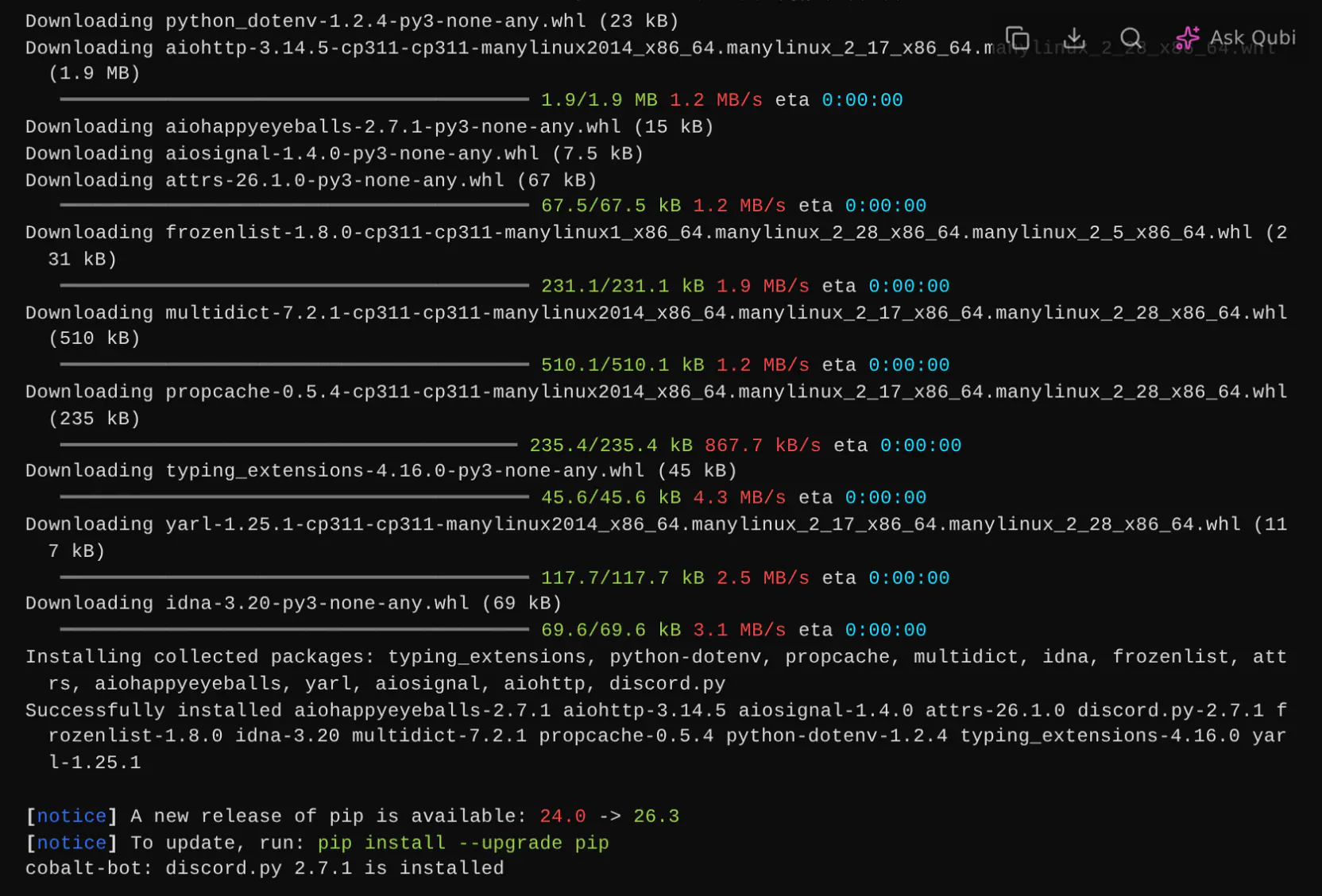
The first start takes longer because pip downloads everything. pip runs again on every start: pinned packages that are already installed are not downloaded again, and packages without a version are upgraded when a newer release is out.
!!! info "A new release of pip is available" "You can ignore this `[notice]` line. Your server's pip works fine, and you do not need to update it."
## Add a package without editing the file
For one or two extra packages, you can use the **Additional Python packages** field instead of `requirements.txt`.
1. Click **Startup**. If you do not see it in the top bar, click **More** first.
2. Find **Additional Python packages**.
3. Type the package names, separated by spaces. For example: `requests==2.34.2 pytz==2026.6`. The field saves by itself while you type.
4. Restart your server from the **Console**.
!!! tip "Pick one place per package" "List each package either in this field or in `requirements.txt`, not in both. Removing a name from the field does not uninstall the package. It stays in `.local`."
## Use a different file name
The server reads the file named in the **Requirements file** field. It is `requirements.txt` by default. Change it if your file has another name or sits in a subfolder.
1. Click **Startup** (under **More** if it is not in the top bar).
2. In **Requirements file**, type the file name or its path from the main folder, for example `requirements-bot.txt` or `bot/requirements.txt`. Capitals matter: `Requirements.txt` is not the same file as `requirements.txt`.
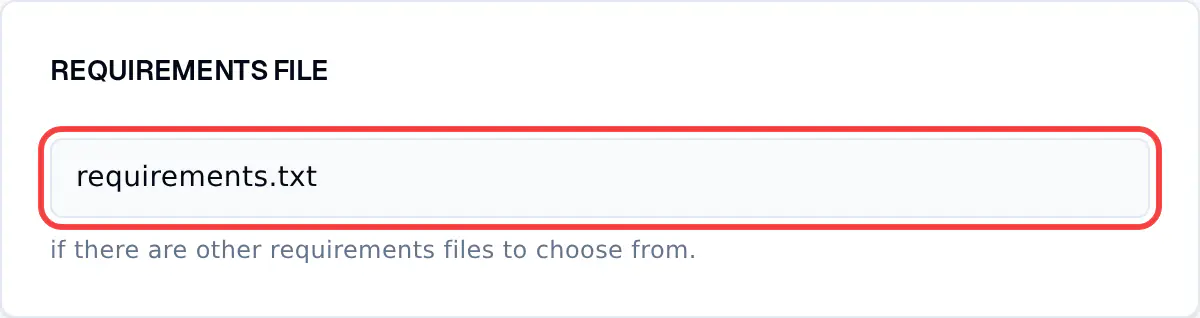
3. Restart your server from the **Console**.
## Common errors
### ModuleNotFoundError: No module named '...'
```txt
ModuleNotFoundError: No module named 'dotenv'
```
Your code imports a package that was never installed. Check these three things:
1. The package is in `requirements.txt`, under its name from pypi.org.
2. The file is in the main folder, next to `app.py`.
3. The file name matches the **Requirements file** field exactly.
The name on pypi.org is not always the name you import:
| Your code says | Add this line |
|-|-|
| `import discord` | `discord.py` |
| `from dotenv import load_dotenv` | `python-dotenv` |
If pip prints nothing at all before your app starts, the server did not find your file. Restart after every fix.
### No matching distribution found
```txt
ERROR: Could not find a version that satisfies the requirement discrod.py (from versions: none)
ERROR: No matching distribution found for discrod.py
```
pip could not find what you asked for. The text in brackets tells you why:
- **`(from versions: none)`**: the package name is wrong. Here `discord.py` is misspelled. Search for the package on [pypi.org](https://pypi.org) and copy the name from there.
- **A list of versions**: the name is right, but the version you pinned does not exist. Pick a version from the list.
- **A line above it that says `Ignored the following versions that require a different python version`**: the package needs a newer Python than your server runs. Choose a newer Python under **Runtime Version** on the **Startup** tab, or pin an older version of the package.
### Conflicting dependencies (ResolutionImpossible)
```txt
ERROR: Cannot install -r requirements.txt (line 2) and aiohttp==3.7.0 because these package versions have conflicting dependencies.
The conflict is caused by:
The user requested aiohttp==3.7.0
discord-py 2.7.1 depends on aiohttp<4 and >=3.7.4
```
Two lines in your file ask for versions that cannot be installed together. Here `discord.py` 2.7.1 needs `aiohttp` 3.7.4 or newer, but the file pins `aiohttp` to 3.7.0. To fix it:
1. Read the lines under `The conflict is caused by:`. They name the package both sides want.
2. Remove the pin on that package (here, delete the `aiohttp==3.7.0` line) or change it to a version both sides accept.
3. Restart.
!!! tip "Pin what you import, not everything" "`pip freeze` pins every package, including the ones your packages need. If you later change one version by hand, the others can clash with it. A short file with only the packages your code imports leaves pip free to pick matching versions for the rest."
!!! info "Deploying from GitHub?" "With [GitHub deploys](https://fps.ms/docs/containers/deploy-from-github.md), every deploy installs `requirements.txt` from your repository, and the server still runs the steps above on every start. Keep `requirements.txt` in your repository's main folder."
## Next steps
- [Store tokens and API keys in environment variables](https://fps.ms/docs/containers/environment-variables.md)
- [Deploy from GitHub](https://fps.ms/docs/containers/deploy-from-github.md)
- [Fix an app that will not start](https://fps.ms/docs/containers/troubleshooting.md)
- [Host a Discord bot](https://fps.ms/docs/discord-bots/installation.md) or [a Telegram bot](https://fps.ms/docs/telegram-bots/installation.md)
---
Source: https://fps.ms/docs/containers/troubleshooting
# Why won't my app start?
When a Container does not start, the **Console** tells you why. Start the server and read the last lines before it stops: they almost always name the problem. The most common causes are a main file the server cannot find, a package that is not installed, a port that is already in use, a missing environment variable, or a plan that runs out of memory. This page shows the message for each one and how to fix it.
## Read the console first
1. Go to [panel.fps.ms](https://panel.fps.ms) and click **Manage** on your server.
2. Click **Console**, then **Start** or **Restart**.
3. When the server stops, scroll up to the first error. FPS.ms then prints `Detected server process in a crashed state!` and an `Exit code`.
In a Python `Traceback`, the last line is the error and the lines above it show where it happened. In Node.js, the first line that starts with `Error:` is the one that matters.
## The server cannot find your main file
```txt
python: can't open file '/home/container/app.py': [Errno 2] No such file or directory
```
```txt
Error: Cannot find module '/home/container/index.js'
```
The server starts one file, `app.py` on Python and `index.js` on Node.js, from the main folder. Fix it one of these ways:
- Rename your file, or type its name in **App py file** (Python) or **Main file** (Node.js) on the **Startup** tab.
- Move the file out of a subfolder, or type the path, like `src/bot.py`.
- Did you upload a `.zip`? Unarchive it in **Files** first.
Other runtimes print their own message, like `No runnable jar found after the build.` on Java. The [supported runtimes](https://fps.ms/docs/containers/supported-runtimes.md) page lists the file or project each one looks for.
## A package is not installed
```txt
ModuleNotFoundError: No module named 'discord'
```
```txt
Error: Cannot find module 'discord.js'
```
- **Python:** add the package to `requirements.txt` in the main folder. See [installing Python packages](https://fps.ms/docs/containers/installing-python-packages.md).
- **Node.js:** add the package to `dependencies` in `package.json` in the main folder, for example with `npm install discord.js` on your computer. The server runs `npm install` on every start.
## Address already in use (EADDRINUSE)
```txt
Error: listen EADDRINUSE: address already in use 0.0.0.0:3000
```
```txt
OSError: [Errno 98] Address already in use
```
Your app tries to open a network port that something else already holds. The usual causes:
- **A hardcoded port.** Your app uses a fixed port like `3000`, `5000` or `8080`. Use the port in the `SERVER_PORT` environment variable instead. See [put a web app online](https://fps.ms/docs/containers/public-url.md) for examples.
- **Two listeners in one app.** For example a web server and a dashboard both on the same port. Give one of them another port, or let one serve both.
- **A second copy of your app.** A process your code started in the background is still running. Stop the server, wait until it is offline, then start it again.
A port below 1024, like `80` or `443`, fails with `EACCES` or `Permission denied`. Use `SERVER_PORT`: FPS.ms handles HTTPS on your [Public URL](https://fps.ms/docs/containers/public-url.md).
## An environment variable is missing
```txt
KeyError: 'BOT_TOKEN'
```
```txt
Error [TokenInvalid]: An invalid token was provided.
```
Your code reads a variable that is not set, or is set to the wrong value. Add it on the **Environment** tab, check the name for typos and capitals, and restart. Variables only reach your app after a restart. See [environment variables](https://fps.ms/docs/containers/environment-variables.md).
## The server ran out of memory
```txt
Your server ran out of memory: it used all 128 MB of its plan and was stopped.
```
Your app, or its build, needed more memory than your plan has. A `Killed` line in the output means the same.
- Install only the packages you use. Big libraries like `pandas` or `torch` need a lot of memory.
- Builds need more memory than running: Java and Kotlin with Gradle need about 1 GB.
- Upgrade the server to a plan with more memory.
## It starts and stops right away, with Exit code 0
Your code finished. A script that runs once and ends stops the server. A bot or a web app has to keep running: check that your code reaches `client.run(...)`, `bot.start()` or `app.listen(...)` and does not return early. To run a script on a timer, create a schedule on the **Schedules** tab that starts the server.
## A GitHub deploy failed
Open the **Deployments** tab and click **View log**. The last lines of the build name the problem. See [deploy from GitHub](https://fps.ms/docs/containers/deploy-from-github.md).
## Still stuck?
Copy the error lines from the console and [open a ticket](https://panel.fps.ms/tickets), or ask in our Discord. Never paste a token or password: replace it with `***`.
## Next steps
- [Supported runtimes](https://fps.ms/docs/containers/supported-runtimes.md)
- [Discord bot troubleshooting](https://fps.ms/docs/discord-bots/troubleshooting.md)
- [Telegram bot troubleshooting](https://fps.ms/docs/telegram-bots/troubleshooting.md)
---
Source: https://fps.ms/docs/discord-bots/installation
# How to host a Discord bot
To host a Discord bot on FPS.ms, create a free Python or Node.js Container, upload your bot's code with its `requirements.txt` or `package.json`, add your bot token on the **Environment** tab and click **Start**. The server installs your packages, starts your bot and keeps it online 24/7. This guide walks you through both languages.
## Prerequisites
Before you start, make sure you have:
1. **A Container for your bot.** Go to [panel.fps.ms/deploy](https://panel.fps.ms/deploy), click **Containers** and choose **Python** or **NodeJS**. Every account gets one free Container. See [what is a Container?](https://fps.ms/docs/containers/what-is-a-container.md)
2. **A Discord bot token.** Follow our [getting your bot token](https://fps.ms/docs/discord-bots/getting-your-bot-token.md) guide if you don't have one yet.
3. **Your bot code**, ready to upload.
!!! info "Python or Node.js?" "Not sure which to pick? Python with discord.py is great for beginners, while Node.js with discord.js is better if you already know JavaScript. Both run 24/7 on FPS.ms for free."
## Python setup
FPS.ms runs your Python bot by starting `app.py`. Follow these steps to get your bot online.
### 1. Create your main file
Create a file named `app.py`. This is the file FPS.ms runs when your server starts. You can change the file name in the **Startup** tab if needed.
!!! danger "Important" "Your main file must be named `app.py` (or whatever you set in the Startup tab). Without it, you will see the error: `/usr/local/bin/python: can't open file '/home/container/app.py': [Errno 2] No such file or directory`"
Here is an example discord.py bot:
```py title="app.py"
import os
import discord
class MyClient(discord.Client):
async def on_ready(self):
print(f'Logged on as {self.user}!')
async def on_message(self, message):
if message.author == self.user:
return
print(f'Message from {message.author}: {message.content}')
intents = discord.Intents.default()
intents.message_content = True
client = MyClient(intents=intents)
client.run(os.environ['BOT_TOKEN'])
```
!!! tip "Security" "Never hardcode your bot token in your code. The example reads it from the `BOT_TOKEN` environment variable, which you add in step 3."
### 2. Add your dependencies
Create a `requirements.txt` file listing the Python packages your bot needs. FPS.ms installs these automatically when your server starts. See [installing Python packages](https://fps.ms/docs/containers/installing-python-packages.md) for pinning versions and fixing pip errors.
```txt title="requirements.txt"
discord.py
```
You can also install additional packages via the **Startup** tab under **Additional Python packages** without editing `requirements.txt`.
!!! danger "Important" "Without a `requirements.txt` or packages listed in the Startup tab, your bot will crash with `ModuleNotFoundError: No module named 'discord'`. List every package your bot imports."
### 3. Upload and start
1. Upload `app.py` and `requirements.txt` to your server via the **Files** tab in the panel or through [SFTP](https://fps.ms/docs/getting-started/connecting-to-sftp.md).
2. Open the **Environment** tab (under **More**) and add a variable named `BOT_TOKEN` with your bot token as the value. See [store your bot token](https://fps.ms/docs/discord-bots/using-environment-variables.md).
3. Click **Start** on the **Console** tab.
Your bot should come online within a few seconds. You will see `Logged on as YourBot#1234!` in the console when it connects successfully.
## Node.js setup
FPS.ms installs the packages from your `package.json`, then starts the **Main file** set in the Startup tab (`index.js` by default) with `node`. You have three ways to get your code onto the server.
### Upload methods
| Method | Best for | How it works |
|--------|----------|--------------|
| **GitHub repository** | Active development | On a paid server, connect your repository on the **Deployments** tab |
| **SFTP upload** | Large projects | Upload your project folder via [SFTP](https://fps.ms/docs/getting-started/connecting-to-sftp.md) |
| **Panel file manager** | Quick edits | Create and edit files directly in the **Files** tab |
!!! danger "Important" "Do not upload the `node_modules` or `.npm` cache folders. FPS.ms generates these automatically from your `package.json`."
#### Using a GitHub repository
On a paid server, open the **Deployments** tab and connect your GitHub repository. Every push to your branch then deploys your bot by itself, and you can roll back from the **History** tab. See [deploy from GitHub](https://fps.ms/docs/containers/deploy-from-github.md) for the full setup.
GitHub deploys need a paid plan. On a free server, upload your files with [SFTP](https://fps.ms/docs/getting-started/connecting-to-sftp.md) or the **Files** tab, or upgrade the server.
!!! info "Already set a Git Repo Address?" "If you filled in the Git fields in the **Startup** tab before, they stay there and keep working: your repo is pulled on reinstall, and on every restart when **Auto Update** is on."
### 1. Create your project files
You need at least two files. Here is a working example based on the [official discord.js guide](https://discordjs.guide/):
```json title="package.json"
{
"name": "my-discord-bot",
"version": "1.0.0",
"description": "My Discord bot hosted on FPS.ms",
"main": "index.js",
"scripts": {
"start": "node ."
},
"dependencies": {
"discord.js": "latest"
}
}
```
```js title="index.js"
const { Client, Events, GatewayIntentBits } = require('discord.js');
const client = new Client({ intents: [GatewayIntentBits.Guilds] });
client.once(Events.ClientReady, readyClient => {
console.log(`Ready! Logged in as ${readyClient.user.tag}`);
});
client.login(process.env.BOT_TOKEN);
```
!!! tip "Security" "This example reads the token from the `BOT_TOKEN` environment variable. Add it on the **Environment** tab, see [store your bot token](https://fps.ms/docs/discord-bots/using-environment-variables.md)."
### 2. Upload and start
1. Upload your project files using one of the [methods above](#upload-methods).
2. Add `BOT_TOKEN` with your bot token on the **Environment** tab.
3. Click **Start** on the **Console** tab.
FPS.ms automatically runs `npm install` to install your dependencies, then starts your bot. You should see `Ready! Logged in as YourBot#1234` in the console.
!!! info "Using TypeScript?" "Set the **Main file** in the Startup tab to your `.ts` file, like `index.ts`. FPS.ms runs it with `ts-node`, so you do not need to compile to JavaScript first."
## Python vs Node.js comparison
| Feature | Python (discord.py) | Node.js (discord.js) |
|---------|---------------------|----------------------|
| Entry point | `app.py` (configurable in Startup) | `index.js` (configurable in Startup) |
| Dependencies | `requirements.txt` | `package.json` |
| Language | Python | JavaScript |
| Best for | Beginners, data-heavy bots | JS developers, large-scale bots |
| Community size | Large | Very large |
| Slash commands | Supported | Supported |
### Other languages
Discord libraries exist for other languages too, and every Container runtime can run them: JDA on Java, Discord.Net on .NET, discordgo on Go and serenity on Rust. See [supported runtimes](https://fps.ms/docs/containers/supported-runtimes.md) for the file each runtime starts.
## Next steps
Your bot is now running 24/7 on FPS.ms. Here is what to do next:
- [Edit your bot code](https://fps.ms/docs/discord-bots/editing-code.md): update files via the panel, SFTP or VS Code live sync
- [Store your bot token](https://fps.ms/docs/discord-bots/using-environment-variables.md): manage your token and config safely
- [Add slash commands](https://fps.ms/docs/discord-bots/adding-slash-commands.md): make your bot interactive with modern Discord commands
- [Deploy from GitHub](https://fps.ms/docs/containers/deploy-from-github.md): ship every push automatically on a paid server
- [Create a schedule](https://fps.ms/docs/getting-started/creating-schedules.md): set up automatic restarts or timed tasks
## Troubleshooting
Having issues? Check these common problems:
| Error | Cause | Fix |
|-------|-------|-----|
| `No such file or directory: app.py` | Missing entry point | Create `app.py` in the root directory |
| `ModuleNotFoundError: No module named 'discord'` | Missing dependencies | Create `requirements.txt` with `discord.py` |
| `TokenInvalid` or `LoginFailure` | Wrong or missing bot token | Check `BOT_TOKEN` on the **Environment** tab and restart |
| `KeyError: 'BOT_TOKEN'` | The variable is not set | Add `BOT_TOKEN` on the **Environment** tab and restart |
| Bot starts but goes offline | Code error or crash loop | Check the **Console** tab for error messages |
| `Cannot find module 'discord.js'` | Missing `package.json` | Upload your `package.json` with discord.js as a dependency |
For more help, see our full [troubleshooting guide](https://fps.ms/docs/discord-bots/troubleshooting.md), [fix an app that will not start](https://fps.ms/docs/containers/troubleshooting.md), or join the [FPS.ms Discord server](https://fps.ms/discord).
---
Source: https://fps.ms/docs/discord-bots/editing-code
# Editing code
After [installing your Discord bot](https://fps.ms/docs/discord-bots/installation.md) on FPS.ms, you can edit your code in three ways: directly through the panel file manager, via an SFTP client, or with VS Code live sync.
## Panel file manager
The simplest option — edit files directly in the **Files** tab of the [FPS.ms panel](https://panel.fps.ms). This works well for quick changes but is limited for larger edits.
## SFTP client
Use any [SFTP client](https://fps.ms/docs/getting-started/connecting-to-sftp.md) (like FileZilla) to open and edit your bot files in your preferred editor. This gives you full control over your project files.
## Visual Studio Code live sync
For the best development experience, use VS Code with SFTP sync. Changes you save locally are automatically uploaded to your FPS.ms server.
1. Download the [SFTP Extension](https://marketplace.visualstudio.com/items?itemName=Natizyskunk.sftp) for VS Code.
2. Open a local directory you want to sync to your server (or create an empty one to download your server files into).
3. Open the command palette (`Ctrl+Shift+P` on Windows/Linux, `Cmd+Shift+P` on Mac) and run `SFTP: config`.
4. A `sftp.json` file appears under the `.vscode` directory.
5. Fill in the values from your FPS.ms server — find them in the **Settings** tab under **SFTP Details**. You will also need to [set a password](https://fps.ms/docs/getting-started/setting-a-password.md) if you haven't already. Here is an example config:
```json title=".vscode/sftp.json"
{
"name": "My Server",
"host": "mango/papaya/pineapple/guava/other.fps.ms",
"protocol": "sftp",
"port": 2022,
"username": "SFTP_USERNAME",
"remotePath": "/",
"uploadOnSave": true,
"useTempFile": false,
"openSsh": false,
"ignore": [".vscode", ".git", ".DS_Store", ".cache", ".local", "?"]
}
```
**Optionally**: Add the `password` key to the json with the value of your FPS.ms password. **Note that this stores your password in plaintext and if syncing is enabled may be synced to the remote server if you don't have the ignore `.vscode` in your `sftp.json`. Other subusers can then see it!**
**Optionally**: If you already have files on your server, open the command palette like step 3. but then run `SFTP: Sync Both Directions`. This will make sure your local folder is in sync with the FPS.ms server.
**Optionally**: disable `uploadOnSave` in the `sftp.json` file. This will then not automatically sync your files to the server if you save them.
For more details, refer to the [SFTP extension documentation](https://marketplace.visualstudio.com/items?itemName=Natizyskunk.sftp).
## Next steps
- [Set up environment variables](https://fps.ms/docs/discord-bots/using-environment-variables.md) — manage your bot token securely
- [Add slash commands](https://fps.ms/docs/discord-bots/adding-slash-commands.md) — make your bot interactive
- [Upload files via SFTP](https://fps.ms/docs/getting-started/connecting-to-sftp.md) — transfer files with FileZilla
- [Troubleshoot common issues](https://fps.ms/docs/discord-bots/troubleshooting.md) — fix errors and crashes
---
Source: https://fps.ms/docs/discord-bots/getting-your-bot-token
# Getting your bot token
Before you can [host your Discord bot on FPS.ms](https://fps.ms/docs/discord-bots/installation.md), you need a bot token from Discord. This guide walks you through creating a Discord application, generating the token, setting permissions, and inviting the bot to your server.
## What is a bot token?
A bot token is a unique authentication key that lets your code connect to Discord as a bot. Think of it as a password — anyone with your token can control your bot, so keep it secret.
!!! danger "Never share your bot token" "If your token is ever exposed (in a screenshot, public GitHub repo, or message), reset it immediately in the Discord Developer Portal. Leaked tokens let others hijack your bot."
## Step 1: Create a Discord application
1. Go to the [Discord Developer Portal](https://discord.com/developers/applications)
2. Sign in with your Discord account
3. Click **New Application** in the top right
4. Enter a name for your application (this can be changed later)
5. Accept the Developer Terms of Service and click **Create**
You are now on your application's **General Information** page. The application name and icon you set here appear when users interact with your bot.
## Step 2: Create the bot user
1. Click **Bot** in the left sidebar
2. Your bot user is created automatically with your application
3. Under **Token**, click **Reset Token**
4. Click **Yes, do it!** to confirm
5. **Copy the token immediately** — you will not be able to see it again
!!! warning "Copy it now" "Discord only shows the token once. If you lose it, you will need to reset it and update it everywhere you use it."
## Step 3: Configure bot permissions and intents
### Privileged Gateway Intents
Still on the **Bot** page, scroll down to **Privileged Gateway Intents**. Enable the intents your bot needs:
| Intent | What it does | Enable if your bot... |
|--------|-------------|----------------------|
| **Presence Intent** | Tracks user online/offline status | Shows who is online |
| **Server Members Intent** | Access to the member list | Manages roles or greets new members |
| **Message Content Intent** | Reads message text | Responds to message content (not just slash commands) |
!!! info "Slash commands don't need Message Content" "If your bot only uses [slash commands](https://fps.ms/docs/discord-bots/adding-slash-commands.md), you do not need the Message Content intent. This is the recommended approach for new bots."
### Bot permissions
When generating the invite link in the next step, you will select which permissions your bot needs. Common permissions:
| Permission | Use case |
|-----------|----------|
| Send Messages | Bot sends messages in channels |
| Manage Messages | Bot deletes or pins messages |
| Manage Roles | Bot assigns roles to members |
| Connect + Speak | Bot joins voice channels |
| Use Slash Commands | Bot registers slash commands |
Only request the permissions your bot actually uses — fewer permissions is better for security.
## Step 4: Invite the bot to your server
1. Click **OAuth2** in the left sidebar
2. Scroll down to **OAuth2 URL Generator**
3. Under **Scopes**, check `bot` and `applications.commands`
4. Under **Bot Permissions**, select the permissions your bot needs
5. Copy the generated URL at the bottom
6. Open the URL in your browser
7. Select the server you want to add the bot to and click **Authorize**
!!! tip "Can't see your server?" "You need the **Manage Server** permission on the Discord server to add a bot. If you don't see your server in the list, ask the server owner to add the bot or give you the Manage Server permission."
Your bot now appears in your server's member list (shown as offline until you start it on FPS.ms).
## Step 5: Add the token to FPS.ms
Now that you have your token, add it to your FPS.ms server as an environment variable:
1. Go to [panel.fps.ms](https://panel.fps.ms) and click **Manage** on your bot
2. Click **More**, then **Environment**
3. Click **Add variable**, type `BOT_TOKEN` as the name and paste your token as the value, then click **Add**
4. Restart your server from the **Console**
For screenshots, other variables and the `.env` file alternative, see [store your bot token](https://fps.ms/docs/discord-bots/using-environment-variables.md).
## How to reset your token
If your token is compromised or you just need a new one:
1. Go to the [Discord Developer Portal](https://discord.com/developers/applications)
2. Select your application
3. Click **Bot** in the left sidebar
4. Click **Reset Token** and confirm
5. Copy the new token
6. On FPS.ms, edit `BOT_TOKEN` on the **Environment** tab and paste the new token
!!! warning "Updating your token" "After resetting, your bot will go offline until you update `BOT_TOKEN` on FPS.ms and restart. The old token stops working immediately."
## Next steps
- [Install your bot on FPS.ms](https://fps.ms/docs/discord-bots/installation.md) — deploy with Python or Node.js
- [Store your bot token](https://fps.ms/docs/discord-bots/using-environment-variables.md): manage your token securely
- [Add slash commands](https://fps.ms/docs/discord-bots/adding-slash-commands.md) — make your bot interactive
---
Source: https://fps.ms/docs/discord-bots/using-environment-variables
# Store your Discord bot token
Store your Discord bot token as an environment variable, not in your code. On FPS.ms you add it on your server's **Environment** tab as `BOT_TOKEN`, and your bot reads it with `os.environ['BOT_TOKEN']` in discord.py or `process.env.BOT_TOKEN` in discord.js. The value stays hidden in the panel, never ends up on GitHub, and you change it without touching your code.
!!! danger "Never hardcode your token" "If your bot token is in your code and you push it to a public GitHub repository, your bot will be taken over within minutes. Bots scan GitHub for tokens all day. If it happened, [reset the token](https://fps.ms/docs/discord-bots/getting-your-bot-token.md) right away."
## Add the token on the Environment tab
1. Go to [panel.fps.ms](https://panel.fps.ms) and click **Manage** on your bot.
2. Click **More**, then **Environment**.

3. Click **Add variable**.
4. Type `BOT_TOKEN` as the **Name**, paste your token as the **Value**, and click **Add**.

5. Restart your bot from the **Console**. Variables reach your bot after a restart.
The token now shows as `***`. FPS.ms never shows it again, so keep a copy in a password manager or reset it in the Discord Developer Portal when you need it.
## Read the token in your bot
You do not need `python-dotenv` or `dotenv` for variables from the **Environment** tab.
### Python (discord.py)
```py title="app.py"
import os
import discord
intents = discord.Intents.default()
client = discord.Client(intents=intents)
client.run(os.environ['BOT_TOKEN'])
```
### Node.js (discord.js)
```js title="index.js"
const { Client, GatewayIntentBits } = require('discord.js');
const client = new Client({ intents: [GatewayIntentBits.Guilds] });
client.login(process.env.BOT_TOKEN);
```
## Common variables for Discord bots
Add the ones your bot uses the same way:
| Variable | Example value | Purpose |
|----------|---------------|---------|
| `BOT_TOKEN` | `MTIz...abc` | Your Discord bot token (required) |
| `CLIENT_ID` | `111222333` | Your application ID for [slash command](https://fps.ms/docs/discord-bots/adding-slash-commands.md) registration |
| `GUILD_ID` | `123456789` | Your test server ID for development |
| `OWNER_ID` | `987654321` | Your Discord user ID for owner-only commands |
| `BOT_PREFIX` | `!` | Command prefix for message-based commands |
| `DATABASE_URL` | `sqlite:///bot.db` | Database connection string |
A free server can have 8 variables, a paid server 100. Read optional ones with a fallback: `os.getenv('BOT_PREFIX', '!')` in Python, `process.env.BOT_PREFIX ?? '!'` in Node.js.
## Move a hardcoded token out of your code
1. Copy the token from your code, or [reset it](https://fps.ms/docs/discord-bots/getting-your-bot-token.md) if the code was ever public.
2. Add it as `BOT_TOKEN` on the **Environment** tab (see above).
3. Replace the token in your code:
```py title="Python: before and after"
client.run('MTIzNDU2Nzg5.abc123.xyz789') # before
client.run(os.environ['BOT_TOKEN']) # after (add "import os" at the top)
```
```js title="Node.js: before and after"
client.login('MTIzNDU2Nzg5.abc123.xyz789'); // before
client.login(process.env.BOT_TOKEN); // after
```
If your token was in a `config.json`, delete the file from your server once the bot runs with `process.env.BOT_TOKEN`.
4. Restart your bot.
## Use a .env file instead
A `.env` file in your bot's main folder still works. Use it when your server has no **Environment** tab (servers on older nodes) or when a free server needs more than 8 variables.
1. In **Files**, create a file named `.env` in the main folder:
```env title=".env"
BOT_TOKEN=your-bot-token-here
CLIENT_ID=111222333
```
2. Load it at the top of your code:
```py title="Python"
from dotenv import load_dotenv
load_dotenv() # add python-dotenv to requirements.txt
```
```js title="Node.js"
require('dotenv').config(); // add dotenv to package.json
```
3. Restart your bot.
When a name is in both places, the value from the **Environment** tab wins. Never commit `.env` to GitHub: add it to `.gitignore`. See [environment variables and .env files](https://fps.ms/docs/containers/environment-variables.md) for the full guide.
## Troubleshooting
| Problem | Cause | Fix |
|---------|-------|-----|
| `KeyError: 'BOT_TOKEN'` (Python) | The variable is not set, or the bot was not restarted | Check the name on the **Environment** tab, then restart |
| `TokenInvalid` or `LoginFailure` | The token value is wrong or was reset | Copy a new token from the [Developer Portal](https://fps.ms/docs/discord-bots/getting-your-bot-token.md) and edit `BOT_TOKEN` |
| `ModuleNotFoundError: dotenv` | You use a `.env` file without `python-dotenv` | Add `python-dotenv` to `requirements.txt`, or move the values to the **Environment** tab |
| `Cannot find module 'dotenv'` | You use a `.env` file without `dotenv` | Add `dotenv` to `package.json`, or move the values to the **Environment** tab |
| Changes not taking effect | Server not restarted | Restart your server after every change |
## Next steps
- [Install your Discord bot](https://fps.ms/docs/discord-bots/installation.md): full setup guide for Python and Node.js
- [Get your bot token](https://fps.ms/docs/discord-bots/getting-your-bot-token.md): create an application and generate a token
- [Add slash commands](https://fps.ms/docs/discord-bots/adding-slash-commands.md): modern Discord bot commands
- [Environment variables and .env files](https://fps.ms/docs/containers/environment-variables.md): limits, rules and other languages
---
Source: https://fps.ms/docs/discord-bots/adding-slash-commands
# Adding slash commands
Slash commands are the modern way for users to interact with Discord bots. When a user types `/` in a Discord channel, they see a list of available commands with descriptions and parameters. This guide shows you how to add slash commands to your bot hosted on FPS.ms.
## Why use slash commands?
| Feature | Slash commands | Message-based commands |
|---------|---------------|----------------------|
| Discoverability | Users see all commands by typing `/` | Users must know the prefix and command name |
| Permissions | Built-in Discord permission system | Must be coded manually |
| Parameters | Typed parameters with validation | Must parse text manually |
| Message Content intent | **Not required** | Required (privileged intent) |
!!! tip "Recommended for new bots" "Discord recommends slash commands for all new bots. They don't require the Message Content privileged intent, making your bot easier to verify and approve."
## Prerequisites
Before adding slash commands, make sure you:
1. Have your bot [installed and running on FPS.ms](https://fps.ms/docs/discord-bots/installation.md)
2. Added the `applications.commands` scope when [inviting your bot](https://fps.ms/docs/discord-bots/getting-your-bot-token.md)
3. Have your [bot token set up](https://fps.ms/docs/discord-bots/using-environment-variables.md) as an environment variable
!!! warning "Missing applications.commands scope?" "If you didn't include `applications.commands` when inviting your bot, slash commands won't work. Re-invite the bot using the OAuth2 URL Generator in the [Discord Developer Portal](https://discord.com/developers/applications) with both `bot` and `applications.commands` scopes selected."
## Python (discord.py)
Discord.py uses a `commands.Bot` with a command tree to handle slash commands.
### Basic slash command
```py title="app.py"
import os
import discord
from discord import app_commands
class MyBot(discord.Client):
def __init__(self):
super().__init__(intents=discord.Intents.default())
self.tree = app_commands.CommandTree(self)
async def setup_hook(self):
await self.tree.sync()
print(f'Synced {len(self.tree.get_commands())} commands')
bot = MyBot()
@bot.tree.command(name='ping', description='Check if the bot is online')
async def ping(interaction: discord.Interaction):
await interaction.response.send_message(f'Pong! Latency: {round(bot.latency * 1000)}ms')
@bot.tree.command(name='hello', description='Get a greeting from the bot')
@app_commands.describe(name='The name to greet')
async def hello(interaction: discord.Interaction, name: str = None):
if name:
await interaction.response.send_message(f'Hello, {name}!')
else:
await interaction.response.send_message(f'Hello, {interaction.user.display_name}!')
bot.run(os.environ['BOT_TOKEN'])
```
### How it works
1. **`CommandTree`** — manages all your slash commands
2. **`@bot.tree.command()`** — registers a new slash command with a name and description
3. **`@app_commands.describe()`** — adds descriptions to command parameters
4. **`setup_hook()`** — syncs commands with Discord when the bot starts
5. **`interaction.response.send_message()`** — replies to the user
## Node.js (discord.js)
Discord.js uses a two-step process: register commands via the REST API, then handle them in your bot code.
### Step 1: Register commands
Create a separate script to register your commands with Discord:
```js title="deploy-commands.js"
require('dotenv').config();
const { REST, Routes, SlashCommandBuilder } = require('discord.js');
const commands = [
new SlashCommandBuilder()
.setName('ping')
.setDescription('Check if the bot is online'),
new SlashCommandBuilder()
.setName('hello')
.setDescription('Get a greeting from the bot')
.addStringOption(option =>
option.setName('name')
.setDescription('The name to greet')
.setRequired(false)),
].map(command => command.toJSON());
const rest = new REST().setToken(process.env.BOT_TOKEN);
(async () => {
try {
console.log('Registering slash commands...');
await rest.put(
Routes.applicationCommands(process.env.CLIENT_ID),
{ body: commands },
);
console.log('Slash commands registered!');
} catch (error) {
console.error(error);
}
})();
```
Run this script once to register your commands:
```bash
node deploy-commands.js
```
!!! info "Set CLIENT_ID" "Add `CLIENT_ID` with your app ID on the **Environment** tab on FPS.ms, and to the `.env` file this script loads when you run it on your computer. Find it in the Discord Developer Portal under your application's **General Information** page (called Application ID). See the [environment variables guide](https://fps.ms/docs/discord-bots/using-environment-variables.md) for details."
### Step 2: Handle commands
```js title="index.js"
const { Client, Events, GatewayIntentBits } = require('discord.js');
const client = new Client({ intents: [GatewayIntentBits.Guilds] });
client.on(Events.InteractionCreate, async interaction => {
if (!interaction.isChatInputCommand()) return;
if (interaction.commandName === 'ping') {
await interaction.reply(`Pong! Latency: ${Math.round(client.ws.ping)}ms`);
}
if (interaction.commandName === 'hello') {
const name = interaction.options.getString('name');
if (name) {
await interaction.reply(`Hello, ${name}!`);
} else {
await interaction.reply(`Hello, ${interaction.user.displayName}!`);
}
}
});
client.once(Events.ClientReady, readyClient => {
console.log(`Ready! Logged in as ${readyClient.user.tag}`);
});
client.login(process.env.BOT_TOKEN);
```
## Global vs guild commands
| Type | Registration time | Scope | Best for |
|------|------------------|-------|----------|
| **Global** | Up to 1 hour | All servers the bot is in | Production bots |
| **Guild** | Instant | One specific server | Development and testing |
For faster testing, register commands to a specific guild. In **Python**:
```py
MY_GUILD = discord.Object(id=int(os.environ['GUILD_ID']))
async def setup_hook(self):
self.tree.copy_global_to(guild=MY_GUILD)
await self.tree.sync(guild=MY_GUILD)
```
In **Node.js**, change the `Routes` in `deploy-commands.js`:
```js
// Global (slow, production)
Routes.applicationCommands(process.env.CLIENT_ID)
// Guild-specific (instant, development)
Routes.applicationGuildCommands(process.env.CLIENT_ID, process.env.GUILD_ID)
```
## Troubleshooting
| Problem | Cause | Fix |
|---------|-------|-----|
| Commands not showing up | Not synced or registration delay | For global commands, wait up to 1 hour. For guild commands, check the guild ID. |
| `Missing Access` error | Bot missing `applications.commands` scope | Re-invite the bot with the correct scopes |
| `Unknown interaction` | Bot took too long to respond (>3 seconds) | Use `interaction.deferReply()` for slow operations |
| Duplicate commands | Synced both global and guild copies | Remove guild commands if using global, or vice versa |
For more help, see our full [troubleshooting guide](https://fps.ms/docs/discord-bots/troubleshooting.md).
## Next steps
- [Install your bot](https://fps.ms/docs/discord-bots/installation.md) — full setup for Python and Node.js
- [Edit your code](https://fps.ms/docs/discord-bots/editing-code.md) — update files via SFTP or VS Code
- [Set up environment variables](https://fps.ms/docs/discord-bots/using-environment-variables.md) — manage tokens and config securely
- [Create a schedule](https://fps.ms/docs/getting-started/creating-schedules.md) — set up automatic restarts
---
Source: https://fps.ms/docs/discord-bots/troubleshooting
# Troubleshooting
Running into issues with your Discord bot on FPS.ms? This guide covers the most common problems and their solutions for both Python and Node.js bots.
## Bot won't start
### "No such file or directory: app.py"
**Full error:** `/usr/local/bin/python: can't open file '/home/container/app.py': [Errno 2] No such file or directory`
**Cause:** FPS.ms looks for `app.py` as the Python entry point, but the file is missing or named differently.
**Fix:**
1. Go to the **Files** tab in the panel
2. Make sure you have a file named exactly `app.py` in the root directory (not inside a subfolder)
3. If your main file has a different name, rename it to `app.py`
### "Cannot find module" (Node.js)
**Full error:** `Error: Cannot find module 'discord.js'`
**Cause:** Dependencies are not installed, usually because `package.json` is missing or incorrect.
**Fix:**
1. Verify you have a `package.json` in the root directory
2. Make sure `discord.js` is listed under `dependencies` in your `package.json`
3. Do **not** upload the `node_modules` folder — FPS.ms runs `npm install` automatically
4. Restart your server to trigger a fresh install
### "ModuleNotFoundError" (Python)
**Full error:** `ModuleNotFoundError: No module named 'discord'`
**Cause:** The `requirements.txt` file is missing or doesn't include `discord.py`.
**Fix:**
1. Create a `requirements.txt` file in the root directory
2. Add `discord.py` (and any other packages your bot uses) to the file
3. Restart your server — FPS.ms installs packages from `requirements.txt` on startup
```txt title="requirements.txt"
discord.py
```
!!! tip "Check your imports" "Every `import` statement in your code that isn't a Python built-in needs a matching line in `requirements.txt`. For example, if you use `import aiohttp`, add `aiohttp` to the file."
## Token errors
### "TOKEN_INVALID" or "Improper token"
**Cause:** The bot token is wrong, expired, or not set.
**Fix:**
1. Open the **Environment** tab on the FPS.ms panel (under **More**) and check that `BOT_TOKEN` is there, spelled exactly like that
2. Saved values are hidden, so if in doubt, [reset your token](https://fps.ms/docs/discord-bots/getting-your-bot-token.md) in the Discord Developer Portal, click the pencil next to `BOT_TOKEN` and paste the new one
3. Restart your server. Using a `.env` file instead? Check that `BOT_TOKEN=` holds the full token with no extra spaces or line breaks
### "Used disallowed intents"
**Full error:** `discord.errors.PrivilegedIntentsRequired: Shard ID None is requesting privileged intents that have not been explicitly enabled`
**Cause:** Your code enables a privileged intent (Presence, Server Members, or Message Content) that isn't turned on in the Discord Developer Portal.
**Fix:**
1. Go to the [Discord Developer Portal](https://discord.com/developers/applications)
2. Select your application and click **Bot** in the sidebar
3. Scroll to **Privileged Gateway Intents**
4. Enable the intents your bot uses
5. Restart your bot on FPS.ms
See the [bot token guide](https://fps.ms/docs/discord-bots/getting-your-bot-token.md) for details on which intents you need.
## Bot goes offline
### Bot starts then immediately stops
**Cause:** Your code has an error that crashes the bot after connecting.
**Fix:**
1. Check the **Console** tab for error messages — the last few lines before it stops will tell you what went wrong
2. Common causes:
- Missing environment variable — see [environment variables guide](https://fps.ms/docs/discord-bots/using-environment-variables.md)
- Syntax error in your code — fix and re-upload via [SFTP](https://fps.ms/docs/getting-started/connecting-to-sftp.md) or the panel
- Missing dependency — add it to `requirements.txt` or `package.json`
### Bot runs for a while then disconnects
**Cause:** Usually a memory limit, unhandled error, or rate limiting.
**Fix:**
1. **Memory limit:** Free servers have limited RAM. Check if your bot uses a lot of memory (large caches, storing data in memory). Consider using a database instead.
2. **Unhandled errors:** Add error handling to catch exceptions that would otherwise crash your bot:
**Python:**
```py
@bot.event
async def on_error(event, *args, **kwargs):
print(f'Error in {event}: {args}')
```
**Node.js:**
```js
client.on('error', error => {
console.error('Client error:', error);
});
process.on('unhandledRejection', error => {
console.error('Unhandled rejection:', error);
});
```
3. **Rate limiting:** If your bot sends too many requests to Discord's API, it gets rate limited. Add delays between bulk operations and avoid sending messages in loops.
### Bot goes offline at the same time every day
**Cause:** Free servers need to be renewed regularly. If the server stops, so does your bot.
**Fix:**
- Check your [server renewal status](https://fps.ms/docs/getting-started/how-server-renewal-works.md) on the panel
- Set up a [schedule](https://fps.ms/docs/getting-started/creating-schedules.md) to auto-restart your bot
## Slash commands not working
### Commands not appearing
**Cause:** Commands haven't been synced with Discord, or you're using global commands (which take up to 1 hour to appear).
**Fix:**
1. For **Python (discord.py):** Make sure you call `await self.tree.sync()` in your `setup_hook()`
2. For **Node.js (discord.js):** Run your `deploy-commands.js` script
3. Try using guild-specific commands for instant registration during development
See the [slash commands guide](https://fps.ms/docs/discord-bots/adding-slash-commands.md) for full setup instructions.
### "Unknown interaction" or "Interaction failed"
**Cause:** Your bot took longer than 3 seconds to respond to a command.
**Fix:** Use deferred replies for slow operations:
**Python:**
```py
@bot.tree.command(name='slow', description='A slow command')
async def slow(interaction: discord.Interaction):
await interaction.response.defer()
# ... do slow work ...
await interaction.followup.send('Done!')
```
**Node.js:**
```js
await interaction.deferReply();
// ... do slow work ...
await interaction.followup.send('Done!');
```
## Dependency issues
### Python package version conflicts
**Cause:** Two packages require different versions of the same dependency.
**Fix:** Pin specific versions in `requirements.txt`:
```txt title="requirements.txt"
discord.py==2.5.2
aiohttp==3.11.14
```
### Node.js "ERESOLVE unable to resolve dependency tree"
**Cause:** Package version conflicts in your `package.json`.
**Fix:**
1. Remove the `node_modules` folder and `package-lock.json` from your server files
2. Restart the server to trigger a fresh `npm install`
3. If the issue persists, update your `package.json` to use compatible versions
## Still need help?
If none of these solutions fix your issue:
1. Check the **Console** tab on the FPS.ms panel — error messages usually tell you exactly what's wrong
2. Join the [FPS.ms Discord server](https://fps.ms/discord) for community support
3. Review the official documentation for your bot library:
- Python: [discord.py docs](https://discordpy.readthedocs.io/)
- Node.js: [discord.js guide](https://discordjs.guide/)
---
Source: https://fps.ms/docs/telegram-bots/installation
# How to host a Telegram bot
To host a Telegram bot on FPS.ms, create a free Python or Node.js Container, upload your bot's code with its `requirements.txt` or `package.json`, add your bot token on the **Environment** tab and click **Start**. The server installs your packages, starts your bot and keeps it online 24/7. This guide walks you through both languages.
## Prerequisites
Before you start, make sure you have:
1. **A Container for your bot.** Go to [panel.fps.ms/deploy](https://panel.fps.ms/deploy), click **Containers** and choose **Python** or **NodeJS**. Every account gets one free Container. See [what is a Container?](https://fps.ms/docs/containers/what-is-a-container.md)
2. **A Telegram bot token.** Follow our [creating your bot with BotFather](https://fps.ms/docs/telegram-bots/creating-your-bot-with-botfather.md) guide if you don't have one yet.
3. **Your bot code**, ready to upload.
!!! info "Python or Node.js?" "Python with python-telegram-bot is the most popular choice for Telegram bots. Node.js with Telegraf or grammY is a great option if you already know JavaScript. Both run 24/7 on FPS.ms for free."
## Python setup
FPS.ms runs your Python bot by starting `app.py`. Follow these steps to get your bot online.
### 1. Create your main file
Create a file named `app.py`. This is the file FPS.ms runs when your server starts. You can change the file name in the **Startup** tab if needed.
!!! danger "Important" "Your main file must be named `app.py` (or whatever you set in the Startup tab). Without it, you will see the error: `/usr/local/bin/python: can't open file '/home/container/app.py': [Errno 2] No such file or directory`"
Here is an example bot using the `python-telegram-bot` library:
```py title="app.py"
import os
from telegram import Update
from telegram.ext import ApplicationBuilder, CommandHandler, ContextTypes
async def start(update: Update, context: ContextTypes.DEFAULT_TYPE):
await update.message.reply_text('Hello! I am your bot running on FPS.ms.')
async def help_command(update: Update, context: ContextTypes.DEFAULT_TYPE):
await update.message.reply_text('Available commands:\n/start - Start the bot\n/help - Show this message')
def main():
app = ApplicationBuilder().token(os.environ['BOT_TOKEN']).build()
app.add_handler(CommandHandler('start', start))
app.add_handler(CommandHandler('help', help_command))
print('Bot is running...')
app.run_polling()
if __name__ == '__main__':
main()
```
!!! tip "Security" "Never hardcode your bot token in your code. The example reads it from the `BOT_TOKEN` environment variable, which you add in step 3."
### 2. Add your dependencies
Create a `requirements.txt` file listing the Python packages your bot needs. FPS.ms installs these automatically when your server starts. See [installing Python packages](https://fps.ms/docs/containers/installing-python-packages.md) for pinning versions and fixing pip errors.
```txt title="requirements.txt"
python-telegram-bot
```
You can also install additional packages via the **Startup** tab under **Additional Python packages** without editing `requirements.txt`.
!!! danger "Important" "Without a `requirements.txt` or packages listed in the Startup tab, your bot will crash with `ModuleNotFoundError`. List every package your bot imports."
### 3. Add your bot token
1. Open the **Environment** tab. If you do not see it in the top bar, click **More** first.
2. Click **Add variable**, type `BOT_TOKEN` as the name and paste your token from BotFather as the value.
3. Click **Add**.
See [store your bot token](https://fps.ms/docs/telegram-bots/using-environment-variables.md) for screenshots and for using a `.env` file instead.
### 4. Upload and start
1. Upload `app.py` and `requirements.txt` to your server via the **Files** tab in the panel or through [SFTP](https://fps.ms/docs/getting-started/connecting-to-sftp.md).
2. Click **Start** on the **Console** tab.
Your bot should come online within a few seconds. You will see `Bot is running...` in the console when it starts successfully. Open Telegram and send `/start` to your bot to test it.
## Node.js setup
FPS.ms installs the packages from your `package.json`, then starts the **Main file** set in the Startup tab (`index.js` by default) with `node`. You have three ways to get your code onto the server.
### Upload methods
| Method | Best for | How it works |
|--------|----------|--------------|
| **GitHub repository** | Active development | On a paid server, connect your repository on the **Deployments** tab |
| **SFTP upload** | Large projects | Upload your project folder via [SFTP](https://fps.ms/docs/getting-started/connecting-to-sftp.md) |
| **Panel file manager** | Quick edits | Create and edit files directly in the **Files** tab |
!!! danger "Important" "Do not upload the `node_modules` or `.npm` cache folders. FPS.ms generates these automatically from your `package.json`."
#### Using a GitHub repository
On a paid server, open the **Deployments** tab and connect your GitHub repository. Every push to your branch then deploys your bot by itself, and you can roll back from the **History** tab. See [deploy from GitHub](https://fps.ms/docs/containers/deploy-from-github.md) for the full setup.
GitHub deploys need a paid plan. On a free server, upload your files with [SFTP](https://fps.ms/docs/getting-started/connecting-to-sftp.md) or the **Files** tab, or upgrade the server.
!!! info "Already set a Git Repo Address?" "If you filled in the Git fields in the **Startup** tab before, they stay there and keep working: your repo is pulled on reinstall, and on every restart when **Auto Update** is on."
### 1. Create your project files
Here is a working example using the [Telegraf](https://telegraf.js.org/) framework:
```json title="package.json"
{
"name": "my-telegram-bot",
"version": "1.0.0",
"description": "My Telegram bot hosted on FPS.ms",
"main": "index.js",
"scripts": {
"start": "node ."
},
"dependencies": {
"telegraf": "latest"
}
}
```
```js title="index.js"
const { Telegraf } = require('telegraf');
const bot = new Telegraf(process.env.BOT_TOKEN);
bot.start((ctx) => ctx.reply('Hello! I am your bot running on FPS.ms.'));
bot.help((ctx) => ctx.reply('Available commands:\n/start - Start the bot\n/help - Show this message'));
bot.launch();
console.log('Bot is running...');
// Graceful shutdown
process.once('SIGINT', () => bot.stop('SIGINT'));
process.once('SIGTERM', () => bot.stop('SIGTERM'));
```
### 2. Add your token and start
1. Add `BOT_TOKEN` with your bot token on the **Environment** tab.
2. Upload your project files using one of the [methods above](#upload-methods).
3. Click **Start** on the **Console** tab.
FPS.ms automatically runs `npm install` to install your dependencies, then starts your bot. You should see `Bot is running...` in the console.
!!! info "Using TypeScript?" "Set the **Main file** in the Startup tab to your `.ts` file, like `index.ts`. FPS.ms runs it with `ts-node`, so you do not need to compile to JavaScript first."
## Python vs Node.js comparison
| Feature | Python (python-telegram-bot) | Node.js (Telegraf) |
|---------|------------------------------|---------------------|
| Entry point | `app.py` (configurable in Startup) | `index.js` (configurable in Startup) |
| Dependencies | `requirements.txt` | `package.json` |
| Language | Python | JavaScript |
| Best for | Beginners, data processing bots | JS developers, webhook-based bots |
| Community size | Very large | Large |
| Async support | Built-in (asyncio) | Built-in (Promises) |
## Polling vs webhooks
Telegram bots can receive updates in two ways:
| Method | How it works | Best for |
|--------|-------------|----------|
| **Polling** | Your bot asks Telegram for new messages | Most bots, and the easiest to set up |
| **Webhooks** | Telegram sends each message to your bot's URL | Busy bots that should answer at once |
!!! info "Polling works everywhere" "Both examples above use polling, which needs no setup. For webhooks, use your server's [Public URL](https://fps.ms/docs/containers/public-url.md) as the webhook address and let your bot listen on the port in `SERVER_PORT`. Every Container has a Public URL with HTTPS, also on the free plan."
## Next steps
Your bot is now running 24/7 on FPS.ms. Here is what to do next:
- [Edit your bot code](https://fps.ms/docs/telegram-bots/editing-code.md): update files via the panel, SFTP or VS Code live sync
- [Store your bot token](https://fps.ms/docs/telegram-bots/using-environment-variables.md): manage your token and config safely
- [Add commands](https://fps.ms/docs/telegram-bots/adding-commands.md): make your bot interactive with custom commands
- [Deploy from GitHub](https://fps.ms/docs/containers/deploy-from-github.md): ship every push automatically on a paid server
- [Create a schedule](https://fps.ms/docs/getting-started/creating-schedules.md): set up automatic restarts or timed tasks
## Troubleshooting
Having issues? Check these common problems:
| Error | Cause | Fix |
|-------|-------|-----|
| `No such file or directory: app.py` | Missing entry point | Create `app.py` in the root directory |
| `ModuleNotFoundError` | Missing dependencies | Add packages to `requirements.txt` |
| `KeyError: 'BOT_TOKEN'` | The token variable is not set | Add `BOT_TOKEN` on the **Environment** tab and restart |
| `Unauthorized` or `Not Found` | Wrong bot token | Check `BOT_TOKEN` on the **Environment** tab |
| Bot starts but doesn't respond | Token or polling issue | Check the **Console** tab for error messages |
| `Cannot find module 'telegraf'` | Missing `package.json` | Upload your `package.json` with telegraf as a dependency |
For more help, see our full [troubleshooting guide](https://fps.ms/docs/telegram-bots/troubleshooting.md) or [fix an app that will not start](https://fps.ms/docs/containers/troubleshooting.md).
---
Source: https://fps.ms/docs/telegram-bots/creating-your-bot-with-botfather
# Creating your bot with BotFather
Before you can [host your Telegram bot on FPS.ms](https://fps.ms/docs/telegram-bots/installation.md), you need to create it through Telegram's BotFather and get your bot token. BotFather is Telegram's official tool for creating and managing bots — it runs as a bot itself inside Telegram.
## What is BotFather?
BotFather is Telegram's official bot for creating and managing other bots. Think of it as the admin panel for your bot — you use it to create bots, generate tokens, set names, descriptions, and profile pictures. Every Telegram bot starts with BotFather.
## Step 1: Open BotFather
1. Open Telegram on your phone, desktop, or [web browser](https://web.telegram.org/)
2. Search for `@BotFather` in the search bar
3. Click on the verified **BotFather** account (it has a blue checkmark)
4. Click **Start** or type `/start`
!!! warning "Verify it's the real BotFather" "Make sure you're talking to the official BotFather with the blue verification checkmark. There are fake accounts that try to steal bot tokens."
## Step 2: Create your bot
1. Type `/newbot` or click the command in the menu
2. BotFather asks for a **display name** — this is what users see (e.g., `My Cool Bot`). You can change this later.
3. BotFather asks for a **username** — this must end in `bot` (e.g., `my_cool_bot` or `MyCoolBot`). This cannot be changed later, so choose carefully.
!!! tip "Choosing a username" "The username must be unique across all of Telegram and must end in `bot`. Short, descriptive usernames like `weather_alert_bot` are better than generic ones like `mybot123bot`."
## Step 3: Get your bot token
After creating the bot, BotFather sends you a message containing your **bot token**. It looks something like this:
```
7123456789:AAHdqTcvCH1vGWJxfSeofSAs0K5PALDsaw
```
**Copy this token immediately** — you'll need it to connect your code to Telegram.
!!! danger "Keep your token secret" "Anyone with your bot token can control your bot. Never share it in screenshots, public repos, or messages. If your token is compromised, revoke it immediately with `/revoke` in BotFather."
## Step 4: Set bot description and about text
While still in BotFather, configure your bot's profile:
1. Type `/setdescription` — this text appears when users first open a chat with your bot (before pressing Start)
2. Select your bot from the list
3. Enter a description explaining what your bot does
Then set the about text:
1. Type `/setabouttext` — this appears on your bot's profile page
2. Select your bot
3. Enter a short summary (up to 120 characters)
## Step 5: Set bot commands
Setting commands through BotFather makes them appear in the Telegram menu when users type `/`:
1. Type `/setcommands`
2. Select your bot
3. Send your commands in this format (one per line):
```
start - Start the bot
help - Show available commands
settings - Change bot settings
```
!!! info "These are just labels" "Setting commands in BotFather only creates the menu labels — you still need to handle them in your code. See our [adding commands guide](https://fps.ms/docs/telegram-bots/adding-commands.md) for the code side."
## Step 6: Add the token to FPS.ms
Now that you have your token, add it to your FPS.ms server as an environment variable:
1. Go to [panel.fps.ms](https://panel.fps.ms) and click **Manage** on your bot
2. Click **More**, then **Environment**
3. Click **Add variable**, type `BOT_TOKEN` as the name and paste your token as the value, then click **Add**
4. Restart your server from the **Console**
For screenshots, other variables and the `.env` file alternative, see [store your bot token](https://fps.ms/docs/telegram-bots/using-environment-variables.md).
## Useful BotFather commands
Here are all the BotFather commands you might need:
| Command | What it does |
|---------|-------------|
| `/newbot` | Create a new bot |
| `/setname` | Change your bot's display name |
| `/setdescription` | Set the description users see before starting |
| `/setabouttext` | Set the short bio on your bot's profile |
| `/setuserpic` | Upload a profile picture for your bot |
| `/setcommands` | Set the command menu |
| `/deletecommands` | Remove the command menu |
| `/setprivacy` | Toggle group privacy mode (whether bot reads all messages or only commands) |
| `/token` | Show your bot's current token |
| `/revoke` | Revoke the token and generate a new one |
| `/setinline` | Enable inline mode |
| `/deletebot` | Permanently delete your bot |
## How to reset your token
If your token is compromised or you need a new one:
1. Open BotFather in Telegram
2. Type `/revoke`
3. Select your bot
4. BotFather generates a new token — copy it
5. On FPS.ms, edit `BOT_TOKEN` on the **Environment** tab and paste the new token
6. Restart your server
!!! warning "Old token stops immediately" "After revoking, the old token stops working instantly. Your bot will go offline until you update `BOT_TOKEN` and restart."
## Next steps
- [Install your bot on FPS.ms](https://fps.ms/docs/telegram-bots/installation.md) — deploy with Python or Node.js
- [Set up environment variables](https://fps.ms/docs/telegram-bots/using-environment-variables.md) — manage your token securely
- [Add commands](https://fps.ms/docs/telegram-bots/adding-commands.md) — handle user commands in your code
---
Source: https://fps.ms/docs/telegram-bots/editing-code
# Editing code
After [installing your Telegram bot](https://fps.ms/docs/telegram-bots/installation.md) on FPS.ms, you can edit your code in three ways: directly through the panel file manager, via an SFTP client, or with VS Code live sync.
## Panel file manager
The simplest option — edit files directly in the **Files** tab of the [FPS.ms panel](https://panel.fps.ms). This works well for quick changes like updating a command response or fixing a typo.
## SFTP client
Use any [SFTP client](https://fps.ms/docs/getting-started/connecting-to-sftp.md) (like FileZilla) to open and edit your bot files in your preferred editor. This gives you full control over your project files and is better for working with multiple files.
## VS Code live sync
For the best development experience, use VS Code with SFTP sync. Changes you save locally are automatically uploaded to your FPS.ms server.
1. Download the [SFTP Extension](https://marketplace.visualstudio.com/items?itemName=Natizyskunk.sftp) for VS Code.
2. Open a local directory you want to sync to your server (or create an empty one to download your server files into).
3. Open the command palette (`Ctrl+Shift+P` on Windows/Linux, `Cmd+Shift+P` on Mac) and run `SFTP: config`.
4. A `sftp.json` file appears under the `.vscode` directory.
5. Fill in the values from your FPS.ms server — find them in the **Settings** tab under **SFTP Details**. You will also need to [set a password](https://fps.ms/docs/getting-started/setting-a-password.md) if you haven't already. Here is an example config:
```json title=".vscode/sftp.json"
{
"name": "My Telegram Bot",
"host": "mango/papaya/pineapple/guava/other.fps.ms",
"protocol": "sftp",
"port": 2022,
"username": "SFTP_USERNAME",
"remotePath": "/",
"uploadOnSave": true,
"useTempFile": false,
"openSsh": false,
"ignore": [".vscode", ".git", ".DS_Store", ".cache", ".local", ".env"]
}
```
!!! warning "Keep .env out of sync" "Add `.env` to the ignore list in your `sftp.json` to avoid accidentally syncing your bot token. Create the `.env` file directly on the FPS.ms panel instead."
**Optionally**: Add the `password` key to the JSON with your FPS.ms password. **Note that this stores your password in plaintext — make sure `.vscode` is in your ignore list so it doesn't get synced to the server where subusers could see it.**
**Optionally**: If you already have files on your server, open the command palette and run `SFTP: Sync Both Directions` to sync your local folder with the FPS.ms server.
**Optionally**: Disable `uploadOnSave` in the `sftp.json` file if you don't want files automatically synced when you save.
For more details, refer to the [SFTP extension documentation](https://marketplace.visualstudio.com/items?itemName=Natizyskunk.sftp).
## Restarting after changes
After editing your bot code, you need to restart the server for changes to take effect:
1. Go to the **Console** tab on the FPS.ms panel
2. Click **Restart**
3. Check the console output for any errors
!!! tip "Faster development" "With VS Code SFTP and `uploadOnSave` enabled, your workflow is: edit locally → save → restart server on the panel. You can also set up a [schedule](https://fps.ms/docs/getting-started/creating-schedules.md) to auto-restart at intervals during development."
## Next steps
- [Set up environment variables](https://fps.ms/docs/telegram-bots/using-environment-variables.md) — manage your bot token securely
- [Add commands](https://fps.ms/docs/telegram-bots/adding-commands.md) — make your bot interactive
- [Upload files via SFTP](https://fps.ms/docs/getting-started/connecting-to-sftp.md) — transfer files with FileZilla
- [Troubleshoot common issues](https://fps.ms/docs/telegram-bots/troubleshooting.md) — fix errors and crashes
---
Source: https://fps.ms/docs/telegram-bots/using-environment-variables
# Store your Telegram bot token
Store your Telegram bot token as an environment variable, not in your code. On FPS.ms you add it on your server's **Environment** tab as `BOT_TOKEN`, and your bot reads it with `os.environ['BOT_TOKEN']` in Python or `process.env.BOT_TOKEN` in Node.js. The value stays hidden in the panel, never ends up on GitHub, and you change it without touching your code.
!!! danger "Never hardcode your token" "Anyone who has your bot token controls your bot. If it was ever in a public GitHub repository or a screenshot, send `/revoke` to [BotFather](https://fps.ms/docs/telegram-bots/creating-your-bot-with-botfather.md) for a new one."
## Add the token on the Environment tab
1. Go to [panel.fps.ms](https://panel.fps.ms) and click **Manage** on your bot.
2. Click **More**, then **Environment**.

3. Click **Add variable**.
4. Type `BOT_TOKEN` as the **Name**, paste the token BotFather gave you as the **Value**, and click **Add**.
5. Restart your bot from the **Console**. Variables reach your bot after a restart.

The token now shows as `***`. FPS.ms never shows it again, so keep a copy in a password manager. BotFather shows it again under `/mybots`, then your bot and **API Token**.
## Read the token in your bot
You do not need `python-dotenv` or `dotenv` for variables from the **Environment** tab.
### Python (python-telegram-bot)
```py title="app.py"
import os
from telegram.ext import ApplicationBuilder
app = ApplicationBuilder().token(os.environ['BOT_TOKEN']).build()
app.run_polling()
```
### Node.js (Telegraf)
```js title="index.js"
const { Telegraf } = require('telegraf');
const bot = new Telegraf(process.env.BOT_TOKEN);
bot.launch();
```
## Common variables for Telegram bots
Add the ones your bot uses the same way:
| Variable | Example value | Purpose |
|----------|---------------|---------|
| `BOT_TOKEN` | `7123456789:AAH...` | Your Telegram bot token (required) |
| `ADMIN_CHAT_ID` | `123456789` | Your Telegram user ID for admin commands |
| `GROUP_CHAT_ID` | `-100123456789` | A group chat ID for notifications |
| `DATABASE_URL` | `sqlite:///bot.db` | Database connection string |
| `LOG_LEVEL` | `INFO` | Logging verbosity |
A free server can have 8 variables, a paid server 100.
!!! tip "Finding your chat ID" "To find your Telegram user ID, send a message to [@userinfobot](https://t.me/userinfobot) on Telegram. It will reply with your numeric ID."
## Move a hardcoded token out of your code
1. Add the token as `BOT_TOKEN` on the **Environment** tab (see above).
2. Replace the token in your code:
```py title="Python: before and after"
app = ApplicationBuilder().token('7123456789:AAHdqTcv...').build() # before
app = ApplicationBuilder().token(os.environ['BOT_TOKEN']).build() # after (add "import os" at the top)
```
```js title="Node.js: before and after"
const bot = new Telegraf('7123456789:AAHdqTcv...'); // before
const bot = new Telegraf(process.env.BOT_TOKEN); // after
```
3. Restart your bot. If the old code was ever public, revoke the token in BotFather and save the new one on the **Environment** tab.
## Use a .env file instead
A `.env` file in your bot's main folder still works. Use it when your server has no **Environment** tab (servers on older nodes) or when a free server needs more than 8 variables.
1. In **Files**, create a file named `.env` in the main folder. Write `BOT_TOKEN=yourtoken`, with no spaces around the `=`:
```env title=".env"
BOT_TOKEN=7123456789:AAHdqTcvCH1vGWJxfSeofSAs0K5PALDsaw
ADMIN_CHAT_ID=123456789
```
2. Load it at the top of your code:
```py title="Python"
from dotenv import load_dotenv
load_dotenv() # add python-dotenv to requirements.txt
```
```js title="Node.js"
require('dotenv').config(); // add dotenv to package.json
```
3. Restart your bot.
When a name is in both places, the value from the **Environment** tab wins. Never commit `.env` to GitHub: add it to `.gitignore`. See [environment variables and .env files](https://fps.ms/docs/containers/environment-variables.md) for the full guide.
## Troubleshooting
| Problem | Cause | Fix |
|---------|-------|-----|
| `KeyError: 'BOT_TOKEN'` or "BOT_TOKEN environment variable not detected" | The variable is not set, has a typo, or the bot was not restarted | Check the exact name `BOT_TOKEN` on the **Environment** tab, then restart |
| `Unauthorized` | Token value is wrong or revoked | Copy the token again from [BotFather](https://fps.ms/docs/telegram-bots/creating-your-bot-with-botfather.md) and edit `BOT_TOKEN` |
| `ModuleNotFoundError: dotenv` | You use a `.env` file without `python-dotenv` | Add `python-dotenv` to `requirements.txt`, or move the values to the **Environment** tab |
| `Cannot find module 'dotenv'` | You use a `.env` file without `dotenv` | Add `dotenv` to `package.json`, or move the values to the **Environment** tab |
| Changes not taking effect | Server not restarted | Restart your server after every change |
## Next steps
- [Install your Telegram bot](https://fps.ms/docs/telegram-bots/installation.md): full setup guide for Python and Node.js
- [Create your bot with BotFather](https://fps.ms/docs/telegram-bots/creating-your-bot-with-botfather.md): generate a token
- [Add commands](https://fps.ms/docs/telegram-bots/adding-commands.md): handle user commands
- [Environment variables and .env files](https://fps.ms/docs/containers/environment-variables.md): limits, rules and other languages
---
Source: https://fps.ms/docs/telegram-bots/adding-commands
# Adding commands
Commands are how users interact with your Telegram bot. When a user sends `/start`, `/help`, or any custom command, your bot receives it and responds. This guide shows you how to add commands, handle messages, and create interactive buttons for your bot hosted on FPS.ms.
## Prerequisites
Before adding commands, make sure you:
1. Have your bot [installed and running on FPS.ms](https://fps.ms/docs/telegram-bots/installation.md)
2. Have [created your bot with BotFather](https://fps.ms/docs/telegram-bots/creating-your-bot-with-botfather.md)
3. Have your [bot token set up](https://fps.ms/docs/telegram-bots/using-environment-variables.md) as `BOT_TOKEN` on the **Environment** tab
## Python (python-telegram-bot)
### Basic commands
```py title="app.py"
import os
from telegram import Update
from telegram.ext import ApplicationBuilder, CommandHandler, MessageHandler, filters, ContextTypes
async def start(update: Update, context: ContextTypes.DEFAULT_TYPE):
user = update.effective_user
await update.message.reply_text(f'Welcome, {user.first_name}! Type /help to see what I can do.')
async def help_command(update: Update, context: ContextTypes.DEFAULT_TYPE):
help_text = (
'Here are my commands:\n'
'/start - Start the bot\n'
'/help - Show this message\n'
'/ping - Check if I am online\n'
'/echo - I will repeat your text'
)
await update.message.reply_text(help_text)
async def ping(update: Update, context: ContextTypes.DEFAULT_TYPE):
await update.message.reply_text('Pong!')
async def echo(update: Update, context: ContextTypes.DEFAULT_TYPE):
if context.args:
await update.message.reply_text(' '.join(context.args))
else:
await update.message.reply_text('Usage: /echo ')
def main():
app = ApplicationBuilder().token(os.environ['BOT_TOKEN']).build()
app.add_handler(CommandHandler('start', start))
app.add_handler(CommandHandler('help', help_command))
app.add_handler(CommandHandler('ping', ping))
app.add_handler(CommandHandler('echo', echo))
print('Bot is running...')
app.run_polling()
if __name__ == '__main__':
main()
```
### How it works
1. **`CommandHandler('start', start)`** — registers a handler for the `/start` command
2. **`context.args`** — contains the text after the command (e.g., `/echo hello world` gives `['hello', 'world']`)
3. **`update.effective_user`** — the user who sent the message
4. **`app.run_polling()`** — starts listening for messages using polling
### Handling regular messages
To respond to regular text messages (not commands), use `MessageHandler`:
```py title="Message handler"
async def handle_message(update: Update, context: ContextTypes.DEFAULT_TYPE):
text = update.message.text
await update.message.reply_text(f'You said: {text}')
# Add after your command handlers
app.add_handler(MessageHandler(filters.TEXT & ~filters.COMMAND, handle_message))
```
### Inline keyboard buttons
Add interactive buttons to your messages:
```py title="Inline keyboard"
from telegram import InlineKeyboardButton, InlineKeyboardMarkup
from telegram.ext import CallbackQueryHandler
async def menu(update: Update, context: ContextTypes.DEFAULT_TYPE):
keyboard = [
[InlineKeyboardButton('Option 1', callback_data='option_1')],
[InlineKeyboardButton('Option 2', callback_data='option_2')],
[InlineKeyboardButton('Visit FPS.ms', url='https://fps.ms')],
]
reply_markup = InlineKeyboardMarkup(keyboard)
await update.message.reply_text('Choose an option:', reply_markup=reply_markup)
async def button_callback(update: Update, context: ContextTypes.DEFAULT_TYPE):
query = update.callback_query
await query.answer()
await query.edit_message_text(f'You selected: {query.data}')
# Register handlers
app.add_handler(CommandHandler('menu', menu))
app.add_handler(CallbackQueryHandler(button_callback))
```
## Node.js (Telegraf)
### Basic commands
```js title="index.js"
const { Telegraf } = require('telegraf');
const bot = new Telegraf(process.env.BOT_TOKEN);
bot.start((ctx) => {
ctx.reply(`Welcome, ${ctx.from.first_name}! Type /help to see what I can do.`);
});
bot.help((ctx) => {
ctx.reply(
'Here are my commands:\n' +
'/start - Start the bot\n' +
'/help - Show this message\n' +
'/ping - Check if I am online\n' +
'/echo - I will repeat your text'
);
});
bot.command('ping', (ctx) => {
ctx.reply('Pong!');
});
bot.command('echo', (ctx) => {
const text = ctx.message.text.split(' ').slice(1).join(' ');
if (text) {
ctx.reply(text);
} else {
ctx.reply('Usage: /echo ');
}
});
bot.launch();
console.log('Bot is running...');
process.once('SIGINT', () => bot.stop('SIGINT'));
process.once('SIGTERM', () => bot.stop('SIGTERM'));
```
### Handling regular messages
```js title="Message handler"
bot.on('text', (ctx) => {
ctx.reply(`You said: ${ctx.message.text}`);
});
```
!!! warning "Handler order matters" "Place the `bot.on('text')` handler after all your `bot.command()` handlers. Telegraf processes handlers in order, and you don't want the text handler to catch commands."
### Inline keyboard buttons
```js title="Inline keyboard"
const { Markup } = require('telegraf');
bot.command('menu', (ctx) => {
ctx.reply('Choose an option:', Markup.inlineKeyboard([
[Markup.button.callback('Option 1', 'option_1')],
[Markup.button.callback('Option 2', 'option_2')],
[Markup.button.url('Visit FPS.ms', 'https://fps.ms')],
]));
});
bot.action('option_1', (ctx) => {
ctx.answerCbQuery();
ctx.editMessageText('You selected: Option 1');
});
bot.action('option_2', (ctx) => {
ctx.answerCbQuery();
ctx.editMessageText('You selected: Option 2');
});
```
## Register commands in BotFather
After adding commands in your code, register them in BotFather so they appear in Telegram's command menu:
1. Open [@BotFather](https://t.me/BotFather) in Telegram
2. Type `/setcommands`
3. Select your bot
4. Send your commands:
```
start - Start the bot
help - Show available commands
ping - Check if the bot is online
echo - Repeat your text
menu - Show interactive menu
```
See the [BotFather guide](https://fps.ms/docs/telegram-bots/creating-your-bot-with-botfather.md) for more details.
## Python vs Node.js command handling
| Feature | Python (python-telegram-bot) | Node.js (Telegraf) |
|---------|------------------------------|---------------------|
| Command handler | `CommandHandler('ping', ping)` | `bot.command('ping', handler)` |
| Message handler | `MessageHandler(filters.TEXT, handler)` | `bot.on('text', handler)` |
| Get command args | `context.args` | `ctx.message.text.split(' ').slice(1)` |
| Reply to user | `update.message.reply_text()` | `ctx.reply()` |
| Inline keyboard | `InlineKeyboardMarkup` | `Markup.inlineKeyboard()` |
| Button callback | `CallbackQueryHandler` | `bot.action()` |
## Troubleshooting
| Problem | Cause | Fix |
|---------|-------|-----|
| Command not working | Handler not registered | Make sure you added the handler before `run_polling()` / `bot.launch()` |
| Bot doesn't respond to messages | Missing message handler or privacy mode | Add a `MessageHandler` / `bot.on('text')`, or disable privacy mode in BotFather with `/setprivacy` |
| Buttons not responding | Missing callback handler | Register a `CallbackQueryHandler` / `bot.action()` for each `callback_data` |
| "Conflict: terminated by other getUpdates request" | Multiple instances running | Make sure only one instance of your bot is running |
For more help, see our full [troubleshooting guide](https://fps.ms/docs/telegram-bots/troubleshooting.md).
## Next steps
- [Install your bot](https://fps.ms/docs/telegram-bots/installation.md) — full setup for Python and Node.js
- [Edit your code](https://fps.ms/docs/telegram-bots/editing-code.md) — update files via SFTP or VS Code
- [Set up environment variables](https://fps.ms/docs/telegram-bots/using-environment-variables.md) — manage tokens and config securely
- [Create a schedule](https://fps.ms/docs/getting-started/creating-schedules.md) — set up automatic restarts
---
Source: https://fps.ms/docs/telegram-bots/troubleshooting
# Troubleshooting
Running into issues with your Telegram bot on FPS.ms? This guide covers the most common problems and their solutions for both Python and Node.js bots.
## Bot won't start
### "No such file or directory: app.py"
**Full error:** `/usr/local/bin/python: can't open file '/home/container/app.py': [Errno 2] No such file or directory`
**Cause:** FPS.ms looks for `app.py` as the Python entry point, but the file is missing or named differently.
**Fix:**
1. Go to the **Files** tab in the panel
2. Make sure you have a file named exactly `app.py` in the root directory (not inside a subfolder)
3. If your main file has a different name, rename it to `app.py`
### "Cannot find module" (Node.js)
**Full error:** `Error: Cannot find module 'telegraf'`
**Cause:** Dependencies are not installed, usually because `package.json` is missing or incorrect.
**Fix:**
1. Verify you have a `package.json` in the root directory
2. Make sure `telegraf` (or your bot framework) is listed under `dependencies`
3. Do **not** upload the `node_modules` folder — FPS.ms runs `npm install` automatically
4. Restart your server to trigger a fresh install
### "ModuleNotFoundError" (Python)
**Full error:** `ModuleNotFoundError: No module named 'telegram'`
**Cause:** The `requirements.txt` file is missing or doesn't include your bot library.
**Fix:**
1. Create a `requirements.txt` file in the root directory
2. Add your packages:
```txt title="requirements.txt"
python-telegram-bot
python-dotenv
```
3. Restart your server — FPS.ms installs packages from `requirements.txt` on startup
!!! tip "Check your imports" "Every `import` statement in your code that isn't a Python built-in needs a matching line in `requirements.txt`. For example, if you use `import requests`, add `requests` to the file."
## Token errors
### "Unauthorized" or "Not Found: 404"
**Cause:** The bot token is wrong, expired, or not set.
**Fix:**
1. Open the **Environment** tab on the FPS.ms panel (under **More**) and check that `BOT_TOKEN` is there, spelled exactly like that
2. Saved values are hidden, so if in doubt, get a fresh token from [BotFather](https://fps.ms/docs/telegram-bots/creating-your-bot-with-botfather.md) using `/revoke`, click the pencil next to `BOT_TOKEN` and paste the new one
3. Restart your server. Using a `.env` file instead? Check that `BOT_TOKEN=` holds the full token with no extra spaces or line breaks
### "Conflict: terminated by other getUpdates request"
**Full error:** `telegram.error.Conflict: Conflict: terminated by other getUpdates request; make sure that only one bot instance is running`
**Cause:** Two instances of your bot are trying to poll Telegram at the same time. This happens when:
- You're running the bot locally AND on FPS.ms
- The server restarted but the old process didn't stop cleanly
**Fix:**
1. Stop any local instances of your bot
2. On FPS.ms, click **Stop** and wait a few seconds, then click **Start**
3. If it persists, wait 1-2 minutes — Telegram automatically drops stale polling connections
!!! info "This is the most common Telegram bot error" "Unlike Discord bots, Telegram only allows one polling connection per bot token at a time. Always stop your local bot before starting on FPS.ms, or vice versa."
## Bot not responding
### Bot starts but doesn't reply to messages
**Cause:** Several possible reasons.
**Fix — check in order:**
1. **Token is correct** — send `/start` to your bot in Telegram and check the console for errors
2. **Handlers are registered** — make sure your command handlers are added before `run_polling()` (Python) or `bot.launch()` (Node.js)
3. **Bot is polling** — check the console output. You should see `Bot is running...` or similar
4. **Privacy mode in groups** — if your bot doesn't respond in groups, BotFather's privacy mode may be on. Type `/setprivacy` in BotFather and set it to `Disable` to let your bot see all messages in groups
### Bot works in private but not in groups
**Cause:** Telegram's bot privacy mode is enabled by default. In privacy mode, bots only receive commands (`/command`) in groups, not regular messages.
**Fix:**
1. Open [@BotFather](https://t.me/BotFather) in Telegram
2. Type `/setprivacy`
3. Select your bot
4. Choose **Disable**
5. Remove and re-add the bot to the group for the change to take effect
## Bot goes offline
### Bot starts then immediately stops
**Cause:** Your code has an error that crashes the bot after starting.
**Fix:**
1. Check the **Console** tab for error messages — the last few lines before it stops will tell you what went wrong
2. Common causes:
- Missing environment variable — see [environment variables guide](https://fps.ms/docs/telegram-bots/using-environment-variables.md)
- Syntax error in your code — fix and re-upload via [SFTP](https://fps.ms/docs/getting-started/connecting-to-sftp.md) or the panel
- Missing dependency — add it to `requirements.txt` or `package.json`
### Bot runs for a while then disconnects
**Cause:** Usually a memory limit, unhandled error, or network timeout.
**Fix:**
1. **Memory limit:** Free servers have limited RAM. If your bot caches a lot of data in memory, consider using a database or file storage instead.
2. **Unhandled errors:** Add error handling to prevent crashes:
**Python:**
```py
from telegram.ext import ApplicationBuilder
app = ApplicationBuilder().token(os.environ['BOT_TOKEN']).build()
# Log errors instead of crashing
async def error_handler(update, context):
print(f'Error: {context.error}')
app.add_error_handler(error_handler)
```
**Node.js:**
```js
bot.catch((err, ctx) => {
console.error(`Error for ${ctx.updateType}:`, err);
});
process.on('unhandledRejection', (error) => {
console.error('Unhandled rejection:', error);
});
```
3. **Network timeouts:** Telegram polling connections can time out. The `python-telegram-bot` library handles reconnection automatically. For Telegraf, it also reconnects by default.
### Bot goes offline at the same time every day
**Cause:** Free servers need to be renewed regularly. If the server stops, so does your bot.
**Fix:**
- Check your [server renewal status](https://fps.ms/docs/getting-started/how-server-renewal-works.md) on the panel
- Set up a [schedule](https://fps.ms/docs/getting-started/creating-schedules.md) to auto-restart your bot
## Dependency issues
### Python package version conflicts
**Cause:** Two packages require different versions of the same dependency.
**Fix:** Pin specific versions in `requirements.txt`:
```txt title="requirements.txt"
python-telegram-bot==21.10
python-dotenv==1.0.1
```
### Node.js "ERESOLVE unable to resolve dependency tree"
**Cause:** Package version conflicts in your `package.json`.
**Fix:**
1. Remove the `node_modules` folder and `package-lock.json` from your server files
2. Restart the server to trigger a fresh `npm install`
3. If the issue persists, update your `package.json` to use compatible versions
## Still need help?
If none of these solutions fix your issue:
1. Check the **Console** tab on the FPS.ms panel — error messages usually tell you exactly what's wrong
2. Join the [FPS.ms Discord server](https://fps.ms/discord) for community support
3. Review the official documentation for your bot library:
- Python: [python-telegram-bot docs](https://docs.python-telegram-bot.org/)
- Node.js: [Telegraf docs](https://telegraf.js.org/)
- Telegram Bot API: [Telegram Bot API docs](https://core.telegram.org/bots/api)
---
Source: https://fps.ms/docs/terraria/choosing-a-server-type
# Choosing a Server Type
When deploying a container for Terraria, you will be prompted to choose between Terraria Vanilla, Terraria modded (tModLoader) or Terraria modded (tShock). In this guide, you will learn the differences of these three platforms.
### Differences between using Vanilla, tModLoader or tShock
- Vanilla: the Terraria server software, completely unmodified. Choose this if you wish to play the game as it is without any changes. Players are expected to join with unmodified Terraria clients.
- tModLoader: this kind of server software allows loading "tModLoader mods". Choose this if you wish to add mods that change the game itself, such as adding new weapons, bosses or blocks. Players are expected to join with a modified Terraria client.
- tShock: this kind of server software allows loading plugins. Choose this if you wish to play like in a Vanilla server, with improved administration & utility tools. The main difference from modded servers is that players do not need to install any plugins you add. Players are expected to join with unmodified Terraria clients
Upon understanding what kind of Terraria server you wish to make, you are now set to make your server on FPS. Now, we suggest you to check the [Initial Terraria server config guide](#) before proceeding to guides for specific server setups
### Information regarding forthcoming Terraria update
**The Terraria 1.4.5 update makes significant changes to the game and it affects modded-category servers.** It is likely that the configuration from a pre 1.4.5 world is slightly different than from a new one. While world upgading is possible (and it's advised that you **make a backup**), it is suggested to create a new world to enjoy new content from the update. The modded platform tModLoader is expected to take a few months to update to this new version
---
Source: https://fps.ms/docs/terraria/initial-server-setup-and-configuration
# Initial Server Setup and Configuration
All servers will have a default startup/world configuration. This guide teaches you how to modify all available configurations
## Config options
!!! note "You can see these options in the FPS panel menu (hover over the left menu options and click on **Startup**)"
**Generally, you will see the following options. These are the vanilla startup options**
1. `Terraria version` allows to change the terraria version
2. `World name` sets a world name in files and on server list
3. `Max players` set player number cap on servers
4. `World size` 1 (small), 2 (medium), 3 (large).
5. `Difficulty` 0 (normal), 1 (expert), 2 (master), 3 (journey) [More info at Terraria difficulty docs](https://terraria.wiki.gg/wiki/Difficulty)
6. `MOTD` Welcome message upon joining
7. `World seed` allows to change the world generation
8. `Password` allows to set a join password. Players need this for joining the server
9. `Npcstream` is an optimization feature. Do not modify unless you know what it does
!!! note "If you wish to choose either Crimson or Corruption biomes, you must create the world in your computer and upload it, otherwise, the server chooses randomly."
**In tModLoader, you will see the following differences to the vanilla startup:**
1. `Docker image` always use Dotnet 8 unless you use older tModLoader versions
2. `tModLoader version` is seen instead of Terraria version. By default it fetches latest Terraria version)
3. `Difficulty` only allows normal or expert. Only way to choose journey or master is by following the [world uploading guide](https://fps.ms/docs/terraria/uploading-worlds.md)
4. `Password` was compulsory on older tModLoader servers, now it is optional
5. `Language` allows to change the tModLoader console language
**In tShock,** you will see far less world options than in the previous two servers. Therefore, you might need to either modify tShock configuration by yourself, or create and upload the world from your computer.
1. `tShock version` is seen instead of Terraria version.
!!! danger "Avoid editing startup or world related configs directly from any config files. The Startup options window on the panel will always overwrite most of these configs, except if this configuration is not present in the Startup menu"
!!! note "Note about future configuration changes: In Terraria, a few options cannot be changed after a world was created, unless you use third party tools. One of these options is difficulty, world type, seed; essentially all related to initial world generation. Most other options should be applied upon changing and restarting, these include number of players, server password, MOTD and many other"
---
Source: https://fps.ms/docs/terraria/setup-your-vanilla-terraria-server
# Setup your Vanilla Terraria server
This guide explains how to setup a Vanilla Terraria server. Although it is recommended that you have checked previous guides to understand these steps, it is not compulsory for this kind of servers, since Vanilla servers are the easiest to setup.
### Basic setup steps
1. Stop the server and remove the `Saves` folder
2. In the FPS Dashboard, click on "Startup", modify as you wish and check [the initial setup guide](https://fps.ms/docs/terraria/initial-server-setup-and-configuration.md) if required.
3. After changing the Startup options, now simply start your server.
### Connect to your server:
1. In Terraria, click on `Multiplayer`, then on `Join via IP`
2. Choose a character or create one
3. In the Console window of the FPS dashboard, look for your address. It has the following format: aFruitName.fps.ms:25555
4. For Server IP address, you would write "aFruitName.fps.ms", click on Accept. For port, write the right numbers in the address.
After connecting to a server, the address gets stored in Terraria, so you can rejoin without writing again the data. Now, your server is ready!
!!! info "If you wish to import a self made world or a custom world, please check [this guide](https://fps.ms/docs/terraria/uploading-worlds.md) for the `World Uploading` section"
---
Source: https://fps.ms/docs/terraria/setup-your-tshock-server
# Setup your tShock server
This guide explains how to setup a tShock Terraria server. The setup is very similar to Vanilla terraria servers, but tShock is a platform intended to give more utilities and moderation tools that vanilla servers lack of.
## Basic setup steps
1. Stop the server if it started up, then go to `Files` window in the FPS Dashboard, now without entering any folder, remove all "world" related files
2. In the FPS Dashboard, click on "Startup" and check [the initial setup guide](https://fps.ms/docs/terraria/initial-server-setup-and-configuration.md) if required. The tShock config file is located in `tshock` folder
3. Upon modifying the Startup options, now add the plugins you desire to add. Most of the times, plugins are light, so you may drag and drop them into the `ServerPlugins` folder
### Connect to your server:
1. Make sure to press "Start" and the server starts without crashes
2. In Terraria, click on "multiplayer", then on "join via IP"
3. Choose a character or create one
4. In the Console window of the FPS dashboard, look for your address. It has the following format: aFruitName.fps.ms:25555
5. For Server IP address, you would write "aFruitName.fps.ms", click on Accept. For port, write the provided numbers in the address. This data gets stored in Terraria
### Make an admin/moderation account
1. Look in the console for a line that says `To setup the server, join the game and type /setup [Number]`
2. In the game, run `/setup "number"` where "number" is seen in the previously mentioned console line
3. In game, run `/register "user" "password" owner` which will make an account with owner privileges. **Do not forget these credentials!**
4. In game, run `/login "user" "password"` using your new credentials
5. In game, run `/setup` to stop the setup mode from being prompted in console
After following all steps and making sure that all your plugins work correctly, now your tShock server is ready to play.
!!! info "If you wish to import a self made world or a custom world, please check [This guide](https://fps.ms/docs/terraria/uploading-worlds.md) for the `World Uploading` section"
---
Source: https://fps.ms/docs/terraria/setup-your-tmodloader-server
# Setup your tModLoader server
This guide explains how to setup a Modded Terraria server using tModLoader. Modded servers have more setup steps than vanilla servers, so read with attention
## Basic setup steps
1. Stop the server and remove the "saves" folder
2. In the FPS Dashboard, click on "Startup", modify as you wish and check [Terraria server configs guide](https://fps.ms/docs/terraria/initial-server-setup-and-configuration.md) if required.
### Setup your server-side mods
1. In the tModLoader Terraria client, go to workshop > manage mods, and disable mods filtered as "client-side only" (so only mods required for the server AND client are enabled)
2. Export your enabled mods: go to workshop > manage modpacks, click on `save enabled as a new modpack`, and finally on the new created modpack, click on `Export Pack Instance"`, Terraria tModLoader will export that modpack. Your file manager should open automatically. Your server mods will be in `/SaveData/Mods`
3. For uploading mods, zip the `Mods` folder. If the file is less than 80 Mb, simply drag and drop, then extract in the panel. If it is bigger refer to [SFTP setup guide](https://fps.ms/docs/getting-started/connecting-to-sftp.md) as it will be your only way to upload it.
4. To make sure you properly uploaded your mods: in the server, you must have the `mods` folder (all lowercase), inside you must see all mod files, including a file called `enabled.json` (generated by the modpack export tool)
After following all the steps, you can start the server. If you wish to tweak more specific options, or the world generation crashes, review the [Terraria world uploading](https://fps.ms/docs/terraria/uploading-worlds.md) guide
### Connect to your server
1. In Terraria, click on `Multiplayer`, then on "Join via IP"
2. Choose a character or create one
3. In the Console window of the FPS dashboard, look for your address. It has the following format: aFruitName.fps.ms:25555
4. For Server IP address, you would write "aFruitName.fps.ms", click on Accept. For port, write the right numbers in the address.
After connecting to a server, the address gets stored in Terraria, so you can rejoin without writing again the data. Now, your server is ready!
!!! info "This guide does not cover how to setup or share mods in the tModLoader client, but usually you share the exported Pack Instance file so your players can setup the mods"
---
Source: https://fps.ms/docs/terraria/uploading-worlds
# Uploading Worlds
This guide explains how to generate and upload your world, among other quirks related to generating a world. You are expected to understand how to configure your server prior to following this guide.
## Reasons to generate the world in your computer
1. Select options that are not present (like choosing Crimson or Corruption biomes, or `seed` field not being present in tModLoader/tShock servers)
2. World gen crashes due to heavy memory/CPU usage (tModLoader servers are suggested to be made this way)
!!! note "For tModLoader setups, you should **not** enable client side mods while generating the world. This is also stated in the setup guide for this server"
Remember, even if you choose to generate the world in your own computer, you might want to modify your Startup options!
## Upload a Terraria world
If you generated the world in your own computer and wish to export it, or you already had an existing world, this section explains how to proceed. Terraria worlds are very small, so it is likely that you can simply drag and drop the world without any trouble.
### Steps to upload your terraria world
1. Spot where the world is stored. In Windows, it should be found in the Documents folder, inside a folder called "My Games", then go inside "Terraria".
- If your world was made in **Vanilla Terraria**, look for the `Worlds` folder and it will be there. You are looking for a single file with this format: [World_Name_You_Added].wld (suitable for tShock servers)
- If it was made in **tModLoader**, instead look for a `tModLoader` folder, inside look for the `Worlds` folder. You are looking for two files with this format: [World_Name_You_Added].wld and [World_Name_You_Added].twld
- If you are on a Linux distro or MacOS, please look for your specific system, as it might be different for each OS
Now, depending on your server, choose the suitable option:
- If Vanilla Terraria or Modded Terraria (tModLoader), go to `saves` folder, then to `Worlds` folder. If there are previous world files, delete them, and simply drag & drop the world file(s)
- If Vanilla Modded (tShock), world files are always on first sight. If there are previous world files, delete them (including ones ending in .bak) then drag & drop the world file directly to the server (not inside other folders!)
!!! danger "Be careful with world names! The world file name and the `world name` option on the Startup window must be exactly the same for the server to find it. If your name had spaces, add underscores in their place `_` or simply remove all spaces and shorten the name. If you are on tModLoader, the two files must have matching names."
---
Source: https://fps.ms/docs/terraria/update-your-terraria-server
# Update your Terraria Server
If you would like to update your Terraria servers, you can follow this article, which guides you step-by-step on updating your server.
### Step-by-step process
1. Stop the Server and Archive the "Saves"-folder
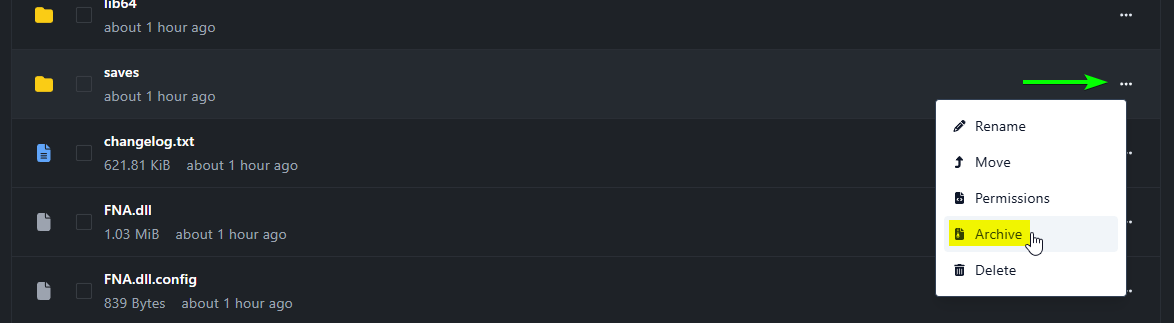
!!! danger "Do not skip this step! You **will** lose all your progress!"
2. Save the Archive created: this is a back-up of your world(s).
2. Delete all the Files (including your Worlds, as you have them downloaded and backed up in your computer by this point)
3. Go to the **Startup**-tab
4. Set "**Version**" to the version you would like to have (such as **1.4.5**)
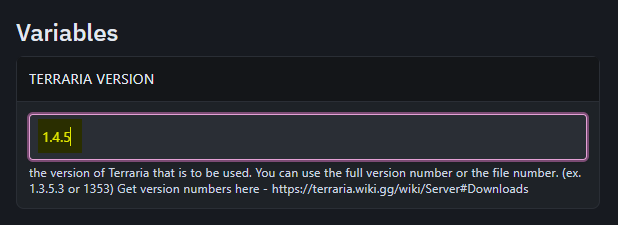
5. Press "**Reinstall**" in the **Settings**-tab and wait for the server to be reinstalled with the newer version
7. Re-upload your **Saves**-folder and **Start** your server. Your server is now updated.
---
Source: https://fps.ms/docs/terraria/joining-your-terraria-server
# How to join your Terraria server
To join your Terraria server you need three things from the panel: its IP address, its port and, if it has one, its password. Then you join from Terraria with **Join via IP**. This works on PC and on mobile.
## Find your server's IP and port
1. Go to [panel.fps.ms](https://panel.fps.ms). Your dashboard lists your servers.
2. Find your Terraria server. If it does not show **Online**, click **Start** and wait until it does.
3. Click **Manage**.

4. The **Console** page opens. Under your server's name you see its address, for example `mango.fps.ms:10051`.

Terraria asks for the IP and the port separately. Split the address at the `:`.
| Part | Example | Where you type it in Terraria |
|-|-|-|
| IP address | `mango.fps.ms` | **Enter Server IP Address:** |
| Port | `10051` | **Enter Server Port:** |
!!! info "Your address is your own" "The first part is the name of the machine your server runs on, so yours may not start with `mango`. The port is not Terraria's usual `7777`. Always use the address from your own Console page."
## Check your server's password
Your server only asks for a password if it has one. Where you find it depends on the server type you picked:
| Server type | Setting on the Startup page | Default |
|-|-|-|
| Terraria Vanilla | **Password** | Empty, so no password |
| tModLoader | **Server Password** is shown, but your server does not use it | No password |
| TShock | No password setting | No password. TShock uses in-game accounts instead, see [Setup your TShock server](https://fps.ms/docs/terraria/setup-your-tshock-server.md) |
The steps below are for Terraria Vanilla.
To see or change the password:
1. On your server's page, click **More** in the top bar.
2. Click **Startup**.
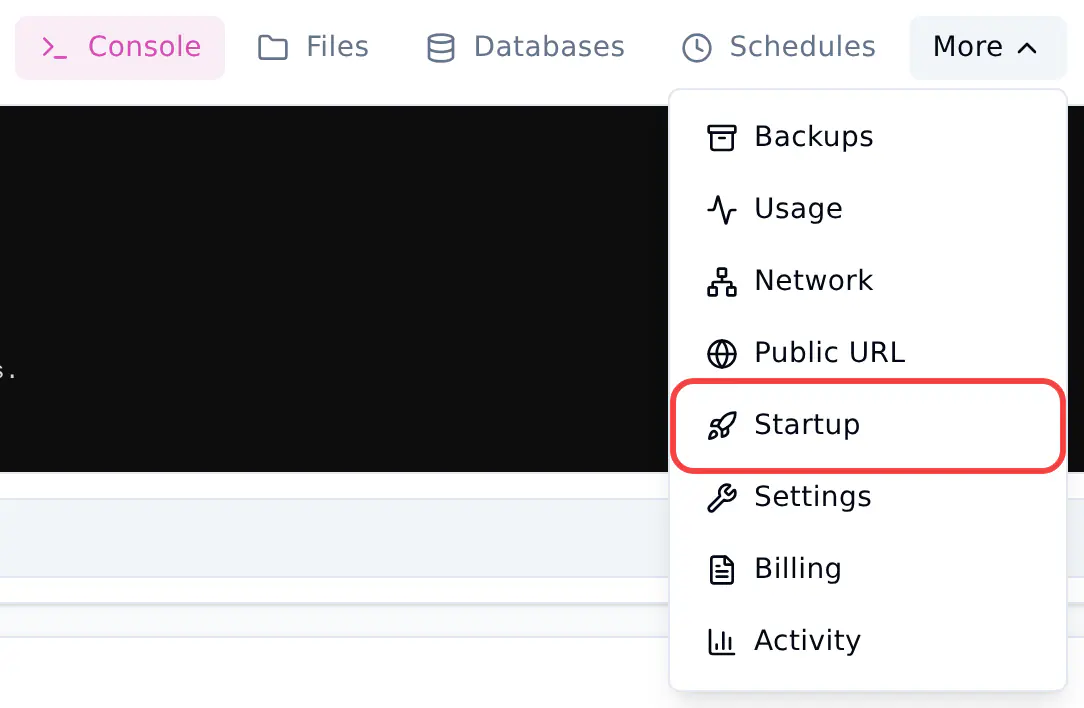
3. Scroll to **Password**. This box holds your server's password.
4. To set or change the password, type it in the box. The panel saves it by itself a moment after you stop typing. There is no save button.
5. Click **Console** in the top bar, then click **Restart**. Your server only reads the new password when it starts.
!!! note "Removing the password" "Empty the box and restart your server. Players can then join without a password."
## Join from Terraria on PC
1. Start Terraria and click **Multiplayer**.
2. Click **Join via IP**.
3. Pick the character you want to play with.
4. At **Enter Server IP Address:**, type the IP part of your address, for example `mango.fps.ms`. Click **Accept**.
5. At **Enter Server Port:**, type the port, for example `10051`. Click **Accept**.
6. If your server has a password, Terraria shows **Enter Server Password:**. Type it and click **Accept**.
Terraria saves the servers you played on under **Join via IP**, so next time you can pick your server from that list.
!!! tip "Joining a tModLoader server" "Open the tModLoader client instead of plain Terraria, then follow the same steps. To get the same mods as your server, see [Setup your tModLoader server](https://fps.ms/docs/terraria/setup-your-tmodloader-server.md)."
## Join from Terraria on mobile
1. Open Terraria and tap **Multiplayer**.
2. Pick the character you want to play with.
3. Tap **Online**.
4. Add your server: type the IP part of your address (for example `mango.fps.ms`) and the port (for example `10051`).
5. Tap your server in the list to join. If it has a password, type it when the game asks.
!!! info "Consoles" "Terraria on PlayStation, Xbox and Nintendo Switch cannot join your server yet. PC and mobile players can play together on it."
## Can't join?
- **The server is not online.** Check that your server shows **Online** on the dashboard. If not, click **Start** and wait.
- **The IP box has the port in it.** Type only `mango.fps.ms` (your own IP) at **Enter Server IP Address:**, and the numbers after the `:` at **Enter Server Port:**.
- **You used port 7777.** Use the port from your Console page.
- **Terraria says "Incorrect password".** Check the password on the **Startup** page. If you changed it, restart your server.
- **Terraria says "You are not using the same version as this server."** Your game and your server run different Terraria versions. Update your game, or see [Update your Terraria Server](https://fps.ms/docs/terraria/update-your-terraria-server.md).
Still stuck? Work through [Can't connect to my server](https://fps.ms/docs/troubleshooting/cant-connect-to-my-server.md).
---
Source: https://fps.ms/docs/troubleshooting/cant-connect-to-my-server
# Can't Connect to My Server
If you can't connect to your game server, work through these steps in order to identify and fix the problem.
## Step 1: Is the server running?
Go to the **Console** tab of your server in the panel. Check that:
- The server status shows **Running** (not Offline or Starting)
- The console shows the server has finished loading (e.g., "Done! For help, type help")
If the server is not running, start it and wait for it to fully load before trying to connect.
## Step 2: Are you using the correct IP and port?
The most common connection issue is using the wrong address.
1. Go to the **Console** tab -- your connection address is shown at the top
2. The format is `IP:PORT` (e.g., `mango.fps.ms:25565`)
3. Make sure you're entering both the IP **and** the port in your game client
!!! warning "Don't Forget the Port"
Unlike some other hosts, your server may not use the default game port. Always include the port number after the colon.
## Step 3: Check for version mismatch
For Minecraft servers, your client version must match the server version.
- Check the server version in the **Console** output or **Startup** settings
- Make sure your Minecraft launcher is set to the same version
- If the server runs Spigot/Paper 1.20.4, your client must be 1.20.4 (unless the server has ViaVersion installed)
## Step 4: Is the server suspended or expired?
Free servers require periodic renewal. If your server has expired:
- You'll see a notice on the server page
- The server cannot be started until renewed
- Go to the server's page and click **Renew** if available
## Step 5: DNS not propagated (custom domain)
If you're using a custom domain or DDNS address to connect:
- Try connecting with the raw `IP:PORT` instead to rule out DNS issues
- DNS changes can take up to 48 hours to propagate globally
- Use an [online DNS checker](https://dnschecker.org) to verify your domain resolves correctly
## Step 6: Check your firewall or ISP
In rare cases, your local network may block the connection:
- Try connecting from a different network (e.g., mobile data)
- Check if your firewall or antivirus is blocking the game client
- Some school or corporate networks block game server ports
## Still not working?
If none of the steps above resolve the issue, join the [FPS.ms Discord server](https://fps.ms/discord) and ask for help in the support channel. Include:
- Your server's connection address
- The error message you see in the game client
- Whether the server shows as running in the panel
---
Source: https://fps.ms/docs/troubleshooting/domain-not-resolving
# Domain Not Resolving
If your domain isn't loading your website or connecting to your server, the issue is almost always related to DNS configuration. Here's how to diagnose and fix it.
## DNS propagation delay
After making DNS changes, records don't update instantly across the internet. Propagation can take:
- **A few minutes** for most locations
- **Up to 24-48 hours** for full global propagation
If you just changed your DNS records, wait a few hours and try again before troubleshooting further.
## Verifying your DNS records
Check that your DNS records are correctly set up:
1. Go to an online DNS checker like [dnschecker.org](https://dnschecker.org)
2. Enter your domain name
3. Select the record type you want to check (A, CNAME, MX, etc.)
4. Verify the results match what you configured
### What to look for
- **A record** for websites: should point to your hosting server's IP address
- **SRV record** for Minecraft: should point to your game server's IP and port
- **CNAME record** for subdomains: should point to the target domain
- **MX record** for email: should point to your mail server
## Checking nameserver configuration
If none of your DNS records are resolving, your nameservers might not be correctly configured.
1. Check your domain registrar's settings
2. Verify the nameservers are set to the correct provider:
- If using FPS.ms DNS: use the nameservers shown in your domain settings
- If using an external DNS provider (Cloudflare, etc.): use their nameservers
3. Nameserver changes can take 24-48 hours to take effect
## Common mistakes
### Wrong record type
- Use an **A record** to point to an IP address (e.g., `123.45.67.89`)
- Use a **CNAME record** to point to another domain (e.g., `mango.fps.ms`)
- Don't put an IP address in a CNAME record or a domain name in an A record
### Missing records
Make sure you've created records for both the root domain (`yourdomain.com`) and the `www` subdomain (`www.yourdomain.com`) if you want both to work.
### Wrong IP address
Double-check that the IP address in your A record matches your actual server IP. You can find your server's IP in the panel under the **Network** or **Console** tab.
### TTL caching
If you recently changed a DNS record, the old value may be cached. Records with high TTL (Time to Live) values take longer to update. Most FPS.ms DNS records use a TTL of 3600 seconds (1 hour).
!!! tip "Use Online Tools"
Tools like [dnschecker.org](https://dnschecker.org) and [whatsmydns.net](https://whatsmydns.net) show how your DNS records look from servers around the world. This helps you confirm whether propagation is complete or still in progress.
---
Source: https://fps.ms/docs/legal/terms-of-service
# Terms of Service
These Terms of Service apply when you create an FPS.ms account, use the FPS.ms panel, deploy servers, run containers or apps, use webhosting, manage DNS or domains, use email-related services, top up account balance, contact support, or otherwise use our services.
By creating an account, accepting these Terms in the panel, deploying a service, or continuing to use FPS.ms after a required legal update, you agree to these Terms and to the policies linked from them.
## 1. Related Policies
The following documents are part of your agreement with FPS.ms:
- [Privacy Policy](https://fps.ms/docs/legal/privacy-policy.md)
- [Acceptable Use Policy](https://fps.ms/docs/legal/acceptable-use-policy.md)
- [Service Availability Statement](https://fps.ms/docs/legal/service-availability.md)
- [Refund and Withdrawal Policy](https://fps.ms/docs/legal/refund-withdrawal-policy.md)
If there is a conflict between these Terms and a service-specific rule shown during checkout or in the panel, the more specific rule applies for that service.
## 2. Accounts and Eligibility
You must be at least 13 years old to use FPS.ms. If you are under 18, you may use FPS.ms only with permission from a parent or legal guardian. Paid services, top-ups, domain registrations, and any transaction that creates a payment obligation require permission from a parent or legal guardian if you are under 18.
You must provide accurate account, billing, contact, and verification information. You must keep that information up to date. We may require email verification, credit card verification, phone verification, address verification, anti-abuse checks, or additional information before allowing access to services, paid features, domain registration, account recovery, or support actions.
You are responsible for your account, API keys, SSH keys, passwords, linked accounts, teams, subusers, and anyone you allow to access your services. Do not share access with people you do not trust. Actions performed through your account or services are treated as your responsibility.
You may not create or use multiple accounts to bypass free-plan limits, abuse controls, suspensions, verification requirements, or any other FPS.ms restriction. Multi-accounting and account networks are covered in more detail in the [Acceptable Use Policy](https://fps.ms/docs/legal/acceptable-use-policy.md).
## 3. Services We Provide
FPS.ms provides self-managed hosting infrastructure and related tools. Depending on the products available to your account, this may include game servers, generic containers, app hosting, webhosting, databases, backups, snapshots, DNS, DDNS, domains, email-related features, GitHub deployment tools, public URLs, proxies, support, and other panel features.
Unless we explicitly agree otherwise in writing, FPS.ms is not a managed services provider. You are responsible for configuring, securing, updating, maintaining, and backing up the software, content, code, plugins, mods, databases, websites, apps, domains, DNS records, email accounts, and other resources you run on FPS.ms.
We may add, change, suspend, remove, or limit services, products, plans, features, locations, resources, prices, quotas, or integrations. Where a material change negatively affects a paid service you are actively using, we will try to provide reasonable notice unless urgent security, legal, abuse, operational, or supplier reasons require faster action.
## 4. Free Services
Free services are provided at our discretion and are intended for fair, personal, non-abusive use. Free services may have stricter limits, renewal requirements, hibernation rules, resource controls and support limits than paid services. Free services may not be used for commercial purposes under any circumstance.
We may downgrade, suspend, delete, reclaim, or stop offering free services where they are inactive, expired, misused, unsafe, uneconomical to provide, or otherwise outside the purpose of the free plan.
## 5. Paid Services, Balance, and Billing
FPS.ms uses a prepaid balance model. You add balance first, then use that balance to pay for eligible services such as paid hosting plans, renewals, domains, and other products.
Account balance is not a bank account, e-money product, cash deposit, loan, investment, or stored value that can be withdrawn for cash. It is a credit that can be used only for eligible FPS.ms services.
Prices may be shown excluding or including VAT depending on the page, user type, and checkout context. Taxes, fees, exchange rates, crypto-network costs, payment-provider costs, and registry costs may apply. EU VAT and reverse-charge treatment depend on the billing details and VAT validation available at the time of the transaction.
Paid services are prepaid unless the panel or a written agreement clearly says otherwise. If a service expires or cannot be renewed because your balance is too low, it may be suspended, downgraded, deleted, or made unavailable according to the product rules shown in the panel and documentation.
Refunds, withdrawal rights, balance cash-outs, payment errors, chargebacks, suspension consequences, and account deletion consequences are governed by the [Refund and Withdrawal Policy](https://fps.ms/docs/legal/refund-withdrawal-policy.md).
## 6. Domains, DNS, Webhosting, and Third-Party Rules
Domain registration, transfer, renewal, contact management, WHOIS or RDAP data, DNSSEC, transfer lock, privacy features, and TLD-specific requirements may depend on registries, registrars, resellers, and other suppliers. You must provide accurate registrant and contact information and comply with registry and registrar rules.
Domain orders are not guaranteed until the registry or registrar confirms completion. We may refuse, cancel, reverse, suspend, transfer, lock, or correct domain-related actions where required by registry rules, law, payment issues, abuse handling, inaccurate data, or supplier instruction.
Some FPS.ms features depend on third-party providers, including payment processors, domain providers, email providers, DNS providers, verification providers, anti-abuse providers, analytics providers, AI providers, storage providers, and infrastructure suppliers. Their availability, rules, and decisions may affect your services.
## 7. Acceptable Use
You must comply with the [Acceptable Use Policy](https://fps.ms/docs/legal/acceptable-use-policy.md) at all times. The AUP explains what you may not host, run, sell, distribute, automate, attack, scan, relay, proxy, mine, bypass, or otherwise do through FPS.ms.
The AUP applies to all services, including free services, paid services, servers, containers, apps, websites, files, databases, DNS records, domains, email accounts, proxies, public URLs, GitHub deployments, teams, subusers, and traffic generated by your resources.
We may act against AUP violations even where the violation was caused by your users, customers, players, team members, compromised code, leaked credentials, misconfiguration, or a third party using your service.
## 8. Security, Monitoring, and Abuse Handling
We may monitor FPS.ms systems, accounts, services, traffic metadata, logs, console output, files, processes, network behavior, payment behavior, login behavior, and related signals to operate the service, prevent abuse, investigate incidents, enforce our policies, protect other users, comply with legal obligations, and secure our infrastructure.
We use automated and manual abuse review, including our internal Guardian systems. Where necessary and proportionate, we may inspect files, logs, console output, process data, network signals, account information, payment signals, and service metadata. We may quarantine accounts or services, preserve evidence, place legal holds, restrict access, or report suspected illegal activity to authorities or affected providers.
More detail on personal data handling is available in the [Privacy Policy](https://fps.ms/docs/legal/privacy-policy.md).
## 9. Suspension and Termination
We may warn, rate-limit, disable features, block traffic, remove content, quarantine services, suspend services, suspend accounts, terminate services, terminate accounts, preserve evidence, or refuse future service where reasonably necessary to:
- protect FPS.ms, other users, suppliers, networks, or the public;
- stop or investigate abuse, fraud, security risk, or illegal activity;
- enforce these Terms, the AUP, or another policy;
- comply with law, regulation, court order, authority request, registry instruction, payment-provider instruction, or supplier requirement;
- respond to unpaid amounts, chargebacks, payment disputes, incorrect billing data, or failed verification;
- prevent repeated or severe policy violations.
Where practical and safe, we may give you notice or a chance to fix the issue. We may act immediately without prior notice for severe abuse, security threats, DDoS activity, malware, phishing, spam, child sexual abuse material, credible threats to life or safety, payment fraud, chargebacks, legal orders, or risks to infrastructure stability.
If we restrict your account or service because of illegal content or AUP violations, we will aim to provide a clear reason and a review path unless doing so would create a security risk, interfere with an investigation, expose confidential abuse signals, violate law, or harm another person.
## 10. Data, Backups, and Loss
You are responsible for keeping backups of anything important. FPS.ms backups, snapshots, exports, redundancy, or restore tools are convenience features, not a promise that your data can always be recovered.
You should keep independent backups outside FPS.ms for important files, databases, configuration, domains, DNS zones, emails, websites, worlds, code, and app data.
We are not responsible for data loss caused by your actions, your users, expired services, suspended services, deleted services, misconfiguration, compromised accounts, software bugs in your code, third-party services, force majeure, abuse enforcement, or failures outside our reasonable control, except where mandatory law says otherwise.
## 11. Support
Support availability depends on your plan, service type, workload, and the issue. Free plans may receive limited or no support. Paid support helps with FPS.ms infrastructure and panel-related issues, but does not make FPS.ms responsible for managing your server, code, game configuration, plugins, mods, websites, apps, databases, or third-party software.
We may refuse support for abusive users, unsupported software, unsafe workloads, illegal activity, policy violations, custom code problems, unmanaged administration tasks, or cases that require access or changes we are not comfortable performing.
## 12. Availability and High-Risk Use
FPS.ms does not provide a contractual SLA or service credits unless we separately agree in writing. Availability expectations, maintenance, exclusions, and high-risk-use limits are described in the [Service Availability Statement](https://fps.ms/docs/legal/service-availability.md).
Do not use FPS.ms for life-safety systems, emergency services, critical infrastructure, medical systems, financial trading systems, industrial control systems, or any workload where downtime, data loss, latency, or service errors could cause serious harm.
## 13. Liability
FPS.ms provides the services as-is and as-available. We do not promise uninterrupted service, error-free operation, perfect security, compatibility with your software, availability of third-party services, or recovery of lost data.
FPS.ms is not liable for indirect damages, lost profits, lost revenue, lost business, lost data, reputational damage, replacement costs, third-party claims, or damage caused by downtime, DDoS attacks, service interruptions, security incidents, user misconfiguration, expired services, or abuse enforcement.
Where FPS.ms is legally liable despite these limits, our total liability is limited to the amount you paid to FPS.ms for the affected service during the one month before the event giving rise to the claim, unless mandatory law requires a higher amount.
## 14. Indemnity
To the maximum extent permitted by law, you agree to defend, indemnify, and hold FPS.ms harmless from claims, costs, damages, losses, fines, penalties, and expenses arising from your content, services, users, customers, players, account activity, breach of these Terms, breach of the AUP, violation of law, infringement of third-party rights, payment disputes, domain disputes, or misuse of FPS.ms.
## 15. Changes to These Terms
We may update these Terms and related policies. If a change is material, we will try to notify users through the panel, email, changelog, documentation, or another reasonable channel before or when the change takes effect.
For important legal updates, we may require you to accept the new version before continuing to use the panel or before making a payment.
## 16. Governing Law and Contact
These Terms are governed by the laws of the Netherlands, unless mandatory consumer law gives you rights that cannot be changed by contract.
Questions about these Terms can be sent to `legal@fps.ms`. Abuse reports should be sent through the abuse process described in the [Acceptable Use Policy](https://fps.ms/docs/legal/acceptable-use-policy.md).
---
Source: https://fps.ms/docs/legal/privacy-policy
# Privacy Policy
This page is used to inform you regarding our policies with the collection, use, and disclosure of Personal Information. By using our Services, you agree to the collection and use of information in relation with this policy. The Personal Information that we collect are used for providing and improving FPS.ms.
The terms used in this Privacy Policy have the same meanings as in our Terms of Service, which is accessible [here](Terms%20of%20Service), unless otherwise defined in this Privacy Policy.
## Information Collection and Use
We may require you to provide us with personally identifiable information when you decide to use our Services, including but not limited to your..
- name
- e-mail address
- Discord ID and registered e-mail address ([view Discord Privacy Policy](https://discord.com/privacy))
Due to taxation reasons, if you would like to purchase or upgrade to any paid plan, you're also required to supply us with your..
- full name
- phone number
- address, zip code and country
The information that we collect will be used to contact or identify you regarding your Services, prevent abuse and log data.
## Data logging
We want to inform you that whenever you visit FPS.ms and use our Services, we collect information that your browser and client sends to us that is called Log Data.
This Log Data may include information such as your computer's Internet Protocol (“IP”) address, browser version, pages of our Service that you visit, the time and date of your visit, the time spent on those pages, and other statistics.
We also want to inform you all servers are heavily monitored to prevent abuse on our network and we may read and log your Server Console at any time.
## Service Providers
We employ third-party companies and individuals due to the following reasons:
- To facilitate our Service;
- To provide the Service on our behalf;
- To perform Service-related services; or
- To assist us in analyzing how our Service is used.
We want to inform our users that these third parties may have access to your Personal Information. The reason is to perform the tasks assigned to them on our behalf. However, they are obligated not to disclose or use the information for any other purpose.
## Security
We value your trust in providing us your Personal Information, thus we are striving to use commercially acceptable means of protecting it. But remember that no method of transmission over the internet, or method of electronic storage is 100% secure and reliable, and we cannot guarantee its absolute security.
## Links to Other Sites
Our Service may contain links to other sites. If you click on a third-party link, you will be directed to that site. Note that these external sites are not operated by us. Therefore, we strongly advise you to review the Privacy Policy of these websites. We have no control over, and assume no responsibility for the content, privacy policies, or practices of any third-party sites or services.
## Children's Privacy
FPS.ms does not allow anyone under the age of 13 to use our Services per our [Terms of Service](https://fps.ms/docs/legal/terms-of-service.md). We do not knowingly collect personal identifiable information from children under 13.
In the case we discover that a child under 13 has provided us with personal information, we will do everything in our power to delete this from our servers. If you are a parent or guardian and you are aware that your child has provided us with personal information, please contact us so that we will be able to do necessary actions.
## Changes to This Privacy Policy
We may update our Privacy Policy from time to time. We advise you to review this page periodically for any changes.
We will notify you of any changes by posting the new Privacy Policy on this page and through our Discord Changelog. These changes are effective immediately.
---
Source: https://fps.ms/docs/legal/acceptable-use-policy
# Acceptable Use Policy
This Acceptable Use Policy explains what you may not do on FPS.ms. It applies to every account, user, team, subuser, server, container, app, website, database, file, backup, snapshot, domain, DNS zone, email account, public URL, proxy, deployment, and any traffic or content connected to FPS.ms.
This policy is not exhaustive. If something is harmful, illegal, abusive, deceptive, unsafe, or likely to damage FPS.ms, our users, our suppliers, or the public, we may treat it as a violation even if it is not listed word-for-word below.
## 1. Your Responsibility
You are responsible for your account and for activity by anyone who uses your account, services, teams, subusers, API keys, SSH keys, GitHub deployments, domains, DNS records, websites, apps, servers, or containers.
You must keep your services secure. A compromised service that sends spam, joins a botnet, hosts malware, attacks others, mines cryptocurrency, or stores illegal content is still an AUP issue.
You may not help, allow, encourage, sell, advertise, or facilitate activity that would violate this policy if you performed it yourself.
## 2. Illegal and Harmful Content
You may not use FPS.ms to host, store, publish, link to, distribute, promote, sell, or facilitate illegal or harmful content or activity, including:
- child sexual abuse material, sexual exploitation of minors, grooming, or any attempt to obtain, generate, distribute, or normalize such content;
- non-consensual intimate images, revenge pornography, sexual extortion, or sexual content involving people who did not consent;
- terrorism, violent extremism, credible threats, incitement to violence, or instructions for serious harm;
- hate, harassment, stalking, doxxing, threats, or targeted abuse;
- content that unlawfully exposes personal data, credentials, private keys, tokens, payment details, identity documents, logs, databases, or other private information;
- counterfeit goods, illegal drugs, illegal weapons, illegal gambling, fraudulent schemes, scams, pyramid schemes, or money-mule activity;
- content or services that violate Dutch law, EU law, the law where you live, or the law that applies to the affected people or systems.
## 3. Security Abuse
You may not use FPS.ms for security abuse, including:
- DDoS attacks, DoS attacks, stressers, booters, flooders, amplifiers, reflection attacks, botnets, command-and-control systems, or services that enable them;
- malware, ransomware, spyware, worms, trojans, stealers, loaders, droppers, keyloggers, backdoors, rootkits, cryptojackers, or malicious scripts;
- phishing, pharming, credential theft, token grabbing, session hijacking, fake login pages, fake payment pages, or impersonation;
- credential stuffing, password spraying, account checkers, account generators, account shops, stolen account lists, token lists, combo lists, or tools designed for account compromise;
- unauthorized access, attempted unauthorized access, exploitation, scanning, probing, vulnerability testing, scraping, crawling, or enumeration against systems you do not own or have permission to test;
- spoofing, fake packet headers, source-IP forgery, email header forgery, misleading origin information, or attempts to hide abusive traffic origin;
- interception, packet capture, monitoring, or collection of traffic without permission;
- storing, selling, publishing, or distributing exploit kits, malware builders, bypasses, stolen credentials, or stolen personal data.
Security research on or through FPS.ms requires prior written permission from FPS.ms and from every affected system owner.
## 4. Network Abuse
You may not use FPS.ms in a way that disrupts, overloads, degrades, attacks, scans, or interferes with FPS.ms, other FPS.ms users, suppliers, third-party networks, or the internet.
Prohibited network activity includes:
- denial-of-service activity or preparation for it;
- open proxies, open mail relays, open recursive DNS resolvers, Tor exit nodes, public VPN/proxy services, traffic relays, or tunnelling services unless explicitly approved in writing;
- bandwidth abuse, excessive connections, excessive crawling, excessive API traffic, or traffic patterns that harm service quality;
- public file mirrors, software mirrors, CDN-like workloads, bulk download services, or high-volume redistribution unless the product explicitly allows it;
- activity likely to place FPS.ms IP addresses, domains, mail systems, or suppliers on abuse lists, blacklists, blocklists, or reputation feeds;
- attempts to bypass rate limits, port limits, storage limits, CPU limits, memory limits, bandwidth limits, plan limits, hibernation, renewal, or anti-abuse systems.
## 5. Email and Messaging Abuse
You may not use FPS.ms to send, relay, facilitate, or advertise spam or abusive messages, including:
- unsolicited bulk email, unsolicited commercial email, or unsolicited messages through chat, forums, games, bots, social platforms, or APIs;
- phishing, impersonation, misleading sender identities, forged headers, reply-to deception, or spoofed domains;
- mailing lists without valid consent, unsubscribe handling, and complaint handling;
- mail or message campaigns that cause complaints, bounces, blocklisting, provider warnings, or reputation harm;
- using third-party mail systems to promote or link to abusive content hosted on FPS.ms.
You must secure any website, app, bot, script, or form that can send messages.
## 6. Intellectual Property and Software Abuse
You may not use FPS.ms to infringe or facilitate infringement of copyrights, trademarks, trade secrets, licenses, or other rights.
Prohibited activity includes:
- cracked, nulled, pirated, leaked, or stolen software, plugins, themes, mods, modpacks, maps, assets, accounts, keys, or licenses;
- warez, piracy portals, illegal streaming, illegal IPTV, torrent trackers, seedboxes, or indexes for infringing material;
- tools or instructions primarily designed to bypass DRM, license checks, anti-cheat, copy protection, paywalls, or access controls;
- using game, software, or platform assets in a way that violates the applicable EULA, license, or platform rules.
## 7. Game, Bot, and Community Abuse
FPS.ms hosts game servers, bots, and community infrastructure. You may not use those services for:
- cheat sales, cheat distribution, cheat loaders, cheat panels, injectors, bypasses, or paid access to cheating tools;
- stolen game accounts, account generators, account checkers, token grabbers, or session theft;
- cracked servers, license-bypass servers, or EULA-violating monetization;
- harassment, raids, brigading, extortion, threats, doxxing, or abusive community behavior;
- gambling, betting, casino mechanics, real-money trading, or lootbox-style monetization where illegal or unsafe;
- bots designed for spam, scams, raids, scraping, credential theft, or platform abuse.
Commercial use is restricted on free services. You may not sell access, sell in-game items, solicit donations, resell resources, run a commercial network or make money in any possible way on free plans.
## 8. Resource Abuse and Misuse
You may not use FPS.ms resources in a way that is outside the intended product category or unfair to other users.
Prohibited resource abuse includes:
- cryptocurrency mining, plotting, farming, validating, or similar compute-for-token workloads;
- AI mining, proof-of-work systems, or reward farming that primarily consumes CPU, GPU, memory, disk, or bandwidth;
- AFK bots, fake players, keepalive scripts, artificial traffic, or automation designed to keep free game containers online when real users are not playing;
- using game, bot, or app containers as general virtual machines unless the product explicitly allows it;
- using storage for photo sharing, video sharing, streaming, archive hosting, backups unrelated to the service, mirrors, or file repositories;
- running heavy pre-generation, indexing, transcoding, scraping, crawling, compiling, or batch jobs that disrupt other users or exceed the product purpose;
- reselling free plans, pooling accounts, account sharing networks, or bundling multiple accounts to bypass limits.
## 9. Domains, DNS, Webhosting, and Email
You may not use FPS.ms domains, DNS, webhosting, or email-related services for:
- phishing, malware, spam, scam shops, counterfeit goods, illegal marketplaces, or brand impersonation;
- domain fronting, fast flux, DNS tunnelling, domain generation algorithms, malicious redirects, or abuse infrastructure;
- false registrant data, domain hijacking, unauthorized DNS zones, or domains you do not have the right to manage;
- trademark infringement, cybersquatting, typosquatting, deceptive domains, or impersonation;
- hosting leaked databases, stolen personal data, card data, credential dumps, or other unlawful datasets.
We may modify, suspend, transfer, lock, remove, or refuse DNS or domain services where required by law, registry rules, registrar rules, payment-provider rules, abuse handling, or rights-holder disputes.
## 10. High-Risk and Regulated Use
You may not use FPS.ms for high-risk services where failure, downtime, latency, data loss, or security issues could cause serious harm. This includes life-safety, emergency response, medical systems, critical infrastructure, industrial control, financial trading, and other mission-critical workloads.
Regulated services, financial services, medical services, gambling, adult services, age-restricted services, weapons, controlled substances, and similar activities may be refused or removed where we believe they create legal, safety, payment, supplier, or abuse risk.
## 11. Reporting Illegal Content or Abuse
Anyone can report suspected illegal content or AUP violations involving FPS.ms.
Reports should include:
- your name and contact details;
- the affected URL, domain, IP address, server address, email header, or other precise location;
- why you believe the content or activity is illegal or violates this policy;
- evidence such as screenshots, logs, timestamps, message headers, or registry details;
- whether there is an urgent threat to life, safety, or security.
Send abuse reports to `abuse@fps.ms`. Authorities can contact us at `abuse@fps.ms` as well. If there is an imminent threat to life or safety, contact the competent emergency or law-enforcement authority first.
Knowingly false or abusive reports may be rejected and may lead to action where allowed by law.
## 12. How We Handle Reports and Violations
We review reports and detected violations as quickly as reasonably possible. We aim to make decisions carefully, objectively, proportionately, and consistently.
Depending on the issue, we may:
- request more information;
- forward a report to the customer for remediation;
- remove or disable content;
- block traffic, ports, domains, DNS records, email, or public URLs;
- rate-limit, isolate, quarantine, suspend, or terminate services;
- suspend or terminate accounts;
- preserve evidence, generate abuse bundles, or apply legal hold;
- notify affected providers, registries, payment processors, or authorities;
- refuse future service.
For severe violations, we may act immediately and without prior notice. Severe violations include DDoS activity, malware, phishing, spam, child sexual abuse material, credible threats, exploitation, active compromise, payment fraud, chargebacks, repeated abuse, and threats to FPS.ms infrastructure or other users.
Where we restrict a user, account, service, or content because of illegal content or an AUP violation, we will aim to explain the reason and available review path unless doing so would create security risk, expose confidential abuse signals, interfere with an investigation, harm another person, or violate law.
## 13. Review and Appeals
If you believe we made a mistake, contact support or reply through the channel used for the enforcement notice. Include the account, service, domain, or case reference; explain what you believe is wrong; and include supporting evidence.
We may require remediation before restoring access, such as removing content, patching software, rotating credentials, disabling scripts, updating DNS, or proving authorization.
Repeat violations, severe abuse, evasion, false information, chargebacks, or refusal to remediate will result in permanent termination.
---
Source: https://fps.ms/docs/legal/service-availability
# Service Availability Statement
This Service Availability Statement explains what users can expect from FPS.ms availability, maintenance, support, and downtime handling.
## 1. No Contractual SLA
FPS.ms does not provide a contractual Service Level Agreement, uptime guarantee, service-credit scheme, financial compensation, or downtime remedy unless we separately agree to one in writing.
We aim to build and operate FPS.ms with high availability. Our internal engineering target is 99.9% availability for core production services, but this is a goal, not a legal promise, warranty, or basis for compensation.
## 2. Not for Mission-Critical Use
Do not use FPS.ms for mission-critical, life-safety, emergency, medical, financial trading, industrial control, critical infrastructure, legal compliance deadline, or other high-risk workloads.
FPS.ms is built for game servers, apps, websites, development projects, community services, domains, DNS, and similar workloads where occasional downtime, maintenance, data loss risk, latency, or service interruption is acceptable.
If downtime could cause serious harm, legal exposure, financial loss, or public safety risk, you need a provider and architecture designed for that risk.
## 3. Maintenance
We may perform scheduled, emergency, or unplanned maintenance to keep FPS.ms secure and reliable.
Where practical, we try to announce scheduled maintenance in advance through the panel, status page, documentation, email, Discord, or another reasonable channel. Emergency maintenance may happen without advance notice.
Maintenance may affect the panel, game servers, containers, apps, webhosting, domains, DNS, email-related features, databases, backups, snapshots, payments, deployments, support, APIs, or third-party integrations.
## 4. Exclusions
Availability issues are not covered by any compensation or credit. In particular, FPS.ms is not responsible for:
- your software, plugins, mods, apps, websites, code, configuration, databases, cron jobs, DNS records, or email setup;
- expired, suspended, deleted, downgraded, hibernated, or unpaid services;
- free services, best-effort services, preview features, beta features, or experimental features;
- DDoS attacks, abuse, malware, spam, phishing, security incidents, or enforcement actions;
- maintenance, migrations, emergency patches, capacity changes, or supplier changes;
- third-party providers, registries, registrars, payment providers, DNS providers, email providers, GitHub, Discord, Stripe, or other integrations;
- internet routing, transit providers, local network issues, client-side problems, browser issues, firewalls, blocked ports, or user devices;
- force majeure, government action, court orders, authority requests, power issues, upstream outages, supply chain incidents, or events outside our reasonable control.
## 5. Backups and Data Recovery
You are responsible for keeping your own backups. FPS.ms backup, snapshot, restore, export, replication, and redundancy features are convenience tools and do not remove your responsibility to keep independent backups outside FPS.ms.
We do not guarantee that backups or snapshots will exist, be current, be complete, be restorable, or cover every service type.
## 6. Incident Communication
During incidents, we may prioritize mitigation and recovery over individual updates. When practical, we will provide updates through the panel, status page, Discord, email, documentation, or support channels.
Support responses during major incidents may be delayed.
## 7. No Service Credits
FPS.ms does not provide service credits for downtime, packet loss, latency, maintenance, DDoS attacks, data loss, third-party outages, or other service interruptions unless we separately agree to credits in writing.
Any goodwill credit we choose to provide is discretionary, may be account balance only, is not a cash refund, and does not create a future obligation.
---
Source: https://fps.ms/docs/legal/refund-withdrawal-policy
# Refund and Withdrawal Policy
This Refund and Withdrawal Policy explains how FPS.ms handles prepaid balance, refunds, withdrawal rights, credits, chargebacks, account deletion, and suspension.
## 1. Summary
FPS.ms does not offer voluntary, discretionary, goodwill, change-of-mind, or convenience refunds. We mean this seriously: to the maximum extent permitted by law, all completed payments are final, account balance is not withdrawable for cash, and spent balance is not returned because you later regret the purchase.
## 2. Prepaid Balance
FPS.ms uses prepaid account balance. You add balance first, then spend it on eligible FPS.ms services such as paid hosting plans, renewals, domains, and other products.
Account balance:
- can only be used for eligible FPS.ms services;
- cannot be withdrawn, transferred, sold, exchanged for cash, or paid to another payment method;
- is not a bank account, e-money product, cash deposit, loan, investment, or general stored-value product;
- may be reduced by purchases, renewals, taxes, fees, chargebacks, refunds, credits, corrections, or enforcement actions.
## 3. No Discretionary Refunds
We do not provide voluntary refunds, account credits, reversals, or balance cash-outs because a user:
- changed their mind;
- stopped using a service;
- chose the wrong product;
- forgot to cancel, delete, downgrade, or renew a service;
- misconfigured their server, website, app, DNS, domain, email, code, plugins, mods, or database;
- was unhappy with performance caused by their own software, configuration, workload, or third-party services;
- was suspended, terminated, quarantined, or restricted for abuse, fraud, chargebacks, or policy violations;
- deleted their account;
- paid with cryptocurrency and later wants the payment reversed;
- used a free plan to test FPS.ms and later decided a paid plan was not suitable.
This is not a "case-by-case goodwill" policy. Support staff cannot override this policy unless FPS.ms is legally required to provide a remedy or an authorized FPS.ms officer approves an exception in writing.
## 4. Statutory Rights
Nothing in this policy removes rights you have under mandatory law.
For consumers in the EU, online purchases may include a 14-day right of withdrawal unless an exception applies or the right is lost according to law. Where FPS.ms begins providing a digital service or makes prepaid balance available immediately after your explicit request, we ask you to acknowledge that immediate performance starts before the withdrawal period ends and that you lose the right of withdrawal once the service has been fully performed or the credit has been made available as requested.
Business customers do not have consumer withdrawal rights unless we explicitly agree in writing.
## 5. Immediate Performance and Withdrawal Waiver
Before a balance top-up is paid, FPS.ms may require you to accept a transaction-specific Immediate Performance and Withdrawal Waiver. That waiver is separate from your general acceptance of the Terms, Privacy Policy, and AUP.
By accepting the waiver, you ask FPS.ms to start performance immediately by processing the top-up and making the balance available before the 14-day withdrawal period ends. You also acknowledge that you lose the right of withdrawal once the top-up is completed and the credit is made available or the service is fully performed.
Each top-up requires its own fresh waiver. A previous waiver does not cover a future payment.
## 6. Domains and Third-Party Costs
Domain registrations, renewals, transfers, restores, registry fees, registrar fees, TLD fees, crypto-network fees, payment-provider fees, and other third-party costs are non-refundable once submitted, completed, consumed, or charged by the supplier.
For domain registrations, transfers, renewals, restores, or similar registry actions, FPS.ms may require you to accept a domain-order refund and withdrawal waiver before we submit the order. By accepting that waiver, you ask FPS.ms to submit the order immediately, acknowledge that registry or registrar costs may be incurred immediately, and acknowledge that no voluntary refund, cancellation, reversal, or account credit will be issued after submission.
Domain orders may be irreversible even if you made a typo, selected the wrong TLD, selected the wrong registration period, changed your mind, no longer need the domain, or later decide not to use the domain.
## 7. Waiver Evidence Records
FPS.ms records evidence when you accept a top-up waiver or domain-order waiver. These records may be used to handle refund requests, chargebacks, payment disputes, fraud reviews, abuse reviews, legal claims, tax records, and compliance checks.
Waiver evidence may include:
- your user ID and account identifiers;
- the waiver context, such as balance top-up or domain order;
- the document slug, title, version, URL, and document hash shown at the time;
- the checkbox value and the time the checkbox was accepted;
- server-side acceptance time;
- IP address, user agent, browser fingerprint or similar security identifier, language, route, referrer, consent session ID, render nonce, and related request metadata;
- payment ID, provider reference, invoice number, balance transaction ID, or other payment metadata;
- for domain orders, the domain name, operation type, years or term, amount, currency, domain registration ID, order UUID, registrar or registry reference, and related order metadata.
If you later claim that you did not accept a waiver, did not request immediate performance, or did not understand that the order was final, we may rely on these records as evidence.
## 8. Service Termination Credits
Some FPS.ms products may provide an account-balance credit when you terminate, downgrade, or change a paid service before the end of a prepaid period. If available, the panel will show the estimated credit before you confirm the action.
These credits are not cash refunds. They are account balance and remain subject to this policy.
We may refuse or reverse termination credits where there is abuse, fraud, chargeback activity, incorrect calculations, negative balance, policy violations, or a technical error.
## 9. Payment Errors
Contact support if you believe there was a duplicate charge, unauthorized payment, incorrect amount, failed payment that still charged you, tax error, or payment-provider error.
We may require evidence and may need to coordinate with the payment provider. If a correction is legally or contractually required, we may correct the balance, issue account credit, reverse a payment, or refund through the original payment method where possible.
## 10. Chargebacks and Payment Disputes
Do not start a chargeback or payment dispute before contacting us unless you believe the payment was unauthorized or you are legally entitled to do so.
Chargebacks, payment disputes, failed payments, payment fraud, or negative balance may result in immediate account suspension, service suspension, service termination, domain or DNS restrictions, balance correction, evidence preservation, debt collection, refusal of future service, and loss of access to paid or free services.
If a chargeback reverses funds that were already credited or spent, we may deduct the amount from your account balance, create a negative balance, suspend services, or seek recovery.
## 11. Suspension, Termination, and Account Deletion
If your account or service is suspended, quarantined, terminated, closed, or deleted because of abuse, fraud, chargebacks, non-payment, legal risk, inaccurate information, or policy violations, remaining balance is not refunded.
If you request account deletion, any remaining balance is forfeited and is not paid out.
We may retain billing, legal acceptance, fraud, tax, abuse, chargeback, and deleted-account records after account deletion where needed or allowed by law.
## 12. How to Request Review
For payment or refund questions, contact support from your account where possible. Include the payment ID, provider reference, invoice number, amount, date, and a clear explanation of the issue.
For legal notices about withdrawal rights, contact `legal@fps.ms`.
---
Source: https://fps.ms/docs/legal/withdrawal-waiver
# Immediate Performance and Withdrawal Waiver
This document is the transaction-specific waiver shown before an FPS.ms balance top-up or another purchase where we ask to start performance immediately.
Effective date: 6 May 2026
## 1. Immediate Performance Request
By accepting this waiver during checkout, you expressly request that FPS.ms starts performance immediately, before the 14-day withdrawal period ends.
For a balance top-up, this means you ask us to process the payment, complete the top-up, and make the prepaid account credit available for use as soon as the payment succeeds.
## 2. Loss of Withdrawal Right
You acknowledge that, once the top-up is completed and the credit is made available, the requested digital service has been fully performed for that top-up and you may lose your right of withdrawal for that transaction to the maximum extent permitted by law.
You also acknowledge that any balance you spend on FPS.ms services is not withdrawable for cash and remains subject to the [Refund and Withdrawal Policy](https://fps.ms/docs/legal/refund-withdrawal-policy.md).
## 3. Fresh Acceptance Per Transaction
This waiver applies only to the specific top-up or transaction for which you accepted it.
Accepting this waiver once does not cover future top-ups, automatic payments, renewals, domain orders, service purchases, or other transactions. FPS.ms may require a fresh waiver for each transaction.
## 4. Statutory Rights
Nothing in this waiver removes rights that cannot legally be waived.
If mandatory law requires a refund, repair, replacement, price reduction, cancellation right, or other remedy, FPS.ms will handle that according to the law and the [Refund and Withdrawal Policy](https://fps.ms/docs/legal/refund-withdrawal-policy.md).
---
Source: https://fps.ms/docs/legal/recurring-withdrawal-waiver
# Recurring Immediate Performance and Withdrawal Waiver
This document is the waiver shown when you enable automatic top-ups for your FPS.ms account balance. It applies to every automatic top-up executed while the feature is enabled.
Effective date: 6 July 2026
## 1. Recurring Immediate Performance Request
By enabling automatic top-ups, you ask FPS.ms to charge your saved payment method automatically each time your balance falls below the threshold you set, and to add the topped-up credit to your account right away.
You expressly consent to this recurring immediate performance: you want each automatic charge to be carried out as soon as your balance drops below your threshold, without waiting for any withdrawal period to pass.
## 2. Loss of Withdrawal Right Per Charge
You acknowledge that, because you asked for these recurring automatic charges to be performed immediately, you lose the 14-day right of withdrawal for each automatic top-up at the moment it is executed, to the maximum extent permitted by law.
Credit added by an automatic top-up is prepaid balance and remains subject to the [Refund and Withdrawal Policy](https://fps.ms/docs/legal/refund-withdrawal-policy.md).
## 3. Turning Automatic Top-Ups Off
You can turn off automatic top-ups at any time from your billing settings. Turning the feature off stops future automatic charges but does not reverse a top-up that has already been executed.
## 4. Statutory Rights
Nothing in this waiver removes rights that cannot legally be waived.
This waiver does not affect any refund rights you have under applicable law for charges that were not properly authorised. If mandatory law requires a refund or other remedy, FPS.ms will handle that according to the law and the [Refund and Withdrawal Policy](https://fps.ms/docs/legal/refund-withdrawal-policy.md).
---
Source: https://fps.ms/docs/webhosting/getting-started
# Getting Started
This guide walks you through deploying a web hosting service, visiting your site, adding a domain, enabling SSL, and uploading your own content.
## Deploy your web hosting service
1. Click **Launchpad** in the sidebar, or go directly to [panel.fps.ms/deploy](https://panel.fps.ms/deploy).
2. Select the **Web Hosting** category.
3. Choose a package that fits your needs and click to continue.
4. Enter a server name, select a location, and click **Deploy Server**.
5. You will be redirected to the web hosting **Overview** page.
!!! warning "Installation Time"
The service may take a moment to provision. Please be patient and refresh the page if needed.
## The Overview page
Once deployed, the Overview page shows everything about your web hosting service:
- **Resource usage** — disk space, bandwidth, domains, subdomains, email accounts, databases, and FTP accounts with visual progress bars.
- **Billing & renewal** — expiration date, auto-renew toggle, and upgrade option.
- **Service details** — your username, domain, email, server, and package.
You can also reset your password and delete the service from this page.
## Visit your website for the first time
Your web hosting service comes with a default domain shown on the Overview page.
1. Copy the domain link from the Overview page.
2. Paste it into your browser address bar and press Enter.
3. You should see the default FPS.ms placeholder page.
## Add a domain
FPS.ms lets you add your own domains or create subdomains for your web hosting service.
1. Go to the **Domains** section in the sidebar.
2. Click **Add Domain** to add a new domain (if your package limit allows it).
3. Once added, you can expand the domain to create subdomains — type your desired subdomain name and it will be created as `subdomain.yourdomain.com`.
You can also change which domain is your **primary domain** from the Domains page.
!!! info "Domain Limits"
The number of domains you can add depends on your package. If you reach the limit, consider upgrading your plan. Free webhosting packages only have 1 domain
## Enable SSL
Securing your site with SSL is recommended so browsers mark it as safe.
1. Go to the **SSL** section in the sidebar.
2. Choose one of two options:
- **Let's Encrypt** (free) — automatically issues and renews a certificate every 90 days. You can optionally include the `www` variant.
- **Custom certificate** — paste your own certificate, private key, and optional CA chain in PEM format.
3. Once issued, the SSL status card shows the issuer, validity dates, and days until expiry.
!!! warning "Let's Encrypt Rate Limits"
Certificate creation may occasionally fail due to Let's Encrypt rate limits. If this happens, wait an hour, delete the certificate, and try again. If the issue persists, contact support.
## Upload your own website
Now that your service is set up, you can upload your own content.
1. Go to the **Files** section in the sidebar.
2. Navigate to the **public_html** directory.
3. Delete the default `index.html` file.
4. Click **Upload** to upload your website files (HTML, CSS, JS, images, etc.). You can also create new files or directories directly from the file manager.
5. Make sure your main page is called `index.html` (or `index.php`). If not, rename it using the file manager.
6. To edit a file, click on it to open the built-in editor. Make your changes and save.
7. Open your domain in a browser and press **Ctrl + F5** to see your new site.
!!! tip "File Manager Features"
The file manager supports uploading, renaming, deleting, editing text files inline, creating directories, and changing file permissions (644, 755, 600).
## Upload files via FTP / SFTP
If you prefer using an FTP client (such as FileZilla or WinSCP) instead of the built-in file manager, you can connect via FTP, FTPS, or SFTP.
1. Go to the **FTP** section in the sidebar.
2. The **Connection Info** card shows the hostname, FTP port, FTPS port, SFTP port, and your username format.
3. Use these details in your FTP client to connect.
### Creating additional FTP accounts
You can create separate FTP accounts with restricted directory access:
1. Click **Create FTP Account**.
2. Enter a username (it will be prefixed with your service username, e.g., `yourservice_ftpuser`).
3. Set a password.
4. Optionally change the directory to restrict access to a specific path (e.g., `/domains/example.com/public_html`). Defaults to `/`.
You can change passwords or delete FTP accounts at any time. System accounts cannot be modified.
!!! info "FTP Limits"
The number of FTP accounts you can create depends on your package. If FTP is unavailable on your plan, consider upgrading.
!!! warning "No Coding Support"
FPS.ms does not provide coding or web development support. The examples above are for demonstration purposes only.
---
Source: https://fps.ms/docs/webhosting/managing-domains-and-subdomains
# Managing Domains & Subdomains
Your FPS.ms web hosting service supports multiple domains and subdomains. You can add your own domains, switch the primary domain, and create subdomains to organize your sites.
## Adding a new domain
1. Go to the **Domains** section of your web hosting server
2. Click **Add Domain**
3. Choose a domain source:
- **Existing** -- a domain you already own through FPS.ms
- **New** -- register a new domain through FPS.ms
- **Transfer** -- transfer a domain from another registrar
- **External** -- a domain managed elsewhere (you handle DNS manually)
- **Subdomain** -- a free `*.hostedbyfps.com` subdomain
4. Enter the domain name and click **Add**
!!! warning "DNS Required"
For external domains, you must point your domain's DNS A record to your hosting server's IP address. Without this, your domain will not load your website.
## Changing the primary domain
Your primary domain is the main domain your hosting service runs under. To change it:
1. Go to the **Domains** section
2. Click **Change Primary Domain**
3. Select the domain source and enter the new domain
4. Click **Confirm**
The change runs in the background and may take a minute to fully apply.
!!! info "Subdomain Rate Limit"
Switching to a managed `*.hostedbyfps.com` subdomain as your primary domain is limited to once per week.
## Creating subdomains
Subdomains let you host additional content under a domain (e.g., `blog.yourdomain.com`).
1. Go to the **Domains** section and find your domain
2. Click **Subdomains** next to the domain
3. Enter the subdomain name (e.g., `blog`)
4. Click **Add**
If your domain's DNS is managed by FPS.ms, an A record is automatically created for the subdomain.
## Removing a domain
1. Go to the **Domains** section
2. Click the **Delete** button next to the domain you want to remove
3. Confirm the deletion
!!! danger "Primary Domain"
You cannot delete the primary domain. Change your primary domain to a different one first if you need to remove it.
---
Source: https://fps.ms/docs/webhosting/setting-up-email-accounts-and-forwarders
# Setting Up Email Accounts & Forwarders
FPS.ms web hosting includes email hosting on paid packages, letting you create professional addresses like `you@yourdomain.com`. Free hosting packages do not include email.
## Setting up your email domain
Before creating email accounts, your domain needs to be activated for email:
1. Go to the **Email** section of your web hosting server
2. Find the domain you want to enable email for
3. Click **Set Up Email**
For domains managed by FPS.ms, DNS records (MX, SPF, DKIM) are configured automatically. For external domains, you need to add these records manually at your DNS provider.
!!! info "Automatic Setup"
If your domain's nameservers point to FPS.ms, email setup is fully automatic and takes a few minutes. You can check the setup progress on the Email page.
## Creating an email account
1. Go to the **Email** section and select your domain
2. Click **Create Account**
3. Enter the username (the part before `@`) and set a password
4. Click **Create**
Your new email address will be `username@yourdomain.com`. The number of accounts depends on your hosting package.
## Accessing webmail
Once your email account is created, you can access webmail to send and receive emails directly in your browser. Check the Email section for the webmail URL provided with your domain setup.
## Changing an email password
1. Go to the **Email** section and select your domain
2. Find the account and click **Change Password**
3. Enter the new password (minimum 6 characters) and save
## Creating email forwarders
Forwarders redirect incoming emails to one or more external addresses without needing a full mailbox.
1. Go to the **Email** section and select your domain
2. Navigate to the **Forwarders** tab
3. Click **Create Forwarder**
4. Enter the alias (e.g., `info`) and one or more destination email addresses
5. Click **Create**
Emails sent to `info@yourdomain.com` will be forwarded to the destinations you specified.
## Deleting accounts and forwarders
To remove an email account or forwarder, find it in the list under the **Email** section and click **Delete**. This action is permanent and cannot be undone.
!!! warning "MX Records"
For external domains, make sure your MX records are correctly configured to point to the FPS.ms mail servers. Without proper MX records, email delivery will fail.
---
Source: https://fps.ms/docs/webhosting/managing-databases
# Managing Databases
Your FPS.ms web hosting service includes MySQL databases for your websites and applications. You can create, manage, and delete databases from the panel.
## Creating a new database
1. Go to the **Databases** section of your web hosting server
2. Click **Create Database**
3. Fill in the following fields:
- **Database name** -- alphanumeric characters only (your username is automatically prefixed)
- **Database user** -- the username to connect with
- **Database password** -- minimum 8 characters
4. Click **Create**
Your database will be named `yourusername_dbname` and the user will be `yourusername_dbuser`.
## Connection details
Use these details to connect your website or application to the database:
- **Host:** `localhost` (when connecting from your web hosting server)
- **Port:** `3306`
- **Database:** `yourusername_dbname`
- **Username:** `yourusername_dbuser`
- **Password:** the password you set during creation
!!! tip "PHP Connection"
In your PHP code, you can connect using:
```php
$conn = new mysqli('localhost', 'yourusername_dbuser', 'your_password', 'yourusername_dbname');
```
## Accessing phpMyAdmin
If phpMyAdmin is available on your hosting server, you can access it from the **Databases** section to visually browse and manage your database tables, run SQL queries, and import or export data.
## Deleting a database
1. Go to the **Databases** section
2. Find the database you want to remove
3. Click **Delete** and confirm
!!! danger "Permanent Action"
Deleting a database permanently removes all data. Make sure to create a backup before deleting a database you may still need.
---
Source: https://fps.ms/docs/webhosting/ssl-certificates
# SSL Certificates
SSL certificates encrypt the connection between your visitors and your website, showing the padlock icon in the browser. FPS.ms supports free Let's Encrypt certificates and custom SSL uploads.
## Requesting a free Let's Encrypt certificate
Let's Encrypt provides free, automatically renewed SSL certificates.
1. Go to the **SSL** section of your web hosting server
2. Select the domain you want to secure
3. Click **Request Let's Encrypt**
4. Choose whether to include the `www` subdomain (enabled by default)
5. Click **Request**
The certificate is typically issued within a few minutes.
!!! warning "DNS Must Point to Your Server"
Your domain's A record must already point to your hosting server's IP before requesting a Let's Encrypt certificate. The verification process requires your domain to be reachable on the hosting server.
## Uploading a custom SSL certificate
If you have a certificate from another provider:
1. Go to the **SSL** section and select your domain
2. Click **Upload Certificate**
3. Paste the following:
- **Certificate** -- your SSL certificate (PEM format)
- **Private Key** -- the matching private key
- **CA Certificate** -- the intermediate/chain certificate (optional but recommended)
4. Click **Upload**
## Verifying SSL is active
After requesting or uploading a certificate:
1. Go to the **SSL** section and check the status for your domain
2. Visit your website using `https://` in your browser
3. Look for the padlock icon in the address bar
## Troubleshooting common SSL issues
- **Certificate not issuing:** Make sure your domain's DNS points to the hosting server. Let's Encrypt needs to verify domain ownership.
- **Mixed content warnings:** Your site loads over HTTPS but includes resources (images, scripts) using `http://`. Update all URLs to `https://` or use relative URLs.
- **Certificate expired:** Let's Encrypt certificates auto-renew. If renewal fails, request a new certificate manually.
- **Rate limits:** Let's Encrypt has issuance limits. If you hit a rate limit, wait an hour, delete the failed certificate, and try again.
!!! tip "Force HTTPS"
After installing your certificate, update your site to redirect all HTTP traffic to HTTPS for the best security.
---
Source: https://fps.ms/docs/webhosting/ftp-accounts
# FTP Accounts
FTP accounts let you upload and manage files on your web hosting service using an FTP client. You can create multiple accounts with different directory access levels.
## Creating an FTP account
1. Go to the **FTP** section of your web hosting server
2. Click **Create FTP Account**
3. Fill in:
- **Username** -- alphanumeric characters, dots, hyphens, and underscores
- **Password** -- minimum 6 characters
- **Directory** -- the folder this account can access (defaults to root `/`)
4. Click **Create**
Your FTP username will be `yourusername_ftpuser`. The number of FTP accounts depends on your hosting package.
## FTP connection details
Use these details to connect with any FTP client:
- **Host:** your hosting server's hostname (shown in the FTP section)
- **FTP Port:** `21`
- **FTPS Port:** `990` (recommended for encrypted connections)
- **SFTP Port:** `22`
- **Username:** `yourusername_ftpuser`
- **Password:** the password you set during creation
## Connecting with FileZilla
[FileZilla](https://filezilla-project.org/) is a free, popular FTP client.
1. Download and install FileZilla
2. Open FileZilla and go to **File > Site Manager**
3. Click **New Site** and enter:
- **Protocol:** FTP - File Transfer Protocol (or SFTP for secure)
- **Host:** your hosting server's hostname
- **Port:** `21` (or `22` for SFTP)
- **Encryption:** Require explicit FTP over TLS (for FTP)
- **Logon Type:** Normal
- **User:** `yourusername_ftpuser`
- **Password:** your FTP password
4. Click **Connect**
!!! tip "Use FTPS or SFTP"
Always prefer FTPS (port 990) or SFTP (port 22) over plain FTP (port 21). Encrypted connections protect your credentials and files during transfer.
## Changing an FTP account password
1. Go to the **FTP** section
2. Find the account you want to update
3. Click **Change Password** and enter the new password
4. Click **Save**
!!! info "System Accounts"
System accounts cannot have their passwords changed from this page. Use the **Reset Password** button on the Overview page instead.
## Deleting an FTP account
1. Go to the **FTP** section
2. Find the account you want to remove
3. Click **Delete** and confirm
!!! info "System Account"
Your main hosting account has a built-in system FTP user that cannot be deleted. This is the default account created with your service.
---
Source: https://fps.ms/docs/webhosting/cron-jobs
# Cron Jobs
Cron jobs let you run commands or scripts automatically on a schedule. They are useful for tasks like clearing caches, sending emails, running backups, or updating data.
## What is a cron job?
A cron job is a scheduled command that runs at specific intervals. Each job is defined by a schedule (using five time fields) and a command to execute.
The five time fields are: **minute**, **hour**, **day of month**, **month**, and **day of week**. Use `*` to mean "every" value.
## Creating a cron job
1. Go to the **Cron Jobs** section of your web hosting server
2. Click **Add Cron Job**
3. Fill in the schedule fields:
- **Minute** (0-59)
- **Hour** (0-23)
- **Day of Month** (1-31)
- **Month** (1-12)
- **Day of Week** (0-6, where 0 = Sunday)
4. Enter the **Command** to run (e.g., `php /home/user/domains/yourdomain.com/public_html/artisan schedule:run`)
5. Click **Add**
## Common cron schedules
| Schedule | Minute | Hour | Day | Month | Weekday |
|-|-|-|-|-|-|
| Every minute | `*` | `*` | `*` | `*` | `*` |
| Every 5 minutes | `*/5` | `*` | `*` | `*` | `*` |
| Every hour | `0` | `*` | `*` | `*` | `*` |
| Every day at midnight | `0` | `0` | `*` | `*` | `*` |
| Every Monday at 3 AM | `0` | `3` | `*` | `*` | `1` |
| First day of month | `0` | `0` | `1` | `*` | `*` |
!!! tip "Test First"
Run your command manually via SSH or the file manager terminal before scheduling it. This helps catch errors before the cron job runs unattended.
## Deleting a cron job
1. Go to the **Cron Jobs** section
2. Find the job you want to remove
3. Click **Delete** and confirm
!!! warning "Be Careful"
Cron jobs run with your hosting account's permissions. Avoid scheduling resource-intensive tasks too frequently, as this can affect your hosting performance.
---
Source: https://fps.ms/docs/webhosting/backups-and-restoration
# Backups & Restoration
Regular backups protect your website data against accidental changes, file corruption, or security incidents. FPS.ms web hosting lets you create, download, restore, and delete backups.
## Creating a backup
1. Go to the **Backups** section of your web hosting server
2. Click **Create Backup**
3. Choose what to include:
- **Files** -- your website files and directories
- **Databases** -- all MySQL databases on this service
- **Emails** -- email account data
4. Click **Create**
Backup creation runs in the background and may take a few minutes depending on the size of your data.
!!! info "Backup Time"
Large websites with many files or databases may take several minutes to back up. You can continue using your hosting service while the backup is being created.
## Downloading a backup
1. Go to the **Backups** section
2. Find the backup you want to download
3. Click **Download**
Backups are downloaded as `.tar.gz` archive files that you can extract on your local computer.
## Restoring from a backup
1. Go to the **Backups** section
2. Find the backup you want to restore
3. Click **Restore**
4. Choose what to restore (files, databases, emails)
5. Confirm the restoration
!!! danger "Overwrite Warning"
Restoring a backup will overwrite your current files, databases, and/or emails with the backup's contents. This action cannot be undone. Create a new backup of your current state before restoring if you want to preserve it.
## Deleting old backups
1. Go to the **Backups** section
2. Find the backup you no longer need
3. Click **Delete** and confirm
Regularly cleaning up old backups helps free storage space on your hosting account.
!!! tip "Regular Backups"
Make it a habit to create a backup before making major changes to your website, such as updating your CMS, changing themes, or modifying database structures.
---
Source: https://fps.ms/docs/frequently-asked-questions/why-do-i-need-to-join-the-discord-server
# Why do I need to join the Discord server?
We offer free plans, but free plans - unfortunately - attracts abusers from all over the world. Instead of having e-mail login which makes the threshold for abuse extremely low, we opted to force users to join our Discord server, which is set at the **highest** security verification level. This means that before being able to use FPS.ms, you need to ...
- have a Discord account
- must be registered on Discord for longer than 5 minutes
- be a member of the server for longer than 10 minutes
- have a verified phone number on your Discord account
As the Discord server is (for now) our only way of reaching our users and communicating with them, you need to stay in the Discord server to be able to keep using our services. **This is basically our only requirement**, please understand our decisions.
---
Source: https://fps.ms/docs/frequently-asked-questions/how-to-delete-a-free-server
# How to delete a Free Server
If you no longer need your free server, you can delete it at any time through the server renewal panel.
## How to Delete Your Free Server
1. Navigate to your server's console
3. Locate the **Free server** card
4. Click the trash can button next to the renewal button (see image)
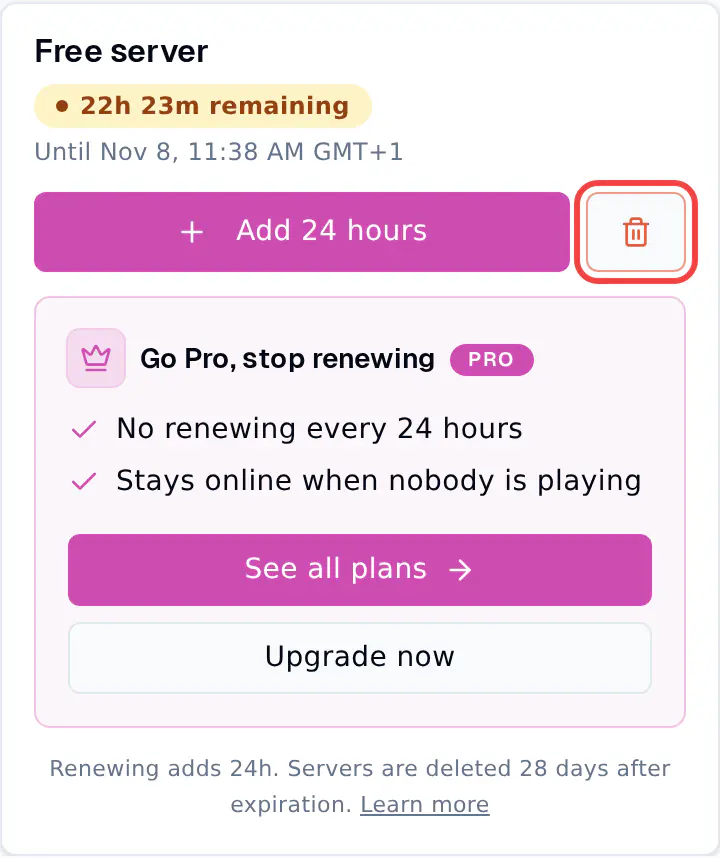
## What Should I Know Before Deleting?
- **This action is permanent** - Once deleted, your server and all its data cannot be recovered
- **No refunds** - Free servers do not have any associated payments, so there's nothing to refund
- **Immediate effect** - The server will be removed immediately after confirmation
## What Should I Do Before Deleting?
Consider the following before deleting your free server:
- **Download your files** - Use the File Manager to download any important files or worlds
- **Export databases** - If you have databases, export them before deletion
- **Note your configurations** - Save any custom startup parameters or settings you may want to reuse
### Can I undo a server deletion?
No. Server deletions are permanent and cannot be reversed. Make sure to back up any important data before proceeding.
### Will I lose my free server slot?
No. After deleting a free server, you can create a new free server at any time (subject to availability).
### What happens to my server's IP address and port?
The allocation (IP and port) will be released and may be assigned to other users.
---
Source: https://fps.ms/docs/frequently-asked-questions/how-teams-work
# How Teams work
### What are Teams?
Teams allow you to collaborate with other users by sharing access to your resources like servers, domains, and web hosting. Team members can view and manage shared resources based on their assigned permissions.
### What Roles Are Available in a Team?
**Owner**: Full control over the team, can manage all members, share resources, and delete the team.
**Admin**: Can invite/remove members, share resources, and manage team settings.
**Member**: Can access shared resources with the permissions assigned to them.
### How Do I Share Resources with My Team?
Owners and admins can share servers, domains, and web hosting services with the team. When sharing a resource, you can set specific permissions for each team member to control what actions they can perform.
### How Do Team Invitations Work?
When you're invited to a team, you'll see a notification at the top of this page. Invitations expire after 7 days. Once accepted, you'll have access to any resources shared with you by the team.
!!! info "Free Servers Cannot Be Shared" "To prevent misuse, free servers cannot be shared with team members. Only paid servers can be added as team resources. This helps ensure fair usage of our free server program."
---
Source: https://fps.ms/docs/ddns/getting-started-with-ddns
# Getting Started with DDNS
Dynamic DNS (DDNS) lets you use a fixed subdomain that always points to your current IP address — even if your ISP changes it. This is especially useful if you host a game server at home.
## Why Use DDNS?
Most home internet connections have a dynamic IP address that changes periodically. Without DDNS, players would need your new IP every time it changes. With DDNS, they connect to a subdomain like `myserver.dynip.nl` that automatically updates.
## Creating a DDNS Service
1. Go to **DDNS** in the dashboard sidebar.
2. Click **Create Service**.
3. Choose a **package** — there is a free tier available, as well as paid packages with longer renewal periods.
4. Select a **domain** from the available DDNS domains (e.g., `dynip.nl`).
5. Enter your desired **subdomain** (e.g., `myserver`).
6. Choose a **billing cycle** (monthly or yearly for paid packages).
7. Click **Create**.
!!! info "Email Verification Required"
You must verify your email address before creating a DDNS service. Go to Account Settings if you haven't done this yet.
!!! warning "Reserved Subdomains"
Common subdomains like `www`, `mail`, `admin`, `api`, and similar names are reserved and cannot be used.
## Viewing Your DDNS Address
After creation, you will see your service detail page showing:
- Your full DDNS address (e.g., `myserver.dynip.nl`)
- Current IP address
- Service status and expiration date
- Your API token for automatic updates
Share this address with players or anyone who needs to connect to your server. The next step is to set up automatic IP updates — see [DDNS Token & Auto-Update Setup](https://fps.ms/docs/ddns/ddns-token-and-auto-update-setup.md).
---
Source: https://fps.ms/docs/ddns/ddns-token-and-auto-update-setup
# DDNS Token & Auto-Update Setup
Your DDNS service comes with an API token that allows you to update the IP address it points to. You can do this manually or set up automatic updates.
## Finding Your Token
1. Go to **DDNS** and click on your service.
2. Your token is displayed in the **Access Token** section.
## Regenerating Your Token
If your token is compromised, click **Regenerate Token** on the service detail page. The old token will immediately stop working.
!!! warning "Update Your Scripts"
After regenerating, update all scripts and clients that use the old token.
## Update Endpoint
The API endpoint for updating your IP address is:
```
GET https://panel.fps.ms/api/ddns/update?token=YOUR_TOKEN&ip=YOUR_IP
```
**Parameters:**
- `token` (required) — your DDNS service token
- `ip` (optional) — the IP address to set. If omitted, the server auto-detects your public IP.
Both GET and POST methods are supported.
## Manual Update with curl
To update your IP manually (auto-detect):
```bash
curl "https://panel.fps.ms/api/ddns/update?token=YOUR_TOKEN"
```
To set a specific IP:
```bash
curl "https://panel.fps.ms/api/ddns/update?token=YOUR_TOKEN&ip=1.2.3.4"
```
## Automatic Updates with a Cron Job
Set up a cron job to update your IP every 5 minutes:
```bash
*/5 * * * * curl -s "https://panel.fps.ms/api/ddns/update?token=YOUR_TOKEN" > /dev/null
```
## Using ddclient or inadyn
You can configure popular DDNS clients to work with the FPS.ms update endpoint. Point them at the update URL using a custom provider configuration with your token as the authentication parameter.
!!! tip "Auto-Detect IP"
Omitting the `ip` parameter is the easiest approach — the server detects your public IP from the request. This works well for most home setups.
---
Source: https://fps.ms/docs/ddns/ddns-packages-and-upgrades
# DDNS Packages & Upgrades
FPS.ms offers both free and paid DDNS packages. Paid packages provide longer renewal periods and support for more subdomains.
## Available Packages
When creating a DDNS service, you choose a package. Each package specifies:
- **Price** — monthly and/or yearly billing
- **Renewal period** — how long the service lasts before needing renewal
- **Max subdomains** — how many services you can have on that package
The free package allows 1 DDNS service per account. Paid packages may allow additional services and offer yearly billing with savings.
## Upgrading Your Service
If you are on the free package and want more features:
1. Go to **DDNS** and click on your service.
2. Click **Upgrade Package**.
3. Choose between **monthly** or **yearly** billing (if available).
4. Select a paid package from the list.
5. Click **Upgrade Service**.
Your account balance will be charged, and the service will be activated with the new package immediately.
!!! info "Upgrade Only"
You can only upgrade to a more expensive package. Downgrades are not available through the dashboard.
## Renewal and Auto-Renewal
DDNS services can be renewed when they are expiring soon (within 24 hours), in grace period, or already expired.
- **Free packages:** Click **Renew Service** to extend for another renewal period at no cost.
- **Paid packages:** Choose to renew monthly or yearly. Your balance is charged accordingly.
**Auto-renewal** is available for paid packages only. Toggle it from the service detail page under the Service Details section. When enabled, FPS.ms will automatically renew your service before it expires using your account balance.
## What Happens When a DDNS Service Expires
| Stage | What happens |
|-|-|
| **Active** | Service works normally, DNS record resolves |
| **Expiring soon** | Within 24 hours of expiry — renewal button appears |
| **Grace period** | Service expired but DNS record is preserved temporarily |
| **Deleted** | Grace period ended — DNS record is removed permanently |
!!! danger "Grace Period"
Once the grace period ends, your subdomain and DNS record are permanently deleted. Renew promptly to avoid losing your subdomain.
---
Source: https://fps.ms/docs/payments-and-billing/how-to-buy-a-server
# How to Buy a Server
Deploying a server on FPS.ms takes just a few clicks. Open the deploy page, pick what you want to run and a package, fill in the details, and deploy it in seconds.
!!! info "Balance Required for Paid Packages"
Paid packages require sufficient account balance. See [Adding Balance & Payment Methods](https://fps.ms/docs/payments-and-billing/adding-balance-and-payment-methods.md) to top up first. Free packages can be deployed without any balance.
## Step 1: Open the deploy page
Click **Deploy** in the top bar of the panel, or go to [panel.fps.ms/deploy](https://panel.fps.ms/deploy).
## Step 2: Choose a Category
Pick one of the categories at the top:
- **Game Servers**: Minecraft, Terraria or Hytale. Then choose a game and a game version.
- **Containers**: your own code, like a Discord bot, a Telegram bot or a web app. Then choose a runtime, like Python or Node.js, and a runtime version. See [what is a Container?](https://fps.ms/docs/containers/what-is-a-container.md)
- **Apps**: a ready-made app. Then choose the app.
## Step 3: Select a Package
Inside a category you will find one or more server packages. Each package shows:
- **Memory** (RAM in MB)
- **CPU** (processing power)
- **Disk** (storage space in MB)
- **Databases** (maximum databases allowed)
- **Backups** (backup slots)
- **Extra Ports** (additional network ports)
- **Price** (monthly or yearly cost, or free)
For paid packages you can choose between **monthly** and **yearly** billing cycles. Review the specs and click the package that fits your needs.
## Step 4: Configure & Deploy
Below the packages, fill in the following:
1. **Server Name** — give your server a name (e.g., "My Awesome Server").
2. **Server Location** — select the region closest to you or your players for the lowest latency.
3. **Server Type** — if the package supports multiple server types, pick the one you want from the dropdown.
4. **Terms of Service** — for free and paid packages, check the box to agree to the Terms of Service.
The **Order Summary** panel on the right shows your selected package specs, the total price, and your current balance. If your balance is insufficient for a paid package, you will see a warning.
Click **Deploy Server** to confirm. Your server is provisioned within seconds and you will be redirected to your new server's console.
!!! tip "Free Packages"
FPS.ms offers free packages for certain games. These appear alongside paid packages in each category — no balance or payment is needed to deploy them.
---
Source: https://fps.ms/docs/payments-and-billing/adding-balance-and-payment-methods
# Adding Balance & Payment Methods
Your FPS.ms account uses a prepaid balance system. Add funds first, then use that balance to deploy paid servers, register domains, and purchase other services.
## Navigating to Payments
Click **Balance** in the sidebar under the **Account** section, or go directly to [panel.fps.ms/shop/payments](https://panel.fps.ms/shop/payments). This page shows your current balance, saved payment method, invoices, transaction history, and payment options.
## Adding Funds
1. Click the **Top up balance** button on the balance card.
2. Fill in your **billing information** (first name, last name, country, address, postal code, city). This is required for invoicing and is saved for future top-ups. If you have already saved your billing details in Personal Settings, these fields will be pre-filled automatically.
3. Choose a payment method using the tabs:
- **Stripe** — pay with Visa, Mastercard, American Express, iDEAL, and other card methods.
- **Crypto** — pay with Bitcoin (BTC), Ethereum (ETH), and other cryptocurrencies.
4. Enter the amount you want to add and complete the payment flow.
Your balance is credited instantly after a successful payment.
!!! info "Minimum Amount"
There is a minimum top-up amount. The exact minimum is shown in the payment modal and may differ between Stripe and crypto payments.
## Redeeming a Voucher
On the right side of the Payments page you will find the **Voucher** card. Enter your voucher code and click redeem to add the voucher value to your balance instantly.
## Auto Top-up
Auto top-up automatically refills your balance when it drops below a threshold you set. This is useful for keeping servers renewed without manual intervention.
1. Scroll down to the **Auto Top-up** card on the right side of the Payments page.
2. Click **Set up auto top-up**.
3. Add a payment method (card) through the Stripe form.
4. Set your **threshold** (the balance level that triggers a top-up) and **top-up amount**.
5. Click **Save & Enable**.
Once active, the system checks hourly and charges your saved card automatically when your balance falls below the threshold. You can disable, edit settings, or remove the saved card at any time.
Your saved payment method is also shown as a card at the top of the page for quick reference.
!!! warning "VAT"
EU users are charged VAT on top of the top-up amount. The VAT rate depends on your billing country.
## Invoices & Transaction History
The Payments page shows your recent **invoices** with download buttons and **transaction history** with status indicators (Completed, Pending, or Failed). Pending Stripe payments can be continued by clicking **Continue** next to the transaction. For a full list of invoices, click **View all** to go to the Invoices page.
---
Source: https://fps.ms/docs/payments-and-billing/vouchers-and-promo-codes
# Vouchers & Promo Codes
Vouchers let you add free balance to your FPS.ms account. They are given out during promotions, events, and through our Discord community.
## Where to Find Vouchers
- **Discord** -- Join the [FPS.ms Discord](https://fps.ms/discord) for giveaways and community events.
- **Promotions** -- Seasonal promotions and special offers may include voucher codes.
- **Events** -- Participate in community events for a chance to earn voucher codes.
## How to Redeem a Voucher
1. Go to **Balance** in the sidebar under the **Account** section, or go directly to [panel.fps.ms/shop/payments](https://panel.fps.ms/shop/payments).
2. On the right side of the page, find the **Have a Voucher Code?** card.
3. Type or paste your voucher code into the input field. Codes are case-insensitive and are automatically converted to uppercase.
4. Click **Redeem**.
If the code is valid, you will see a success message and your account balance will be updated immediately.
!!! tip "Quick Entry"
You can press **Enter** after typing the code to redeem it without clicking the button.
## What Vouchers Can Give
- **Account balance** -- Most vouchers add a set amount of credit to your account that you can spend on any service.
## Limitations
- **One-time use** -- Each voucher code can typically only be redeemed once.
- **Expiry dates** -- Some vouchers have an expiration date after which they can no longer be redeemed.
- **Account restrictions** -- A voucher may be limited to one redemption per account.
- **Maximum uses** -- Some voucher codes have maximum use amounts - e.g. it can only be redeemed by 100 accounts.
!!! warning "Invalid Codes"
If you receive an error when redeeming, the code may have already been used, expired, or does not exist. Double-check the code and try again.
---
Source: https://fps.ms/docs/payments-and-billing/understanding-invoices-and-billing
# Understanding Invoices & Billing
FPS.ms uses a prepaid balance system. You add funds to your account, and purchases are deducted from that balance. Here is how billing and invoices work.
## How the Balance System Works
- You top up your account balance using Stripe or crypto.
- When you purchase a server, register a domain, or renew a service, the cost is deducted from your balance.
- Your balance never expires -- unused funds stay in your account until you spend them.
- If your balance is too low for a purchase, you need to add more funds first.
## What Triggers Charges
- **Server purchases** -- deploying a new paid server from the deploy page.
- **Server renewals** -- monthly charges to keep your server active.
- **Domain registration** -- registering or renewing a domain name.
- **Web hosting** -- DirectAdmin web hosting services.
## Viewing Invoices
1. Go to **Balance** in the sidebar under the **Account** section, or go directly to [panel.fps.ms/shop/payments](https://panel.fps.ms/shop/payments). Recent invoices are shown directly on this page.
2. For a full list, click **View all** or navigate to **Invoices** in the sidebar.
Each invoice shows:
- **Date** -- when the invoice was generated.
- **Amount** -- total amount including tax (if applicable).
- **Status** -- payment status (e.g., Paid).
## Downloading Invoices
Click the **download icon** next to any invoice to download it as a PDF. This is useful for bookkeeping or expense tracking.
!!! info "Tax Information"
If you are in the EU, invoices include VAT based on your billing country. Make sure your billing address is up to date under **Account > Personal Settings** for accurate tax calculations.
## Transaction History
The Payments page also includes a **Transaction History** section showing all top-up transactions with their payment method, amount, date, and status (Completed, Pending, or Failed). Pending Stripe payments can be resumed by clicking **Continue** next to the transaction.
---
Source: https://fps.ms/docs/payments-and-billing/account-usage
# Account Usage
The Account Usage page gives you a detailed overview of your balance history, upcoming charges, and every transaction on your account.
## Navigating to Account Usage
Click **Account Usage** in the sidebar under the **Account** section, or go directly to [panel.fps.ms/account/usage](https://panel.fps.ms/account/usage).
## Current Balance
At the top of the page your current account balance is displayed. This is the same balance used when deploying paid servers, renewing services, or registering domains.
## Upcoming Deductions
Below your balance, the **Upcoming Deductions** card shows all scheduled charges for your active services. This includes server renewals, DDNS renewals, web hosting renewals, and domain renewals. Use this to plan ahead and make sure your balance covers upcoming costs.
## Transaction History
The main section lists all balance transactions grouped by date. Each transaction shows:
- **Time** — when the transaction occurred.
- **Type** — what triggered the charge or credit.
- **Description** — additional details (e.g., the server or service name).
- **Amount** — shown in green for credits and red for charges.
### Transaction Types
| Type | Description |
|-|-|
| Account Top-up | Balance added via Stripe or crypto |
| Voucher Redemption | Balance added from a voucher code |
| Server Purchase | Deploying a new paid server |
| Server Renewal | Monthly or yearly server renewal charge |
| Server Upgrade | Upgrading to a higher server package |
| Server Downgrade | Switching to a lower server package |
| Free Server Conversion | Converting a free server to a paid package |
| DDNS Purchase | Purchasing a new DDNS service |
| DDNS Renewal | Renewing a DDNS service |
| DDNS Upgrade | Upgrading a DDNS package |
| Web Hosting Purchase | Purchasing a new web hosting service |
| Web Hosting Renewal | Renewing a web hosting service |
| Web Hosting Upgrade | Upgrading a web hosting package |
| Domain Registration | Registering a new domain |
| Domain Renewal | Renewing a domain |
| Admin Adjustment | Manual balance adjustment by an admin |
| Refund | Balance refunded to your account |
### Filtering
You can narrow down the transaction list using two filters:
- **Filter by Type** — select a specific transaction type from the dropdown to show only those transactions.
- **Filter by Month** — select a month from the past 12 months to view transactions from that period.
Both filters can be combined. Select "All Transactions" or "All Time" to reset a filter.
!!! tip "Pagination"
If you have many transactions, the list is paginated. Use the navigation at the bottom to browse through older entries.
---
Source: https://fps.ms/blog/best-terraria-mods
# Best Terraria Mods for Multiplayer
Published 2026-11-08.
The best Terraria mods to play with friends are Calamity or Thorium for new bosses and items, plus Magic Storage, Recipe Browser and Boss Checklist to cut out the chores. They all run on tModLoader, the free mod loader on Steam, and they work in multiplayer when the server and every player run the same mods.
Below are 15 mods that work in multiplayer, grouped by what they do. For each one you'll see whether it goes on the server or only on your own PC. Every mod was checked on the Steam Workshop in November 2026.
## How mods work in multiplayer
Most mods have to be on the server and on every player's game. When you join a modded server, tModLoader switches off any mod the server doesn't have, and the server sends you the mods you're missing. Mods that only change what you see run on your own PC, and the server doesn't need them.
Each mod below is marked with one of these:
- **Server and players:** the server needs it, and so does everyone who joins.
- **Your PC only:** each player installs it if they want it. Don't put it on the server.
- **Optional:** works on either side, and nobody is forced to have it.
## Big content mods
### Calamity Mod
The most popular tModLoader mod, with nearly 10 million subscribers. Calamity adds over 2,000 items, new bosses, new biomes, harder difficulty modes and a much bigger endgame. It needs the Calamity Mod Music mod too, and together they're about 1 GB, so ask your friends to subscribe before the first session.
**Server and players** · [Calamity Mod](https://steamcommunity.com/sharedfiles/filedetails/?id=2824688072) · [Calamity Mod Music](https://steamcommunity.com/sharedfiles/filedetails/?id=2824688266)
### Thorium Mod
Thorium calls itself "Vanilla+": over 2,700 items, new bosses and three new classes that fit in with the base game. Two of those classes are made for groups. The Healer heals and buffs teammates, and the Bard plays instruments that buff everyone nearby.
**Server and players** · [Thorium Mod](https://steamcommunity.com/sharedfiles/filedetails/?id=2909886416)
### Fargo's Souls Mod
For groups that have beaten the game and want it much harder. Its Eternity Mode reworks many parts of the game for a bigger challenge, and it adds powerful Enchantment and Soul accessories plus new bosses. Playing it with Calamity? Add the official Fargo's Souls DLC for Calamity as well.
**Server and players** · [Fargo's Souls Mod](https://steamcommunity.com/sharedfiles/filedetails/?id=2815540735)
### Spirit Reforged
The newest mod from the team behind the original Spirit Mod, which is now called Spirit Classic. It adds new places, enemies and items at every stage of the game.
**Server and players** · [Spirit Reforged](https://steamcommunity.com/sharedfiles/filedetails/?id=3449158983)
!!! warning "Skip Mod of Redemption for now"
It's a popular content mod, but its Workshop page says multiplayer doesn't work yet. Keep it for a singleplayer world.
## Quality of life mods
### Magic Storage
Swaps your rows of chests for one storage network you can search, and crafts straight from what's stored. On a server the whole group uses the same storage.
**Server and players** · [Magic Storage](https://steamcommunity.com/sharedfiles/filedetails/?id=2563309347)
### Recipe Browser
Look up any item to see how to craft it and which recipes use it. It also shows what you can craft from what you carry, even when it takes a few steps. In multiplayer, recipes your friends favorite show up in your list too, so you can see what they're working towards.
**Server and players** · [Recipe Browser](https://steamcommunity.com/sharedfiles/filedetails/?id=2619954303)
### Boss Checklist
A list of every boss in order, modded ones included, with how to summon each one and what it drops. It keeps the whole group on the same page about what to fight next.
**Server and players** · [Boss Checklist](https://steamcommunity.com/sharedfiles/filedetails/?id=2669644269)
### Fargo's Mutant Mod
Adds the Mutant, a town NPC who sells summons for bosses from nearly every mod, so you can refight a boss when someone missed a drop. It also makes big stacks of ammo and potions last forever, and adds instant skybridges and hellevators.
**Server and players** · [Fargo's Mutant Mod](https://steamcommunity.com/sharedfiles/filedetails/?id=2570931073)
## Mods made for multiplayer
### HERO's Mod
Admin tools for the server, with an in-game menu instead of chat commands. It has over 25 tools you can switch on or off, and groups that decide who may use which tool.
**Server and players** · [HERO's Mod](https://steamcommunity.com/sharedfiles/filedetails/?id=2564645933)
### Team Spectate
Watch a teammate's screen, or the boss, from a menu under the team selector. It only works in multiplayer, for players on your team or on no team.
**Server and players** · [Team Spectate](https://steamcommunity.com/sharedfiles/filedetails/?id=2563098343)
### Shorter Respawn Time
Set how long players wait after dying, with separate settings for boss fights and Expert Mode. Long respawns hurt most when the rest of the group is still fighting.
**Server and players** · [Shorter Respawn Time](https://steamcommunity.com/sharedfiles/filedetails/?id=2562997415)
### DPSExtreme
Live damage meters for the whole team, so you can see who did the most damage to a boss. Everyone who wants the meter buys a DPS Meter from the Traveling Merchant first.
**Server and players** · [DPSExtreme](https://steamcommunity.com/sharedfiles/filedetails/?id=2827999994)
## Performance and client-only mods
### High FPS Support
Runs the game above 60 FPS without speeding up the world. You need a screen faster than 60 Hz to notice.
**Your PC only** · [High FPS Support](https://steamcommunity.com/sharedfiles/filedetails/?id=3119712528)
### Not Quite Nitrate
Performance tweaks and bug fixes that speed up how the game draws the world.
**Optional** · [Not Quite Nitrate](https://steamcommunity.com/sharedfiles/filedetails/?id=3436253565)
### Boss Cursor
Arrows around your character point at the boss and change size as it gets closer, so you can aim without the minimap.
**Your PC only** · [Boss Cursor](https://steamcommunity.com/sharedfiles/filedetails/?id=2816694149)
## Is tModLoader updated to 1.4.5?
Not yet. Terraria 1.4.5 came out on 27 January 2026, but the tModLoader version Steam installs is still built on Terraria 1.4.4. The 1.4.5 version is a beta for people helping to build it, and the tModLoader team hasn't given a release date (checked on 7 November 2026).
What that means for you:
- Modded Terraria doesn't have the 1.4.5 content yet.
- Updating Terraria doesn't break your mods. tModLoader is a separate app in your Steam library.
- Every mod in this list works on the current tModLoader. Thorium even warns that it won't work on the preview version, so stay on the default one.
## Run your mods on a server
Everyone in your group needs tModLoader, and so does the server. Players without tModLoader can't join a modded server, and modded players can't join a vanilla one.
To play on FPS.ms, pick the tModLoader server type when you create a Terraria server. There's no one-click mod installer for Terraria: you save your mods as a mod pack in tModLoader, then upload the mod files with their `enabled.json` to the server's `mods` folder. The [tModLoader setup guide](https://fps.ms/docs/terraria/setup-your-tmodloader-server) shows each step, and the [join guide](https://fps.ms/docs/terraria/joining-your-terraria-server) shows how your friends connect. Leave the "Your PC only" mods off the server.
Plan the memory before you pick mods. The free plan has 2 GB of RAM, which is enough for a few quality of life mods. Calamity, Thorium and other big content mods want 4 GB or more, so pick a [paid Terraria plan](https://fps.ms/terraria-server-hosting) for those.
If tModLoader says "You are on tModLoader v…, server is on tModLoader v…", your game and the server run different tModLoader versions. Both have to match before anyone can join.
## FAQ
### How do I add mods to Terraria?
Install tModLoader from Steam, start it, and open Workshop, then Download Mods. Search for a mod and download it, then turn it on under Manage Mods. When you leave that screen, tModLoader reloads with the mod turned on.
### Is tModLoader free and legal?
Yes. tModLoader is a free app on Steam, published by Re-Logic, the makers of Terraria, together with the tModLoader team. You need to own Terraria to play it.
### Do my friends need the same mods?
Yes, for every mod marked "Server and players". The server sends players the mods they're missing when they join, but for big mods like Calamity it's easier if everyone subscribes on the Steam Workshop first, so share your mod list before you start.
### Can I use Terraria mods on mobile or console?
No. tModLoader runs on Windows, macOS and Linux only, so players on phones, Switch, Xbox or PlayStation can't join a modded server.
### What is the most popular Terraria mod?
Calamity. It has more Steam Workshop subscribers than any other tModLoader mod, with Recipe Browser, Boss Checklist and Magic Storage close behind.
Got your mod list? [Make a free Terraria server](https://fps.ms/free-terraria-server-hosting) and pick tModLoader when you create it.